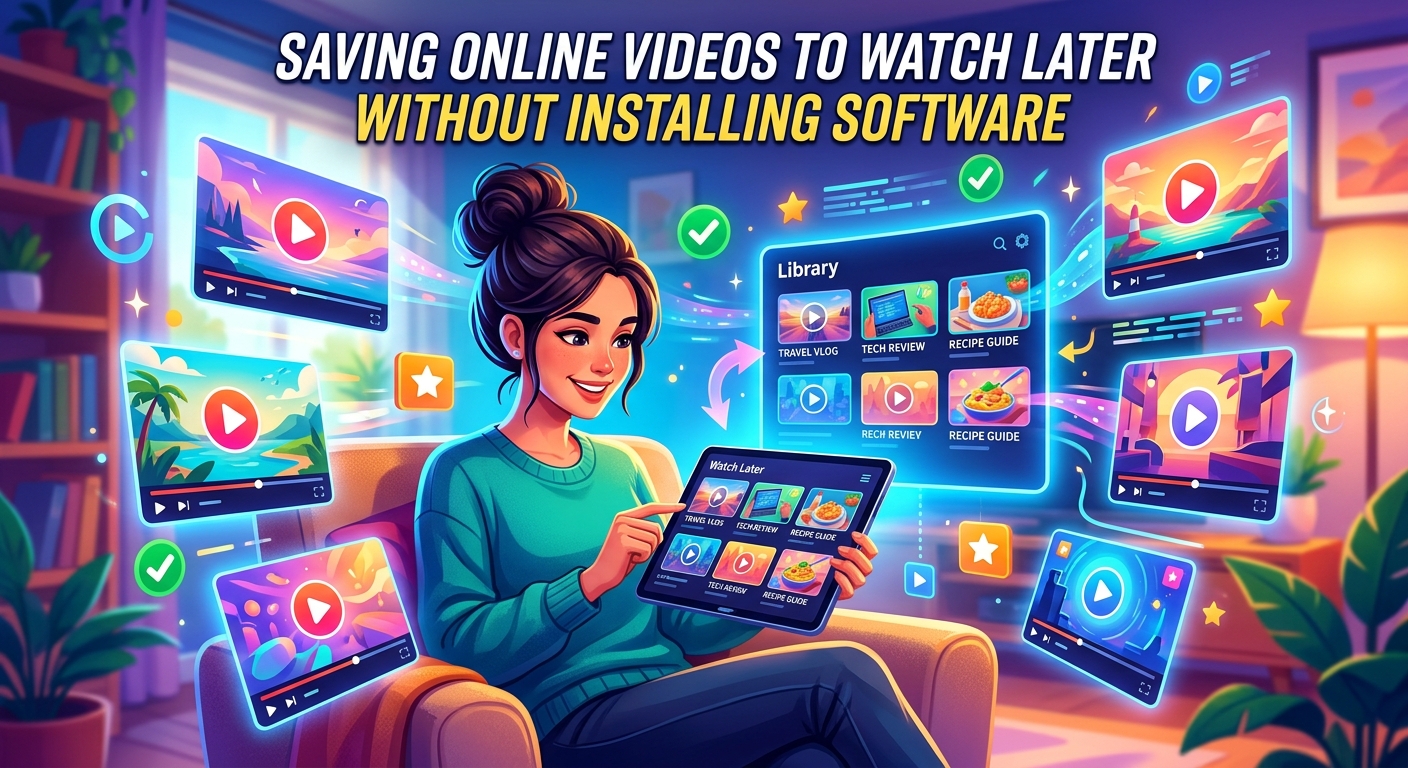
You have a long flight tomorrow. You found the perfect three-hour tutorial series on YouTube tonight. Your laptop is on a work network where you cannot install anything, and your phone has no room for another app. This situation happens more often than most people expect, and the solution is simpler than you might think. Browser-based video saving tools handle the entire process through a webpage, no installs, no extensions, and no administrator password required.
Key Takeaway: Saving videos for offline viewing used to mean installing desktop software or browser add-ons. Today, web-based tools handle YouTube tutorials and TikTok clips directly in your browser tab. Paste a link, choose a format, and download the file. No software installation, no admin rights, and no extensions needed. This guide covers how both approaches work, which tools handle tricky streaming formats, and how to build a reliable offline video library without touching your system settings.
Why Offline Video Viewing Has Become a Real Need
Streaming platforms have trained everyone to assume internet access is always available. It is not. Flights, commutes through dead zones, remote job sites, and data-capped mobile plans all create gaps where buffering becomes impossible. YouTube's own offline feature is locked behind a Premium subscription and restricted to the mobile app, which means it is not useful when you are studying on a laptop.
For content researchers and educators, offline access is also about reliability. A video that exists today can be removed tomorrow. Archiving clips for reference, citation, or training purposes is standard practice in media, academic, and marketing work. Having a local copy removes dependence on platform availability entirely.
How Streaming Platforms Actually Deliver Video
Most people assume a video is just a single file sitting on a server. Modern platforms work very differently. Services like YouTube use adaptive bitrate streaming, which breaks video into small segments and adjusts quality based on your connection speed in real time. This is efficient for delivery but makes saving a file more complicated than a simple right-click.
TikTok uses its own encoding pipeline with watermarking baked into the stream, which is why standard video downloaders often fail or return watermarked copies. Understanding this helps explain why tool choice matters, and why browser-based solutions that handle these formats natively are worth using.
Getting YouTube Videos Without Installing Anything
YouTube tutorials are the most common reason people want offline video. The use cases are practical: a cooking video to follow in the kitchen where Wi-Fi is spotty, a coding walkthrough to study during a commute, or a lecture to review on a tablet during travel.
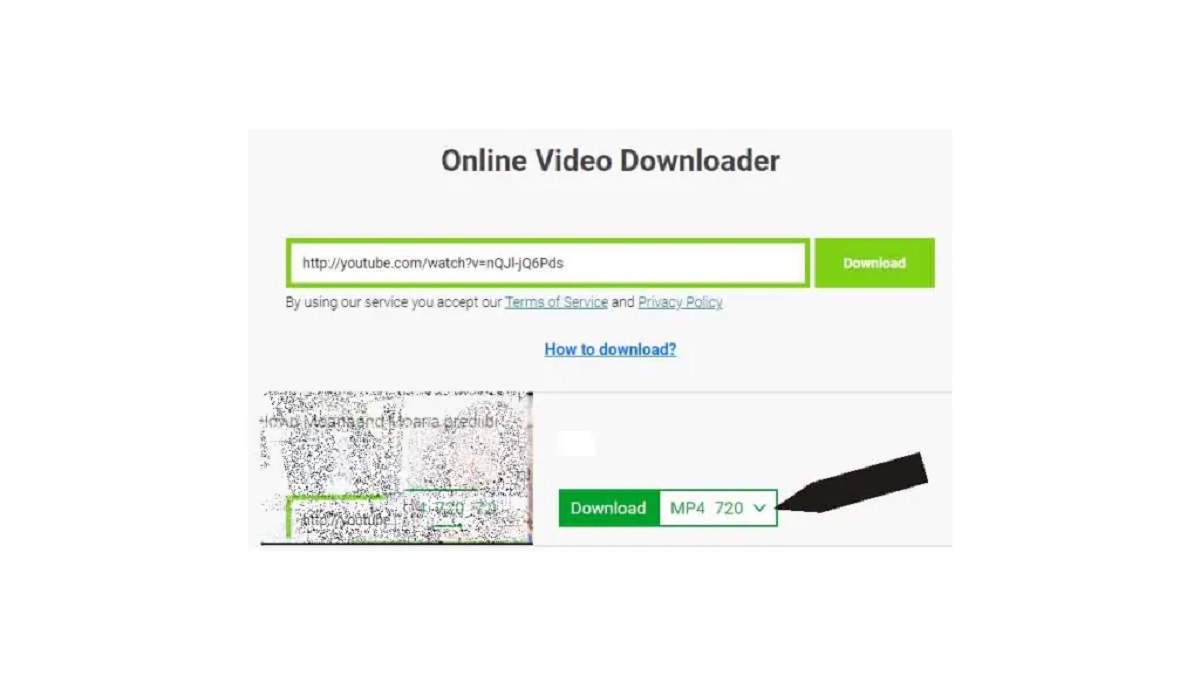
A dedicated YouTube downloader that runs entirely in the browser removes every barrier. You paste the video URL, select your preferred resolution and format, and the file downloads directly to your device. There is no account to create, no software to run in the background, and no extension sitting in your browser toolbar collecting permissions.
The tools that handle YouTube well are the ones that can parse the platform's segmented delivery format and reassemble a clean MP4 or audio-only file without requiring you to understand anything about how that works under the hood. Format agnostic means you choose the output, not the platform.
What to Look for in a YouTube Saving Tool
Not every web-based downloader is reliable. Some serve aggressive ads, some time out on longer videos, and some only support low-resolution output. Before relying on a tool for regular use, check that it handles these basics:
- Supports resolutions up to 1080p or higher
- Offers MP4 as a default format with optional audio-only (MP3)
- Does not require an account or email address
- Works on mobile browsers as well as desktop
- Processes longer videos without timing out
Saving TikTok Clips for Research and Content Work
TikTok is a different use case. The platform is built around short-form content, typically under three minutes, but the volume is high. Social media managers, content strategists, and market researchers often need to save dozens of clips for trend analysis, competitive research, or client reporting. Doing this manually through screen recording is slow and produces lower-quality files.
A browser-based TikTok downloader pulls the original video file, bypassing the watermark issue that affects many general-purpose tools. For researchers building content archives, this matters because watermarked copies are harder to use in presentations, reports, or side-by-side comparisons.
The workflow is identical to YouTube: copy the video link from the TikTok app or browser, paste it into the tool, and download. No login, no app, no extension.
Why Content Researchers Prefer Local Copies
Platform terms of service aside, local archiving solves several real problems for people who work with social content professionally:
- Videos can be removed by the creator or the platform at any time with no notice.
- TikTok's in-app save function does not always produce shareable files outside the platform.
- Screen recordings lose quality and include interface elements.
- Local files can be renamed, sorted, and organized by campaign or research topic.
- Offline access means reviewing content during travel or in environments without reliable internet.
Using These Tools Without Admin Rights or Extensions
The defining advantage of browser-based downloading is the absence of system-level requirements. In corporate environments, school networks, or shared devices, installing software typically requires administrator credentials. Browser extensions require permissions that IT departments sometimes restrict. A webpage that performs the download function needs none of that.
You open a browser tab. You paste a link. The file saves to your default downloads folder. That is the entire process, and it works the same way on Windows, macOS, Linux, and Chromebooks. The tool runs on the server side, so your device's operating system is irrelevant to how the download is processed.
This also matters on mobile. On iOS and Android, installing third-party download apps carries its own friction, including App Store restrictions and storage permission prompts. A mobile browser visit to a web-based downloader skips all of that.
Building a Practical Offline Video Library
The best approach to offline video is a consistent naming and folder system so files are easy to find later. A downloaded tutorial titled "video720phd.mp4" becomes useless after you accumulate twenty of them.
Here is a simple system that works for most people:
- Create a top-level folder called "Saved Videos" in your documents or on an external drive.
- Inside it, create subfolders by topic or project: "Python Tutorials," "Client Research," "Travel Viewing," and so on.
- After downloading, rename the file immediately using a descriptive format: "topic, creator, date."
- For long series, number the files so they sort correctly: "01, 02, 03."
- Delete files after you have watched them if storage is limited, or move them to an archive folder if you may need them again.
This takes thirty seconds per video and saves significant time when you are looking for something specific three weeks later.
Your Video Library, No Installation Required
Saving videos for offline viewing used to mean choosing between a clunky desktop app, a browser extension with invasive permissions, or a paid subscription to a platform's native feature. None of those options work when you are on a restricted device, a shared computer, or simply do not want more software cluttering your system.
Web-based tools have matured to the point where they handle the hard parts, including segmented streams, platform-specific encoding, and format conversion, entirely on the server side. You interact with a webpage, get a file, and move on. Whether you are building a study library from YouTube or archiving short-form content from TikTok for professional research, the process is the same and it does not require touching your system settings once.
The best offline video library is one you can actually find your way around. Download with intention, organize as you go, and the files will be there exactly when you need them, whether you are at 35,000 feet or working in a building with no signal.
\nRelated reading: How To Download Youtube Videos SS, How To Download Blocked Youtube Videos, and How To Download Youtube Reels.