This tag collects articles about browser extensions and related browser tools, written for everyday consumers who want more control over how they watch, download, and manage web content. Whether you use Chrome, Firefox, or Safari on a desktop or mobile device, these guides assume you are comfortable installing an extension but may need clear, step-by-step help when something does not behave as expected.
The articles solve practical problems in a few distinct areas. One cluster focuses on video playback and downloading: how to watch Netflix or Disney Plus on an ultrawide monitor, how to get YouTube videos to fill the screen, and how to download videos from sites like Pixiv, Pinterest, or the Wayback Machine. Another group deals with extension management and troubleshooting, why Grammarly stops working, how to remove the puzzle piece icon from Safari, how to disable captcha in Chrome, or how to change your homepage when it keeps resetting. A third set covers security and safer choices: how to tell if a video downloader is stealing your login cookies, safe file download practices, and legal alternatives to OnlyFans content. These articles help you do things like export Firefox cookies, cast from Firefox to Chromecast, or add extensions to Chrome on Android, without sideloading, while also explaining what to avoid for your own safety.
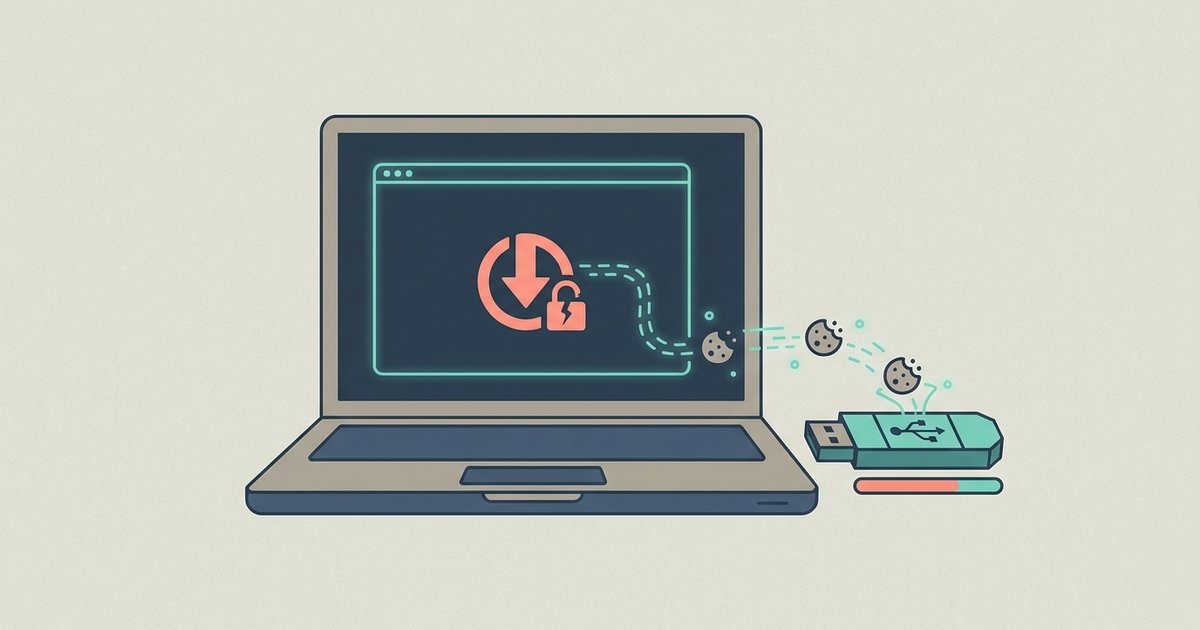
Inspect the extension's network requests in your browser's developer tools while it's active, specifically looking for outbound data to unfamiliar domains that contain your session cookies or authentication tokens. If...
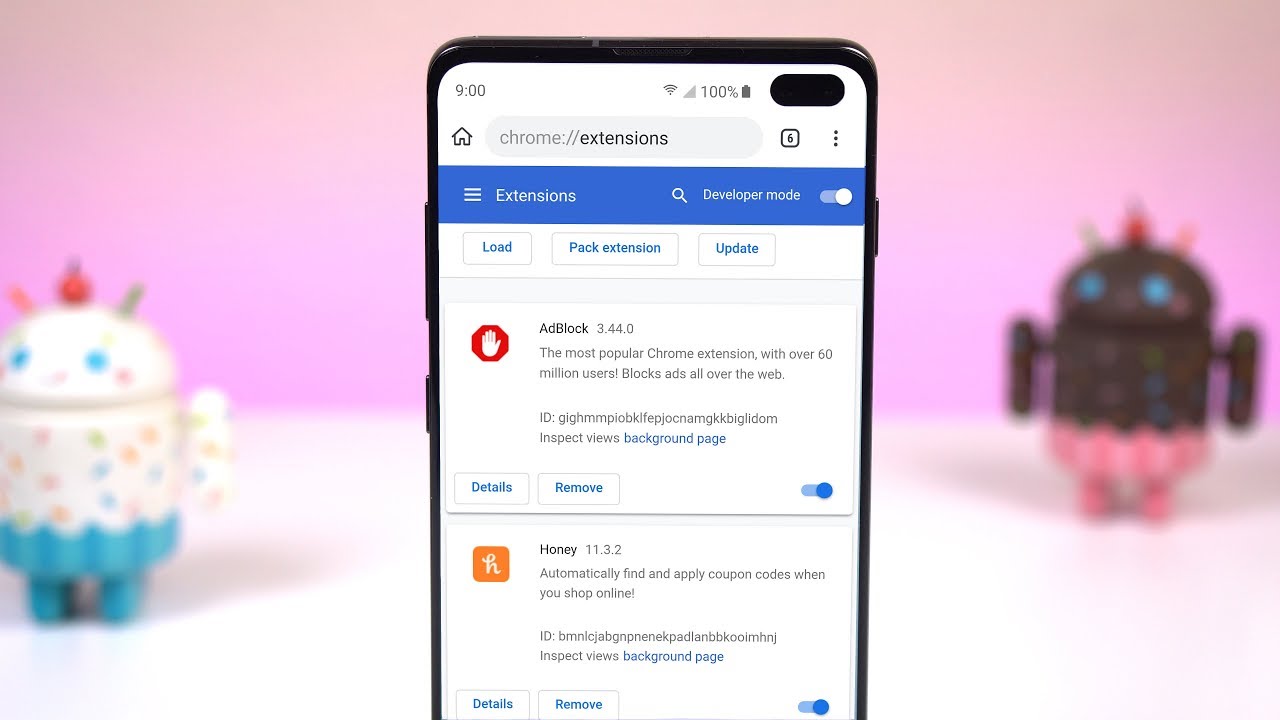
No, there is no official, non-sideload method to install desktop Chrome extensions on Android. The standard Chrome app does not support extensions, and Google has not announced plans to add...
A rogue extension or a third-party search engine is overriding your startup preference. You need to scan for and remove suspicious extensions, then reset your search engine to stop the...
Chrome's latest update likely enforced stricter Manifest V3 rules, which block the background scripts that downloader extensions use to intercept network requests. Web-based tools may have broken because the update...
You can make your internet experience faster, safer, and less cluttered starting today, using tools already built into your browser and a few simple habits that take minutes to set...
It is not possible to add extensions to Chrome mobile on either Android or iOS in the same way you would on a desktop computer. Chrome for Android and Chrome...
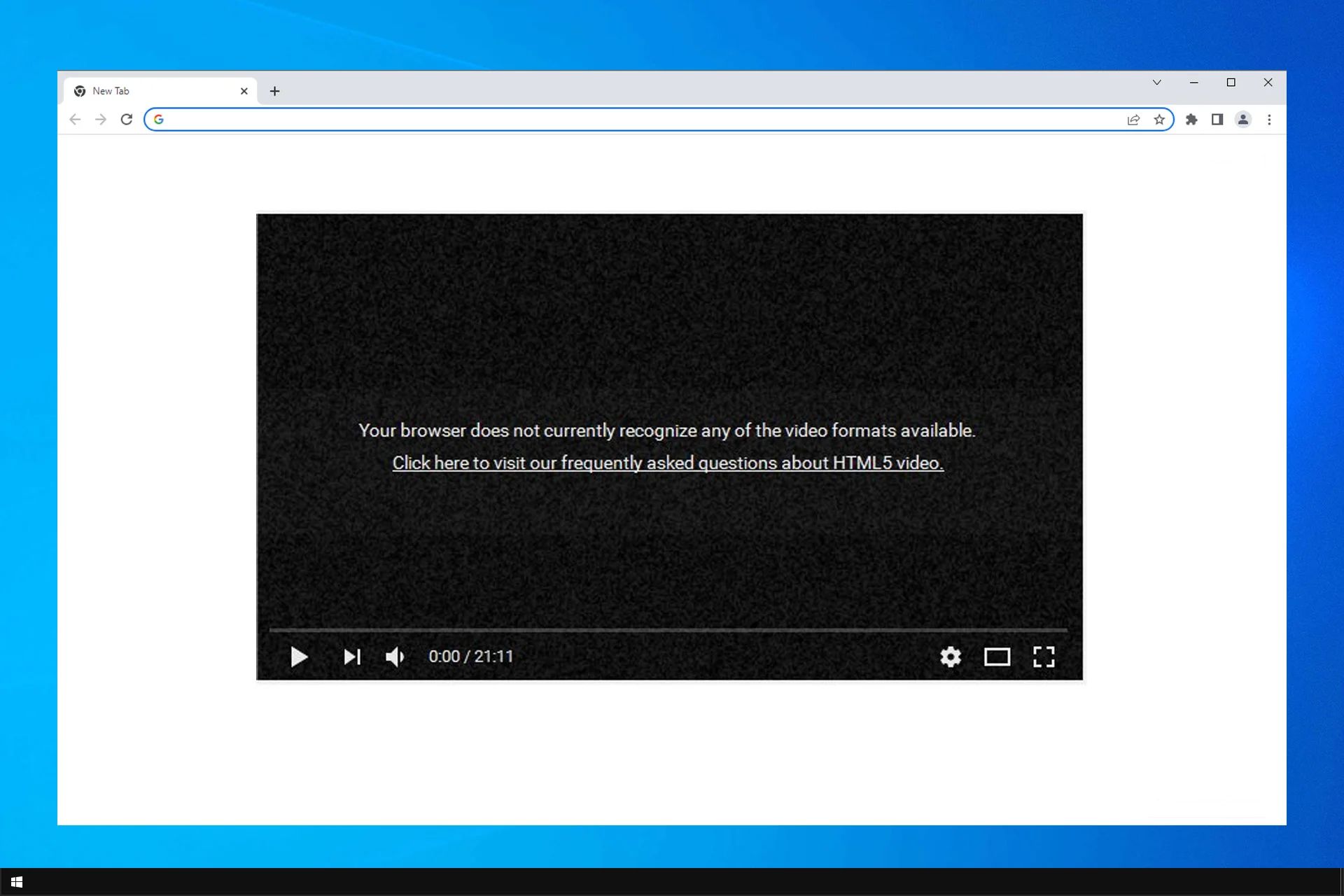
HTML5 is a core part of Chrome's rendering engine and there is no specific setting or button to "enable HTML5 in Chrome." You do not need to install any plugins...
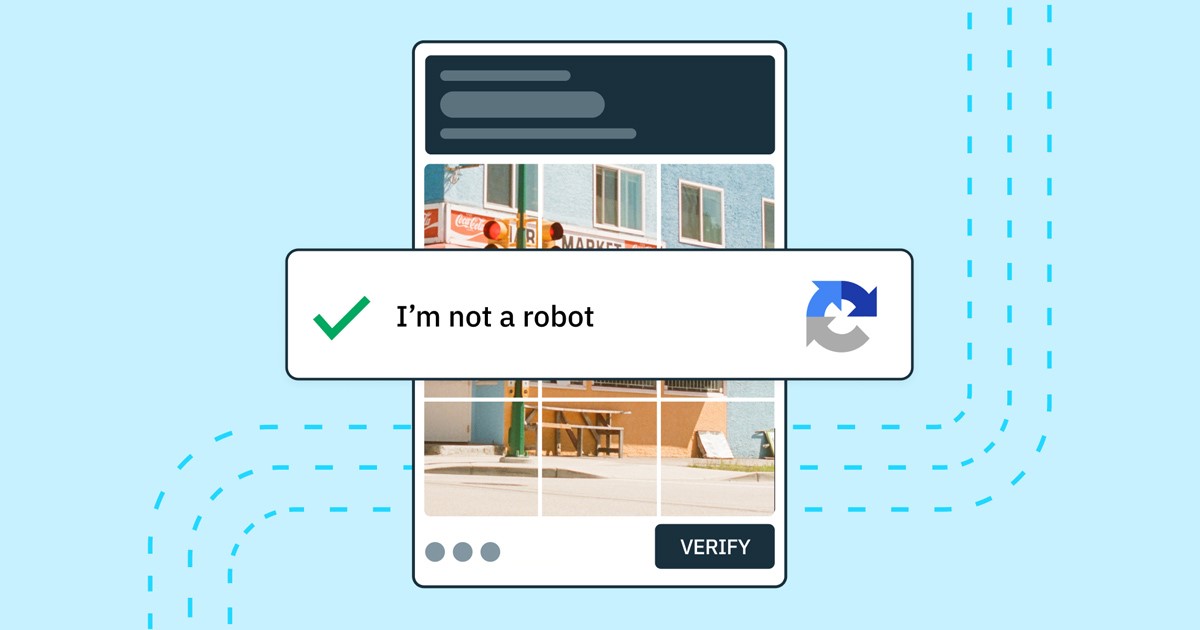
To reduce CAPTCHA prompts in Chrome, you need to clear the corrupted browsing data and disable extensions that interfere with web traffic, these are the two most common triggers for...
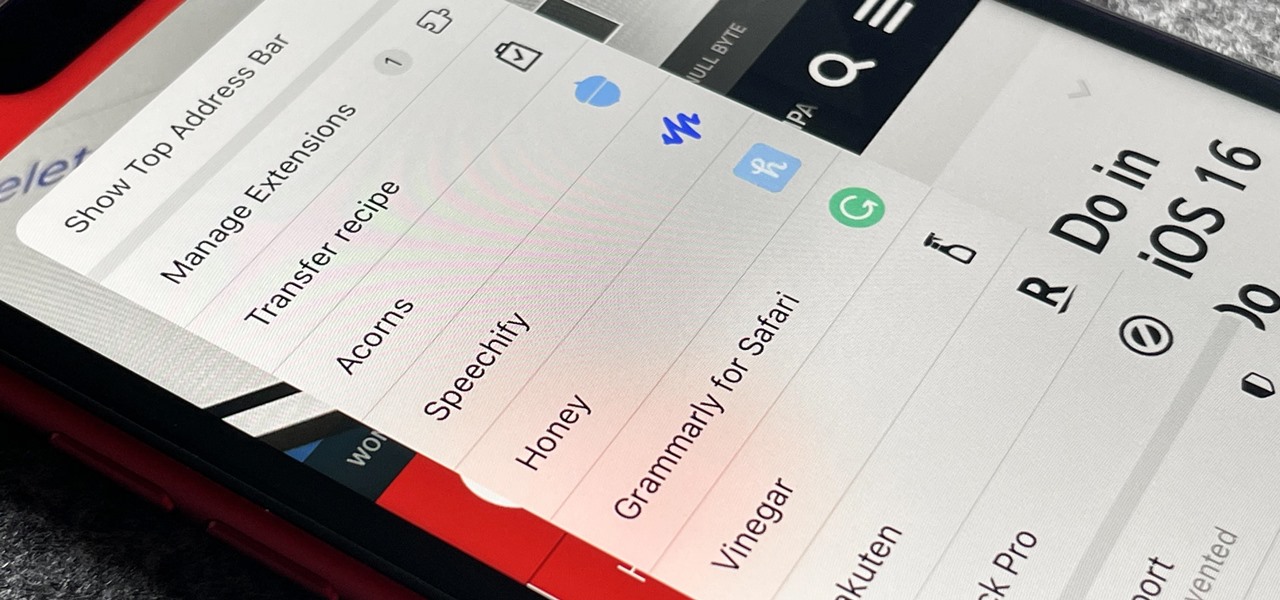
To remove the puzzle piece from Safari, you need to uninstall or disable the browser extension it represents. The puzzle piece icon in Safari’s toolbar signals that one or more...
To remove Grammarly extension Safari, you must uninstall the associated "Grammarly for Safari" application from your Mac's Applications folder, not just disable it in Safari's settings. This is the only...
To cast from Firefox to Chromecast, install the fx_cast Firefox extension and its companion bridge application. This combination is the only reliable way to cast video and audio directly from...
To get rid of Yahoo Search in Firefox, open your browser’s settings and change the default search engine from Yahoo to your preferred option, such as Google, Bing, or DuckDuckGo....