This tag collects articles about browser extensions and related browser tools, written for everyday consumers who want more control over how they watch, download, and manage web content. Whether you use Chrome, Firefox, or Safari on a desktop or mobile device, these guides assume you are comfortable installing an extension but may need clear, step-by-step help when something does not behave as expected.
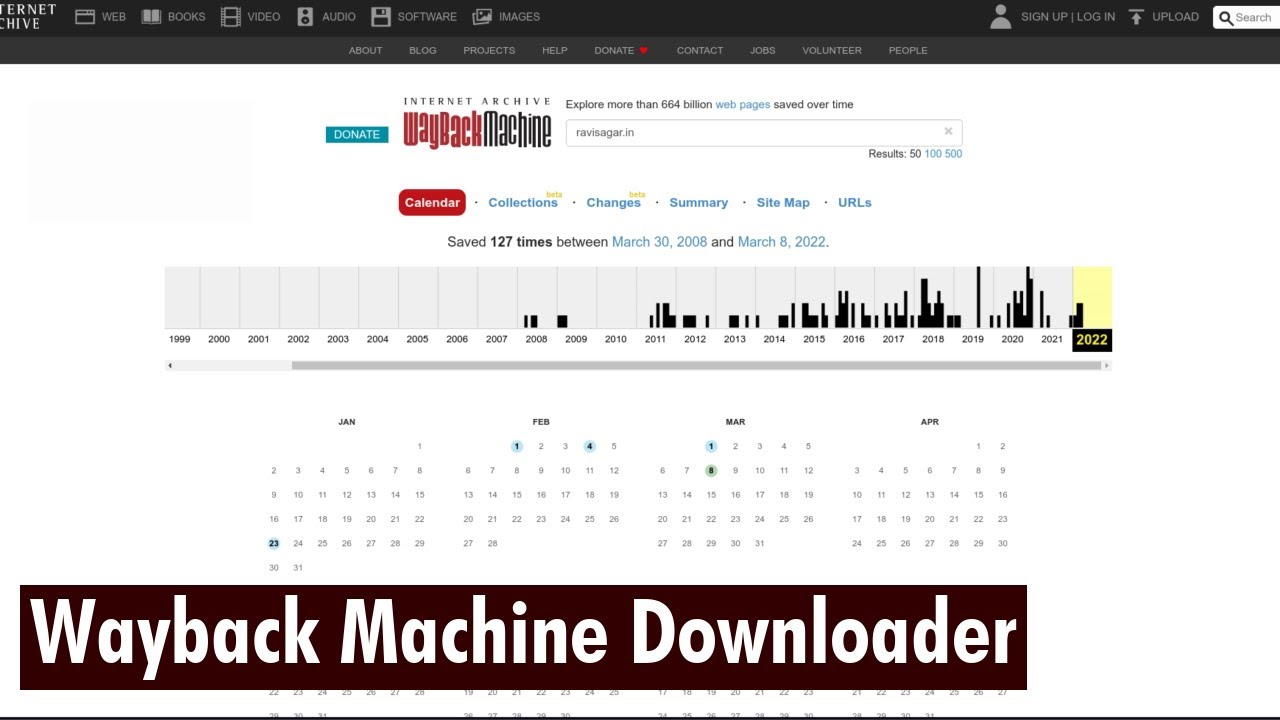
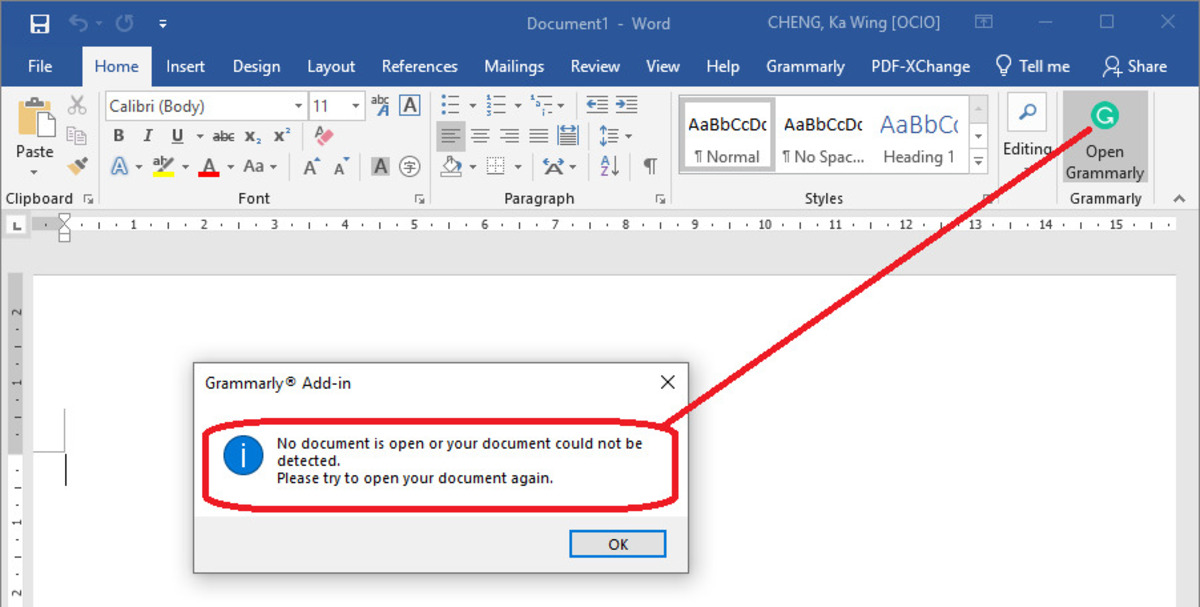
The articles solve practical problems in a few distinct areas. One cluster focuses on video playback and downloading: how to watch Netflix or Disney Plus on an ultrawide monitor, how to get YouTube videos to fill the screen, and how to download videos from sites like Pixiv, Pinterest, or the Wayback Machine. Another group deals with extension management and troubleshooting, why Grammarly stops working, how to remove the puzzle piece icon from Safari, how to disable captcha in Chrome, or how to change your homepage when it keeps resetting. A third set covers security and safer choices: how to tell if a video downloader is stealing your login cookies, safe file download practices, and legal alternatives to OnlyFans content. These articles help you do things like export Firefox cookies, cast from Firefox to Chromecast, or add extensions to Chrome on Android, without sideloading, while also explaining what to avoid for your own safety.