If you searched for “Puppy Playtime” hoping to download a game, you’ve actually landed on the page for the popular horror-puzzle title Poppy Playtime. The correct game to download is Poppy Playtime Chapter 1 by Mob Entertainment, it’s not a puppy simulator, but a first-person puzzle adventure set in an abandoned toy factory. If you were after a completely different genre and want an adult visual novel instead, you can download summertime saga for a narrative-driven experience. Below is the exact way to download Poppy Playtime on your device, whether you’re on PC, iPhone, or Android.
Is it Puppy Playtime or Poppy Playtime? The Common Mistake
The confusion is understandable: “Puppy” and “Poppy” sound nearly identical when spoken quickly. However, there is no official game called “Puppy Playtime” on any major store. The real game you’re looking for is Poppy Playtime Chapter 1, a free-to-play horror-puzzle experience where you explore a toy factory and avoid a terrifying creature named Huggy Wuggy. It’s not a virtual pet game, there are no puppies to feed or groom. If you were expecting a cute dog simulator, you’ll be surprised by the dark, suspenseful atmosphere instead. But if you’re ready for a thrilling puzzle game, you’re in the right place.
How to download Poppy Playtime Chapter 1 on PC (Steam) for free
On a computer, the base game is completely free. Here’s how to get it:
- Open your web browser and go to the official Poppy Playtime website at poppyplaytime.com.
- On the Steam page, look for the green “Play Game” or “Download” button, since Chapter 1 is free, you won’t need to pay anything.
- Click the button, and Steam will prompt you to install the game on your PC. Follow the on-screen instructions to complete the download.
Once installed, you can launch the game directly from your Steam library. No additional purchases are required to play the first chapter.
How to download Poppy Playtime Chapter 1 on iOS and Android (paid)
Unlike the PC version, the mobile version of Poppy Playtime Chapter 1 is a paid application. You’ll need to pay a small fee before you can play. Here’s how to download it on your phone or tablet:
On iPhone or iPad (iOS)
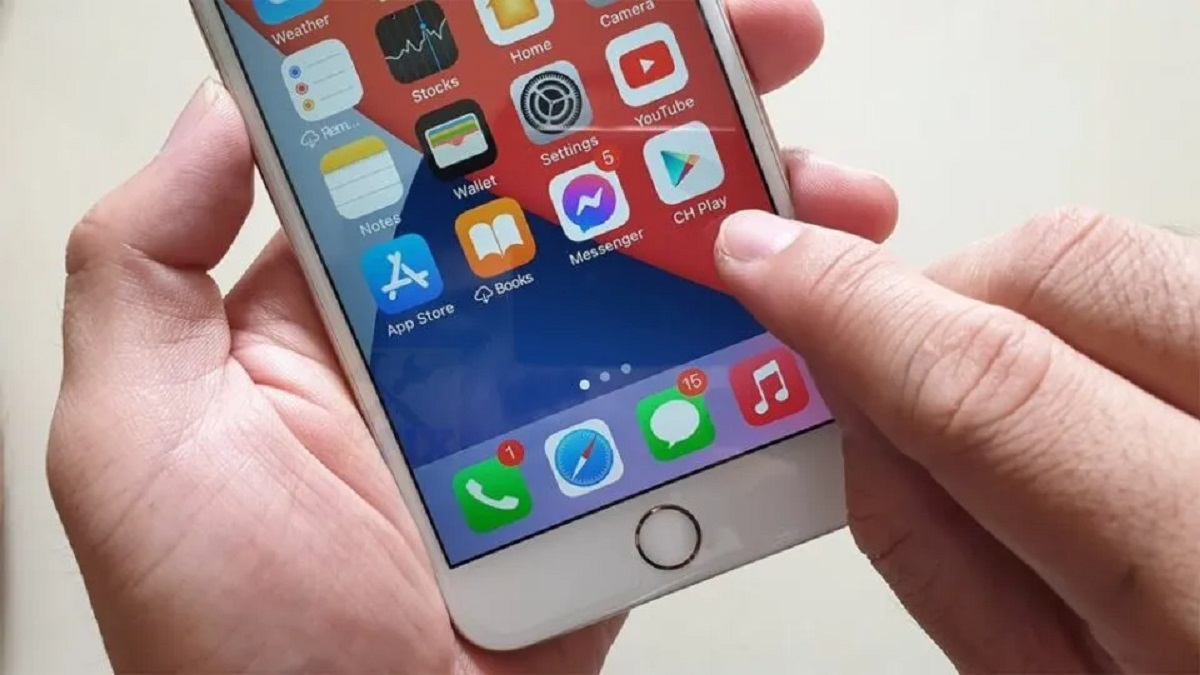
- Open the App Store on your device.
- Tap the search tab at the bottom and type “Poppy Playtime Chapter 1” exactly as written.
- Look for the official app by Mob Entertainment, it will show the game’s logo with Huggy Wuggy.
- Tap the “GET” button, then confirm the purchase with your Apple ID or Face ID. The game will download and install automatically.
On Android phones or tablets
- Open the Google Play Store app on your device.
- Tap the search bar at the top and type “Poppy Playtime Chapter 1”.
- Select the correct result, the official game by Mob Entertainment.
- Tap the price button (it will show a dollar amount, not “Install”), then confirm the payment with your Google account. The game will download and install.
Remember: on mobile, you’re paying for the convenience of playing on the go. The PC version is free, but the mobile version costs money because of platform fees and porting costs.
Where to buy the premium DLC chapters (2, 3, 4, and 5)
After you finish Chapter 1, the story continues with additional chapters, but these are premium DLCs that require a separate purchase. Here’s where to find them:
- On Steam, search for “Poppy Playtime” and you’ll see the base game plus Chapter 2, Chapter 3, Chapter 4, and Chapter 5 as individual paid items. Each chapter costs a few dollars.
- On iOS App Store and Google Play Store, search for “Poppy Playtime Chapter 2” (or 3, 4, 5) to find the paid DLCs. They are separate apps from the base game, so you’ll need to purchase each one individually.
Note that you must have Chapter 1 installed to play the DLC chapters, as they continue the same story and use the same game engine.
Why you shouldn't download fake 'Puppy Playtime' apps
These impersonator apps often contain malware, excessive ads, or simply don’t work. Always use the official stores (Steam, App Store, Google Play Store) and never download game files from random websites or third-party APK hosts. Stick to the verified sources above, and you’ll get the real game safely.
\nRelated reading: How to Download Twitter Videos: The Definitive Guide and How To Allow Download Over Cellular.