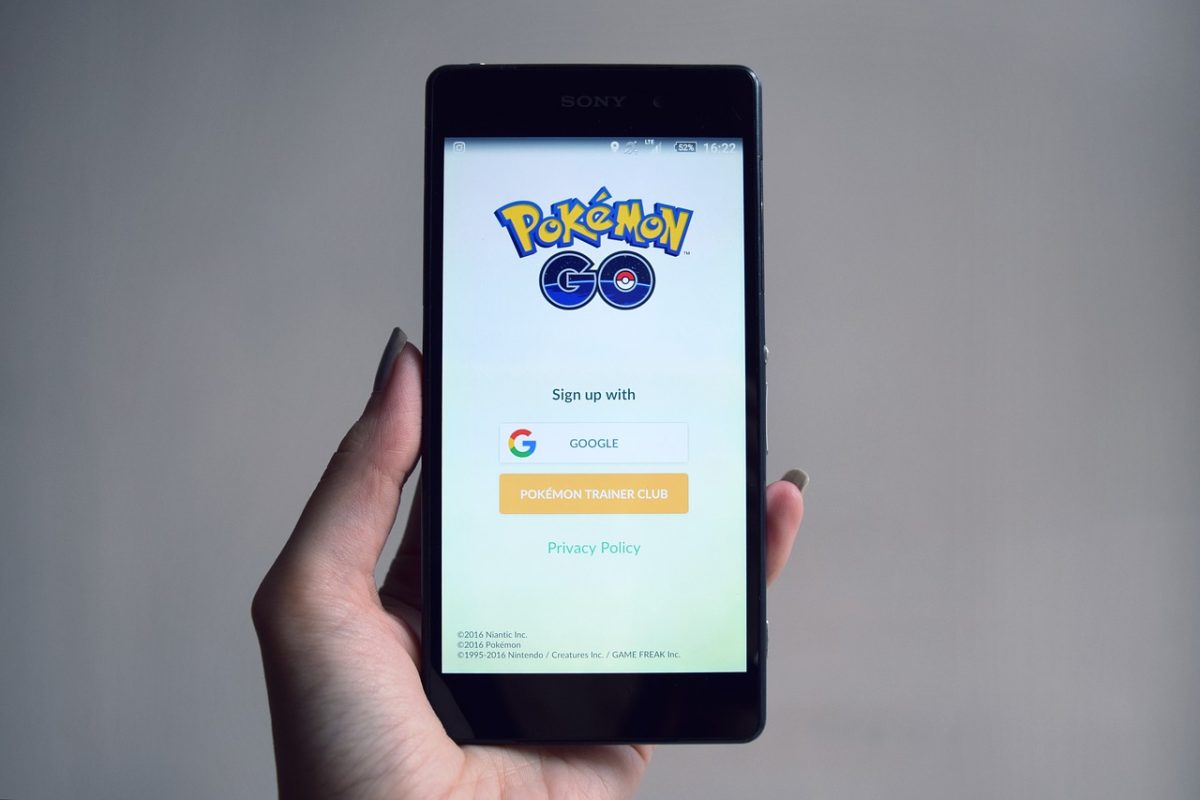
Pokemon Go trading lets you swap Pokemon with friends you’ve added in-game, but it’s not as simple as picking two monsters and hitting confirm. To start trading in Pokemon Go, you need two things: a friend on your in-game Friends list and enough Stardust to cover the trade’s cost. Both prerequisites gate every trade you’ll ever make, so understanding them first is the key to smooth, successful swaps.
What you need for Pokemon Go trading
The first requirement is obvious but worth stating: you need at least one friend in Pokemon Go. You can’t trade with strangers, random players, or bots, only with people on your Friends list. The second requirement is Stardust, the game’s universal currency for powering up, unlocking moves, and, most importantly, trading. Every trade consumes Stardust, and the amount depends on the Pokemon involved and how close you are as friends. Without both a friend and sufficient Stardust, the Trade button simply won’t work.
How to add friends with a trainer code
To add a friend, you need their 12-digit Trainer Code, and they need yours. Here’s the exact process:
- Open Pokemon Go and tap your Trainer Profile icon in the bottom-left corner of the Map View.
- Tap the “Friends” tab, then tap “Add Friend.”
- Your 12-digit Trainer Code appears on screen. Share this code with the person you want to add, or ask them for theirs.
- Enter their code in the “Add Friend” text field and tap “Send.”
- When they accept your request, they appear in your Friends list, and you can start building Friendship.
You can add players from anywhere in the world using their code, but that doesn’t mean you can trade with them right away, proximity and Friendship Level still apply.
Growing your friendship level to unlock better trades
Friendship Level is a hidden meter that rises as you interact with a friend. There are four tiers: Good Friends, Great Friends, Ultra Friends, and Best Friends. You start at Good Friends the moment you add someone, and you only need one daily interaction, like sending a gift, battling together in a raid, or participating in a Gym battle, to reach the next tier. Each tier takes more daily interactions to unlock, but the payoff is real: higher Friendship Levels dramatically cut Stardust costs for every trade, including expensive Special Trades. For example, trading a Legendary Pokemon at Good Friends costs far more Stardust than at Best Friends. So if you plan to trade rare Pokemon, invest time in daily gifts and battles first.
How Stardust costs work for every trade
Stardust costs are determined by two factors: the type of Pokemon being traded and your Friendship Level. Pokemon you already own in your Pokedex cost the least Stardust. New Pokemon, ones you’ve never caught, cost more. Shiny and Legendary Pokemon are the most expensive, and they’re always classified as Special Trades. Your Friendship Level acts as a multiplier, reducing the cost as you climb tiers. For a concrete example, two Good Friends trading two Legendary Pokemon they both already own would need 1 million Stardust. That’s intentionally steep to prevent players from swapping rare monsters the moment they meet. Raising Friendship to Best Friends cuts that cost dramatically, making it worth the daily effort.
How to trade Pokemon step by step
Once you’re within 100 meters of your friend (the game checks your GPS), trading is straightforward. Follow these steps:
- From the Map View, tap your Trainer Profile icon.
- Tap the “Friends” tab and select the friend you want to trade with.
- Tap the “Trade” button. The game will prompt the other player to confirm they’re ready.
- Both players select a Pokemon from their collection. You’ll see the Stardust cost and a CP range preview before confirming.
- Review the trade details, then tap “Confirm” on both devices.
The trade completes instantly, and both players receive the other’s Pokemon.
Special trades and daily limits explained
A Special Trade is any trade involving a Shiny Pokemon, a Legendary Pokemon, or a Pokemon not yet in your Pokedex. These trades cost more Stardust than regular ones, and you can only complete one Special Trade per day. That daily limit applies to each player, not per friendship. So if you trade a Shiny to one friend, you can’t trade another Shiny to a different friend until the next day. During special events, Niantic sometimes temporarily increases this cap to two or more, so keep an eye on in-game announcements if you’re planning multiple rare swaps.
What happens after you trade a Pokemon
When a trade goes through, the Pokemon’s IVs (Individual Values), CP, and HP are randomly re-rolled. That means a Pokemon with great stats can become mediocre after trading, and a low-stat one can become a powerhouse. You’ll see a CP range before confirming the trade, this range is based on your Trainer Level and your friend’s Trainer Level, so a higher-level friend’s Pokemon might lose CP when it arrives on your account. The trade also awards Candy for the Pokemon’s species. The amount of Candy you get depends on the distance between your current location and the Pokemon’s original catch location, up to 100 kilometers. The farther apart they are, the more Candy you earn.
How to unlock remote trading
Standard trading requires you to be physically close to your friend, within 100 meters. But there’s a way to trade from anywhere in the world: reach the “Forever Friends” Friendship Level. That’s the fifth and highest tier, unlocked after 90 days of daily interactions with the same friend. Once you hit Forever Friends, you can trade with that person regardless of distance, no GPS proximity needed. This is the only way to trade remotely, and it’s a long-term reward for consistent daily gifts and battles. If you want to trade with a friend who lives far away, start building that Friendship Level today, it’ll take months, but the ability to trade from anywhere is worth the patience. And if you’re playing on a device that doesn’t support the app well, you might want to get Pokemon Go on Amazon Fire tablet to ensure smooth gameplay while you grind those daily interactions.
\nRelated reading: Pokemon Go Pokestops: Why Are They Important? and Where Can I Play League Of Legends.



![The Best Pokemon Fire Red Cheat Codes [100% Working]](https://robots.net/wp-content/uploads/2020/05/Pokemon-Fire-Red.jpg)