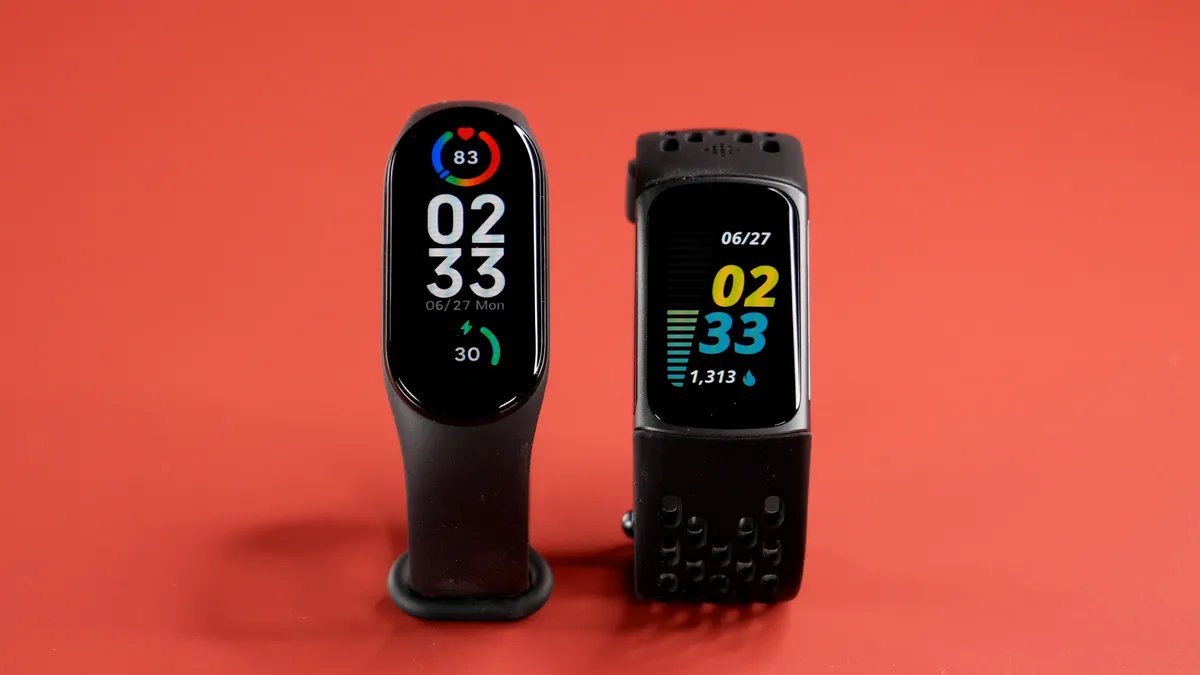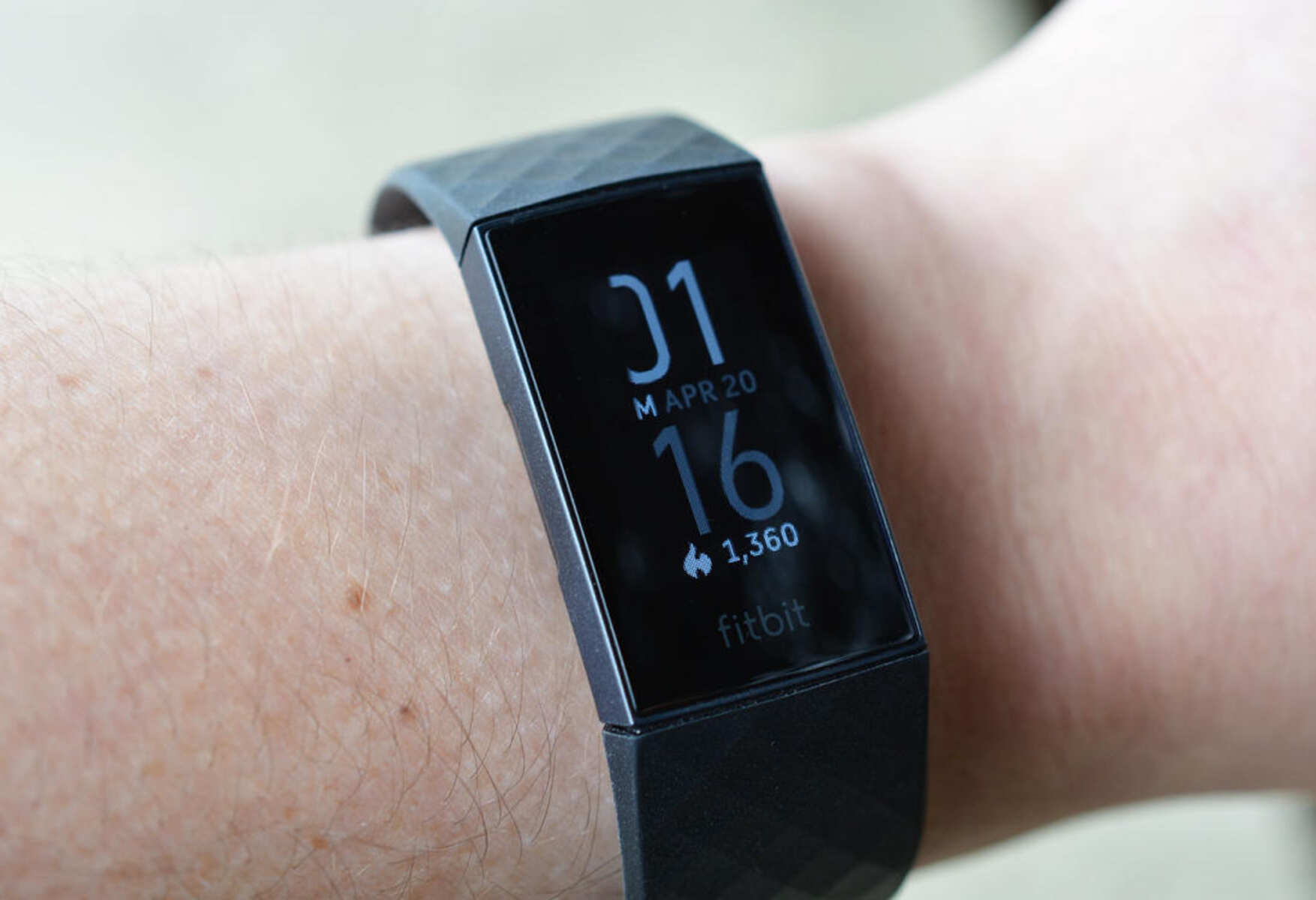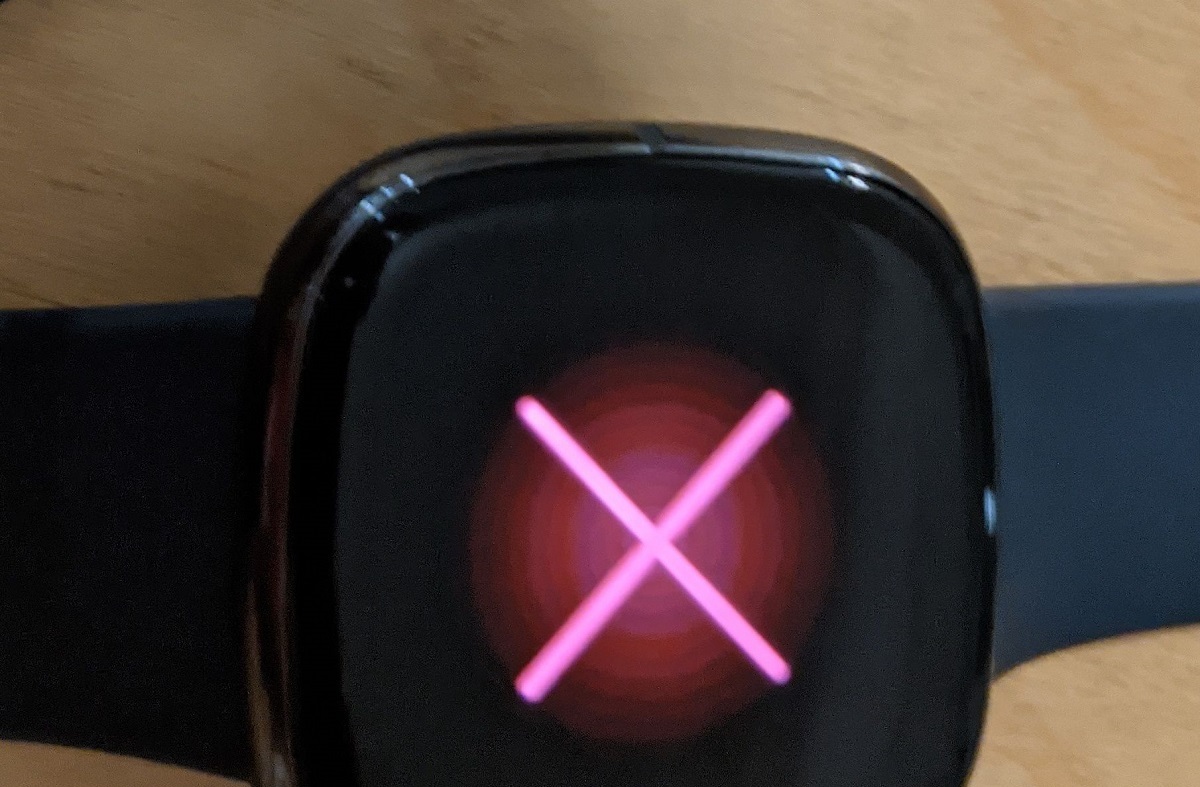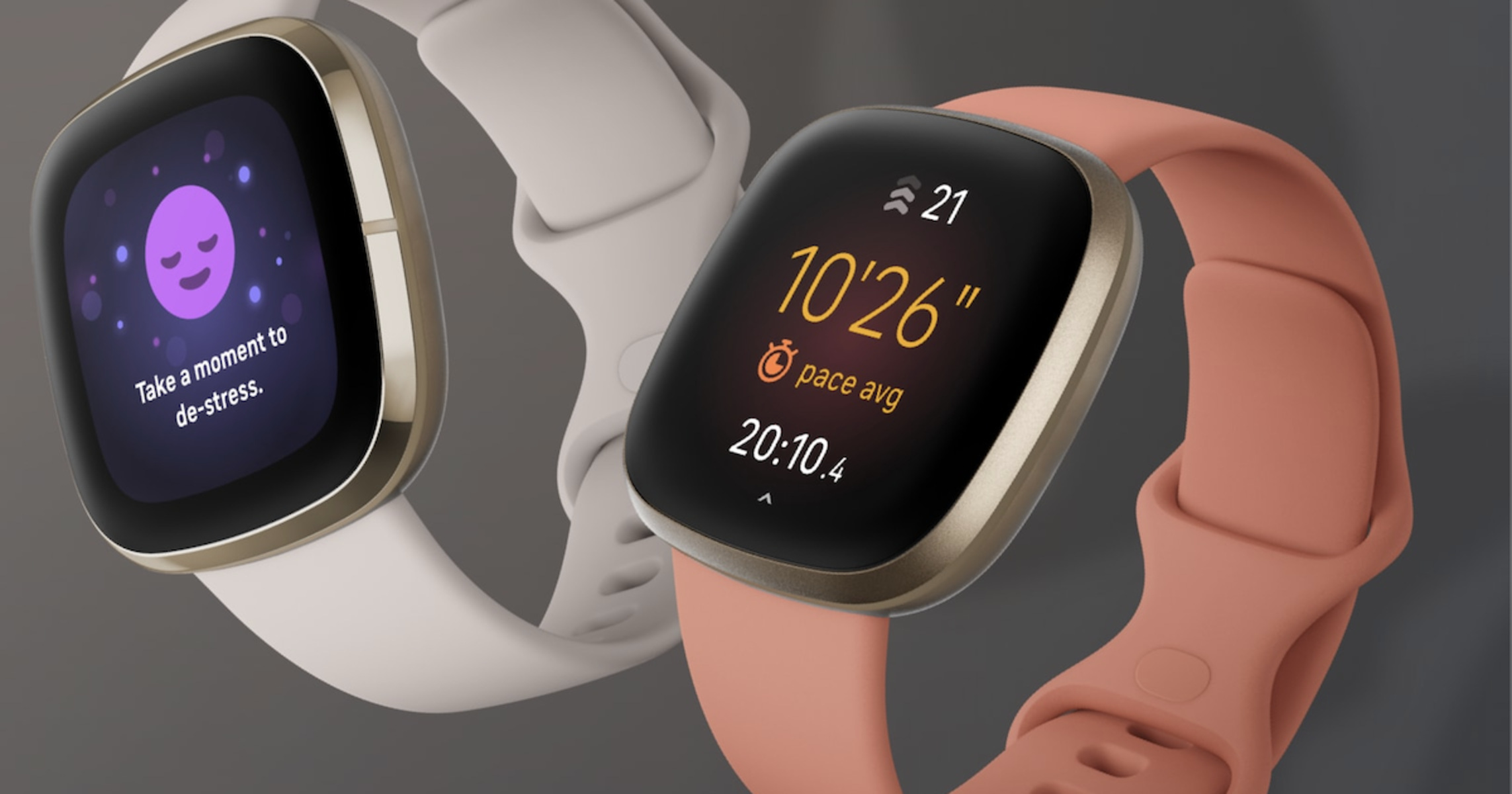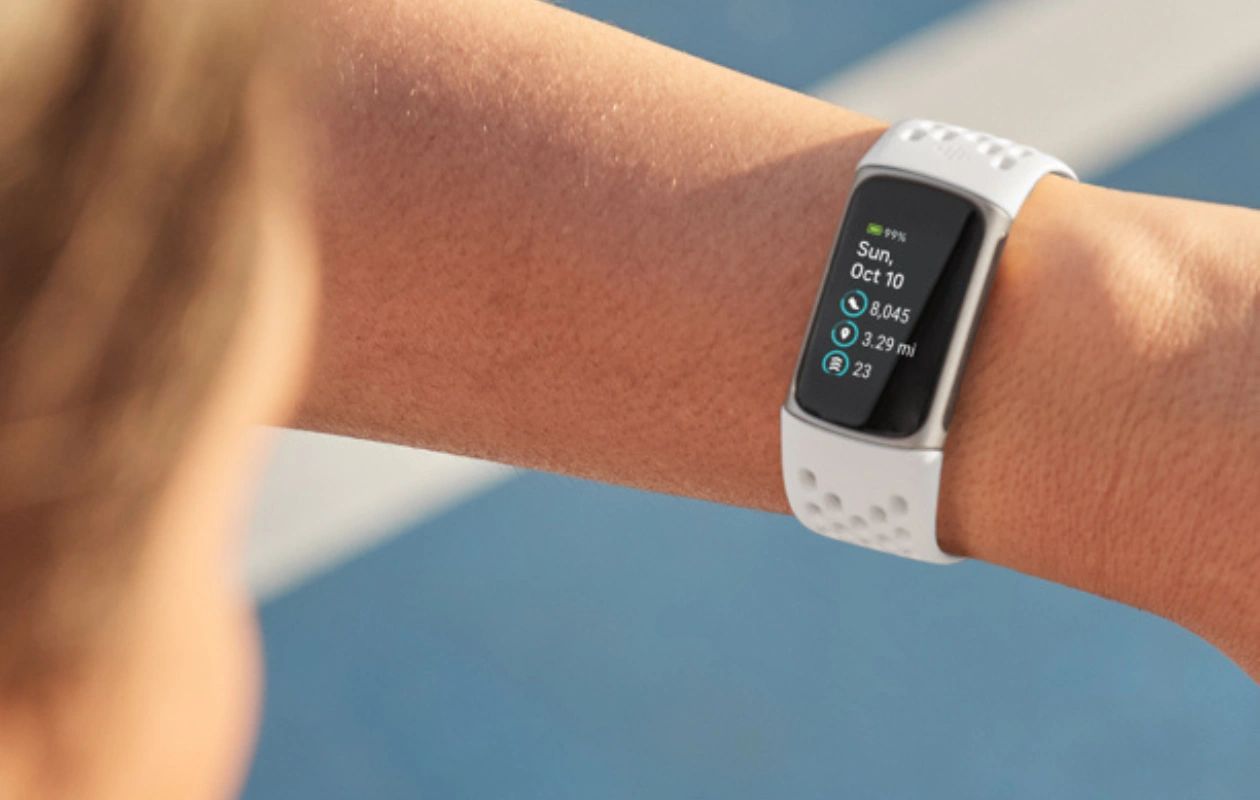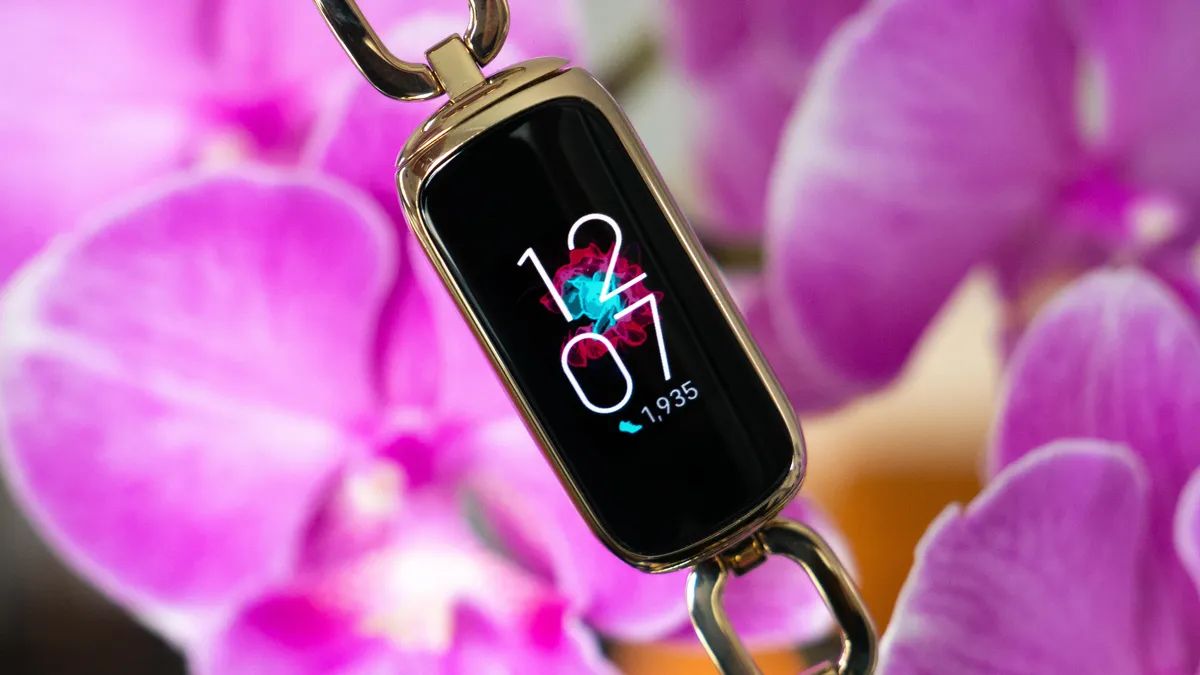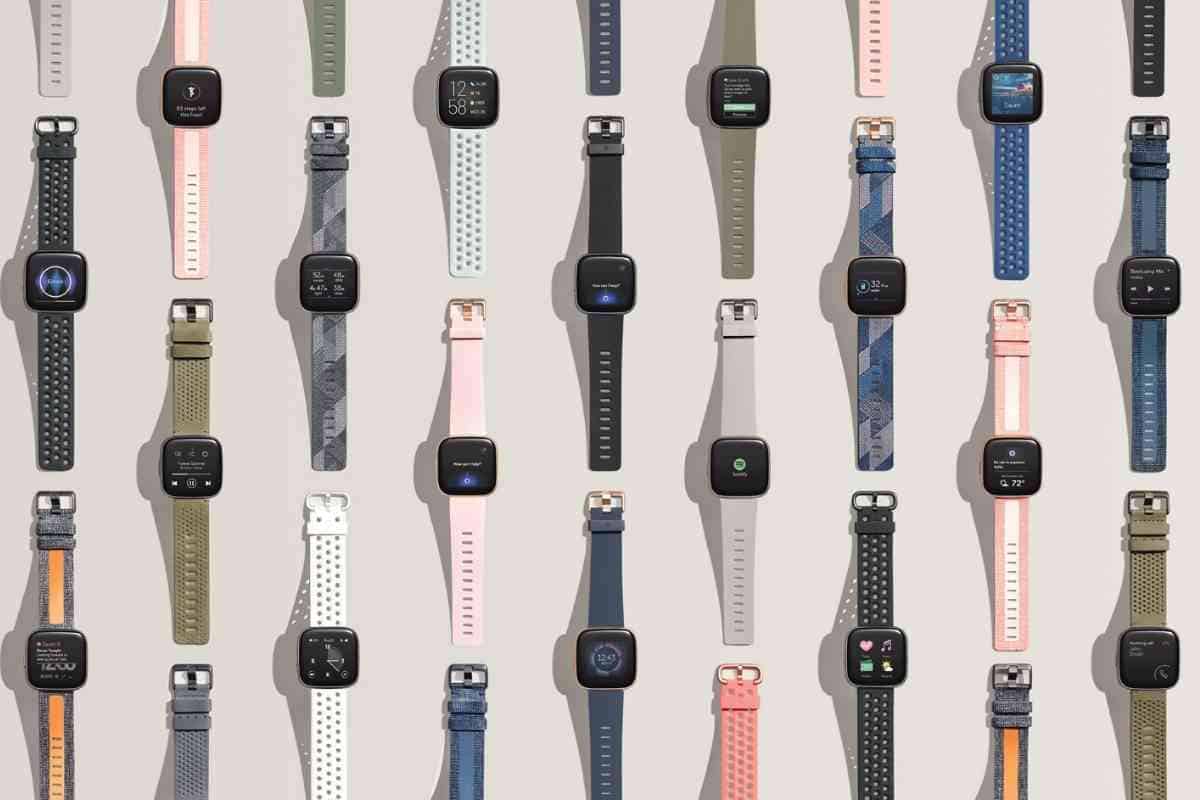
Decoding Fitbit icons means instantly knowing what your device is telling you, whether it's your battery level, heart rate zone, or an incoming notification. This guide provides a direct, scannable reference for understanding the most common Fitbit symbols on the screen.
Decoding Fitbit icons: battery symbols
The battery icon on your Fitbit device shows the current battery level with bars. A solid battery with a smile means fully charged, so you can plan your charging schedule accordingly and avoid unexpected shutdowns during active use.
Bluetooth icon
The Bluetooth icon indicates an active Bluetooth connection to a paired smartphone or device for syncing data. This connection is essential for seamless data transfer, software updates, and real-time notifications, making Fitbit setup and syncing a reliable part of your daily routine.
Heart rate icon
The heart symbol displays your current heart rate; variations with dots can indicate specific heart rate zones like Fat Burn, Cardio, or Peak. Monitoring this icon helps you tailor workouts, track recovery, and assess exercise intensity to achieve optimal training effects.
Sleep tracking icon
The sleep tracking icon, often depicted as a crescent moon or bed symbol, represents the device's sleep tracking feature. Regularly checking this icon lets you uncover insights into your sleep duration, consistency, and disturbances, empowering you to improve your sleep hygiene.
Sleep Mode icon (moon symbol)
A moon symbol signifies Sleep Mode is on, which mutes notifications, dims the screen, and keeps it dark when you turn your wrist. Using this mode ensures your sleep is undisturbed by alerts or bright light while you rest.
Do Not Disturb icon
A circle with a line through it denotes Do Not Disturb (DND) mode, which mutes notifications and reminders. Activating this icon is useful during meetings, focused work, or anytime you need uninterrupted time.
Steps icon
The steps icon tracks and displays the number of steps taken throughout the day. Monitoring this icon helps you set and achieve personalized daily step goals, track movement patterns, and stay motivated to maintain an active lifestyle.
Alarm icon
The alarm icon indicates that one or more silent alarms are set and active on the device. This feature allows you to establish a structured wake-up routine, with options like gradual wake-up vibrations that gently rouse you from sleep.
Notification icon
The notification icon alerts you to incoming calls, texts, and app notifications from your connected smartphone. Staying aware of this icon lets you promptly respond to messages and track your schedule without constantly reaching for your phone.
GPS icon
The GPS icon shows that the device is using or searching for a GPS signal to track your location during outdoor activities. Leveraging this feature enables accurate route mapping, pace monitoring, and elevation tracking for running, cycling, or hiking.
For the wider topic, see Fitbit setup and syncing.