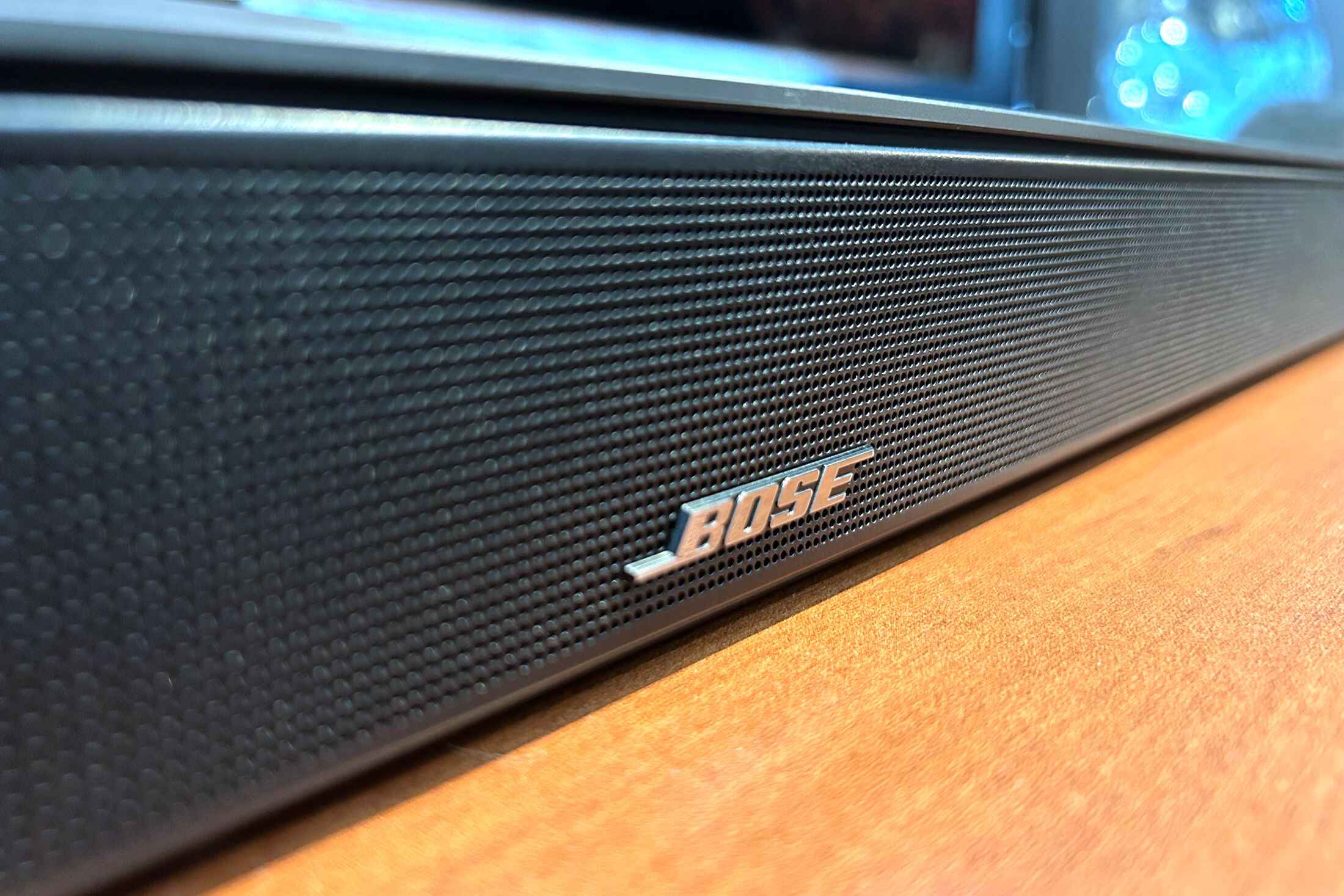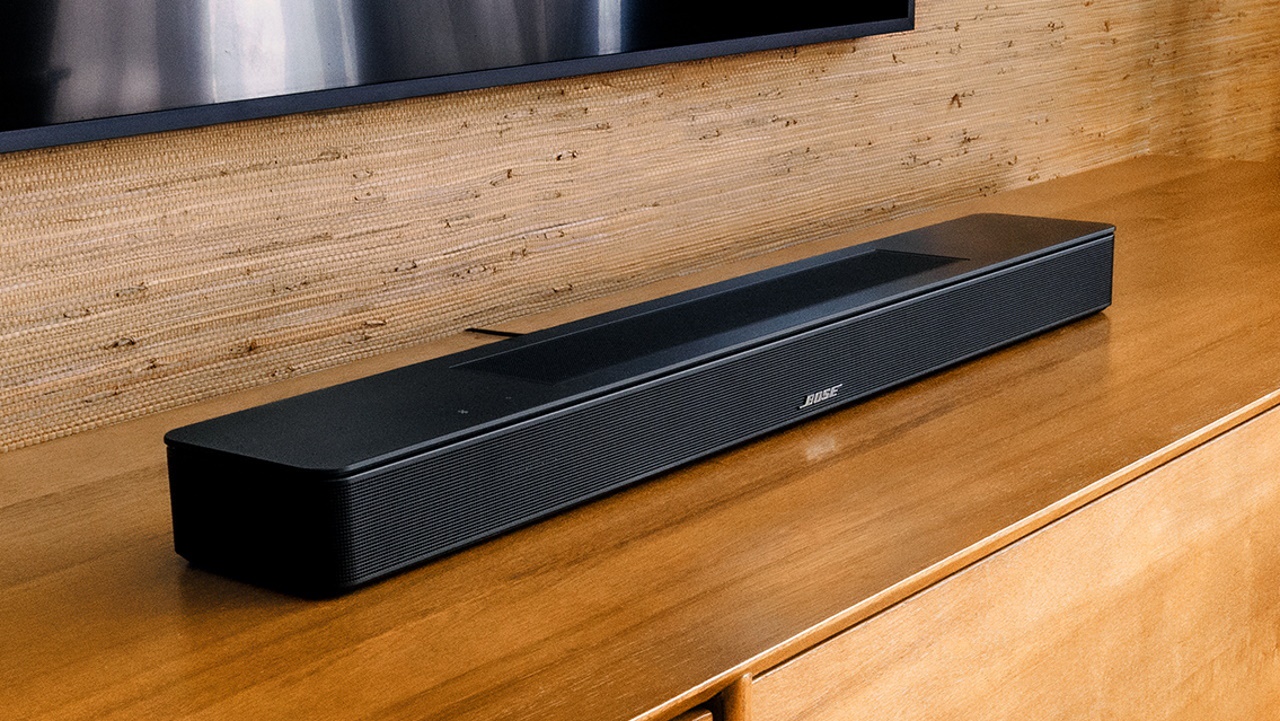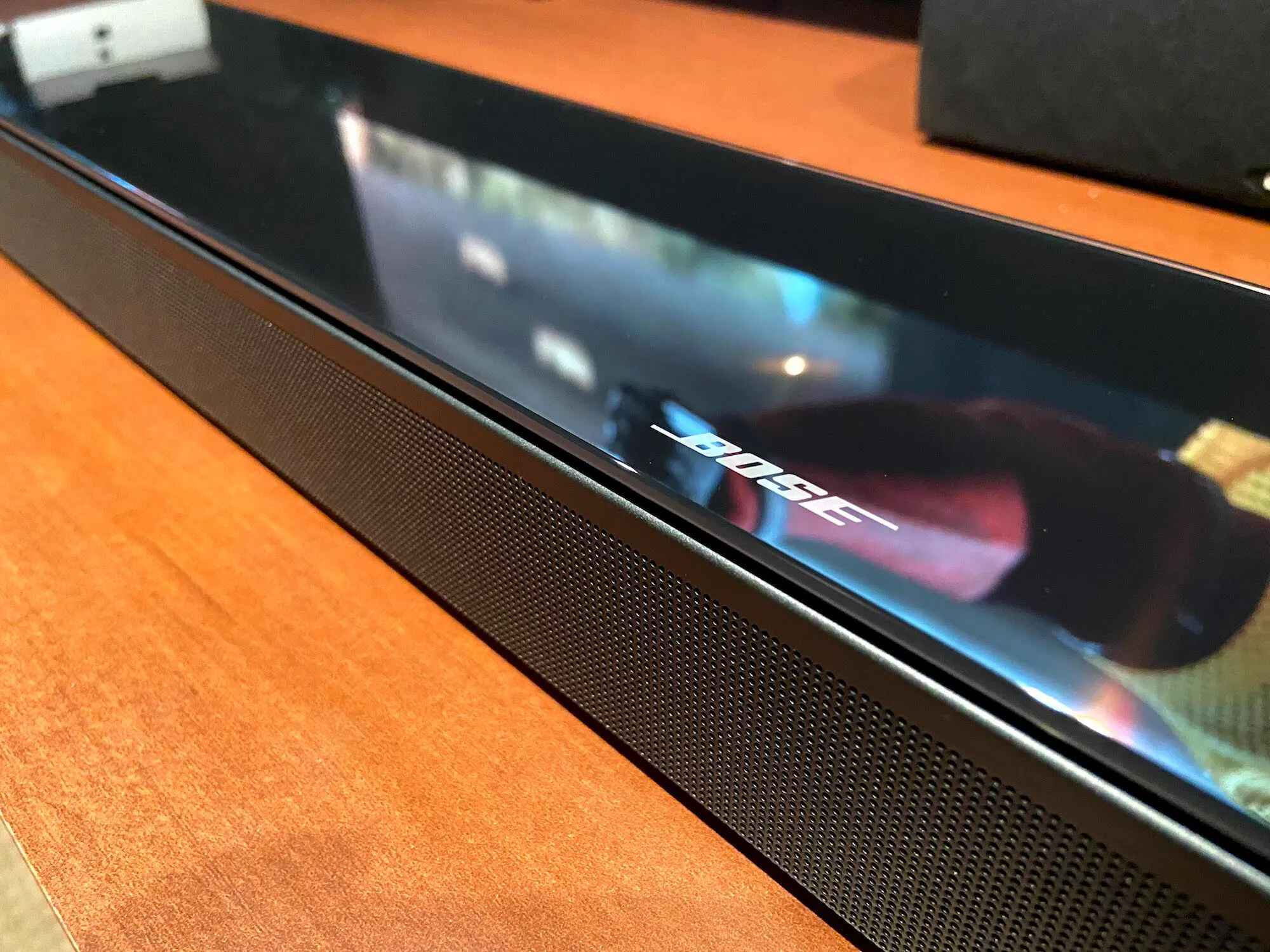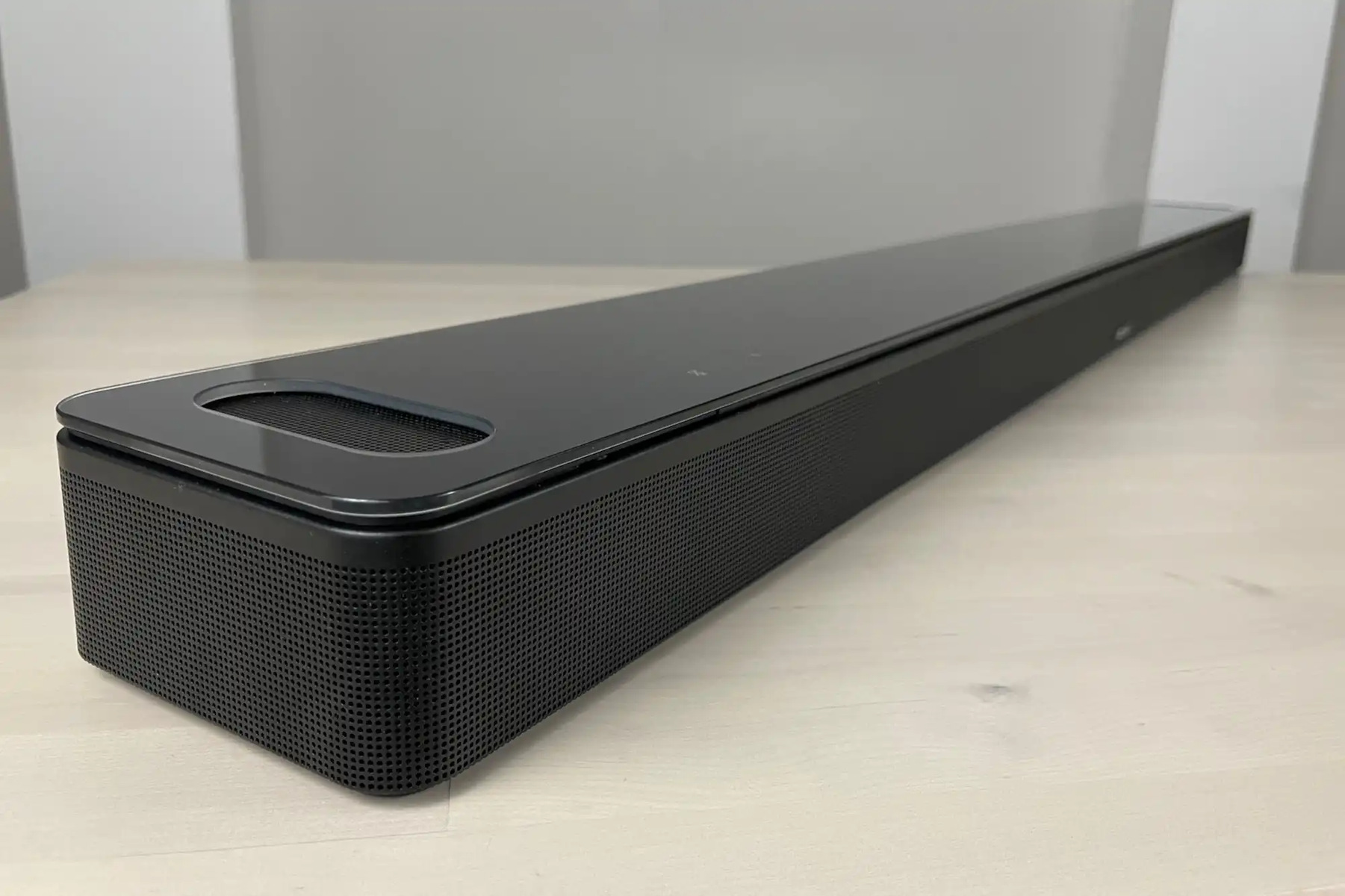
To turn down bass on a Bose soundbar, use the Bose Music app for most models or the dedicated BASS button on the SoundTouch 300 remote. This lets you quickly reduce overwhelming low frequencies to achieve a more balanced sound for movies and music without disturbing neighbors.
Why your bass might be too loud
Excessive bass can overpower dialogue in movies, rumble through apartment walls, or simply not match your personal taste. Adjusting the bass level helps you hear vocals clearly, avoid complaints from neighbors, and tailor the audio to your preferred sound profile. You can also change bass on Spotify to match your streaming audio to the same balanced profile. A balanced mix lets you enjoy both deep effects and subtle details without fatigue.
Adjust bass using the Bose Music app (most models)
For most modern Bose soundbars, bass levels are adjusted using the Bose Music app. This method gives you precise control over the low-end output.
- Open the Bose Music app on your smartphone or tablet.
- Tap the Audio button to access tone controls.
- If a different product is displayed in the app, tap the My Bose icon in the upper-left corner and select your desired soundbar.
- Within the Soundbar section of the app, use the + or, buttons to adjust the bass levels. Bass levels can be adjusted in increments of 10, ranging from -100 to 100.
- If an optional Bose bass module is connected to the soundbar, its output level can also be adjusted using + or, buttons under the Bass Module section in the app.
This app-based approach is ideal when you want a clear, balanced sound for dialogue-heavy movies or to keep the audio from carrying through thin walls.
Turn down bass on a SoundTouch 300 remote
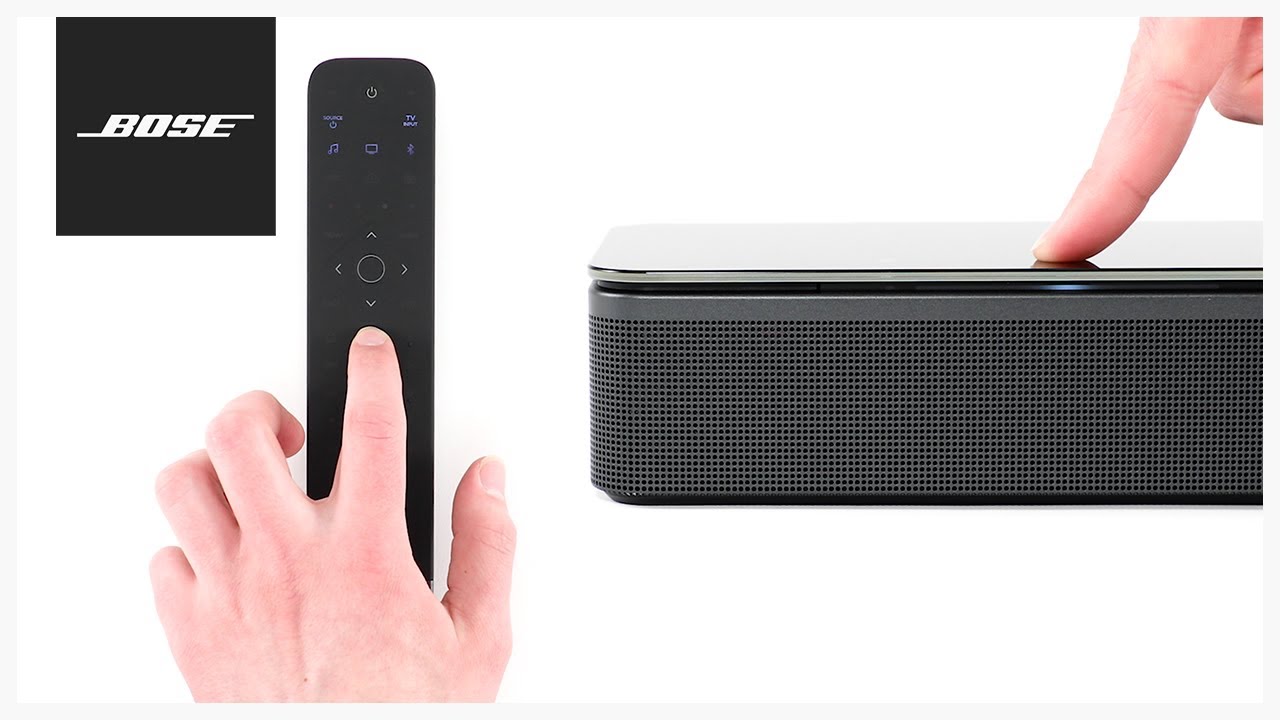
For the Bose SoundTouch 300 soundbar, bass can be adjusted using the remote control. This method is quick and doesn’t require a phone or internet connection.
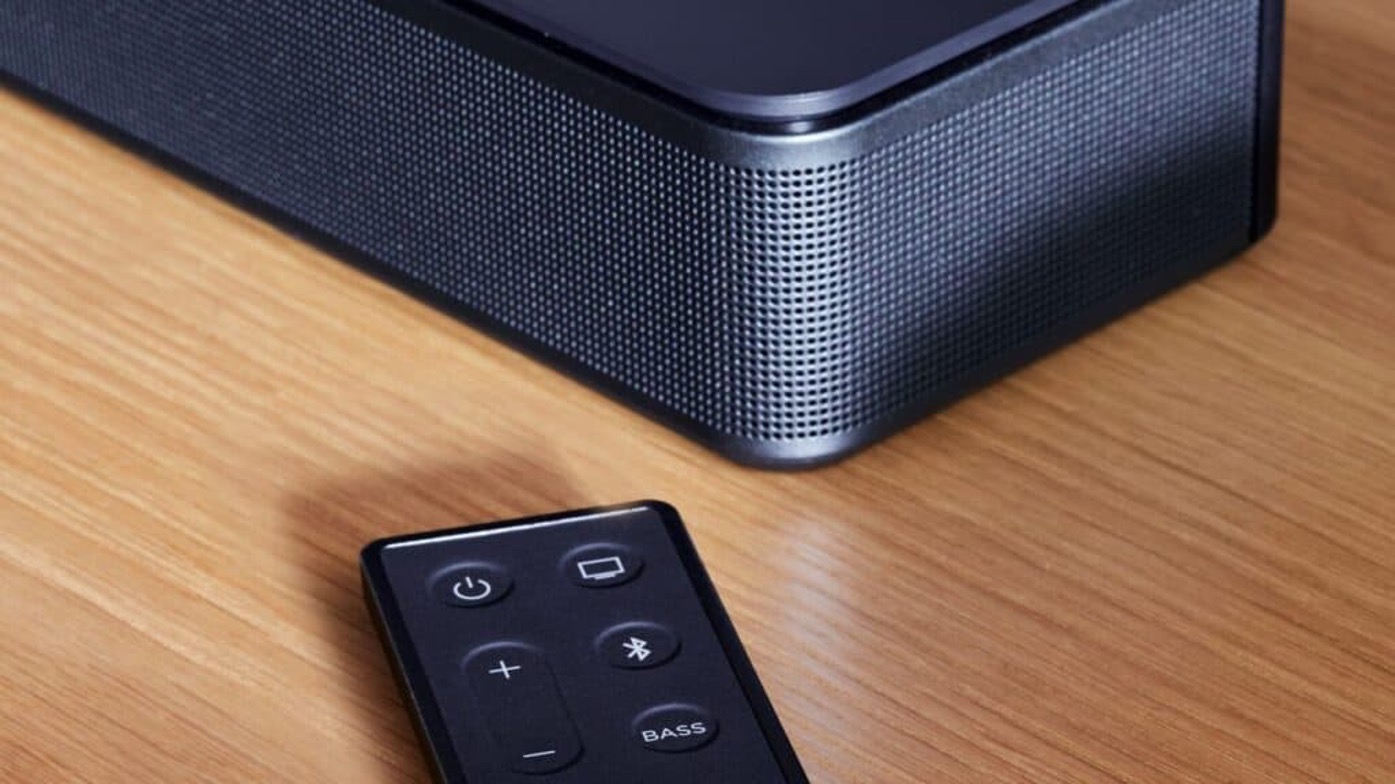
- On the SoundTouch 300 remote, press the BASS button.
- Press Volume, to decrease the bass. The soundbar saves the bass settings automatically after adjustment via the remote.
- To reset the SoundTouch 300 bass setting to its factory default, press and hold the BASS button on the remote until the SoundTouch indicator on the soundbar blinks twice.
Using the remote is the fastest way to turn down bass on a Bose soundbar when you need to instantly tame a booming soundtrack or reduce low-end rumble for late-night viewing.
Troubleshooting persistent bass issues
If adjusting the bass doesn’t solve the problem, check these verified fixes to restore balanced sound.
- Disable any audio processing settings or special equalizer settings on connected devices (TV, cable box, game console). Adjusting bass and treble controls on the source device can also affect the overall sound and should be checked.
- Ensure that bass and treble adjustments on the soundbar itself are not set to extreme levels.
- Run the ADAPTiQ audio calibration, which listens to how speakers sound in the room and adjusts the sound as needed. This can optimize your system for your specific room environment.
- As a last resort, resetting the soundbar can sometimes correct minor audio issues that persist after other adjustments.
These troubleshooting steps help you achieve a clean, controlled low end when you turn down bass on a Bose soundbar but still hear unwanted boominess or distortion.
\nRelated reading: How To Connect Bose Soundbar To Samsung TV and How To Connect To Bose Soundbar Via Bluetooth.