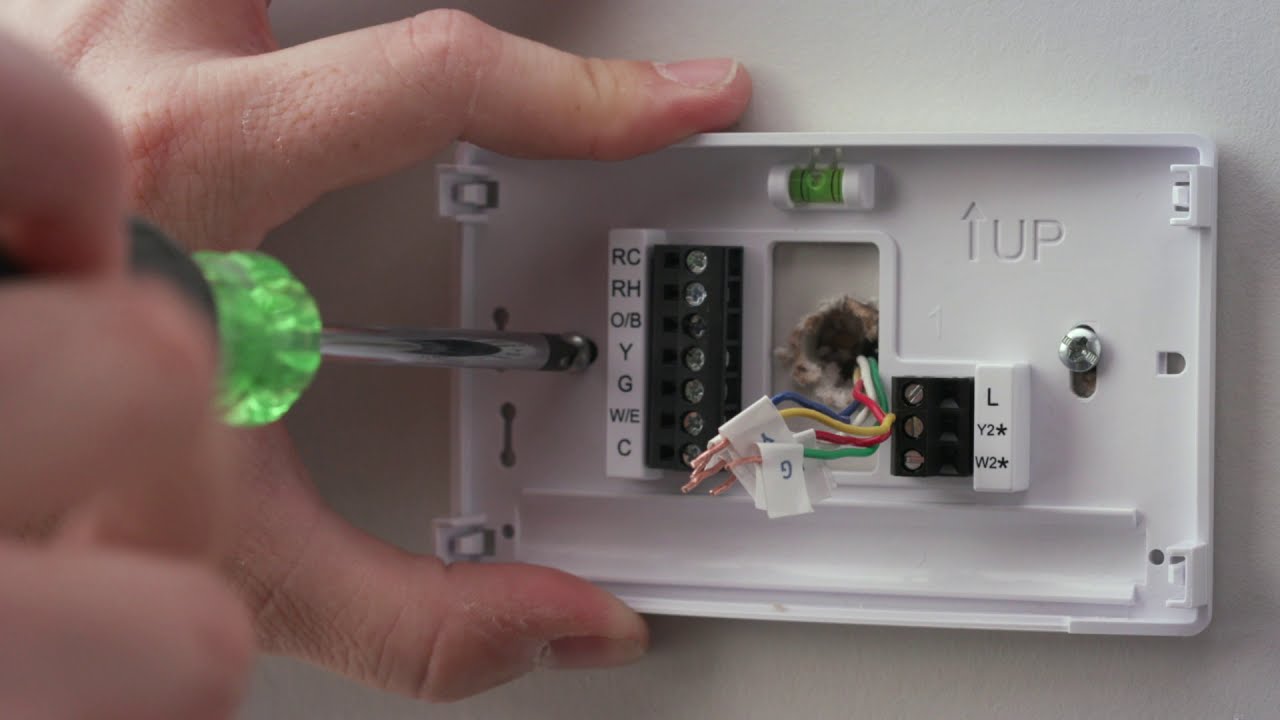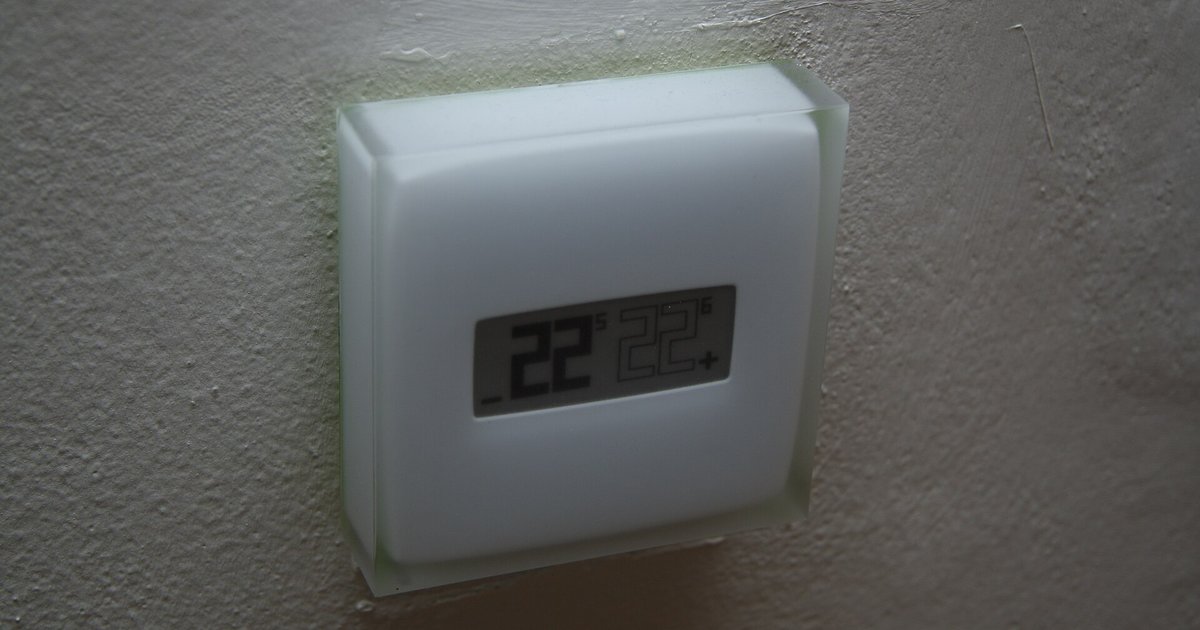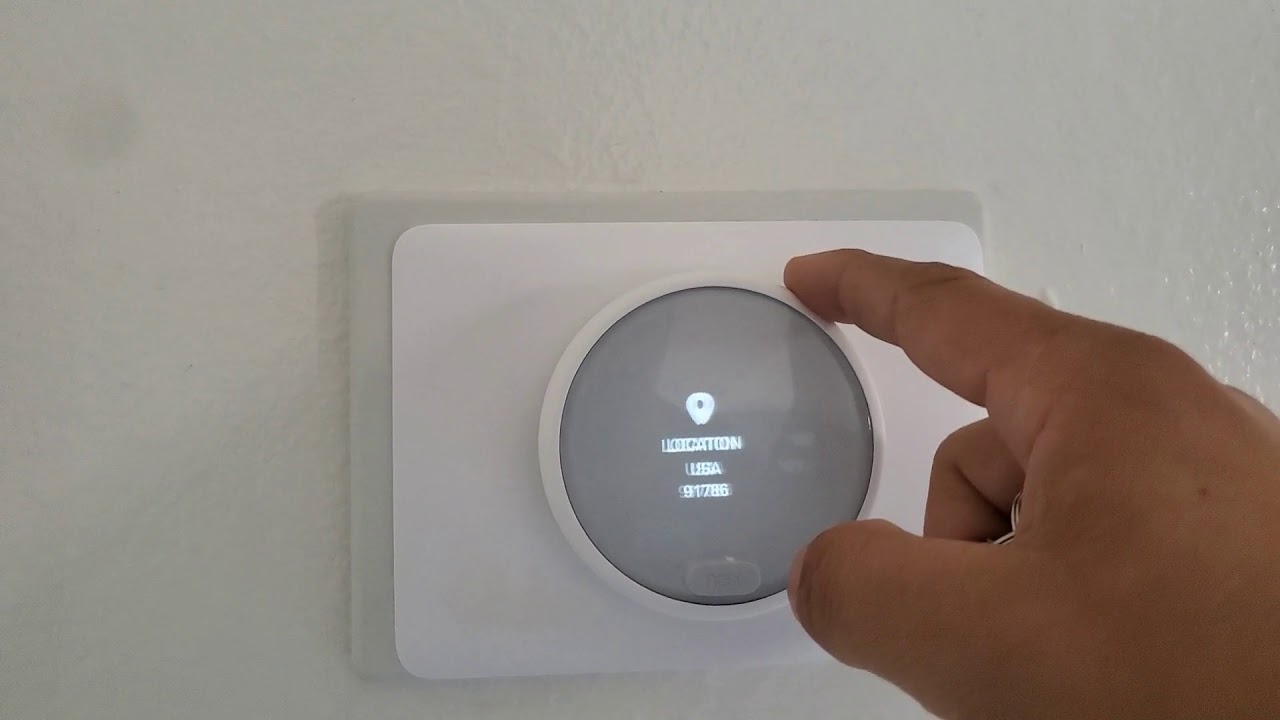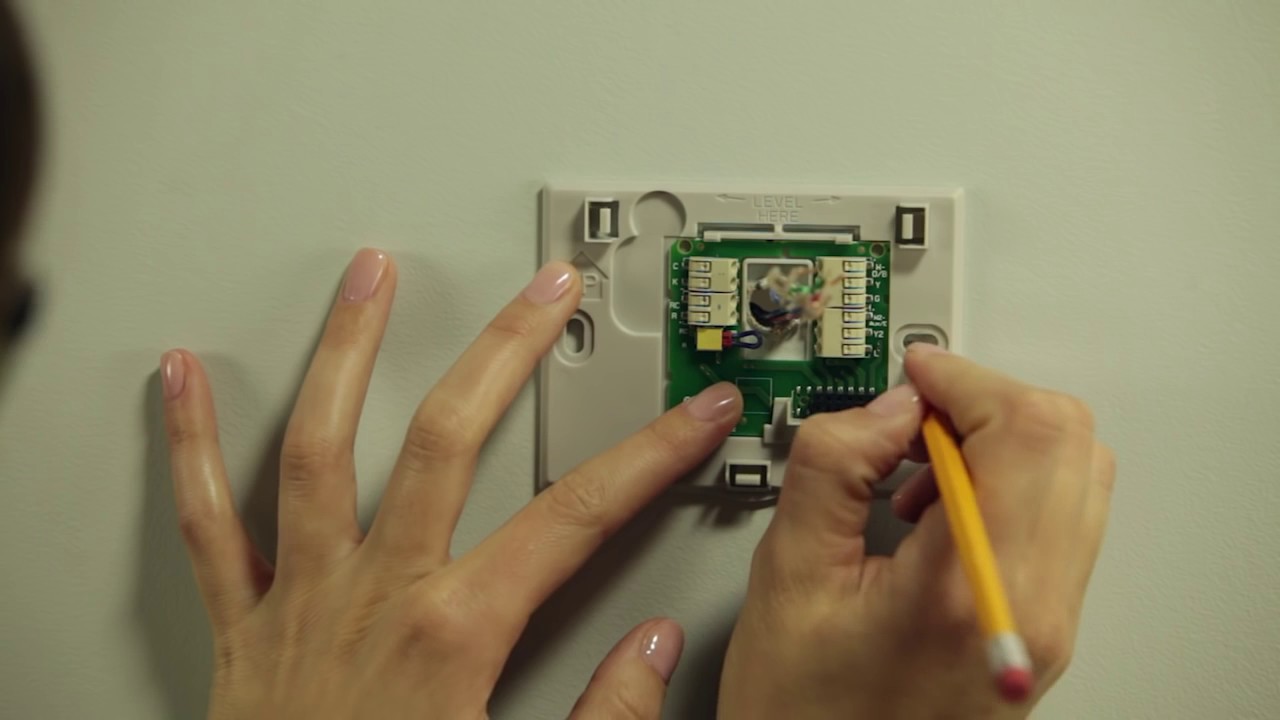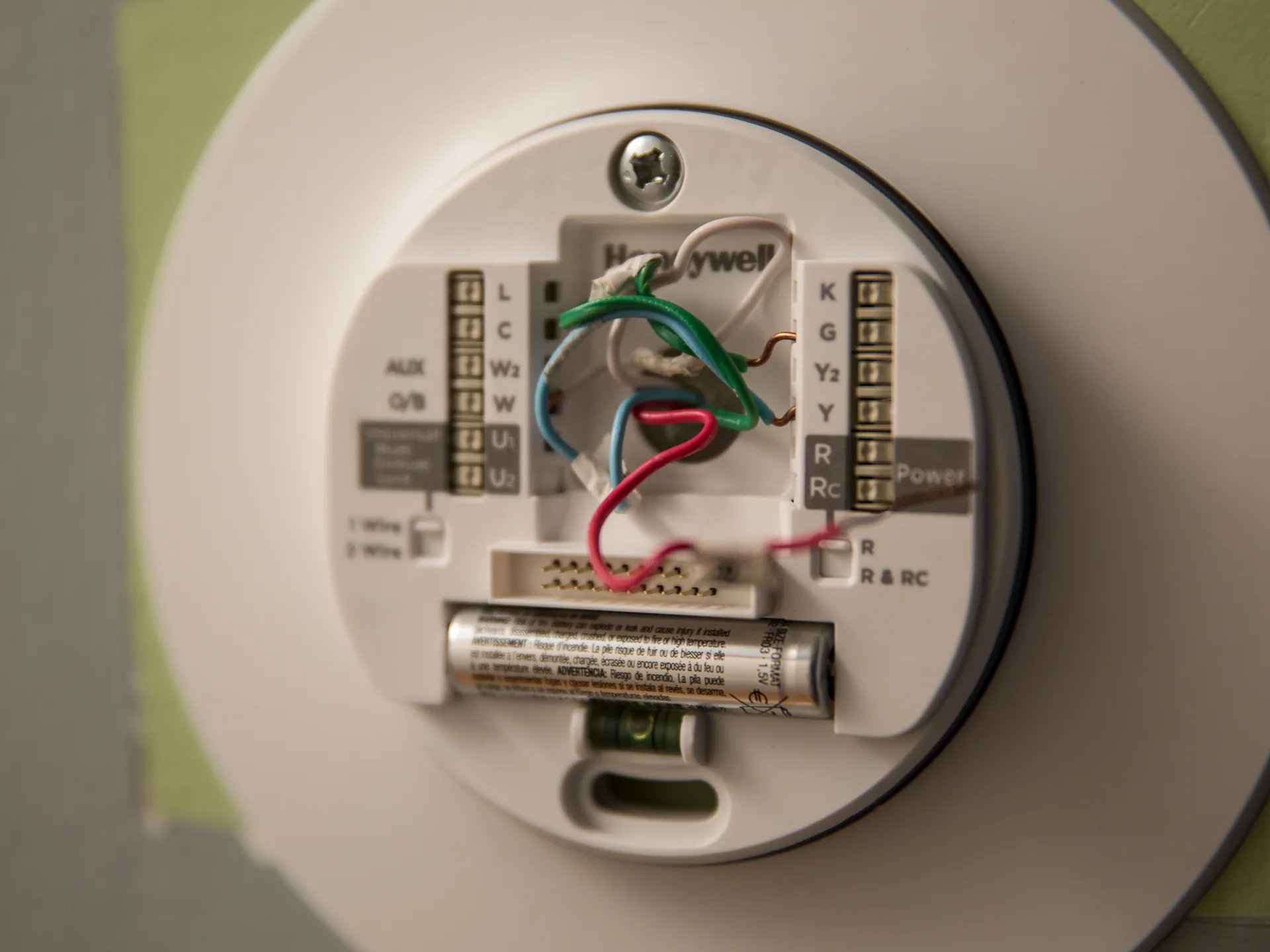
Meeting the smart thermostat wiring requirements for most standard home HVAC systems involves just four wires: R (power), W (heat), Y (cool), and G (fan). However, almost all Wi-Fi-enabled smart thermostats also need a fifth wire, the C-wire (common wire), to supply continuous 24-volt power for the display, Wi-Fi radio, and internal processor, or they require a manufacturer-specific workaround if no C-wire is available. Once your wiring is sorted, you can install honeywell smart thermostat and then connect honeywell smart thermostat to Wi-Fi network to enable remote control and smart features.
Smart thermostat wiring requirements and the essential C-wire
The four-wire setup is the baseline for conventional heating and cooling systems. Each wire has a dedicated function:
- R (red): carries 24-volt power from the HVAC transformer to the thermostat.
- W (white): signals the furnace or boiler to activate heating.
- Y (yellow): signals the air conditioner or heat pump to activate cooling.
- G (green): controls the blower fan for air circulation.
These four wires allow a basic thermostat to turn heating, cooling, and the fan on and off. But a smart thermostat is always "on", it needs power to maintain its Wi-Fi connection, display, and sensors even when the HVAC system is idle. That is where the C-wire comes in. The C-wire, sometimes called the common wire, provides a continuous return path for 24-volt power, independent of whether heating or cooling is actively running. Without it, a smart thermostat must steal power from other wires during off cycles, which can cause erratic behavior, display flickering, or delayed Wi-Fi reconnection.
Check your existing wiring: a pre-install checklist
Before buying or installing a smart thermostat, you need to inspect your current wiring. Follow these steps in order:
- Turn off power to your HVAC system at the circuit breaker.
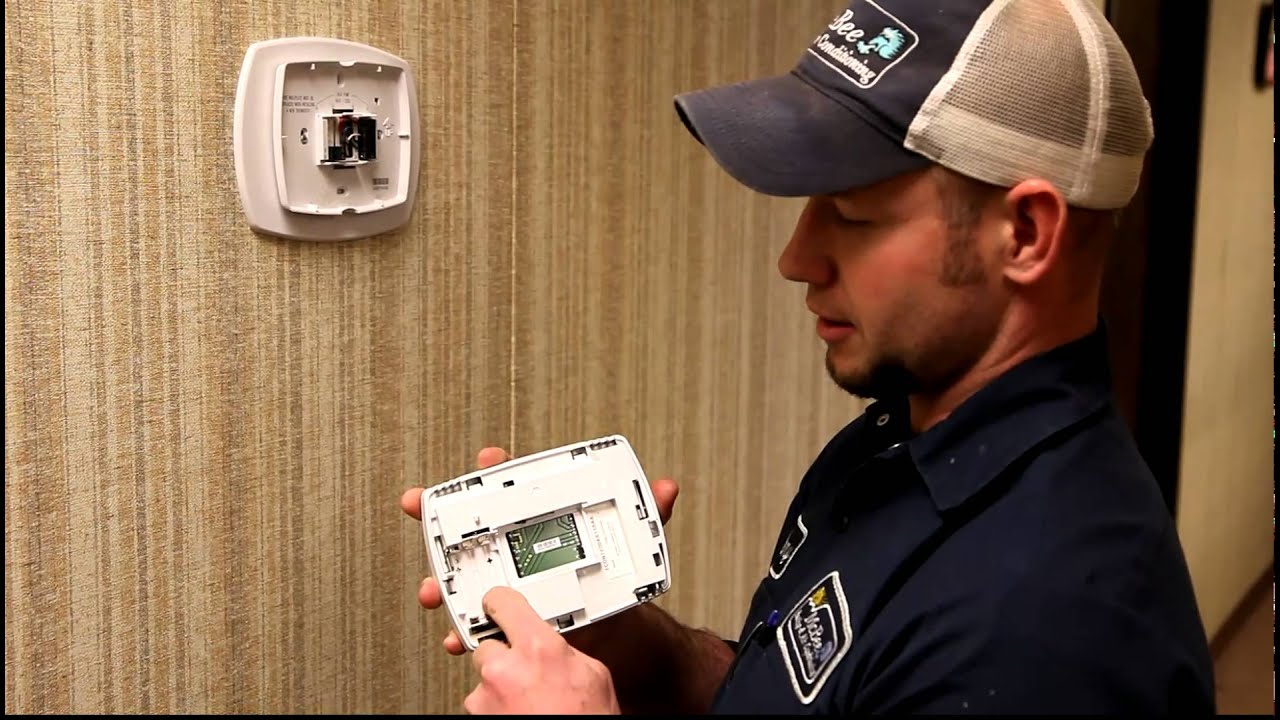
- Remove the faceplate of your old thermostat to expose the terminal screws.
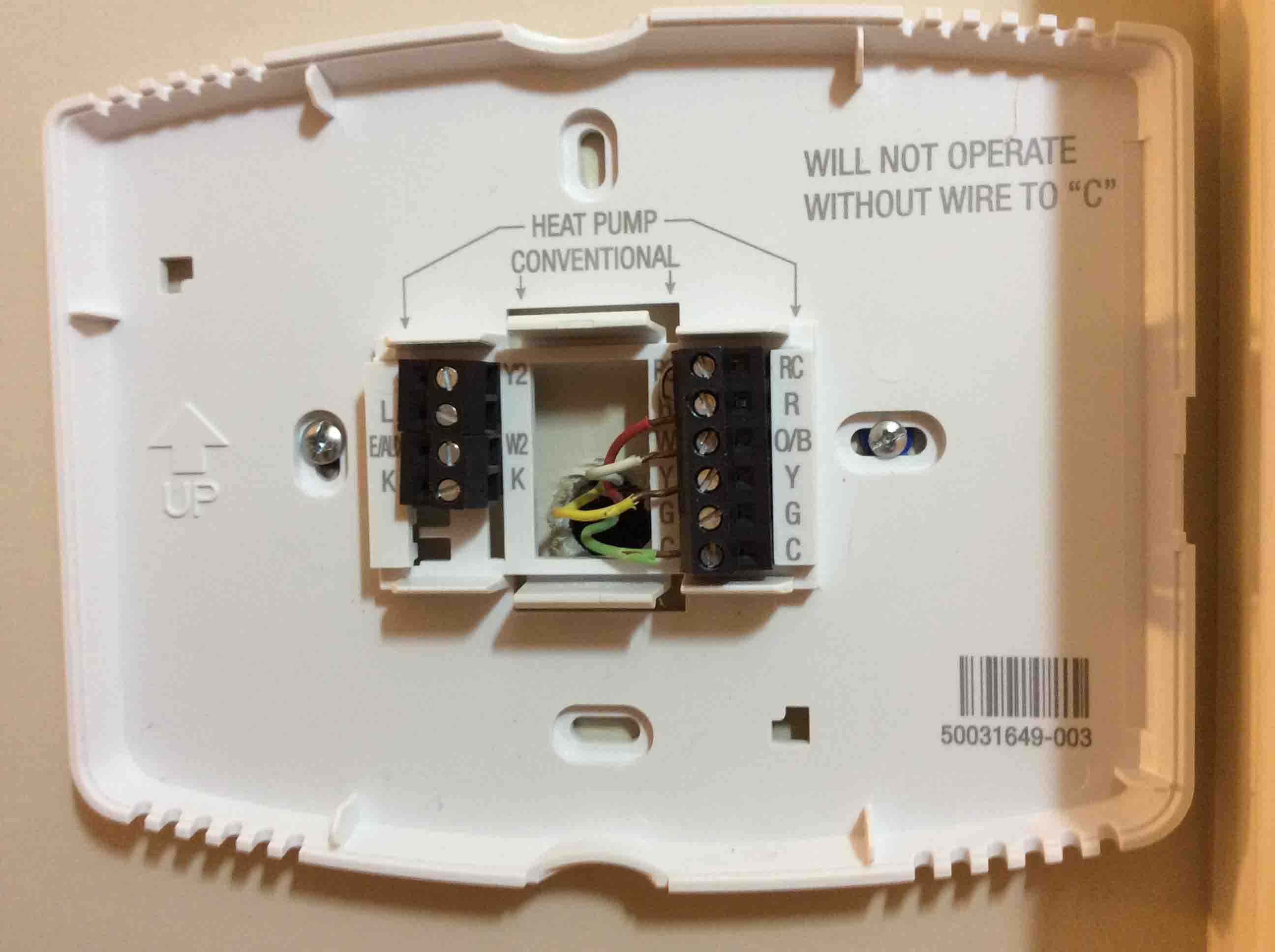
- Take a clear, well-lit photograph of the wiring configuration. This photo is your reference for reconnection and troubleshooting.
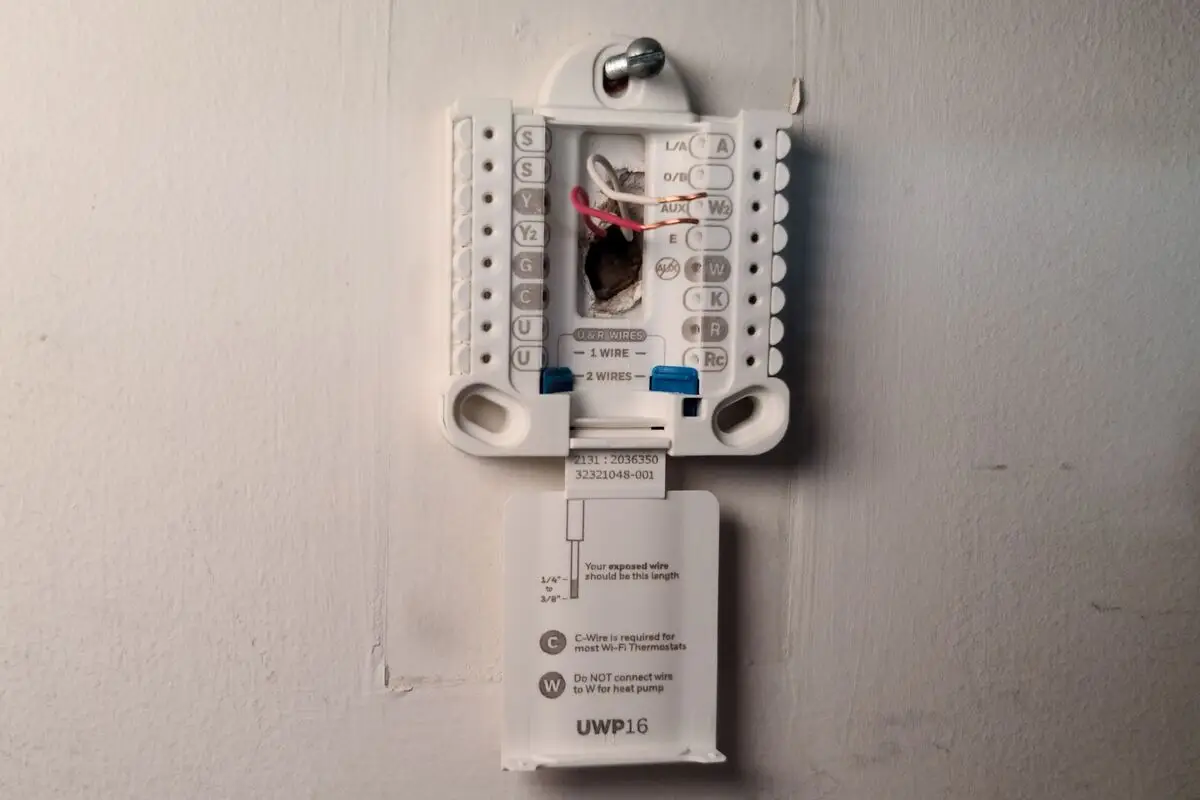
- Identify each wire by its terminal label (R, W, Y, G, C, etc.), not just its color, since color codes can vary between installers.
- Look for jumper wires, short wires that connect two adjacent terminals (such as Rc and Rh). Smart thermostats handle internal jumping automatically, so remove these jumpers before installing the new unit.
- Check for unused wires tucked into the wall behind the old thermostat. Many homes have a spare wire that was never connected; this wire can often be repurposed as a C-wire.
- Look for labels like DATA, 1, 2, or 3. If you see these, you have a communicating system that is generally incompatible with standard smart thermostats and will require a specialized model.
If you find a spare wire, you can use it as a C-wire by connecting one end to the C terminal on the thermostat and the other end to the C terminal on your HVAC control board inside the furnace or air handler. This is the simplest and most reliable solution for a missing C-wire.
Solving the missing C-wire problem
If no C-wire is present and no unused wire is available, you still have options. Each major smart thermostat brand offers a specific workaround:
Nest thermostats
Google Nest thermostats are designed to operate without a C-wire using a technique called power stealing. The thermostat draws small amounts of power from the R and W or R and Y circuits when the system is off. This works in many homes, but it can be unreliable with older HVAC systems, multi-stage equipment, or systems with sensitive control boards. For stable operation, Nest recommends installing the Nest Power Connector, a small device that wires into the HVAC control board and provides a dedicated C-wire signal to the thermostat.
Ecobee thermostats
Ecobee thermostats require a C-wire or the included Power Extender Kit (PEK). The PEK installs at the HVAC control board and uses the existing G, W, and Y wires to synthesize a C-wire connection. The kit comes in the box with most Ecobee models, so no extra purchase is needed. Installation involves connecting the PEK wires to the corresponding terminals on the control board and wiring the thermostat side normally.
Honeywell Home thermostats
Most Honeywell Home Wi-Fi thermostats require a C-wire. Honeywell offers adapter kits (such as the THP5421 or THP9045) that function similarly to the Ecobee PEK, providing a virtual C-wire using existing wires. These kits are sold separately and are compatible with select Honeywell models. Check your thermostat's installation manual to confirm which adapter is supported.
When using any adapter kit, the principle is the same: you connect the adapter at the HVAC control board, and it uses the existing thermostat wires to carry both signal and power. This avoids running new wires through your walls, but it does require access to the furnace or air handler's control panel.
Wires for heat pumps, dual fuel, and other advanced systems
If your home has a heat pump, dual-fuel system, or additional accessories, you will need more than the standard four or five wires. Common additional wires include:
- O/B (orange or blue): controls the reversing valve on a heat pump, switching between heating and cooling modes.
- W2 (auxiliary heat): activates the backup heat source (electric heat strips or a gas furnace) in dual-fuel or multi-stage systems.
- E (emergency heat): manually engages emergency heat in heat pump systems.
- Hum (humidity): connects to a whole-home humidifier or dehumidifier.
- Vent (ventilation): controls a separate ventilation fan or an HRV/ERV system.
- Zone wires: for multi-zone systems, each zone thermostat needs its own set of wires to communicate with the zone control panel.
Heat pump and dual-fuel installations typically require at least six to eight wires, depending on the system's staging and backup heat configuration. Not all smart thermostats support these features, so you must verify that the model you choose lists compatibility with your specific system type. For example, a basic Nest Thermostat supports single-stage heat pumps, but a multi-stage heat pump with auxiliary heat requires the Nest Learning Thermostat or the Nest Thermostat E with a professional installer. Ecobee's top-tier models support up to two stages of heating and two stages of cooling, plus an O/B reversing valve, but you still need to confirm the exact wire count.
If your system has multiple stages, a heat pump, or accessory devices like a humidifier, professional installation is strongly recommended. The wiring configuration is more complex, and a mistake can damage the HVAC control board or cause the system to operate incorrectly.
When your wiring works and when to call a pro
You can proceed with a DIY installation if your existing wiring meets these conditions:
- You have at least four wires (R, W, Y, G) and either a C-wire or a manufacturer-approved power adapter kit.
- Your system is a conventional single-stage furnace and air conditioner, or a single-stage heat pump with O/B.
- Your thermostat wires are labeled clearly and match the terminals on the new thermostat.
- You have removed all jumper wires and taken a reference photo.
Call a professional HVAC technician if you encounter any of these warning signs:
- Your system uses high-voltage wiring (120V or 240V), such as electric baseboard heaters or line-voltage thermostats. Smart thermostats are not designed for these systems.
- Your wiring includes labels like DATA, 1, 2, or 3, indicating a communicating system that requires a proprietary thermostat.
- You have a multi-stage heat pump, dual-fuel system, or auxiliary heat that requires more than five wires.
- You find no C-wire and no unused wire, and you are not comfortable installing an adapter kit at the HVAC control board.
- You see frayed, corroded, or damaged wires.
- Your HVAC system is older than 15 years and has non-standard wiring colors or undocumented modifications.
In these cases, a licensed HVAC technician can assess your system, recommend a compatible smart thermostat, and either run new wires or install the appropriate power adapter. The cost of professional installation is typically justified by avoiding damage to expensive HVAC equipment.
In summary, the minimum wiring requirement for a smart thermostat is four wires for basic heating and cooling, but the C-wire is essential for reliable continuous power in nearly all Wi-Fi models. If you lack a C-wire, you can repurpose an unused wire or install a manufacturer-specific adapter kit. Advanced systems with heat pumps, dual fuel, or accessories require additional wires and often demand professional installation. Always photograph your existing wiring, remove jumpers, and verify compatibility before making any connections.
If you run into configuration problems after installation, you may need to reset a smart thermostat to factory defaults.