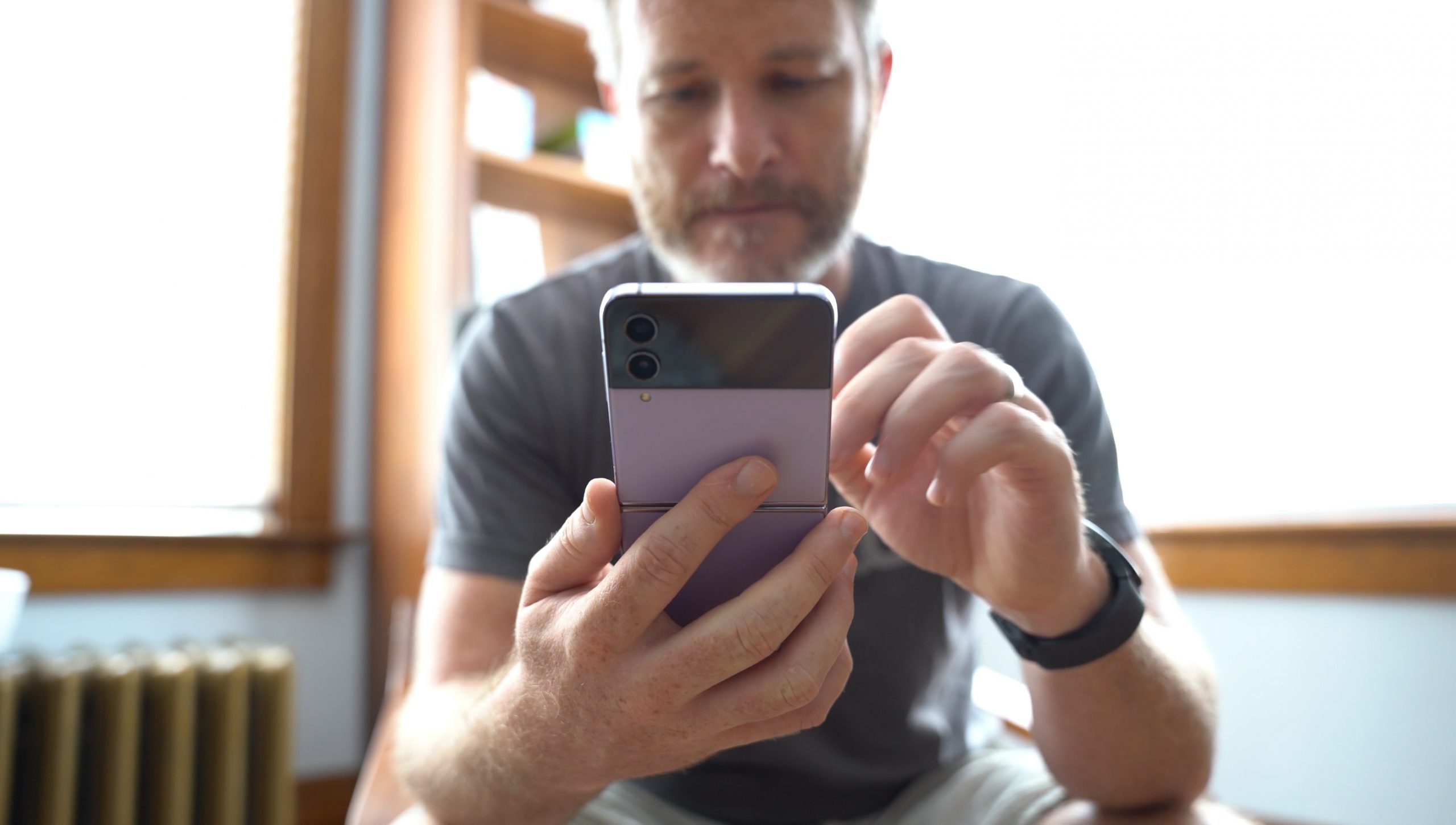
When using an old SIM card in a new phone, you can generally expect basic calls and texts to work immediately, but you may miss out on newer network features like 5G. This straightforward swap preserves your phone number and plan, though compatibility issues can arise depending on the age of your SIM card and the capabilities of your new device.
What to expect when using an old SIM card in a new phone: A direct, concise answer to the main query: it usually works f
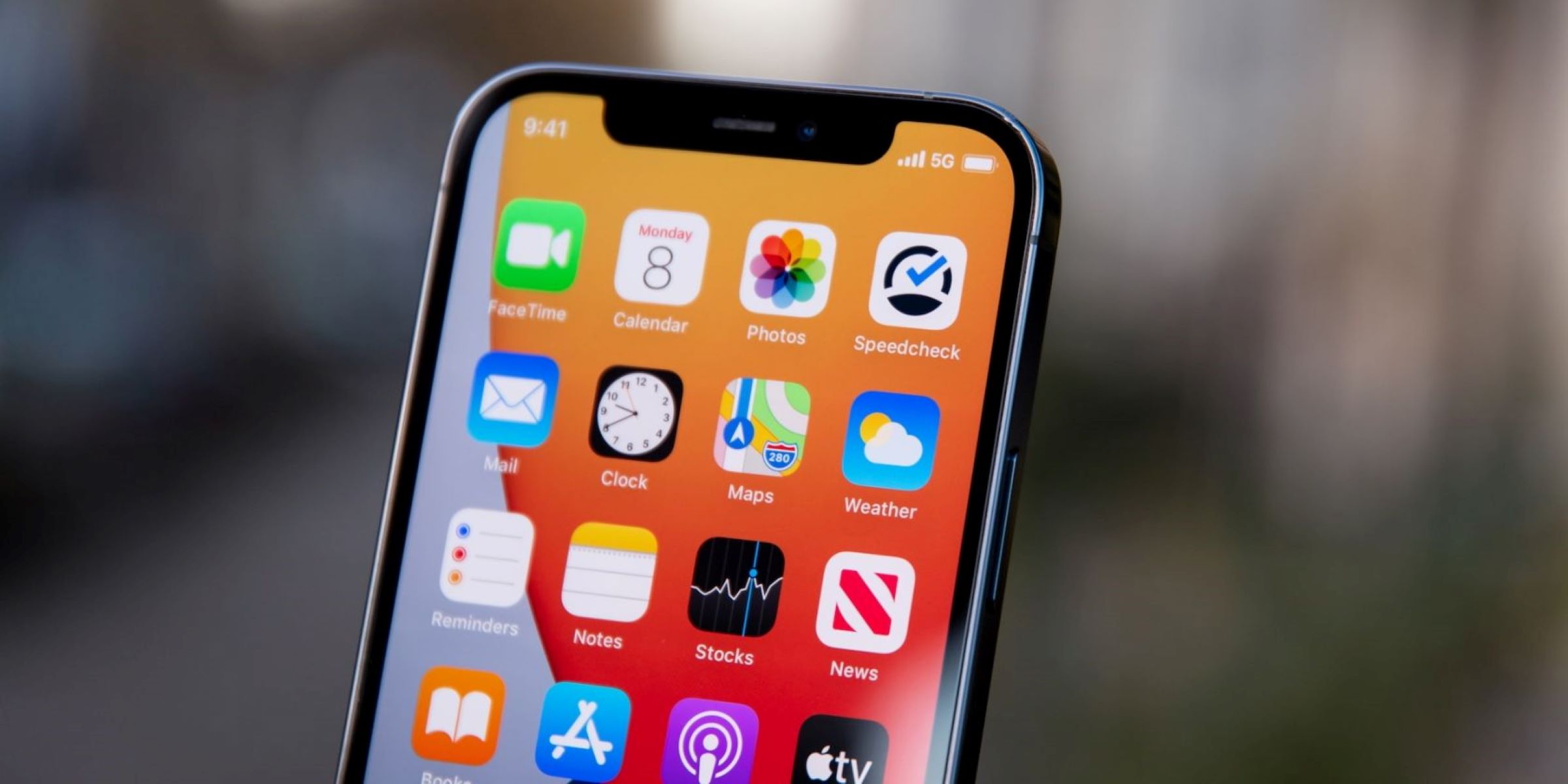
In most cases, moving your existing physical SIM card into a new phone will let you make calls, send texts, and use mobile data. However, older SIM cards may not support all the features of a new device. For example, you might find that 5G connectivity is unavailable, or that advanced services like VoLTE and Wi-Fi Calling do not activate. This is because your old SIM card lacks the updated credentials or hardware support required for the latest network technologies. The good news is that your carrier can typically provide a free replacement SIM that unlocks these features.
Check physical compatibility: SIM card sizes
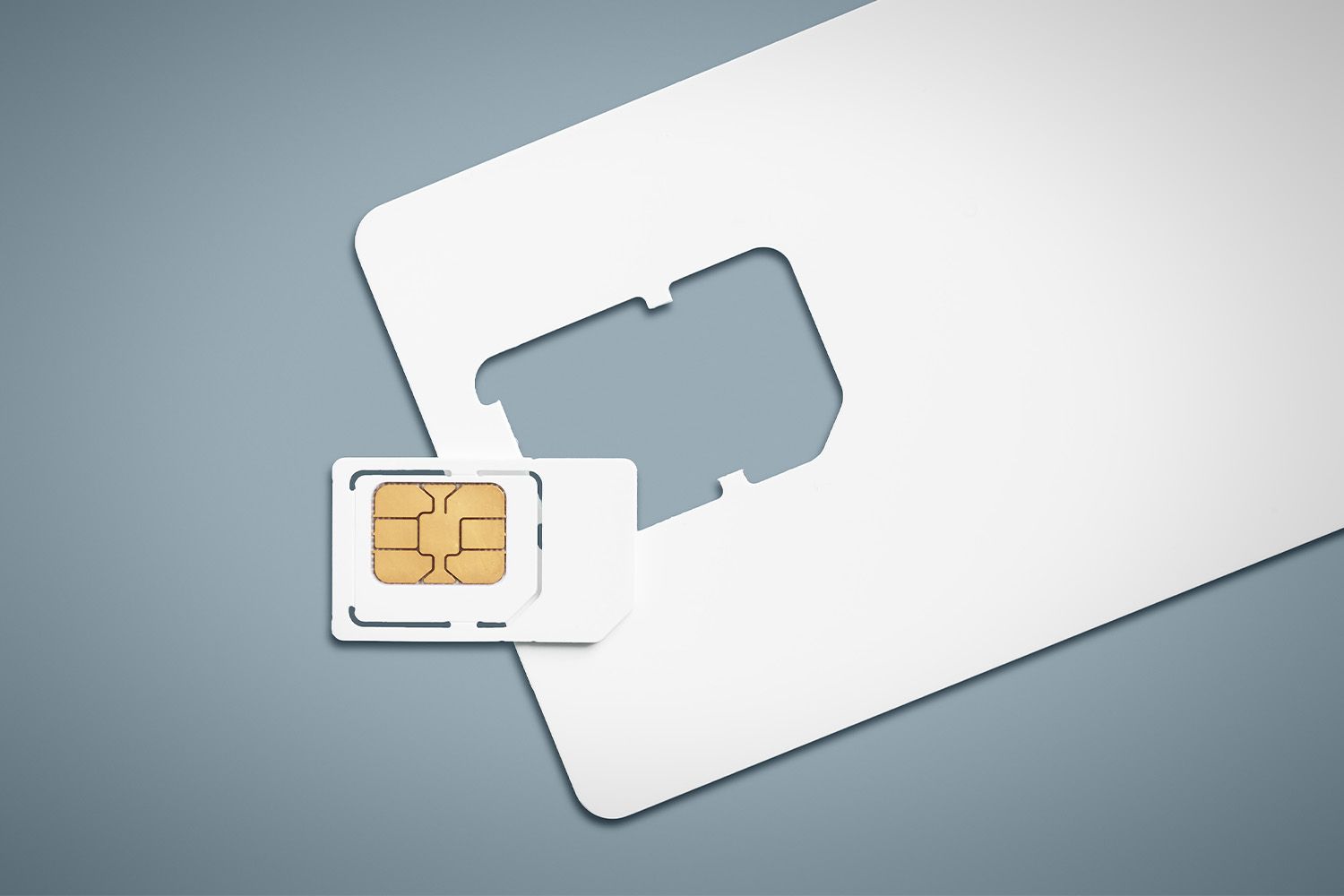
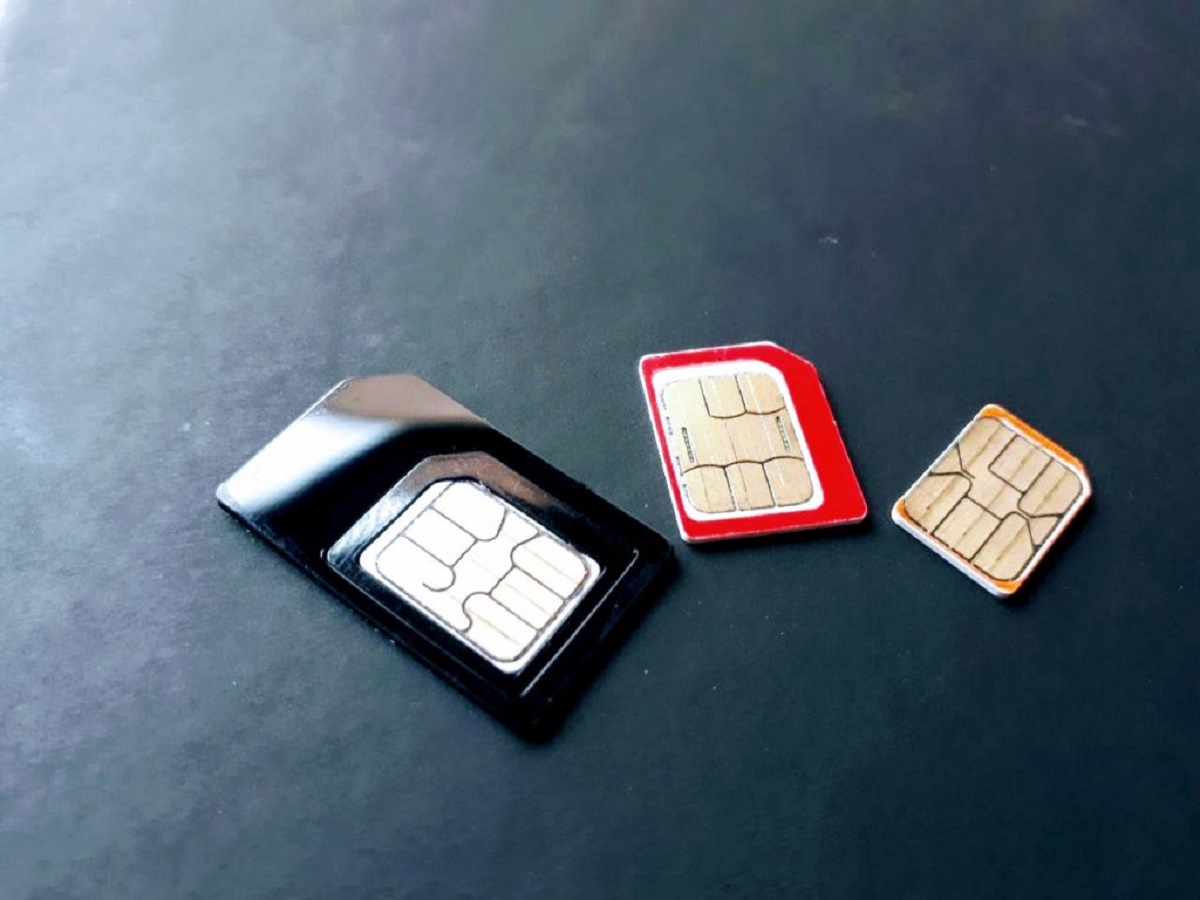
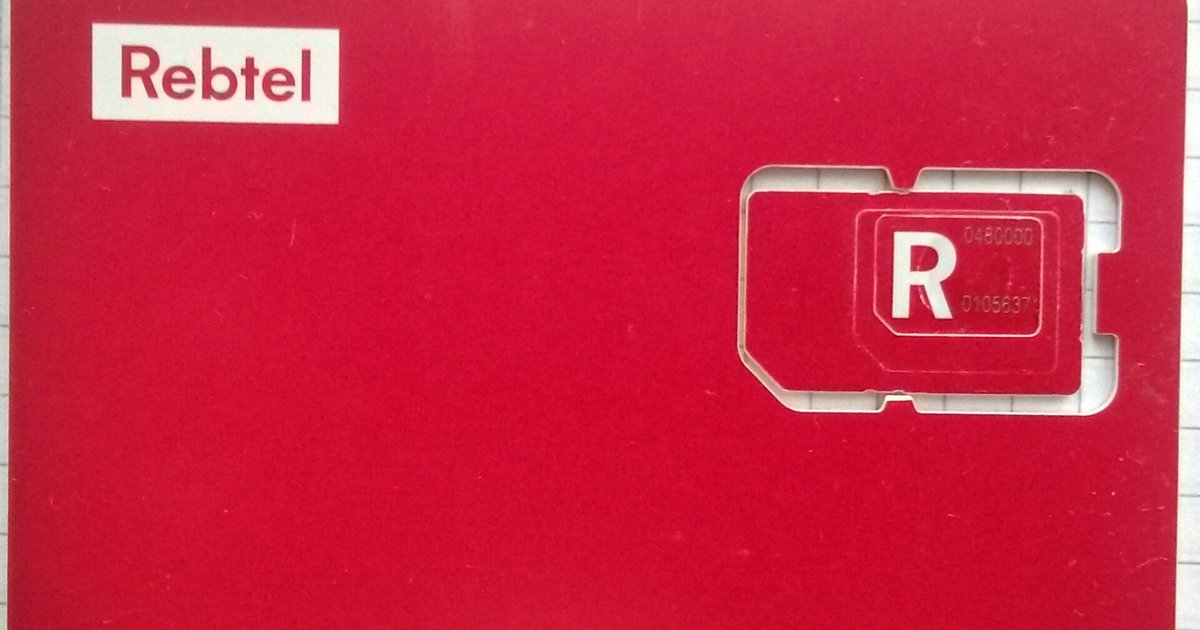
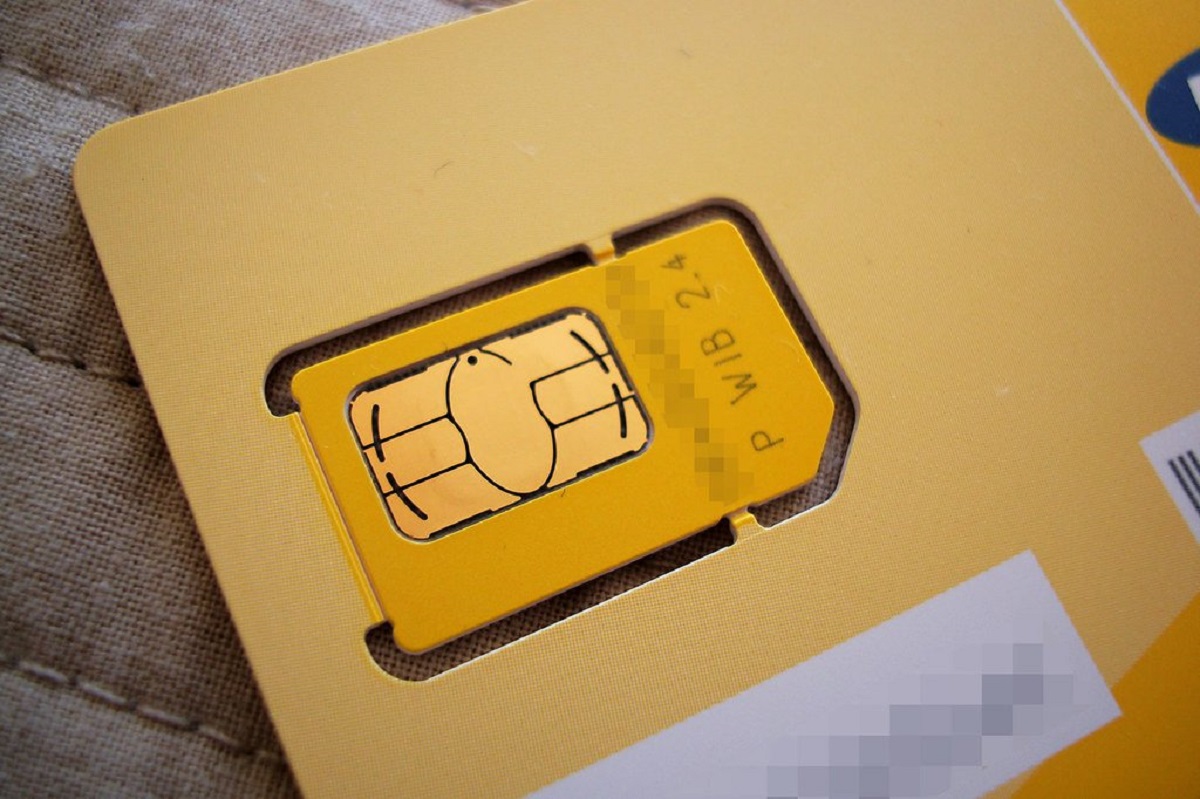
Physical SIM cards come in three main sizes: Standard (Mini), Micro, and Nano, with Nano SIM being the smallest and most common in modern smartphones. Before moving your old SIM card, you need to verify that it physically fits into the new phone's tray. If your old SIM is too large, you can use a SIM card adapter to make it fit. If it is too small, or if the adapter causes issues, you will need to request a new SIM card from your mobile carrier that matches the size your new phone requires.
How to physically transfer your old SIM card
To transfer your old SIM card to a new phone, follow this verified five-step process:
- Power off both phones.
- Locate and eject the SIM tray using a SIM ejector tool or a straightened paperclip.
- Carefully remove the old SIM from the old phone and insert it into the new phone's tray, aligning the cut corner.
- Reinsert the tray into the new phone.
- Power on the new phone.
Once the phone boots up, it will automatically detect the SIM and register with your carrier's network. In some cases, you may need to enter a PIN code to unlock the SIM card; contact your carrier if you have forgotten it.
Network and feature compatibility problems
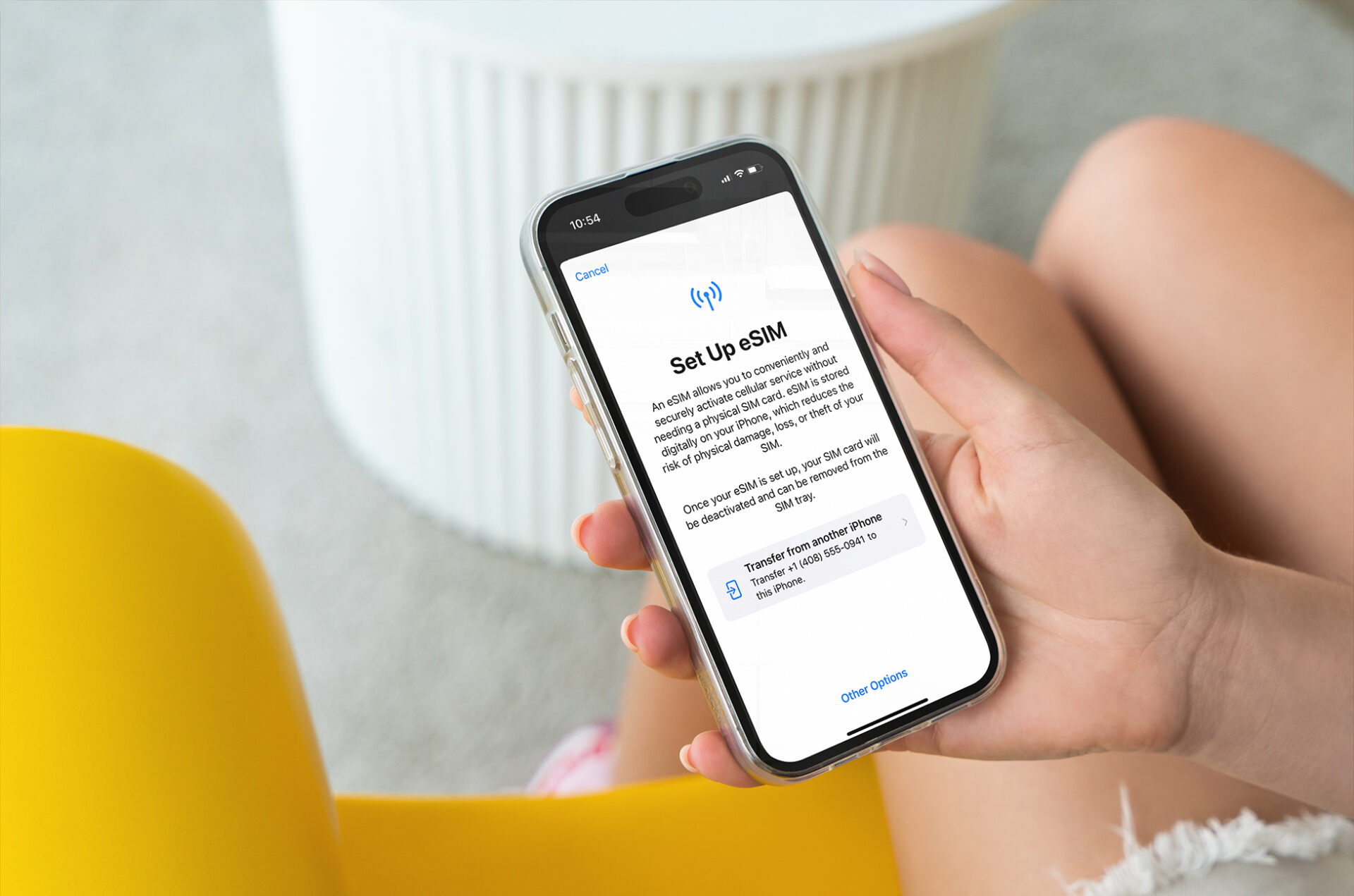
The main issues you may encounter after swapping an old SIM card include no 5G access, missing VoLTE/Wi-Fi Calling, and explicit incompatibility on some phones like Pixel 8. Older SIM cards might not support all the features of a new device or access new network features like 5G, potentially requiring a new SIM from your carrier for optimal performance. Some older SIM cards are explicitly unsupported on newer phones. The solution is often a free carrier SIM swap, which provides a modern SIM that supports all of your new phone's capabilities. Additionally, many newer phones use eSIM (embedded SIM) technology, which is a digital SIM built into the device, eliminating the need for a physical card. If your new phone relies on eSIM, you will need to transfer your service digitally rather than moving a physical card.
Troubleshooting common issues after swapping
If you experience problems after moving your old SIM card, try these fixes:
- No Service or SIM not recognized: Restart the phone. If that fails, power off, remove the SIM, reinsert it carefully, and power on again.
- Poor signal: Check for physical damage to the SIM card. If the SIM shows signs of wear or damage, request a replacement from your carrier.
- Incomplete activation: Verify that your mobile account is active and in good standing. Access the phone's network settings to re-activate the SIM or update network configurations.
- Advanced features not working: For VoLTE or Wi-Fi Calling, check your phone's settings to enable these features. If they remain unavailable, contact your carrier to confirm that your SIM and plan support them.
The benefits of keeping your old SIM card
Keeping your old SIM card offers several practical advantages. You preserve your existing phone number and plan without any carrier fees, and you reduce electronic waste by reusing a functional component. This continuity also means your contacts, messaging history, and call logs stay intact, and you avoid the administrative hassle of activating a new SIM. Furthermore, your current plan's features, such as data allowances, international roaming settings, and promotional rates, remain unchanged, providing a seamless transition to your new device.
\nRelated reading: How Do I Enable 5G On My iPhone 11, Identifying If Your SIM Card Is 5G-Compatible, and Reactivating Your Old SIM Card: A Step-by-Step Guide.