Disposing of an old SIM card safely means physically destroying the gold chip to prevent identity theft and recycling the fragments to avoid e-waste. Most searchers want to get rid of an old physical SIM card without risking their personal data or harming the environment, typically after upgrading their phone or switching carriers.
Why safely disposing of an old SIM card matters
A SIM card stores contacts, text messages, and network credentials like your IMSI, ICCID, and authentication key. If a scammer gets an active or even a deactivated card, they can use that data for identity theft, bypass two-factor authentication, and access your bank or cloud accounts. Throwing a SIM card in the trash also adds to electronic waste, as the plastic and metals can leach harmful substances. The only way to guarantee your data is gone is to destroy the gold or silver chip where the information lives.
Step 1: Back up your SIM card data
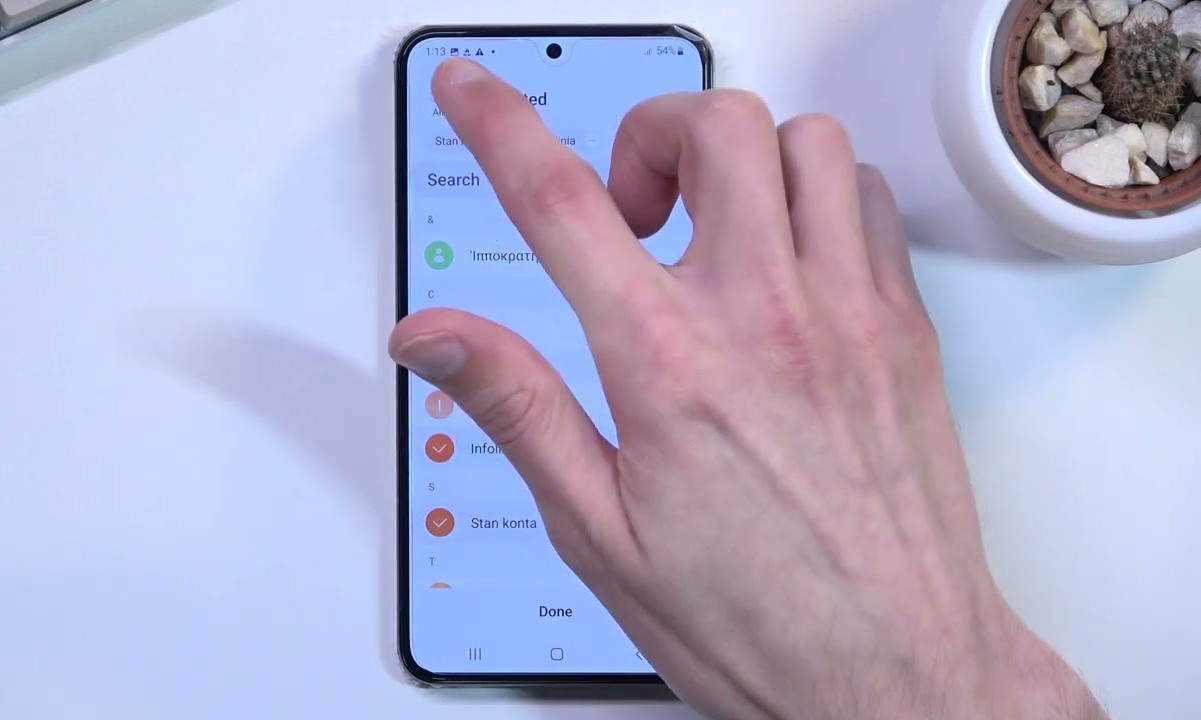
Before you do anything else, save the information stored on your old SIM. SIM cards hold contacts, phone numbers, and text messages, but they do not store photos, videos, or apps. To keep your data, export contacts to your phone’s internal storage or to cloud services. If you are moving to a new device, you can look up a tutorial on transferring contacts to SIM card on Android or a guide on saving contacts to iPhone SIM card to move them to your new card. If you need help physically accessing the card first, see locating the SIM card on Android phones. For messages, transfer them to cloud storage. If you later decide to reuse the card, you may need a process for reactivating your old SIM card to restore service. Once everything is backed up, you can erase any remaining data on the old SIM by deleting stored contacts and old SMS messages through your phone’s settings.
Step 2: Deactivate the SIM card with your carrier
Contact your mobile carrier or use their online portal to request deactivation. Have your ICCID number ready, which is usually printed on the card itself. Wait until your new SIM is active and working before you deactivate the old one; that way you have a fallback if there are problems with the new card. A guide on deactivating your SIM card will walk you through the process for your specific provider. Once deactivated, the card cannot make calls, send texts, or access mobile data, but data may still remain on the chip.
Step 3: Remove the SIM card from your device
Power off your phone completely. Locate the SIM tray, usually on the side of the device. Use the ejection tool that came with your phone or a small paperclip to gently push into the pinhole and pop the tray out. Carefully lift the SIM card from the tray without touching the gold contacts. If you are also recycling your phone, remember that a factory reset only wipes the phone’s internal storage, not the SIM card. If you need to put the card back temporarily, a guide on inserting a SIM card can help you reinstall it correctly.
Step 4: Physically destroy the SIM card chip
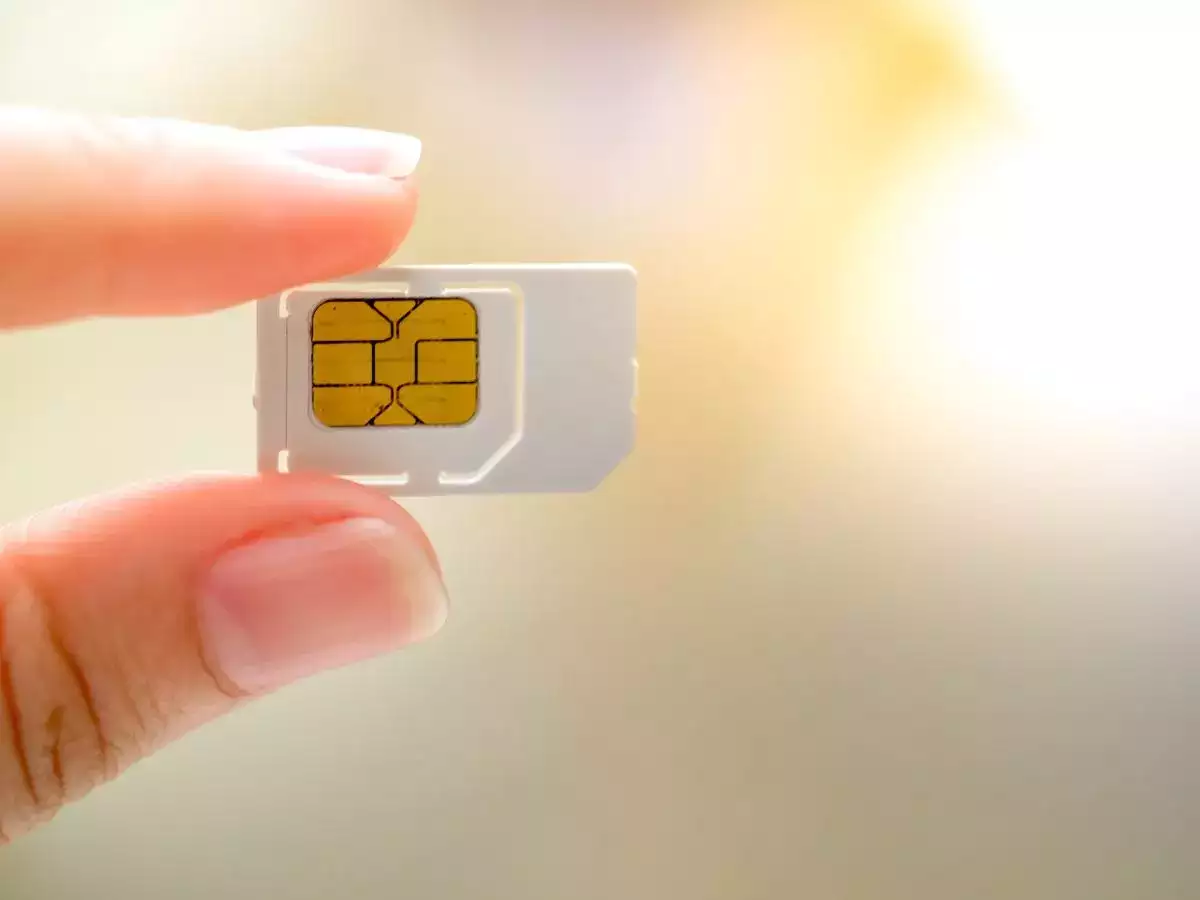
The data is stored on the gold or silver chip, not the plastic around it. You must destroy that chip to make the information irretrievable. Effective methods include:
- Cutting through the chip multiple times in different directions with scissors.
- Smashing the card with a hammer until it is fragmented.
- Running it through a cross-cut shredder that reduces it to 2mm x 2mm particles.
- Burning it in a well-ventilated area with a fire extinguisher nearby.
Wear gloves to protect your hands from sharp edges. Simply bending or scratching the card is not enough, the chip must be destroyed beyond repair.
Step 5: Recycle the destroyed SIM card responsibly
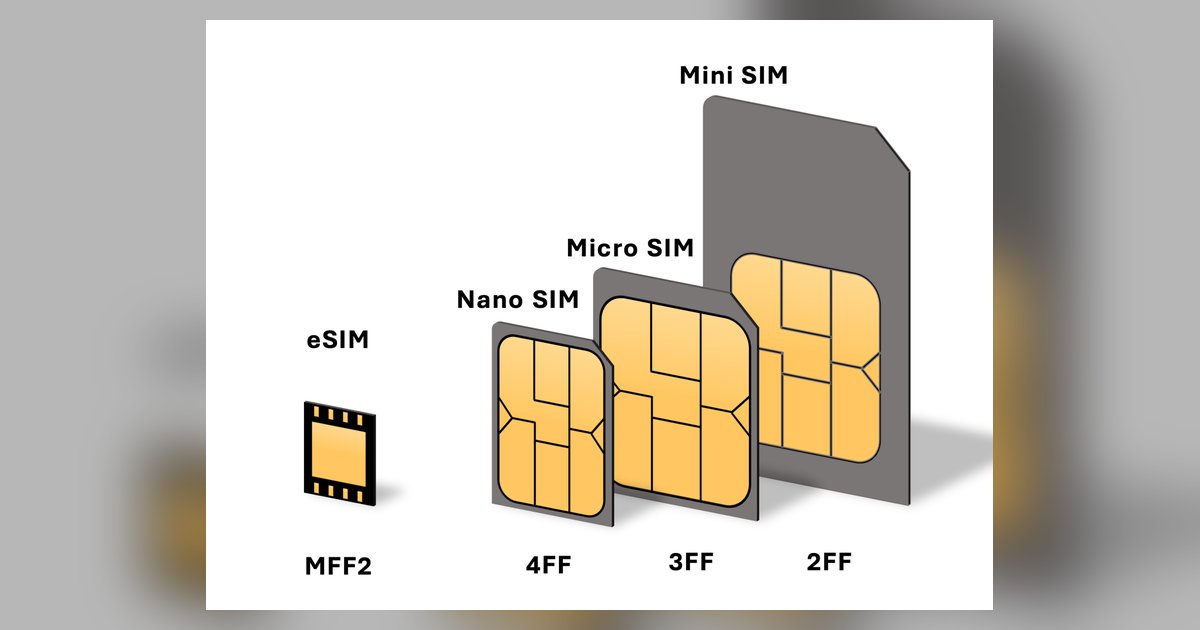
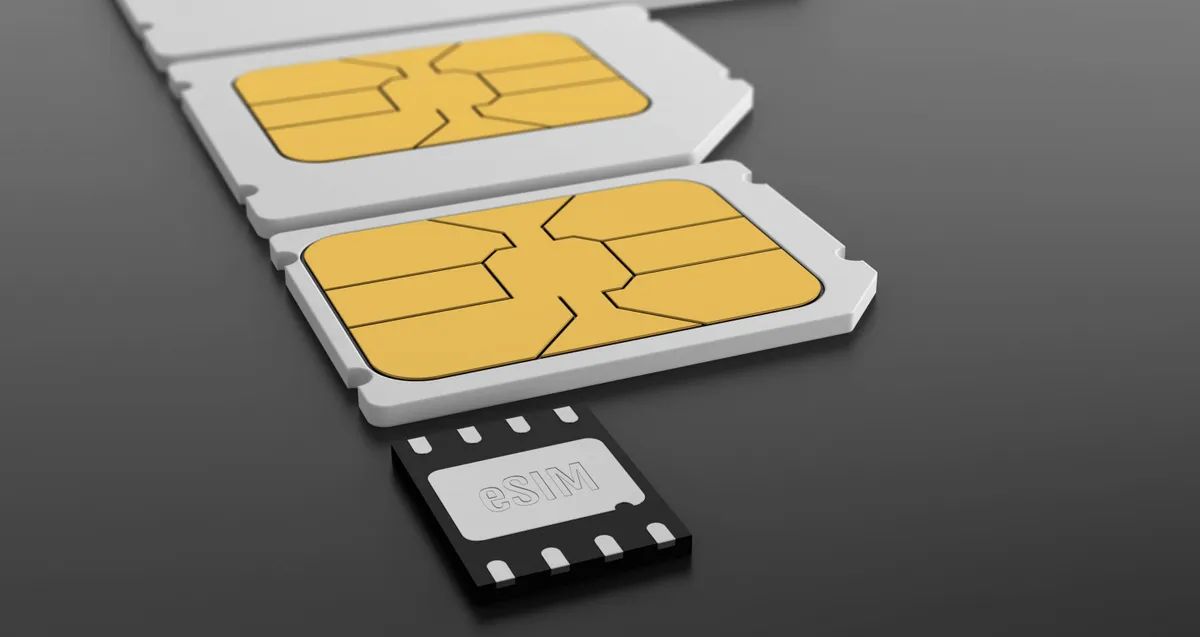
Do not put the fragments in regular household trash. Instead, drop them at a carrier store such as AT&T, Verizon, or T-Mobile, or at an electronics retailer like Best Buy. Many of these locations accept old SIM cards and send them to e-waste processors. Community e-waste centers also take small electronics. If you want to recycle electronics responsibly, check with your local facility for accepted items. For the future, consider switching to an eSIM, which is a digital SIM that eliminates physical waste entirely.
For the wider topic, see inserting a SIM card.