Removing your SIM card immediately cuts your phone off from the cellular network, stopping calls, texts, and mobile data, while Wi-Fi, offline apps, and GPS continue to function. If you need help with the physical removal process, see locating the SIM card on Android phones before you start. The most direct consequences of removing SIM card are the loss of carrier-based communication and mobile internet, but your device remains a fully capable Wi-Fi-only mini tablet for everything else.
What are the consequences of removing a SIM card from your phone
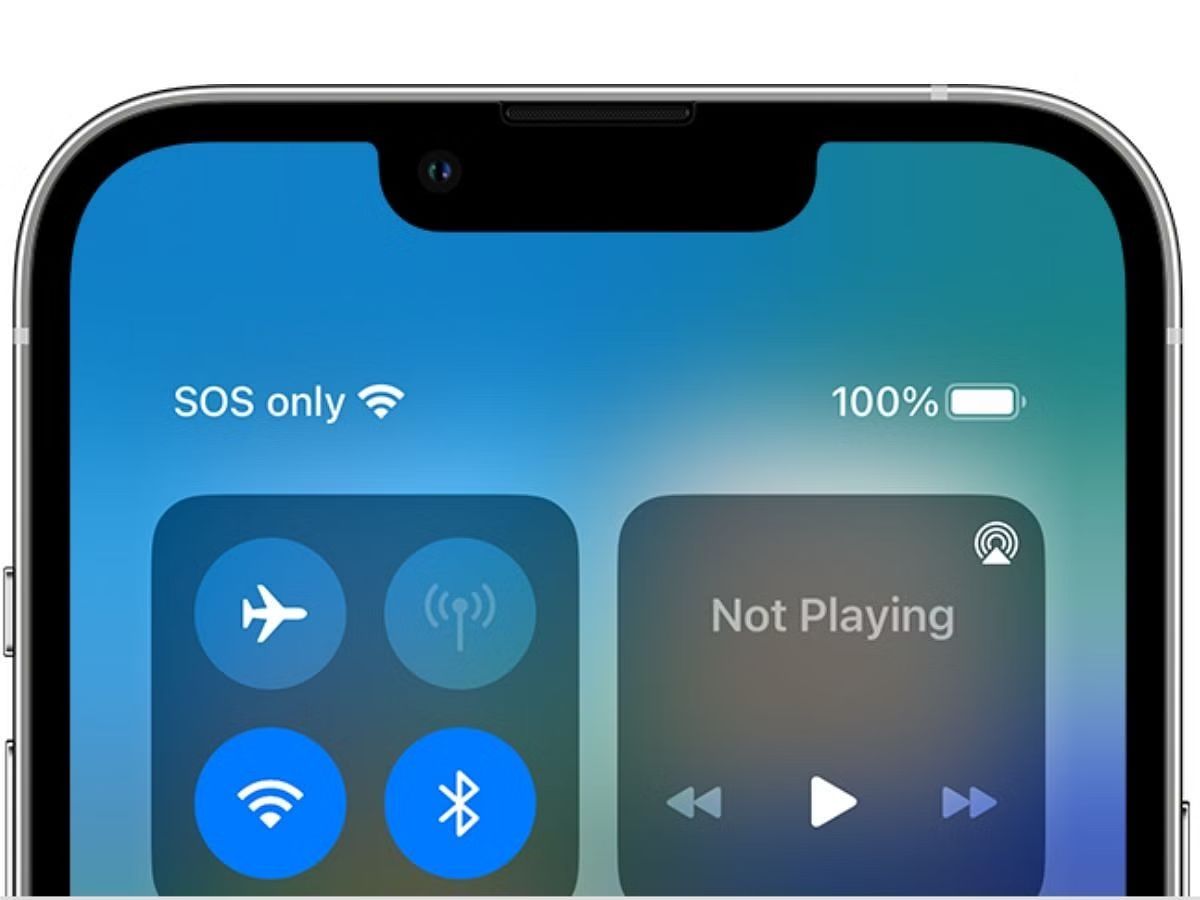
When you pop out the SIM card, you lose the ability to make or receive standard cellular calls, send SMS text messages, and use mobile data (4G/5G). Your phone will also drop carrier-specific settings like APN configurations. However, the device itself is not disabled: you can still connect to Wi-Fi, use the camera, play offline games, listen to downloaded music, and navigate with GPS using offline maps.
What is a SIM card and why it matters
A SIM (Subscriber Identity Module) card is a tiny, removable smart card that holds your International Mobile Subscriber Identity (IMSI) and a unique authentication key. It acts as the gatekeeper for your cellular network access, proving to the carrier that you are a legitimate subscriber. Beyond identity, it stores personalized mobile data settings, including APN profiles for internet connectivity, and often a small amount of contacts or SMS messages. Without it, your phone has no way to identify itself to the mobile network, which is why its removal triggers the immediate loss of cellular services. You can still use Wi-Fi for most tasks by setting up a phone without a SIM card.
Communication and connectivity loss after removing a SIM card
The most obvious impact is that your phone can no longer place or receive regular voice calls or send SMS/MMS messages. This happens because the device lacks the authentication credentials needed to register with the carrier's network. Mobile data also ceases entirely, your browser, email app, and streaming services will only work when connected to Wi-Fi. Additionally, your APN settings (which tell the phone how to reach the internet via cellular) are stored on the SIM, so they disappear upon removal; you'll need to re-enter them if you switch to a different SIM later. A key nuance is that Wi-Fi Calling may require the SIM to be present on some devices, even if you're on a Wi-Fi network, because the feature can use your carrier's authentication to route calls.
What still works without a SIM card
Your phone is not bricked, it transforms into a Wi-Fi-only mini tablet. You can browse the internet, stream video, and use cloud services over Wi-Fi. All offline apps function normally: the camera captures photos and videos, the gallery and file manager work, and offline maps (e.g., Google Maps offline or dedicated GPS apps) provide turn-by-turn navigation. Previously downloaded music, podcasts, e-books, and documents are fully accessible. Bluetooth remains active for connecting headphones, smartwatches, or transferring files. In most countries, emergency calls (112/911) still work without a SIM, as the phone can connect to any available network in emergency mode. This makes a SIM-less phone a useful backup device for kids, travel, or as a dedicated music player.
Privacy and security considerations when the SIM isn't present
Without the SIM, the carrier-based authentication layer is disabled, meaning your phone cannot verify your identity to the network. This reduces some security protections, for instance, two-factor authentication codes sent via SMS will not arrive. Contacts stored directly on the SIM (rather than in the phone's internal memory or cloud) become inaccessible until the SIM is reinserted. The critical risk is physical: a loose SIM card contains your identity and can be used in another phone to make calls or access your number's services. Therefore, store the removed SIM in a safe, dry place, ideally in its original holder or a small anti-static case, and never leave it lying around where someone else could pick it up.
How to safely remove your SIM card
Follow these steps to avoid damaging your phone or the card:
Step 1: Power off the device
Always turn off your phone before removing the SIM. This prevents any electrical surges or software errors that could corrupt the card or the slot's contacts.
Step 2: Locate the SIM tray
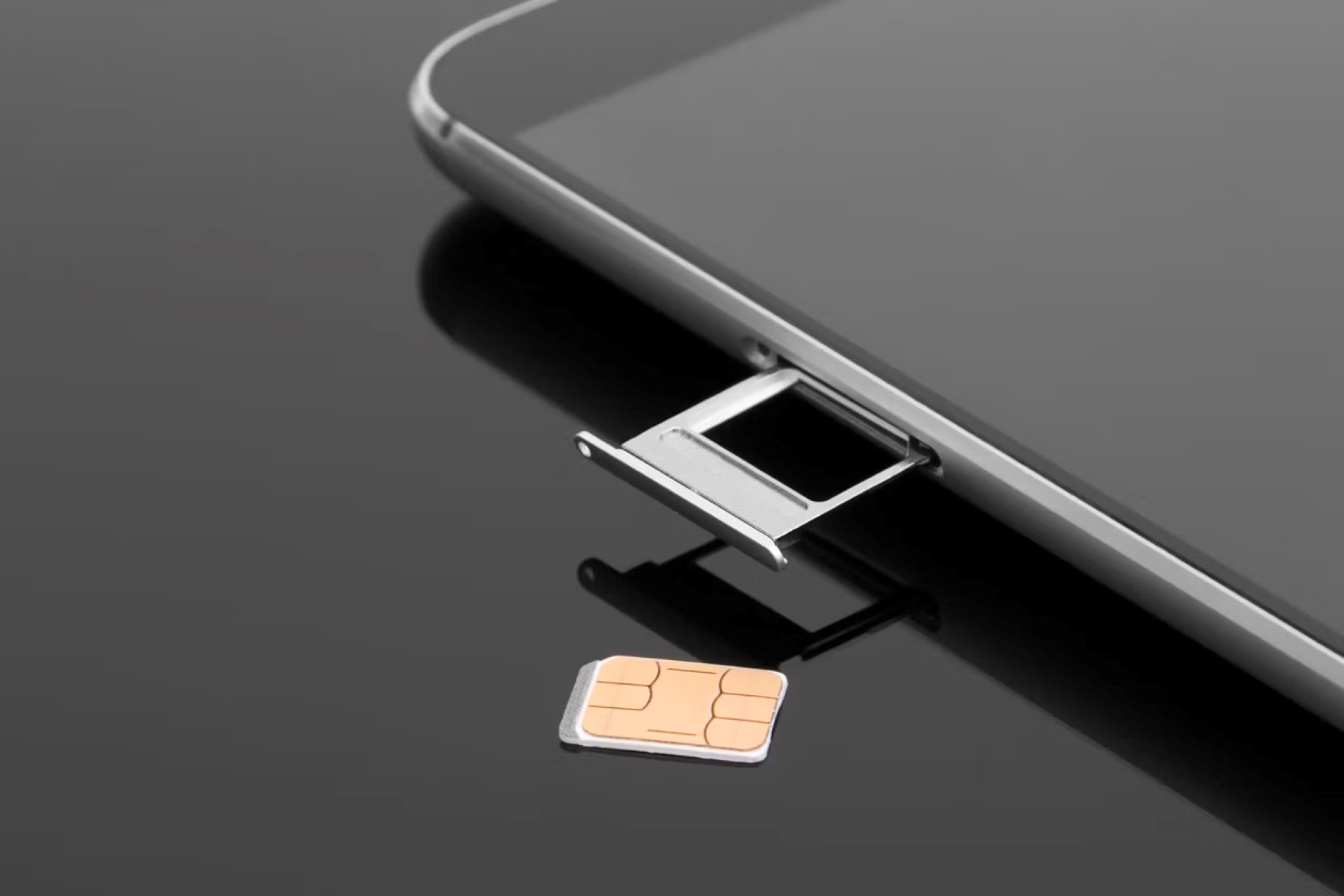
The tray is usually on the side of the phone (for modern devices) or under the back cover (for older models). Consult your manual if unsure.
Step 3: Use the ejection tool
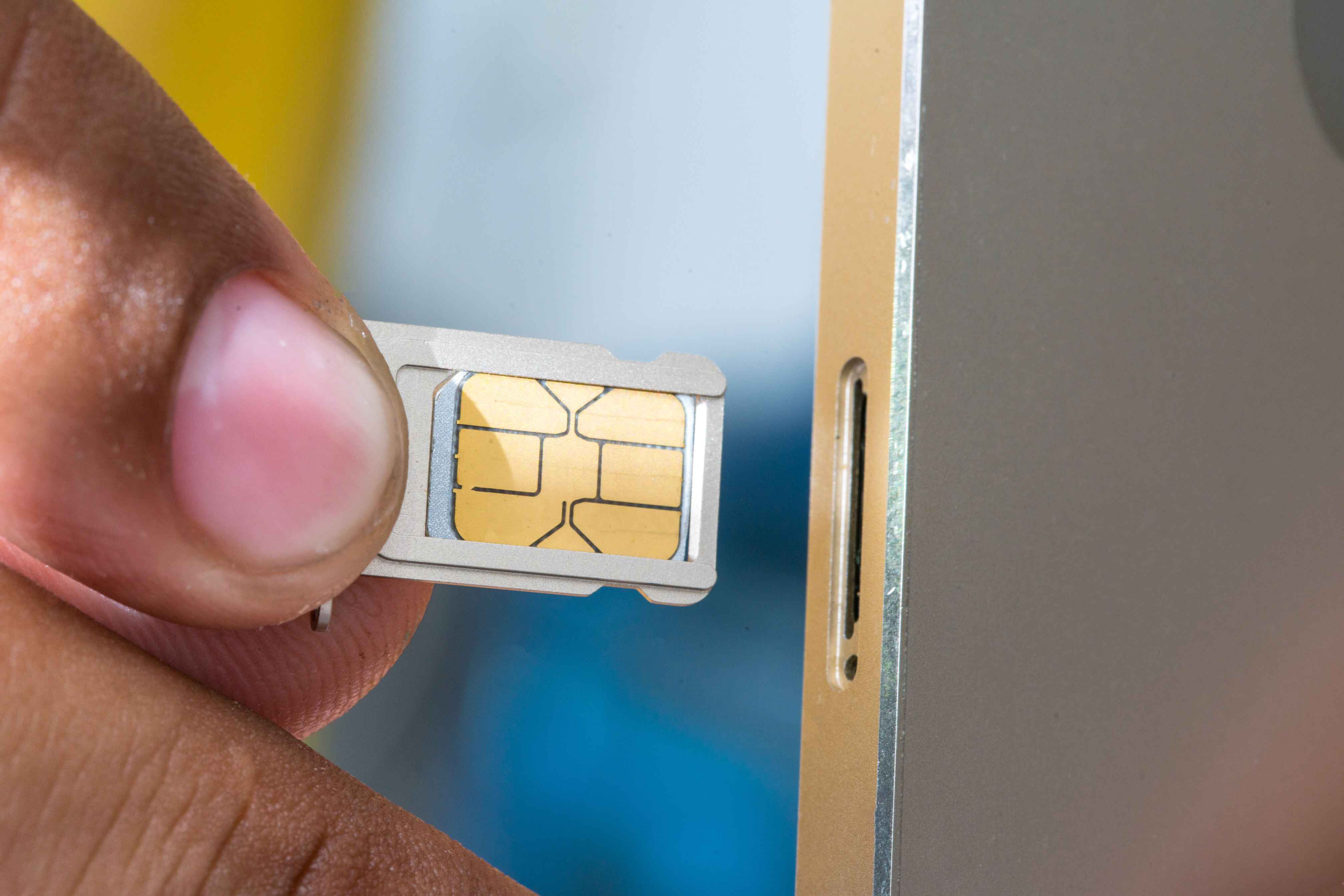
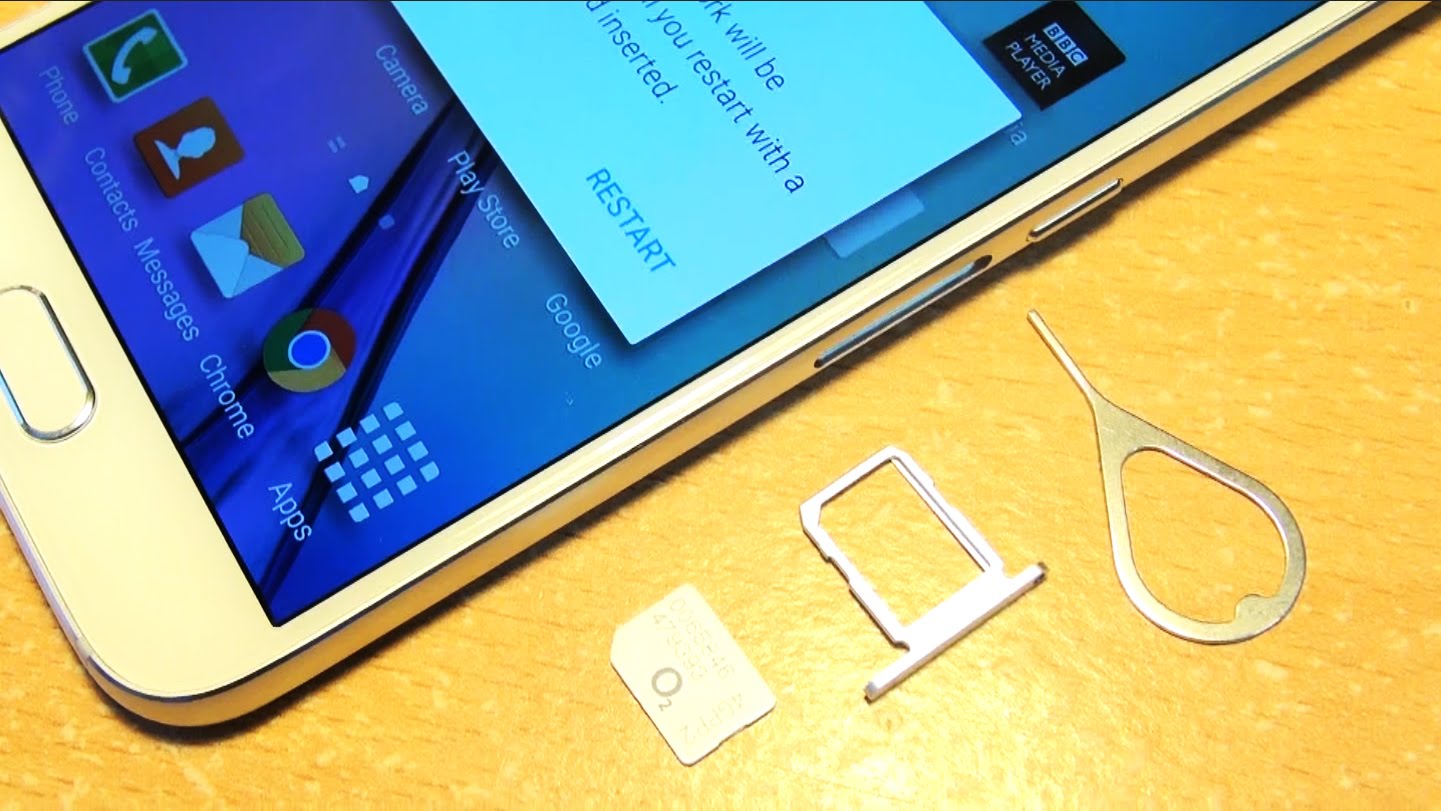
Insert the SIM ejection tool (or a straightened paperclip) into the small pinhole next to the tray. Push gently until the tray pops out.
Step 4: Gently pull the tray and remove the card
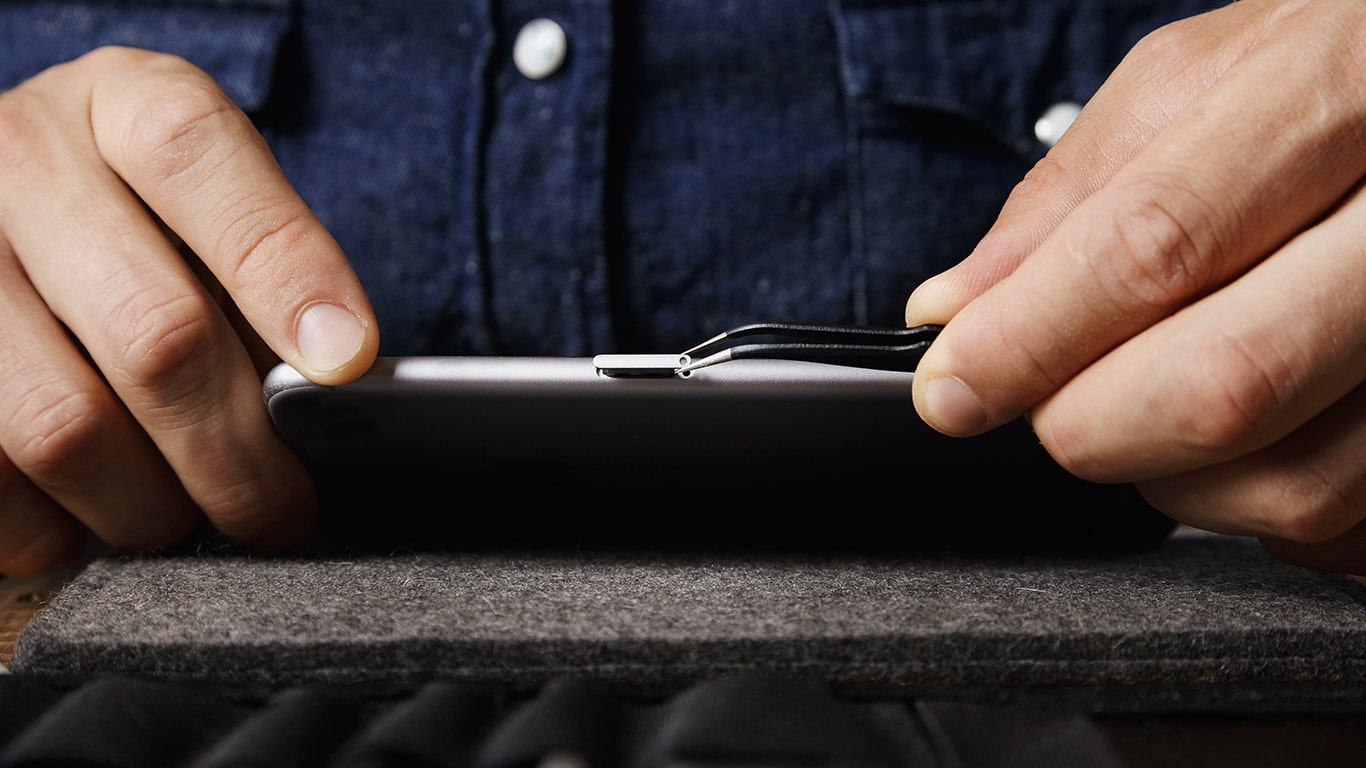
Pull the tray straight out, then lift the SIM card off without bending it. Avoid touching the gold contacts, hold it by the edges. Immediately store the card in a safe place, such as a protective case or a zippered pocket.
How to safely reinsert your SIM card
Reinsertion is just as delicate:
Step 1: Verify notch orientation
Look for the notched corner on the SIM card. This must align with the corresponding corner in the tray, inserting it upside down can damage the card.
Step 2: Place the card flat in the tray
Step 3: Slide the tray in straight
Push the tray back into the phone in a straight, smooth motion until it clicks flush with the frame. Do not use excessive pressure.
Step 4: Power on and check signal
Turn on the phone and wait a few seconds.
When you might need to remove your SIM card
In each case, the removal process is the same, just remember to power off first and handle the card with care.
Maintaining your SIM card and phone slot
To keep your SIM and the slot in good condition, avoid exposing the open tray to dust, moisture, or metal objects. Never touch the gold contacts on the card, as oils from your fingers can cause connectivity issues. Be mindful of static electricity, especially in dry climates, by grounding yourself (touching a metal object) before handling the card. If you ever encounter a stuck tray, do not force it; instead, try gently wiggling the tool or consult a professional for help. Taking these precautions will prevent most problems and extend the life of both your SIM and your phone's hardware.
For the wider topic, see inserting a SIM card.