What Is Account Recovery Payment Venmo
An account recovery payment Venmo is the money you must send to Venmo to unfreeze your account after a payment fails and leaves a negative balance. This payment settles what you owe so Venmo can restore your full account access.
What is an account recovery payment on Venmo?
An account recovery payment on Venmo is the specific amount of money Venmo requires you to pay when your account has been frozen because a payment you sent failed. This typically happens when you try to send money from a linked bank account, but the transfer doesn't go through, leaving your Venmo balance negative. Venmo freezes your account to protect itself and other users until you repay the outstanding amount.
The most common causes of a failed payment that triggers a recovery payment include:
- Insufficient funds in your linked bank account when Venmo attempts to withdraw the money
- Exceeding your ACH transfer limits, which are daily or weekly caps on how much you can move from a bank account
- A bank rejection due to closed accounts, incorrect routing numbers, or other bank-side errors
When any of these occur, Venmo covers the payment on its end but your account goes into a negative balance. The recovery payment is how you make that balance whole again.
Why your Venmo account gets frozen
Venmo freezes accounts when a payment you sent from your bank account fails and leaves a negative balance that Venmo needs to recover. This is not a punishment or a random security measure, it is a straightforward debt collection mechanism. Venmo fronted the money to the person you paid, but your bank never delivered the funds to Venmo.
Here is the sequence of events that leads to a frozen account:
- You send a payment through Venmo, choosing your linked bank account as the funding source.
- Venmo instantly credits the recipient's balance, so the transaction appears successful.
- Venmo then submits an ACH request to your bank to pull the money.
- Your bank rejects the request because of insufficient funds, a closed account, or a limit that was exceeded.
- Venmo now has a negative balance on your account equal to the failed payment amount.
- Venmo temporarily freezes your account, preventing you from sending, receiving, or withdrawing money.
- You must make an account recovery payment to clear the negative balance and unfreeze your account.
Until you pay what you owe, Venmo holds your account in this frozen state. The freeze is temporary by design, it lifts automatically once your balance returns to zero or above.
How to make your recovery payment and unfreeze your account
Making your recovery payment is straightforward, and Venmo gives you two clear paths to complete it. Follow these steps to restore your account:
Step 1: Open the in-app prompt or visit Venmo.com/recover
When your account is frozen, the Venmo app will show a message explaining that your account is temporarily frozen and that you need to make a payment to restore access. Tap the prompt that says "Restore your account" to begin. Alternatively, open a computer browser and go to Venmo.com/recover, this works even if you cannot access the app.
Step 2: Choose your payment method
You have two options for funding the recovery payment:
- Debit card: This is the fastest way to fund a recovery payment. The money is processed instantly, and your account is typically unfrozen right away.
- Bank account: If you use a linked bank account instead, the payment can take up to 5 business days to process. Your account will remain frozen until the payment fully clears, so this option means waiting several days before you can use Venmo again.
For most people, the debit card option is the better choice because it resolves the freeze immediately and gets you back to using Venmo without delay.
Step 3: Enter the full amount or make a partial payment
Venmo will display the total amount you owe. You can pay the full balance in one go, or you can make a partial recovery payment if you cannot cover the entire amount at once. To make a partial payment, edit the repayment amount before selecting "Pay." Venmo will accept whatever portion you can pay, and you can make additional payments later until the balance is cleared.
Step 4: Confirm and submit
Review the payment details, confirm the amount, and submit your payment. Once the payment processes (instantly with a debit card, or within 5 business days with a bank account), Venmo lifts the freeze and restores your full account access.
What happens to money you receive while you owe Venmo
If someone sends you money while your account has a negative balance, Venmo does not let you keep it, at least not until your debt is settled. Any payments received on a Venmo account that owes money will automatically be applied to the amount owed. This means the incoming payment reduces your negative balance dollar-for-dollar, and you cannot withdraw or spend that money until your balance is back to zero or above.
For example, if you owe Venmo $50 and a friend sends you $30, your balance becomes -$20. You still owe that $20 before your account is fully unfrozen. If a friend sends you $60, your balance becomes +$10, and the freeze lifts immediately, leaving you with $10 you can use normally.
What if I can't log in to my Venmo account at all?
If you cannot log in to your Venmo account at all, this is a different situation from the recovery payment flow described above. The recovery payment process assumes you can still access your account to see the prompt and make the payment. If you are locked out entirely, you need to go through Venmo's standard account recovery steps first, then handle any outstanding balance afterward. If recovery proves impossible, you may need to delete Venmo account to prevent further unauthorized charges.
Verification steps to regain login access
When you try to log in and fail, Venmo will ask you to verify your identity. Here is what to do:
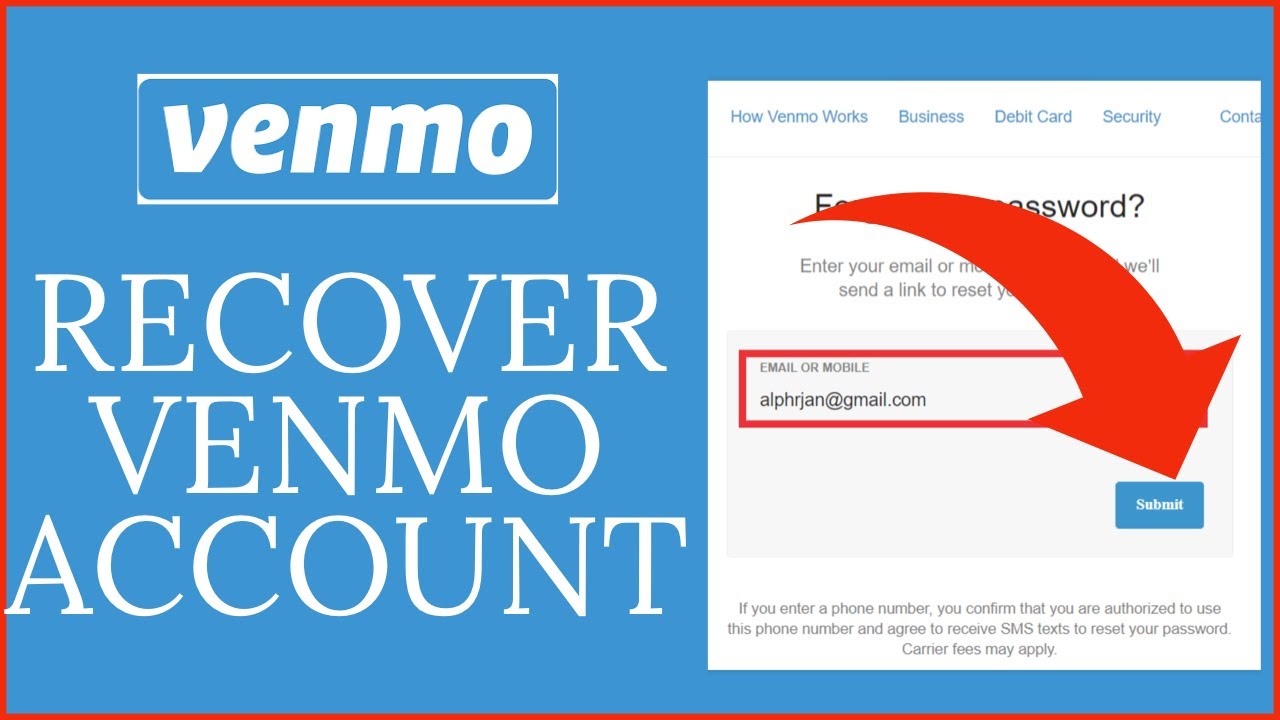
- Enter the email address or phone number associated with your account.
- Venmo will send a six-digit verification code to your registered phone number or email.
- Enter the code to verify your identity and reset your password.
- If you cannot receive the code because you no longer have access to that phone number, look for "Other options" or "I don't have access to this phone" on the verification screen. This will let you verify your identity another way.
If alternative verification options are not available, you will need to contact Venmo Support. They may ask for your full name, email address, old phone number, and partial bank or card details. Specifically, they may request your full routing number plus the last 4 digits of your bank account number, or the first 6 and last 4 digits of your card. Have this information ready when you reach out.
How to contact Venmo Support
To contact Venmo Support from within the app, go to "Me" in the bottom right corner, then tap the gear icon for Settings. From there, select "Get Help" and then "Chat With Us." This opens a chat where you can ask for an agent. Venmo Support is available 24/7, so you can reach out at any time, day or night.
Warning: Do not create a second Venmo account while your original account is frozen or locked. This is against Venmo's terms of service and can result in both accounts being permanently closed. Instead, resolve the issue with your existing account through the proper channels.
Staying safe when recovering your account
Account recovery is a sensitive process, and scammers know it. Venmo will never ask you to provide your six-digit verification code on a phone call, text message, email, or chat, nor will they ask you to send them money on another payment platform. Any request for your code or for payment outside of Venmo's official app or website is a scam.
If you spot unauthorized charges on your Venmo account, act quickly:
- Change your Venmo password immediately to lock out any unauthorized access.
- Review your linked bank accounts and cards, and remove any that you do not recognize.
- Check your profile details for unexpected changes, such as a new email address or phone number.
- Report the unauthorized charges to Venmo Support. When you report, prepare the date and amount of the transaction, and the username of the person paid.
Venmo's support team will investigate the unauthorized activity and work to restore your account and funds. The faster you report, the quicker they can act.
When you recover your account, take the opportunity to strengthen your security. Update your password to something strong and unique, enable two-factor authentication, and make sure your contact information is current. Knowing your Venmo handle helps support verify your identity faster if you ever need to call them. If you are new to the platform and need to set up Venmo from scratch, complete the account setup fully before sending or receiving money to avoid triggering a freeze from incomplete verification.
By understanding what an account recovery payment Venmo is, why it happens, and how to resolve it, you can handle a frozen account quickly and get back to using Venmo without stress.
For the wider topic, see Venmo handle.