You have to pay for Amazon Music because your Prime membership includes Amazon Music Prime, which gives you access to 100 million songs but restricts most playback to shuffle mode. To remove those restrictions and get full on-demand control, you need a separate subscription to Amazon Music Unlimited, which costs extra due to the licensing fees required for on-demand streaming, a billing model similar to how Prime Video charges with Amazon Prime can also require separate subscriptions for specific content.
Why do you have to pay for Amazon Music if you have Prime?
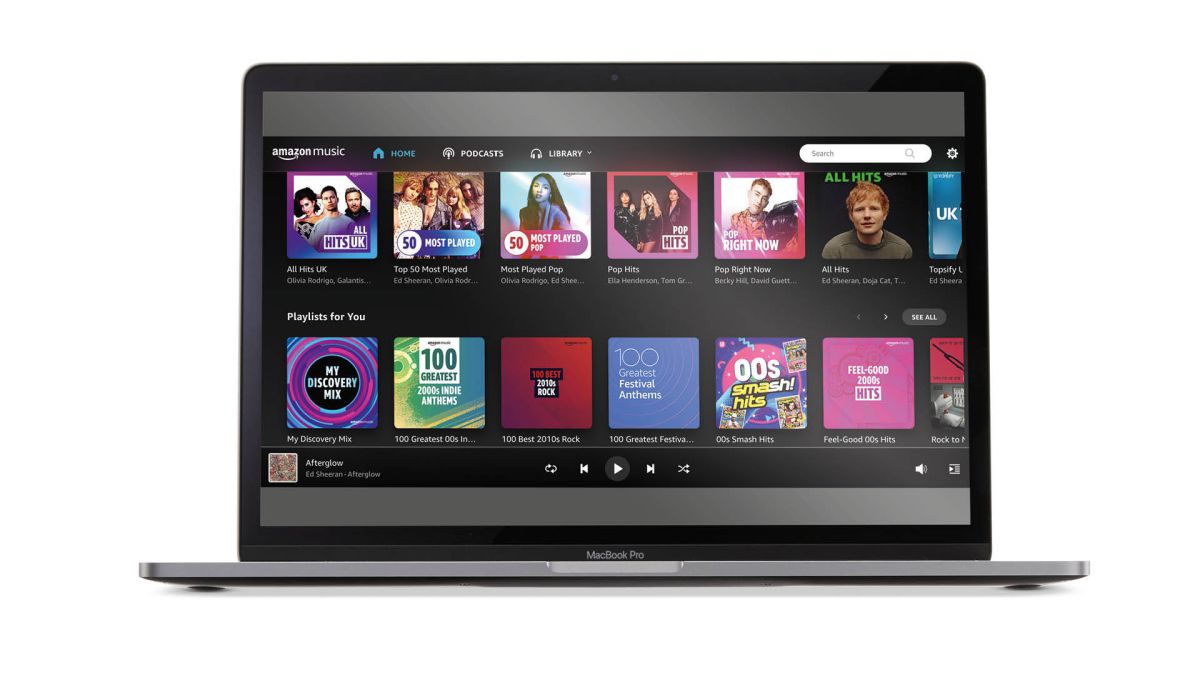
Amazon Prime includes Amazon Music Prime at no additional cost. However, this service is designed as a radio-style listening experience rather than a full on-demand streaming platform. While you can browse and select from a catalog of 100 million songs and top ad-free podcasts, most songs, artists, and albums are available only in shuffle-play mode. This means you cannot simply pick any song and play it from start to finish on demand. To unlock that capability, you must upgrade to Amazon Music Unlimited, a premium subscription that requires a separate fee even for Prime members. The reason comes down to how music licensing works: on-demand streaming costs more per stream than shuffle-based listening, and that cost is passed on to subscribers who want the full experience.
What you actually get with your Prime membership
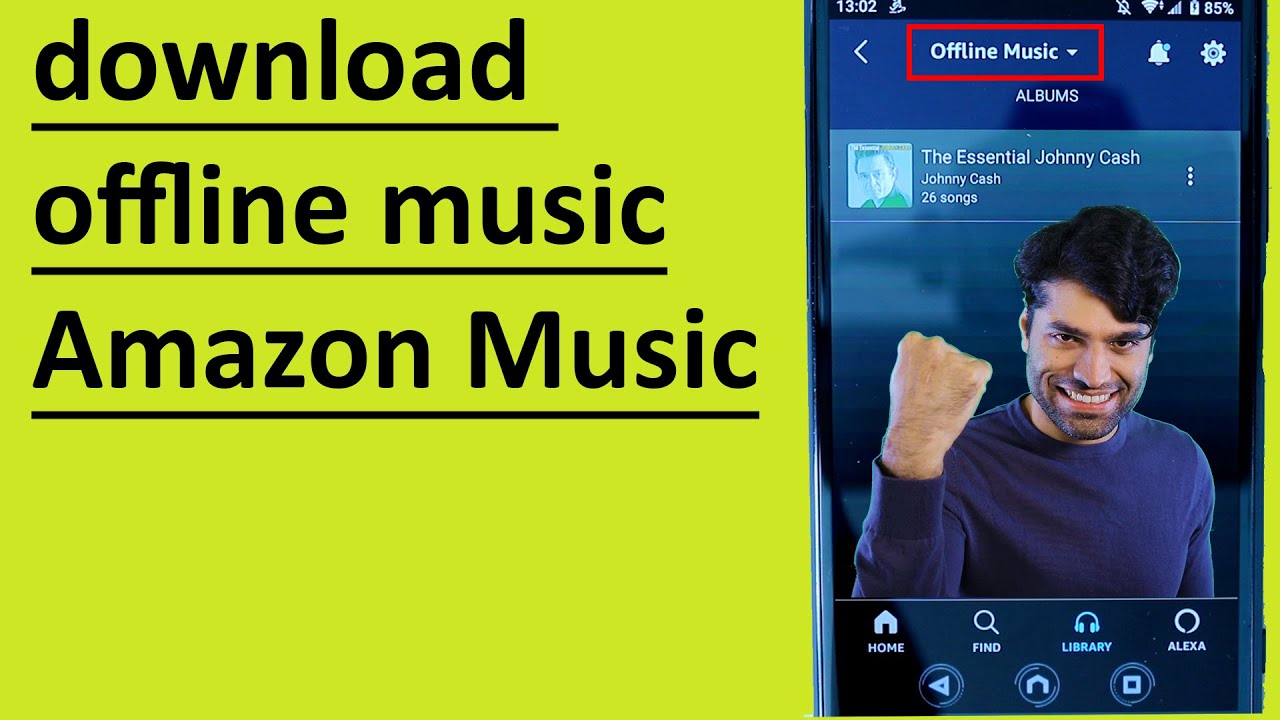
Since November 2022, Amazon Music Prime includes the full 100 million song catalog, not a smaller library as was the case before. You also get ad-free podcasts and the ability to create playlists. However, the core limitation remains: most playback is restricted to shuffle mode. The only on-demand access you have is for what Amazon calls "All-Access Playlists." These are curated playlists where you can play any song in full, on demand. For everything else, individual songs, entire artist discographies, or specific albums, the service will play them in random order, much like a radio station. Offline listening is also limited to downloading these All-Access Playlists for offline use, rather than downloading any song you choose.
The shuffle-mode limitation explained
The shuffle-mode restriction is the primary reason Prime members feel they need to pay for Unlimited. When you open Amazon Music Prime and search for a specific song by your favorite artist, you can see it in the catalog, but you cannot simply tap it and hear it from beginning to end. Instead, the service will start playing that song within a shuffled stream of similar tracks. The same applies to albums: selecting an album starts a shuffled playback of its tracks. This design mimics the licensing model of internet radio, where the platform pays a blanket royalty fee rather than a per-stream fee for each user's specific request. For users who want to choose exactly what plays next, this limitation is frustrating, and it directly points toward the value of the Unlimited upgrade.
How Amazon Music Unlimited removes the restrictions
Amazon Music Unlimited offers unlimited, on-demand access to the full 100 million song catalog. You can pick and play any song, any album, or any artist's complete discography in full, without shuffle. It also provides unlimited skips, so you are never forced to listen to a track you do not want. For audio quality, Unlimited includes HD, Ultra HD, and Spatial Audio options for an enhanced listening experience. Offline downloads are unrestricted: you can download any song, album, or playlist for offline playback, without the limitation of only downloading All-Access Playlists. In short, Unlimited removes every restriction that makes Prime Music feel limited, giving you complete control over your listening.
Licensing and royalties: why on-demand costs more
The fundamental reason for the separate cost is the difference in licensing models. When you stream music in shuffle mode through Amazon Music Prime, Amazon pays a royalty structure similar to radio broadcasting, where the fee is based on a blanket license for all songs played. This model is less expensive per stream. On-demand streaming, where a user specifically requests and plays a particular song, requires a per-stream royalty payment to the artist, songwriter, and record label. These payments are significantly higher because they compensate rights holders for the direct consumption of their work. Amazon Music Unlimited's subscription fee is necessary to cover these higher per-stream costs, ensuring that artists and rights holders are fairly compensated for on-demand access. The same reason explains why you cannot simply get full on-demand music as a Prime benefit: the licensing costs would require a substantial increase in the Prime membership fee for all members, even those who never use the music service.
What Amazon Music Unlimited costs for Prime members
For Prime members, Amazon Music Unlimited costs $10.99 per month or $109 per year for an Individual Plan. For non-Prime members, the same Individual Plan costs $11.99 per month. Amazon also offers a Family Plan for up to six family members and a Single-Device Plan for use on a single Echo device, each at different price points. The Prime member discount makes Unlimited more affordable than the standard rate, but it remains a separate subscription from your Prime membership.
How to sign up or cancel Amazon Music Unlimited
To subscribe to Amazon Music Unlimited, you can visit the Amazon Music website and select the plan that fits your needs. You will need to sign in with your Amazon account and provide payment information. Once confirmed, you immediately get full on-demand access to the catalog. If you ever need to cancel, go to Your Amazon Music Settings on the Amazon website, navigate to the Amazon Music Unlimited section, and select the cancel option or cancel subscription. Your access will continue until the end of the current billing period.
If you are unsure about your membership status, you can check your Amazon Prime membership. Many Prime members also find it useful to use Grubhub with Amazon Prime as part of their overall membership benefits, even though music streaming requires a separate upgrade for full control.