This tag collects all articles on robots.net that address Amazon Music, aimed at everyday listeners who use the service across phones, tablets, Echo devices, Fire tablets, and PCs. Whether you are a Prime member trying to figure out what you actually get, or a new user trying to get a playlist onto a different platform, these pieces are written for a general audience that wants clear, practical answers without jargon.
The articles cluster around a few practical themes. One is account and payment management, covering why you were charged, how to change your payment method, and how to pay for the service or a single song. Another theme is playback and device control, which includes repeating a song, playing a playlist on Alexa, listening offline, and clearing the cache on an iPhone. A third theme is content portability and storage, such as moving a playlist from Amazon Music to Spotify, transferring downloaded music to an MP3 player, or deleting downloaded songs to free up space. Several pieces also address subscription confusion, like why you might be paying for Amazon Music Unlimited if you already have Prime, and how to set a song as a ringtone or see your listening stats.
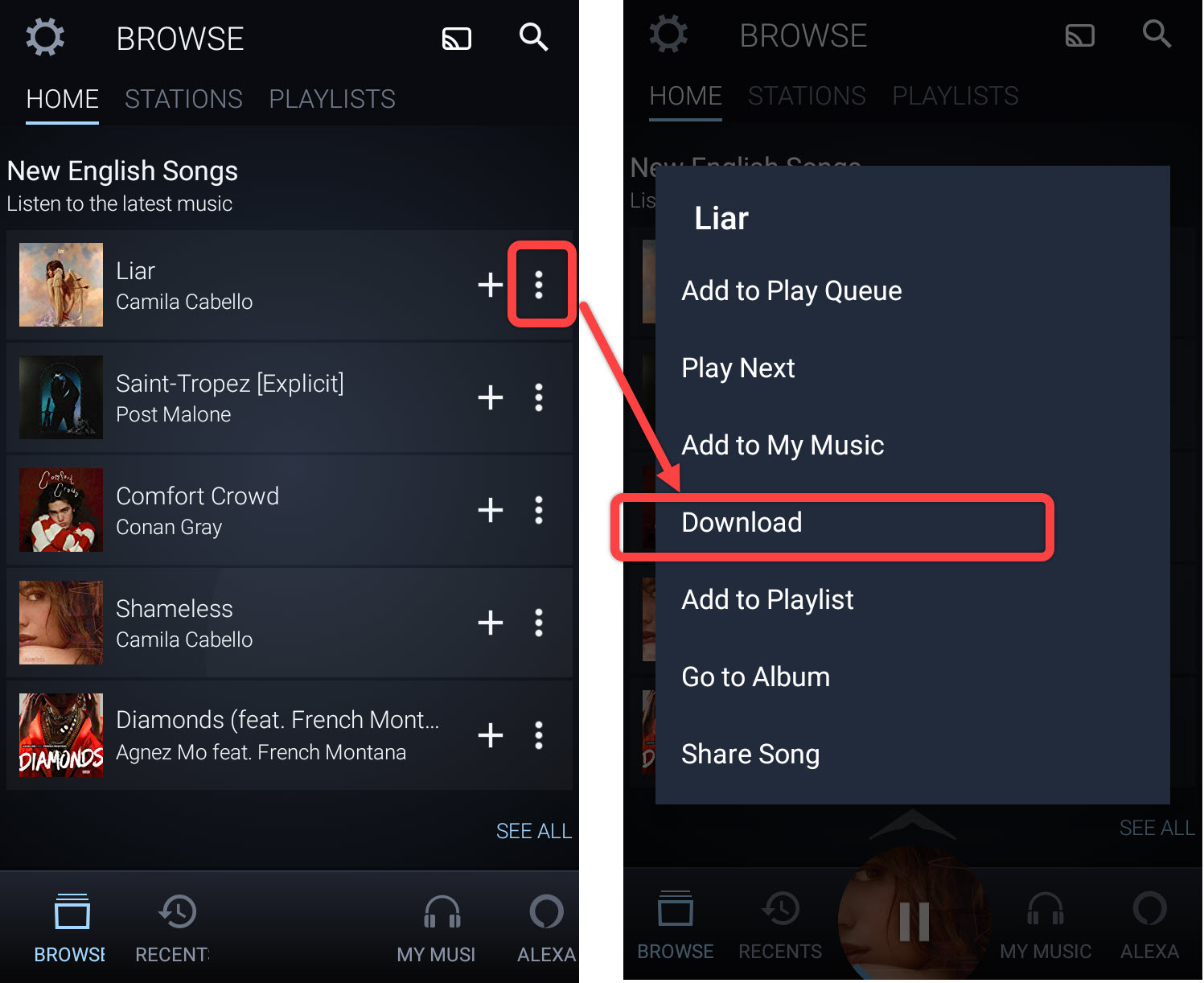
Readers will find straightforward walkthroughs for everyday actions: downloading music for offline listening, adding family members, buying a track, or getting Unlimited on an Echo. The articles also help you manage your account safely and legally, for example, understanding why a charge appeared, how to shut off the service, and how to add music to a Fire tablet. Nothing here encourages bypassing or pirating; instead, the focus is on using the tools Amazon provides correctly, troubleshooting common issues, and making informed choices about your subscription and devices.