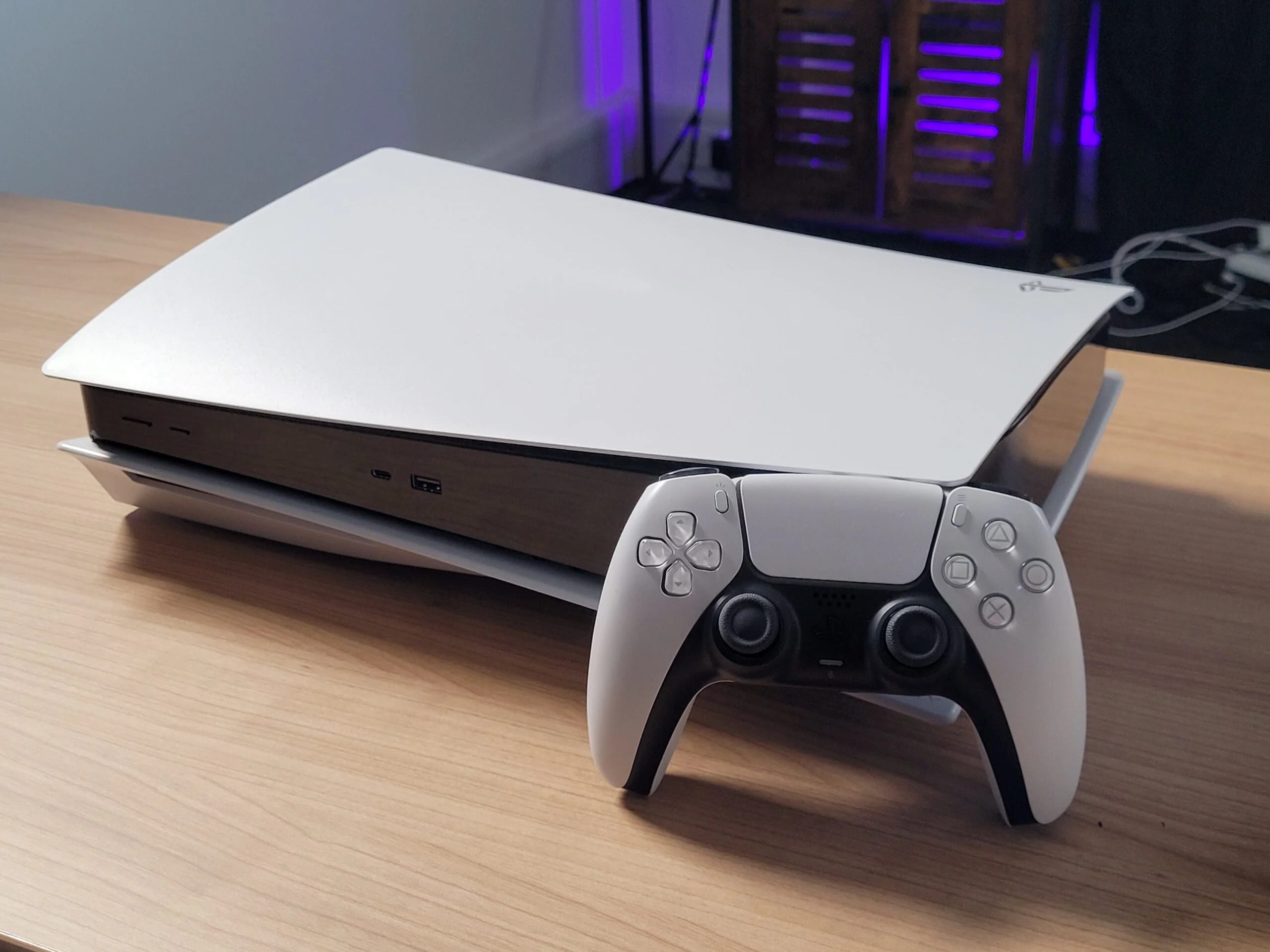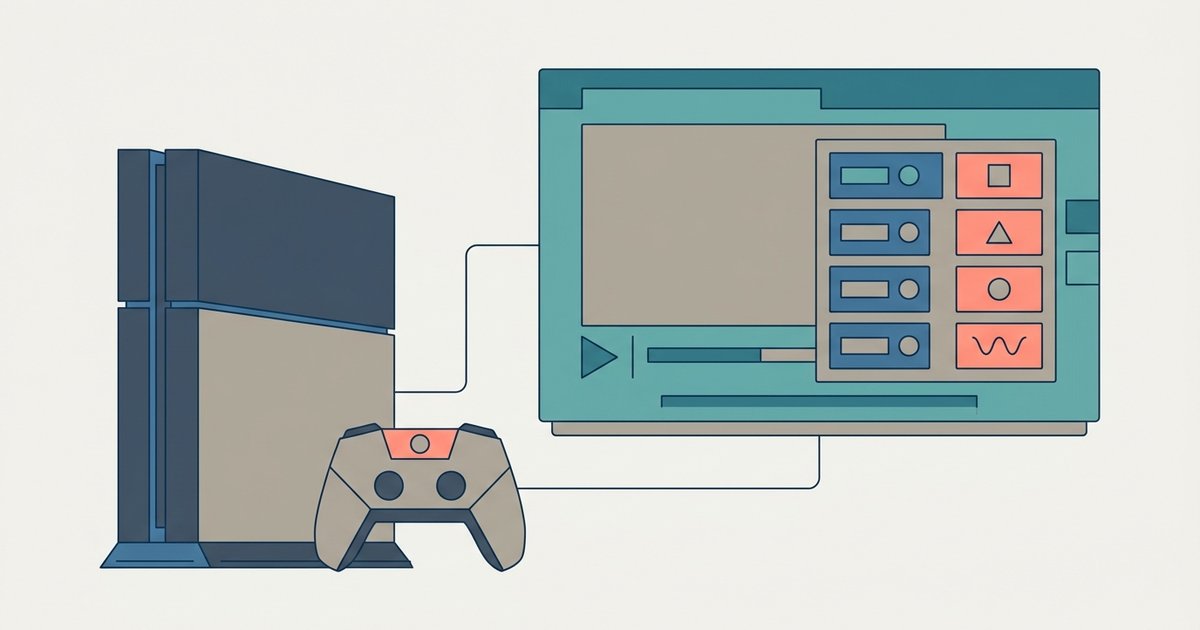
The PS5 browser only reliably decodes H.264 video with AAC audio; it does not support H.265/HEVC or AV1 in the browser, meaning many modern web players and 4K streams will fail to load.
The hard truth about PS5 browser codecs and the HTML5 player
The PS5 browser identifies as a bare WebKit client with no Widevine DRM and a stripped-down Media Source Extensions implementation. That is why Netflix and Disney+ block playback entirely. When you try to load a streaming service, the browser reports an unsupported user agent string and lacks the encrypted media extensions (EME) required for DRM-protected content. Even services that use plain HTML5 video will fail if they rely on segmented streaming via MSE. The result is a persistent black screen or an error message reading “Your browser does not support this video format.”
Do not waste time troubleshooting streaming apps. Bookmark a test page that serves a single MP4 file instead.
Supported video codecs
The only consistently playable video codec is H.264 (AVC) in an MP4 container. H.265/HEVC, VP8, and AV1 return black screens or “format not supported” errors. In practice, this means you can play standard 1080p H.264 videos from sites like YouTube’s basic HTML5 player, but only if the site sends a single MP4 file rather than a DASH stream.
To access the web browser on PS5, navigate to the hidden URL via the support page, if you need help finding it, see the web browser on PS5. Once there, skip any 720p VP9 clip on YouTube because it will fail to decode and force the player to fall back to a blank screen. Load a direct H.264 MP4 link instead.
Supported audio codecs
AAC (LC) and MP3 decode natively. Multichannel AAC, AC3, E-AC3, and FLAC are not passed through or decoded, often leaving you with silent video. If you try to play a movie file with 5.1 AAC audio, the browser will output no sound and you will see the video timeline advance without audio. The browser simply ignores the audio track for unsupported codecs.
Remux your media to stereo AAC LC before playback. Do not expect the browser to handle anything beyond that.
Why 4K and 60fps streams stutter
Even with a supported codec, the browser caps software decoding performance. High-bitrate 1080p/60fps or 4K H.264 files drop frames and desync audio. The PS5’s browser does not use the console’s hardware video decoder. Instead, it relies on a software-based WebKit decoder that maxes out at roughly 30 Mbps for 1080p/30fps. Attempting to play a 4K H.264 file at 60 fps will result in severe stuttering, with frame drops exceeding 50% and audio lagging behind by several seconds.
If you are connecting hotspot to PS5 to test this, remember that network bandwidth is not the bottleneck. The browser’s decoder is. For reliable playback, stick to 720p or low-bitrate 1080p H.264 with stereo AAC. Avoid any site that forces adaptive bitrate streaming.
The PS5 browser does not use the console’s hardware video decoder, so even a wired gigabit connection cannot fix stuttering 4K playback. For a full guide on how to get a browser on PS5, including alternative methods and workarounds, refer to the broader topic of How To Get A Browser On PS5.