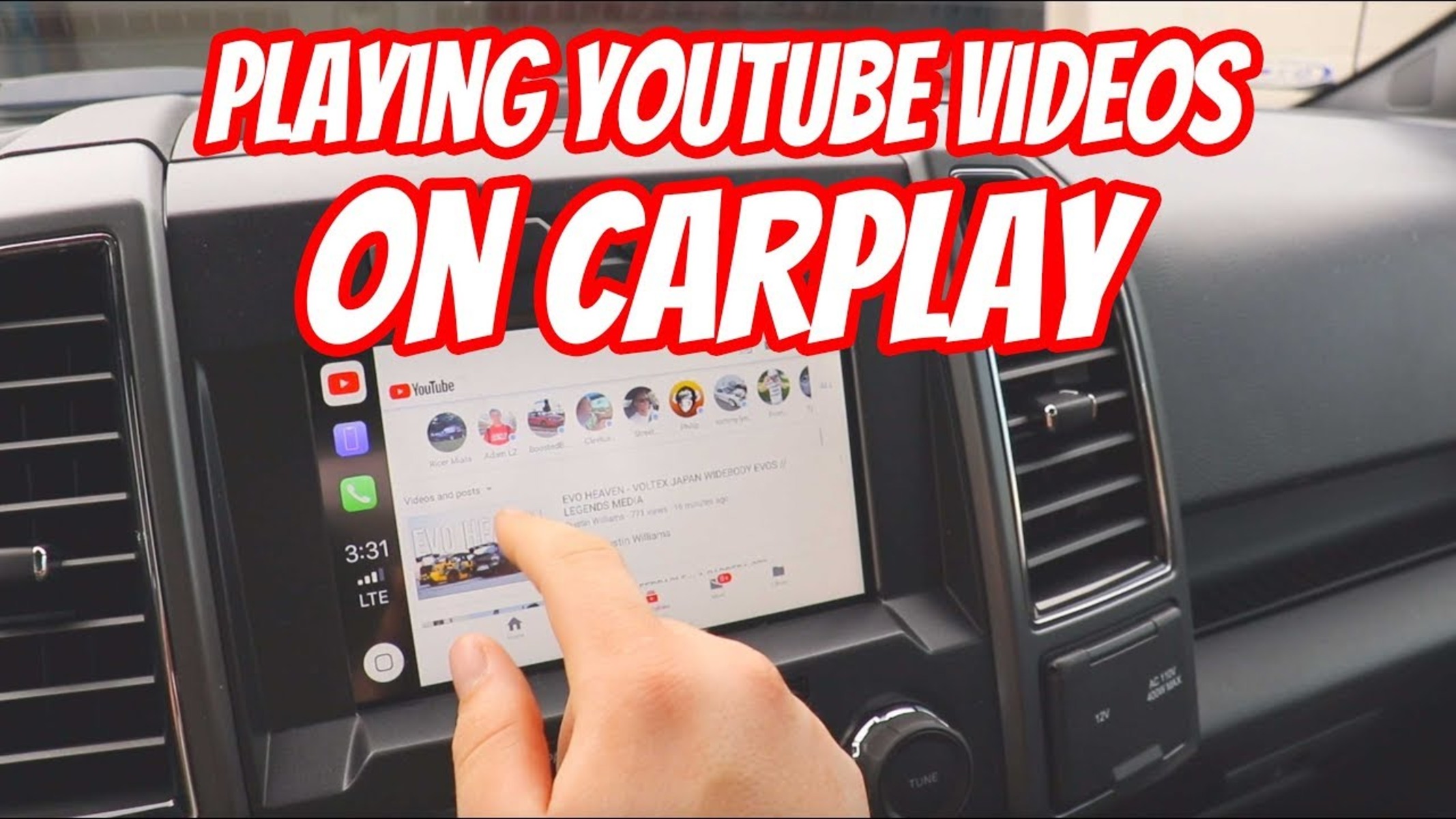
You can watch YouTube on CarPlay, but only when your vehicle is safely parked. Apple's safety restrictions prevent video playback while driving, so you'll need one of the workarounds below to watch YouTube on CarPlay.
Can you watch YouTube on CarPlay?
Directly watching YouTube videos on CarPlay while driving is not possible due to Apple's safety restrictions. These limitations are in place because watching videos while driving is dangerous, illegal in most regions, and strictly discouraged by Apple for safety reasons. Video playback on CarPlay is designed and intended only for when the vehicle is safely parked and not in motion. However, with specific workarounds, you can watch YouTube content on your car's display when parked.
Important safety and legal warning
Watching videos while driving is dangerous and illegal. All methods described below are strictly for use when the vehicle is safely parked. Never attempt to watch video content while your car is in motion, and always obey local traffic laws regarding screen use in vehicles.
Method 1: Use the official iOS 26 AirPlay feature
With iOS 26, Apple introduced a "Video in the car" feature allowing AirPlay video streaming to CarPlay displays when the car is parked. This is the most straightforward method because it requires no additional hardware. To use the iOS 26 feature, follow these steps:
- Update your iPhone to iOS 26.
- Connect your iPhone to CarPlay in your vehicle.
- Ensure the car is in PARK.
- Swipe down on your iPhone to open Control Center.
- Tap "Screen Mirroring" and choose your CarPlay display.
- Open the YouTube app on your iPhone and play a video, it will stream to your car's screen.
This method gives you a seamless experience for watching YouTube videos while parked, and it's the safest option because it relies on Apple's own system.
Method 2: Install a CarPlay AI Box
External hardware devices, known as CarPlay AI Boxes, can be plugged into the car's USB port to run an Android system, allowing the installation and use of apps like YouTube directly on the car's display. This is a popular choice for people who want native app access without relying on iPhone mirroring. The AI box acts as a separate computer that connects to your car's screen, giving you full control to install the YouTube app from the Google Play Store. Once installed, you can open YouTube and watch videos just as you would on a tablet, similar to how you might download YouTube app on DIRECTV for a bigger screen experience at home. This method works well for long parking sessions, such as charging your electric vehicle or waiting in a drive-through line.
Method 3: Jailbreak your iPhone (advanced)
Jailbreaking an iPhone allows the installation of third-party tweaks like CarBridge or WheelPal to add unsupported apps, including YouTube, to the CarPlay dashboard. This is an advanced method that voids your warranty and can introduce security risks. It's only recommended for experienced users who understand the consequences. After jailbreaking, you install a tweak that forces YouTube to appear on your CarPlay screen, but you'll still be restricted to parked use for safety reasons.
Key considerations for watching videos in your car
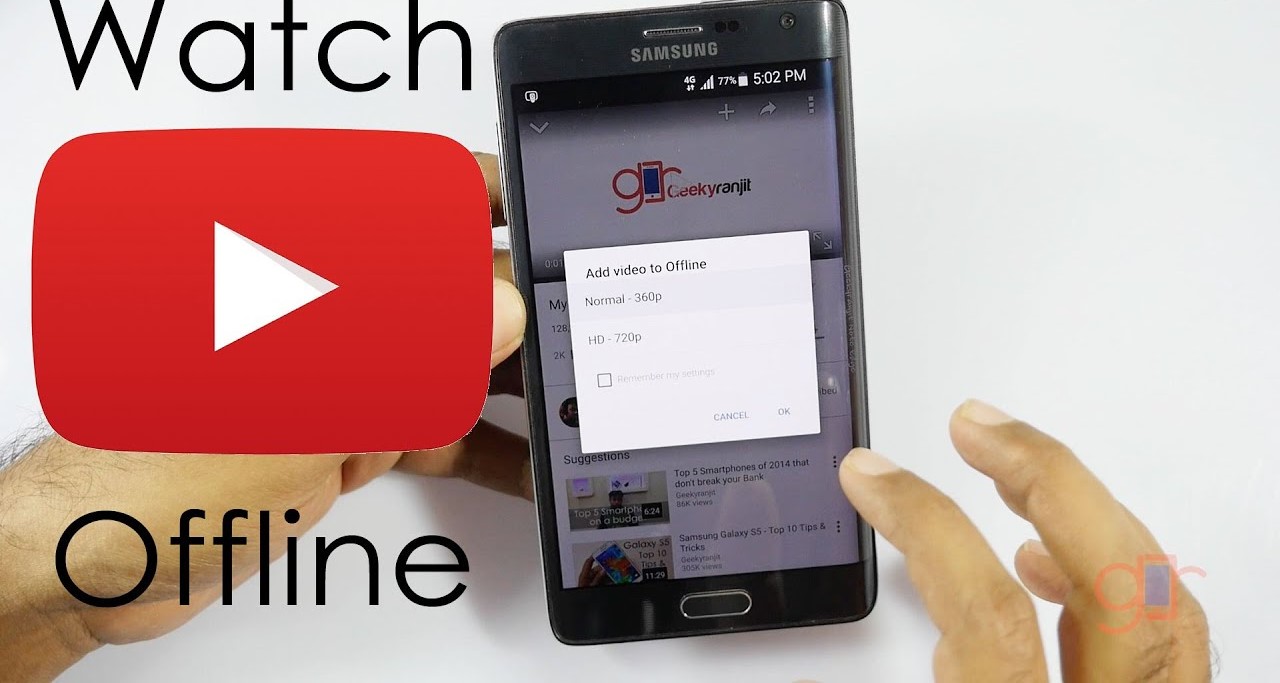
- Data usage: Streaming YouTube videos consumes significant mobile data. If you have a limited data plan, download videos beforehand over Wi-Fi or use your phone as a hotspot when parked.
- App compatibility: Not all YouTube features work through CarPlay. The official YouTube app has no native CarPlay support, so you'll be using mirroring or an Android-based AI box. Some features like comments, live chat, or 4K resolution may be limited.
- Limited integration: Video integration with other CarPlay features is limited. When watching YouTube via mirroring or an AI box, you won't be able to use navigation or music controls simultaneously without switching screens.
Related reading: How To Watch Video On Apple Watch.