
This tag collects our practical guides to getting video content onto the screens and devices you actually use every day, from your car’s dashboard to your smart TV and even your wrist. It is written for everyday viewers who want to watch their favorite shows, movies, or clips on a new device, or who are looking for a reliable way to save content for offline viewing. The articles here assume you have a specific goal in mind, like catching up on a commute or keeping a toddler entertained, and they focus on clear, step-by-step instructions that respect your time and your hardware.
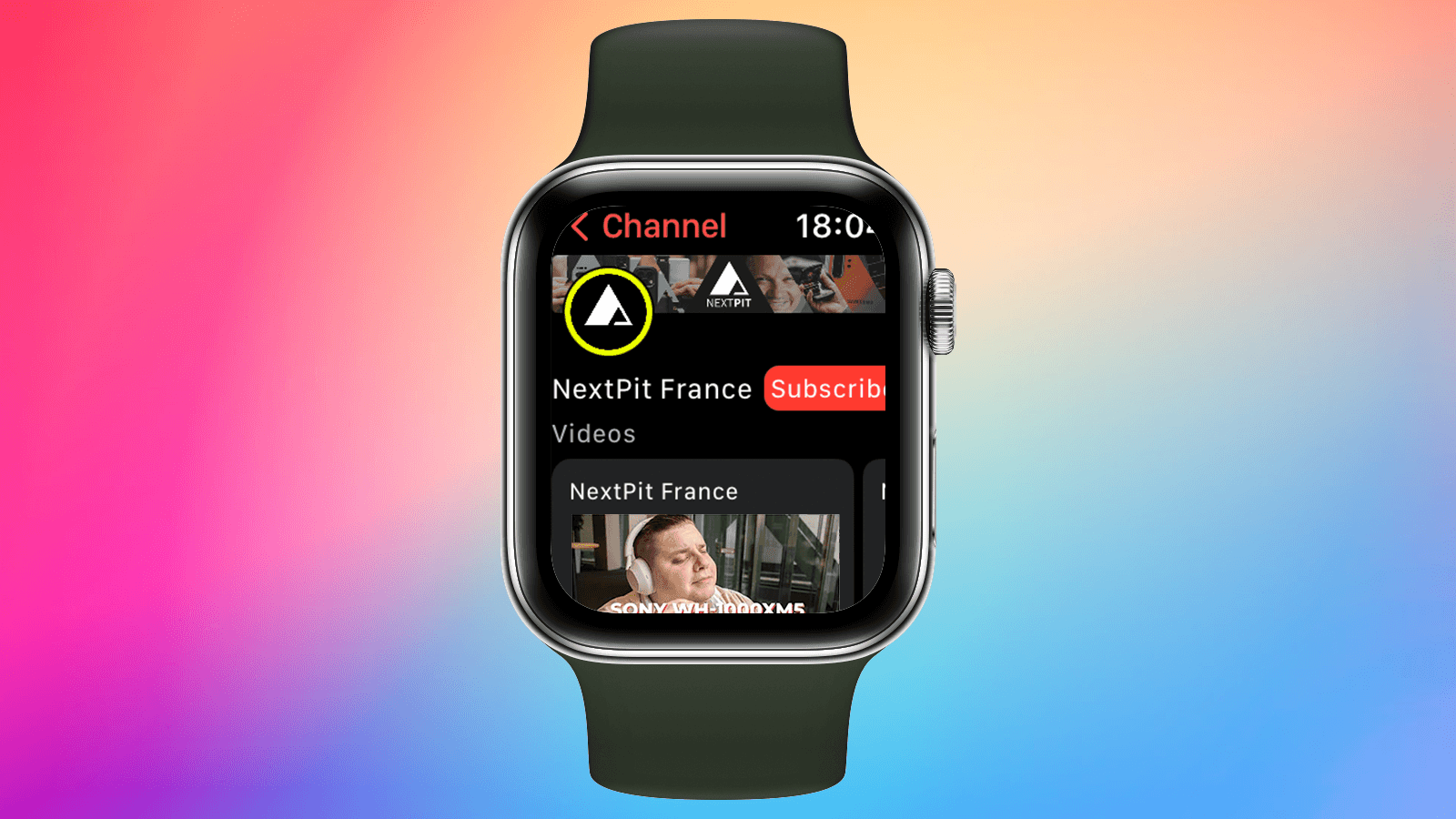
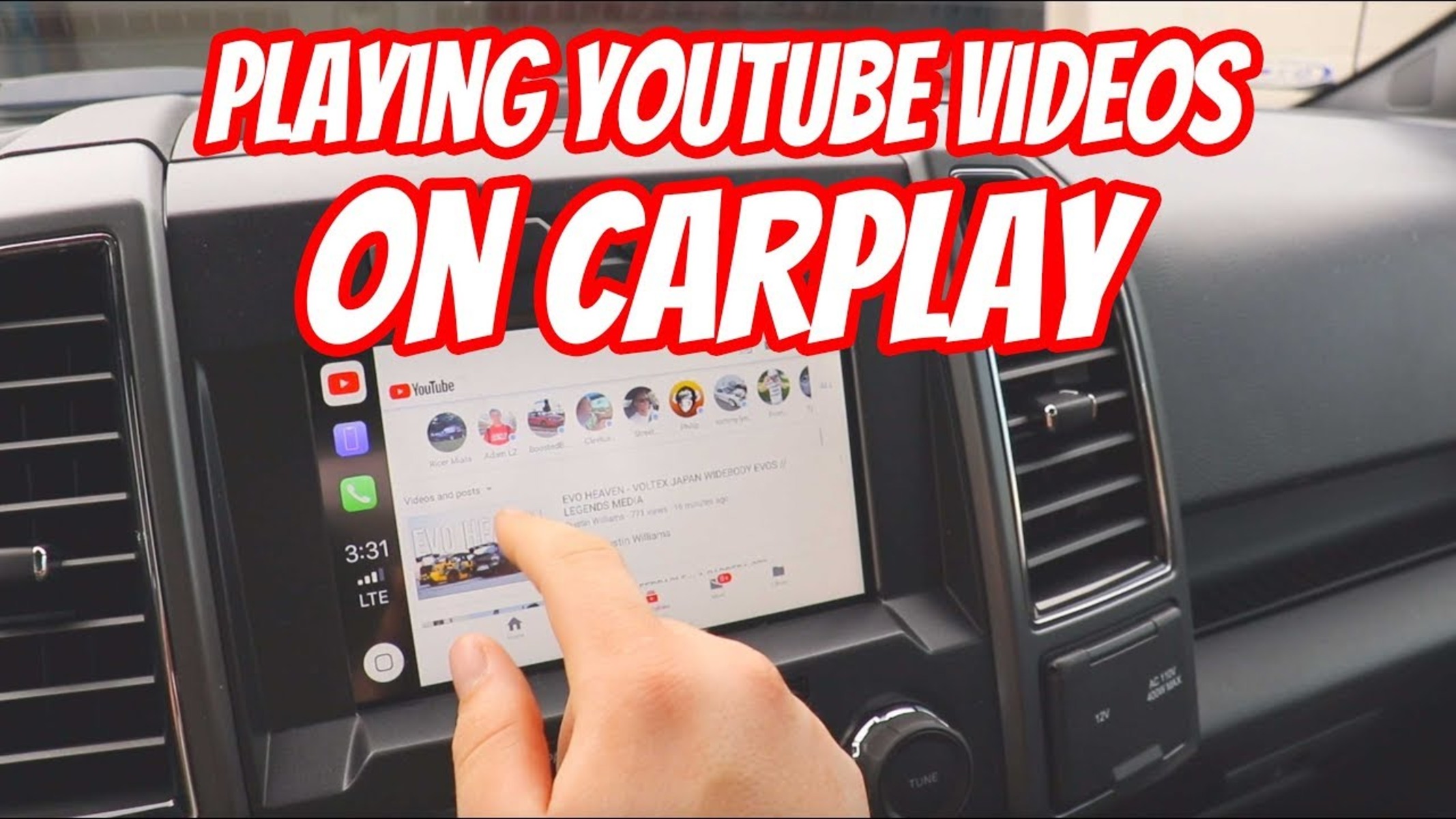
The problems these articles solve fall into a few clear themes. First, there is the “device mismatch” challenge: you want YouTube on your car’s CarPlay screen, or a video player on your Apple Watch, or a hidden browser on your PS5, and the official apps just are not cooperating. These pieces walk you through the workarounds and settings that make it happen. Second, there is the “download for later” theme, where the goal is to save movies or episodes from services like Tubi, Moviebox Pro, or even Cocomelon so you can watch without a connection. Finally, a few articles take a cautious, legal-alternatives approach to popular but sketchy sites like 123Movies, explaining why those platforms are risky and what safer, still-free options exist instead. You will see specific mentions of Tubi, Moviebox Pro, CarPlay, Apple Watch, and the PS5 browser throughout these guides, but every piece is grounded in the same idea: get you watching, without breaking your device or your local laws.



![15 Best 123Movies Alternatives [Unblocked]](https://robots.net/wp-content/uploads/2020/05/focused-man-with-bowl-of-popcorn-watching-tv-at-home-3811867-min.jpg)

