Searching yourself on the dark web means checking whether your personal information, such as email addresses, passwords, or financial details, has been exposed in data breaches and is now circulating on dark web forums or marketplaces. You do not need to manually browse the dark web to accomplish this; the safest and most effective method uses legitimate scanning services that query known breach databases for you.
What it really means to search yourself on the dark web
Most people who want to search themselves on the dark web are not looking to browse hidden marketplaces or forums directly. Instead, their actual goal is to find out if their personal data has been leaked from a company breach and is being traded or shared in dark web spaces. Manually navigating the dark web is dangerous and unnecessary for this purpose. The practical approach is to use services that have already collected and indexed leaked data, allowing you to check for your information without ever connecting to the Tor network.
How your information ends up on the dark web
Your personal data reaches the dark web through three primary channels. Data breaches at companies, websites, or online services expose databases containing usernames, email addresses, passwords, and sometimes financial information. These stolen databases are then posted or sold on dark web forums and marketplaces. Additionally, information-stealing malware infects computers and smartphones to capture login credentials, browsing history, and saved passwords, which are then compiled and traded. Finally, phishing scams trick individuals into voluntarily handing over sensitive details, which criminals then monetize on dark web platforms.
The safe way to check for your information (no Tor required)
You can check if your data is exposed without ever downloading the Tor Browser or facing the dangers of the dark web. Services like Have I Been Pwned maintain a searchable index of known data breaches. You simply enter your email address or username, and the service cross-references it against billions of leaked records. If a match is found, you will see which breaches exposed your data and what type of information was compromised. These services query only the breach databases they have already collected, so you never need to visit a .onion site or interact with dark web criminals.
Using identity protection services for dark web monitoring
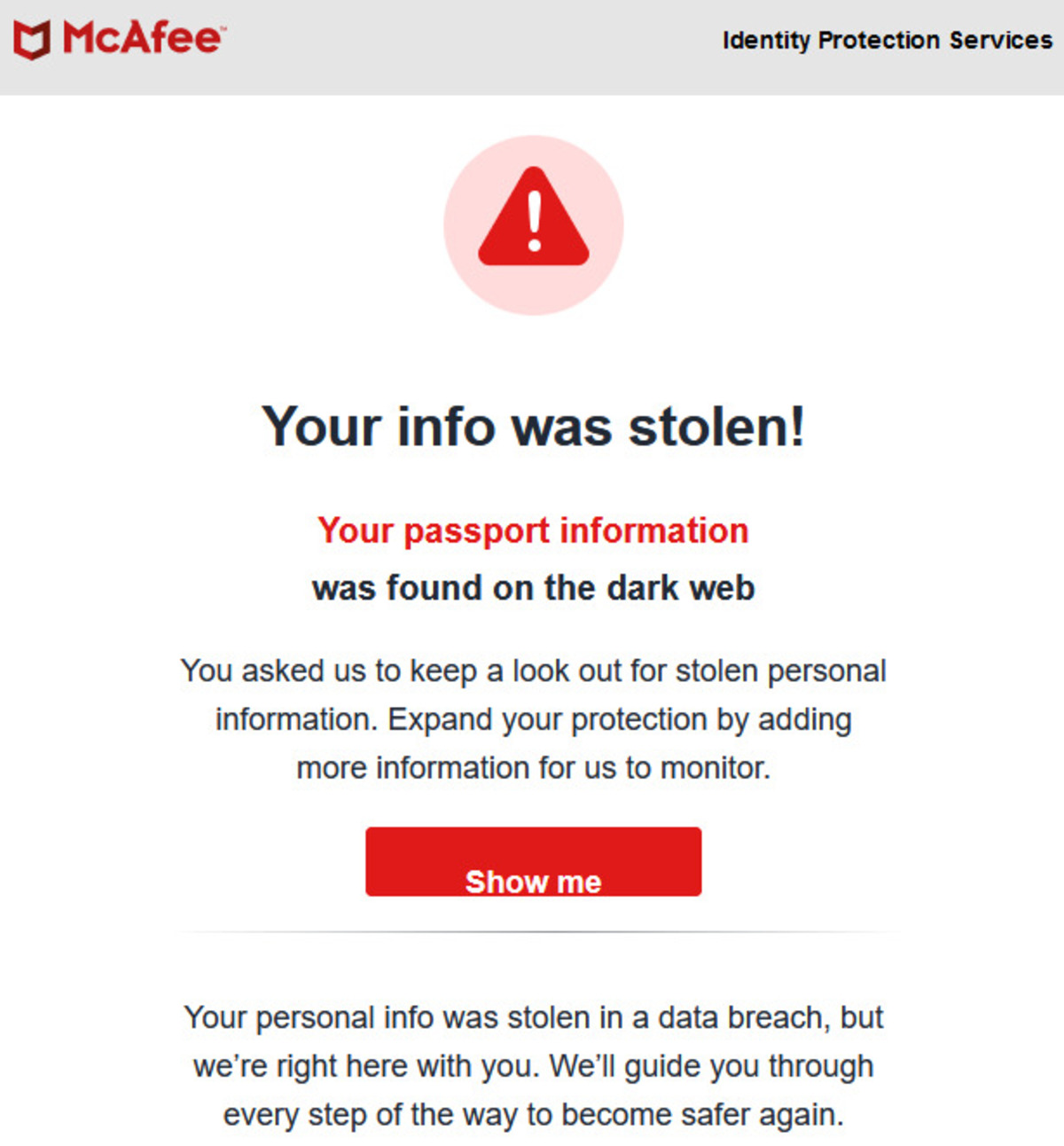
For ongoing protection, many identity protection services and credit bureaus offer continuous dark web monitoring. These services automatically scan dark web forums, marketplaces, and paste sites for your personal information, including Social Security numbers, bank account details, and email addresses. Google One subscribers, for example, can use built-in dark web monitoring that checks for their data across breach databases and dark web sources. Dedicated identity theft protection services provide alerts the moment your information appears in a new breach or is listed for sale, allowing you to act quickly before criminals buy credit cards on dark web with your stolen financials.
What to do if you find your information on the dark web
If a monitoring service alerts you that your data is on the dark web, take immediate action. Change the password for the affected account and any other accounts that use the same or similar credentials. Enable two-factor authentication on every account that supports it to add an extra layer of security. If your financial information is exposed, place a fraud alert or credit freeze with the major credit bureaus to prevent new accounts from being opened in your name. Monitor your bank and credit card statements closely for unauthorized transactions, and report any suspicious activity to your financial institution.
Why you should avoid manually browsing the dark web
Manually browsing the dark web exposes you to serious risks that far outweigh any potential benefit. The dark web is filled with malware, ransomware, and phishing traps designed to infect your device the moment you click a wrong link. You also risk accidentally viewing or downloading illegal content, which can have legal consequences even if unintentional. Law enforcement actively monitors dark web marketplaces, and simply visiting certain sites could flag you for investigation. Understanding the dangers of the dark web is critical: accessing it requires the Tor Browser, which routes traffic through encrypted relays to anonymize users, but that anonymity also attracts criminals who will target anyone who lets their guard down. If you want to get to the dark web on DuckDuckGo, you would still need the Tor Browser, DuckDuckGo itself cannot access .onion sites. The safest path is to never manually browse the dark web and instead rely on the verified scanning services described above.