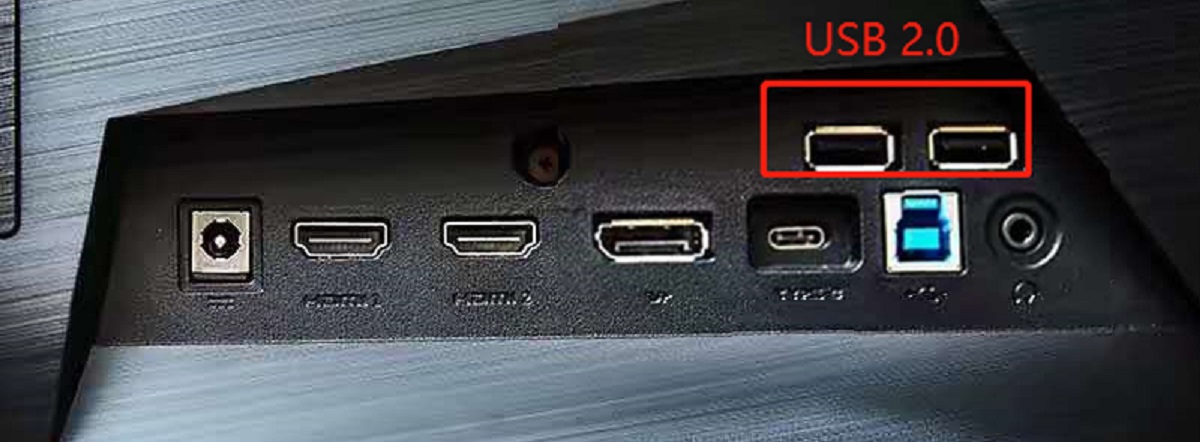
before any --> To use USB ports on a monitor, you must connect an upstream USB cable from the monitor to your computer, this single step activates the built-in hub,...
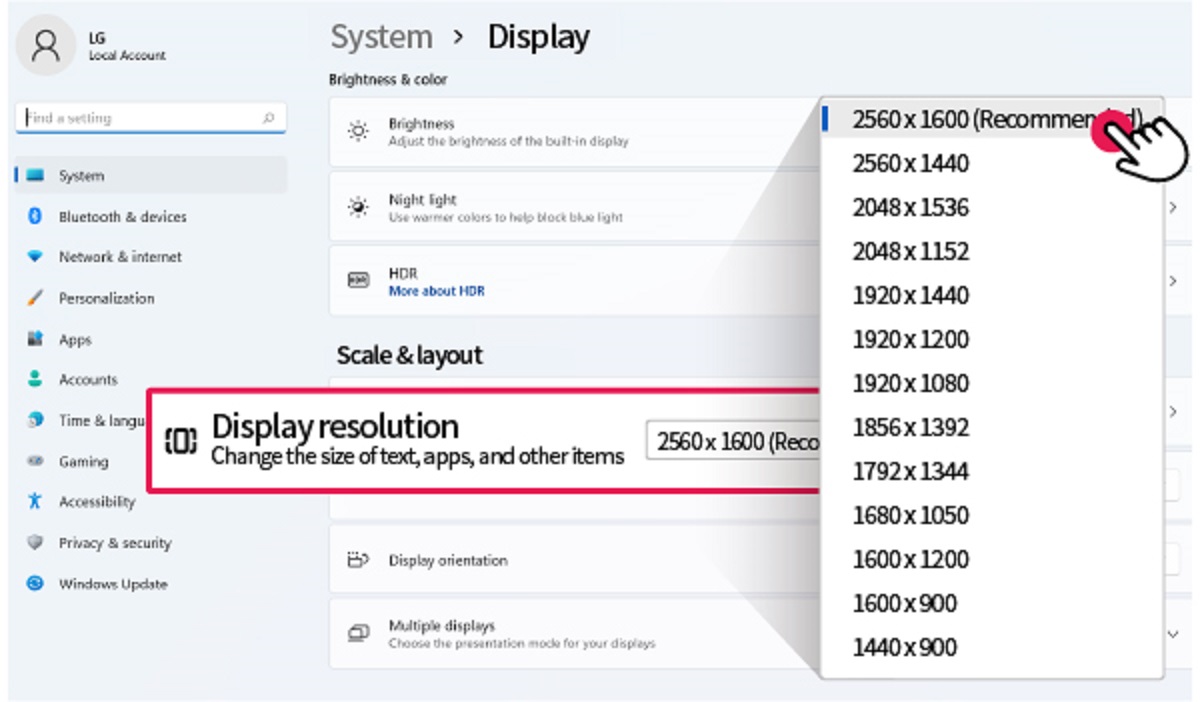
To change resolution on an LG monitor, right-click your Windows desktop and select "Display Settings," then choose your desired resolution from the dropdown menu. This is the quickest way to...
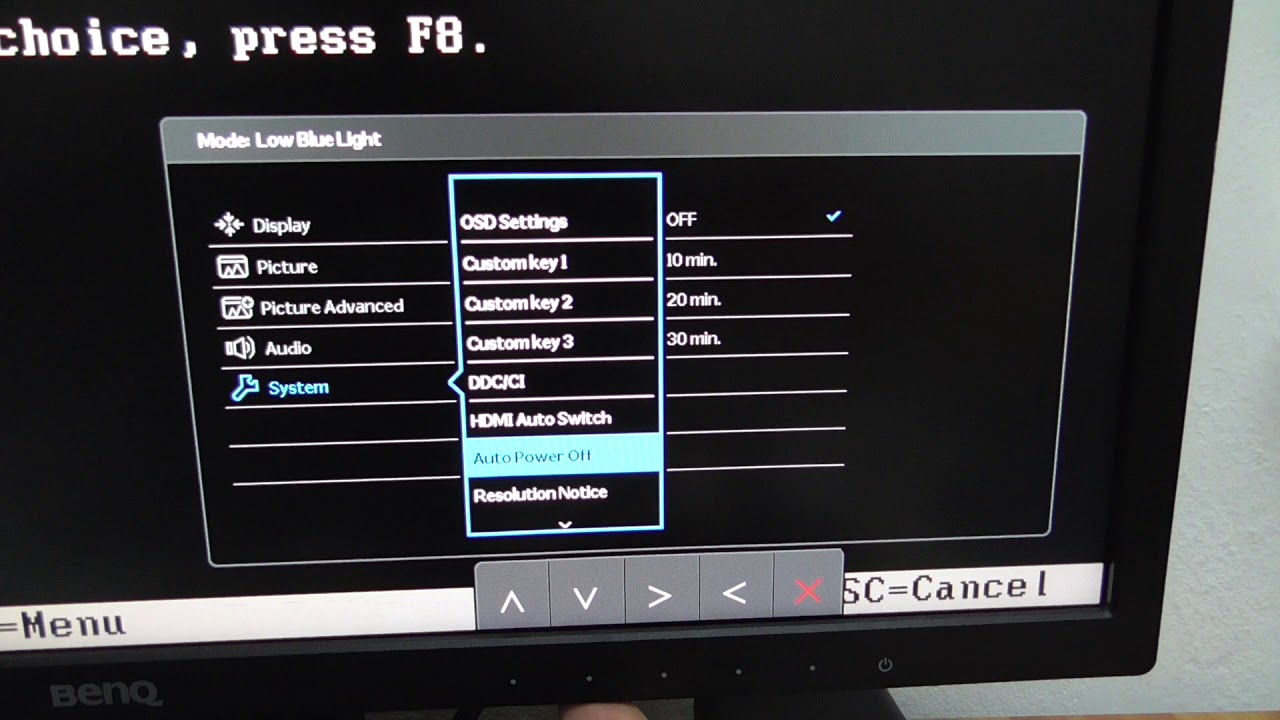
To reset a monitor, you'll typically use the On-Screen Display (OSD) menu to perform a factory reset, or you can do a power cycle (hard reset) by unplugging it. This...
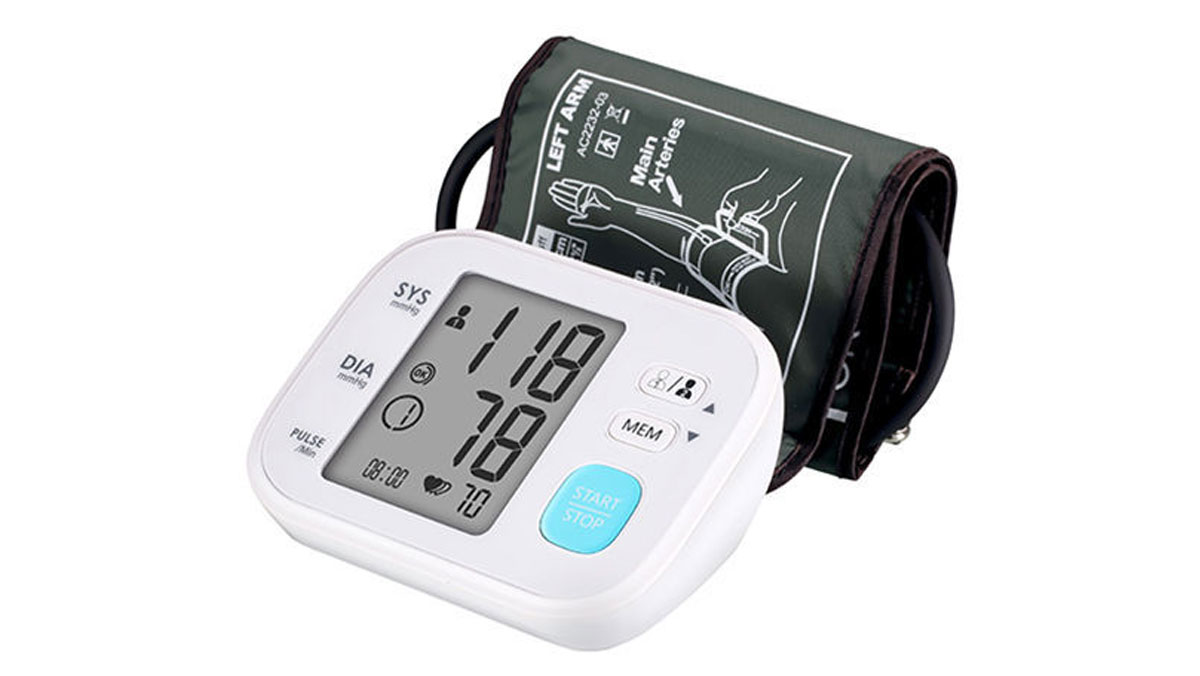
To calibrate a blood pressure monitor, you must first understand that true calibration is a professional service performed by manufacturers or biomedical technicians, while you can perform an accuracy check...
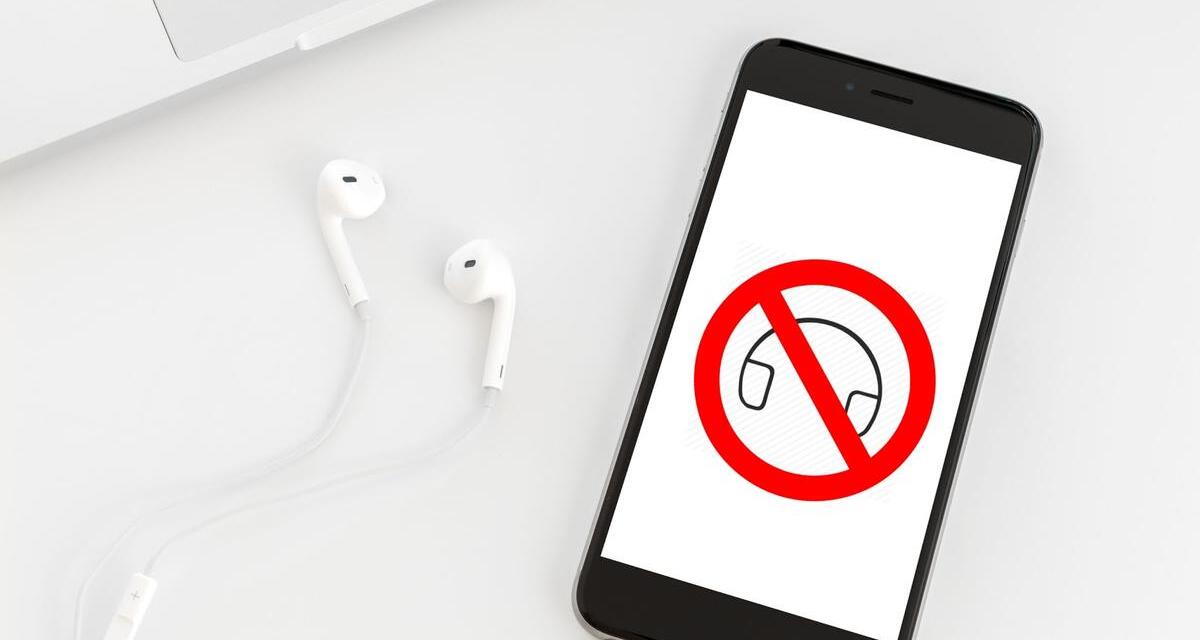
Your Android phone is stuck in headphone mode because a software glitch or a piece of debris in the headphone jack is making the system falsely detect that headphones are...
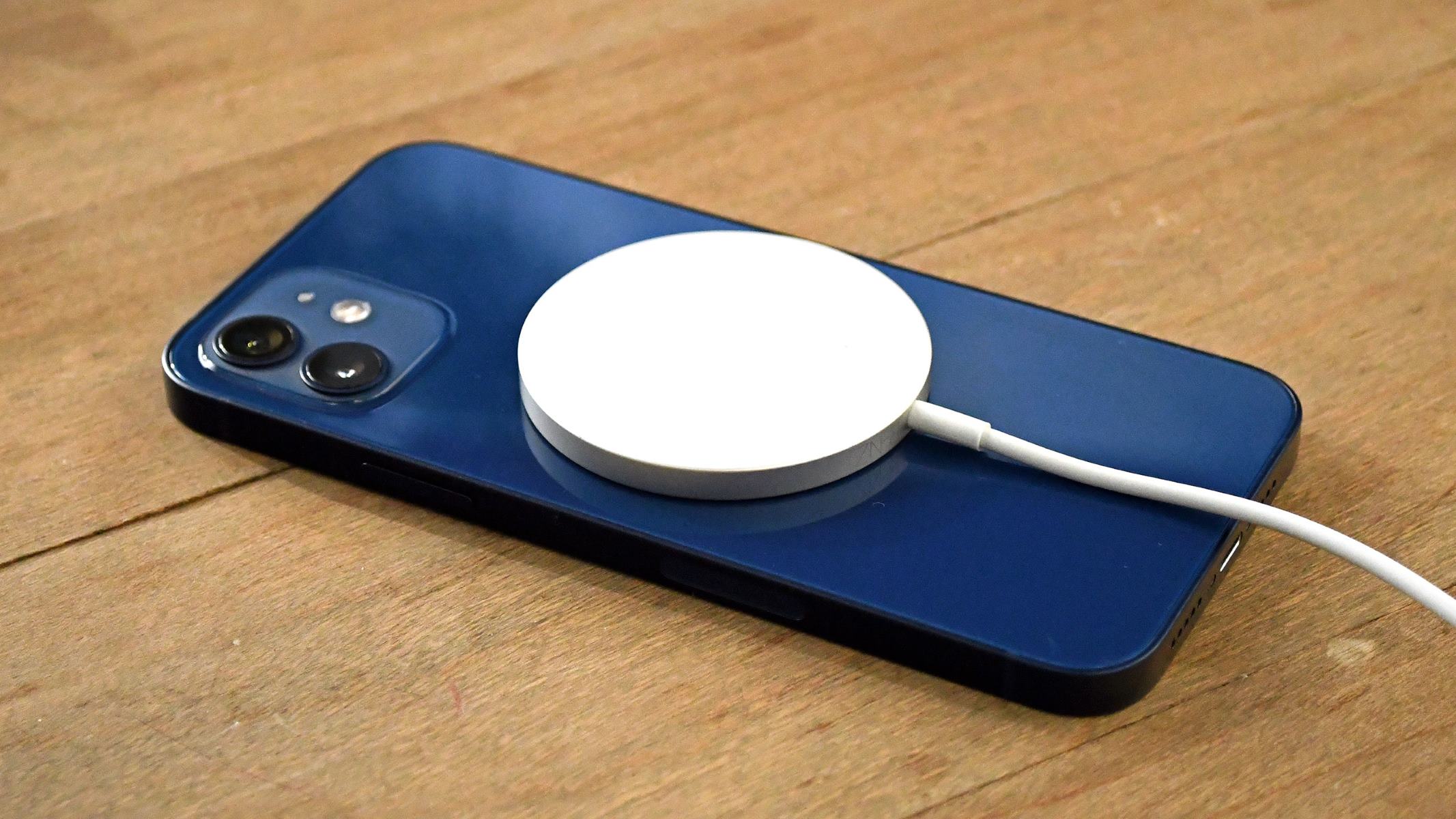
You cannot turn on reverse wireless charging on an iPhone 13 because the feature does not exist on this model. Apple has never included reverse wireless charging in the iPhone...
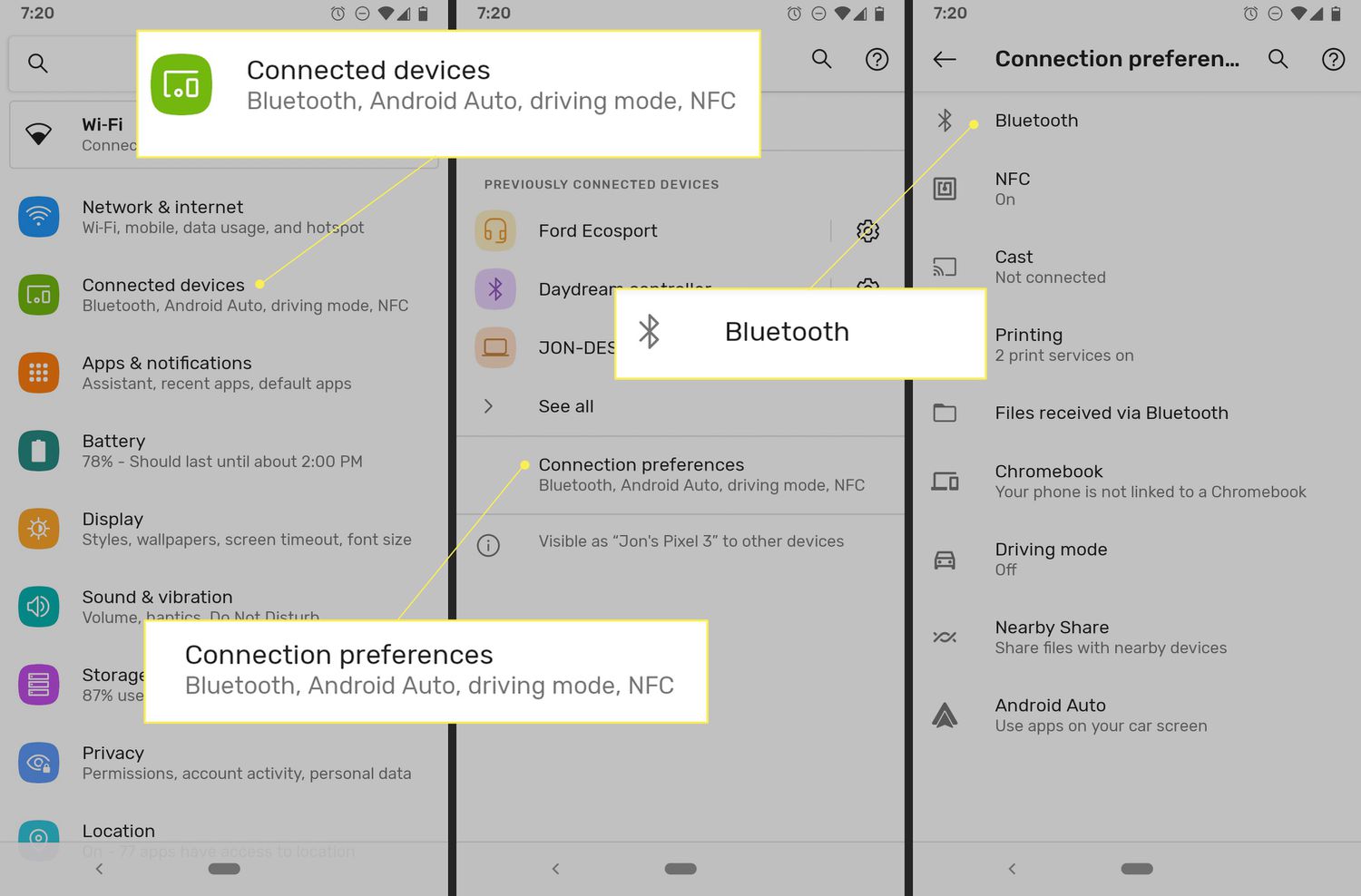
To change your Bluetooth name, you edit the identifier your device broadcasts to nearby gadgets, making it simpler to spot in pairing lists. The exact steps depend on whether you're...
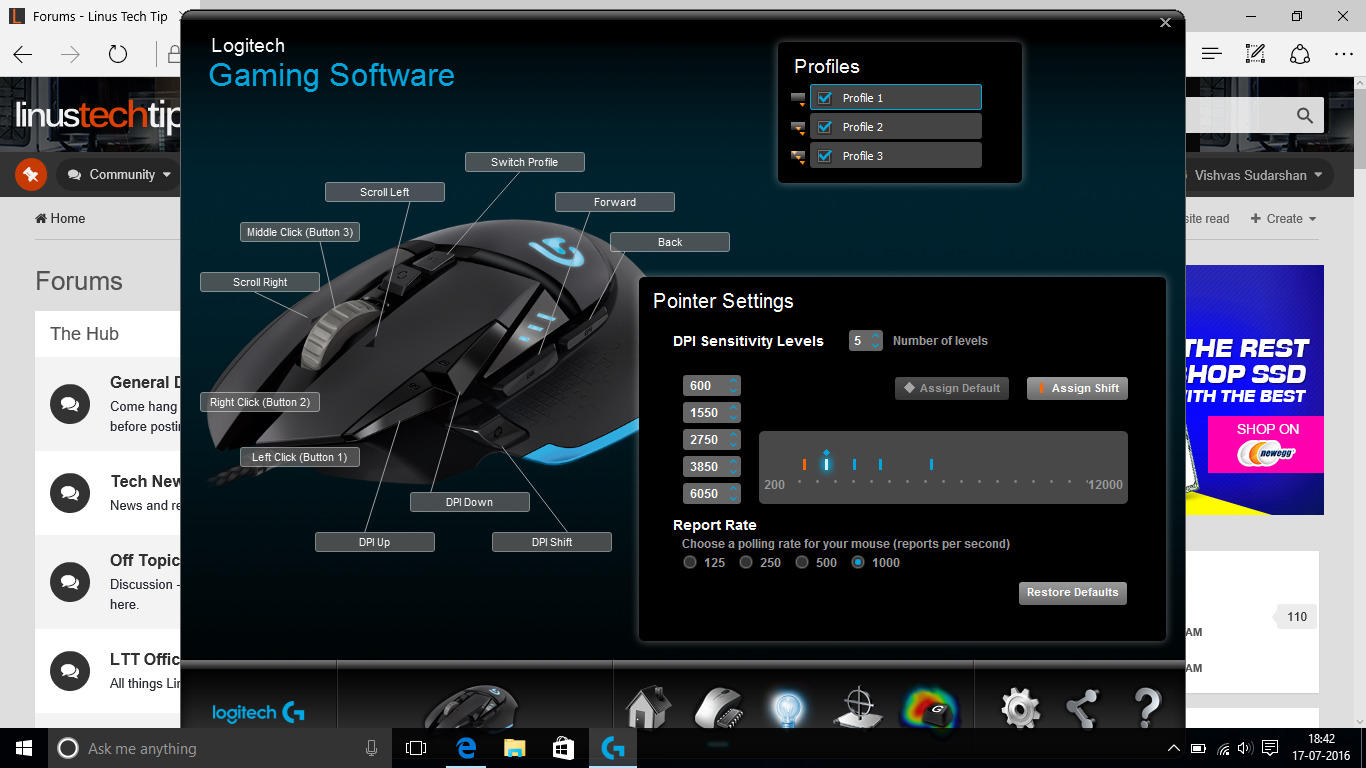
To change polling rate on Logitech mouse, you need to use Logitech’s own software, there is no Windows built-in control for this. The correct app depends on your model: Logitech...
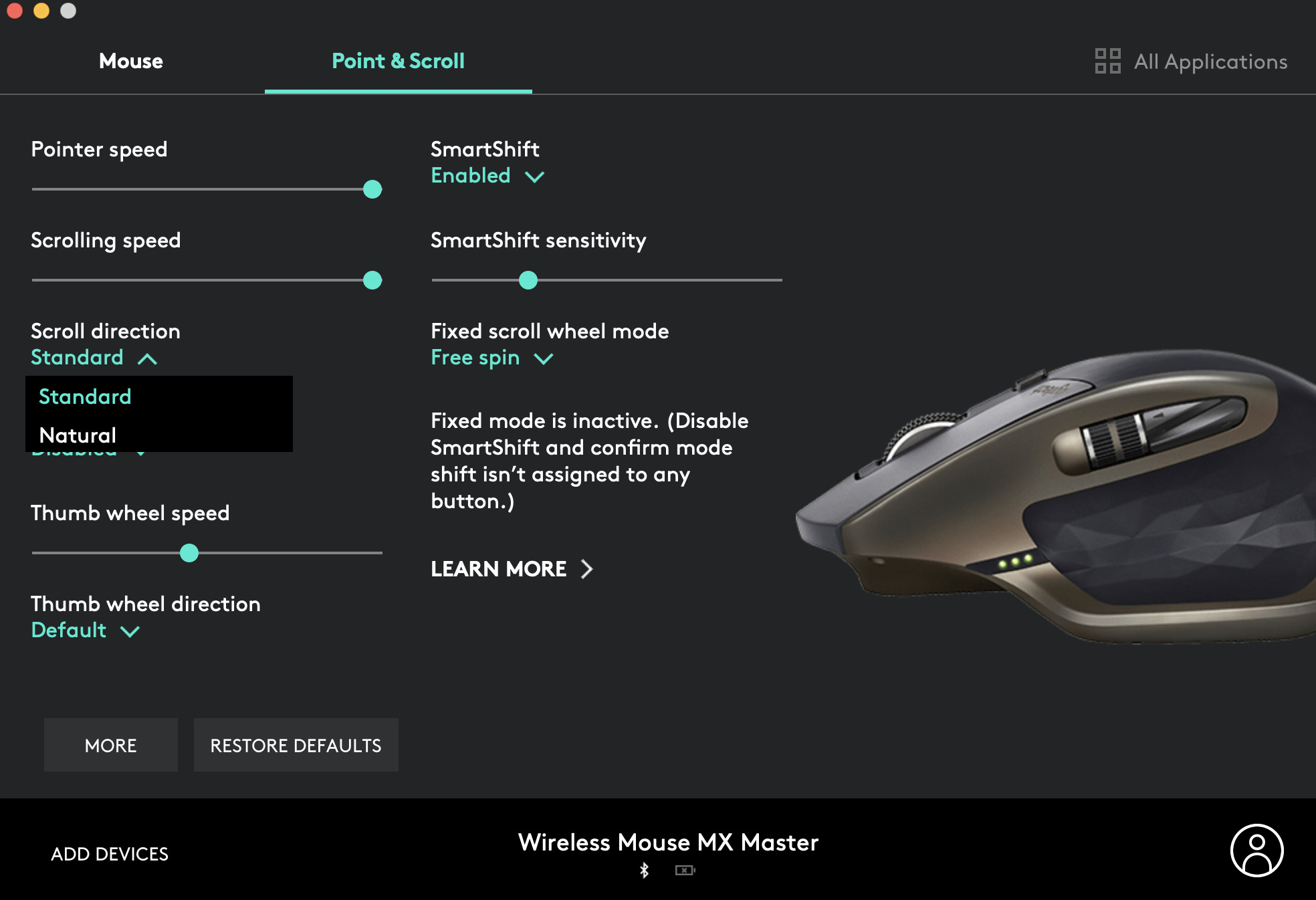
Introduction Welcome to a helpful guide on how to change the scroll direction of your Logitech mouse. Whether you're using a Logitech wireless mouse or a wired one, understanding how...
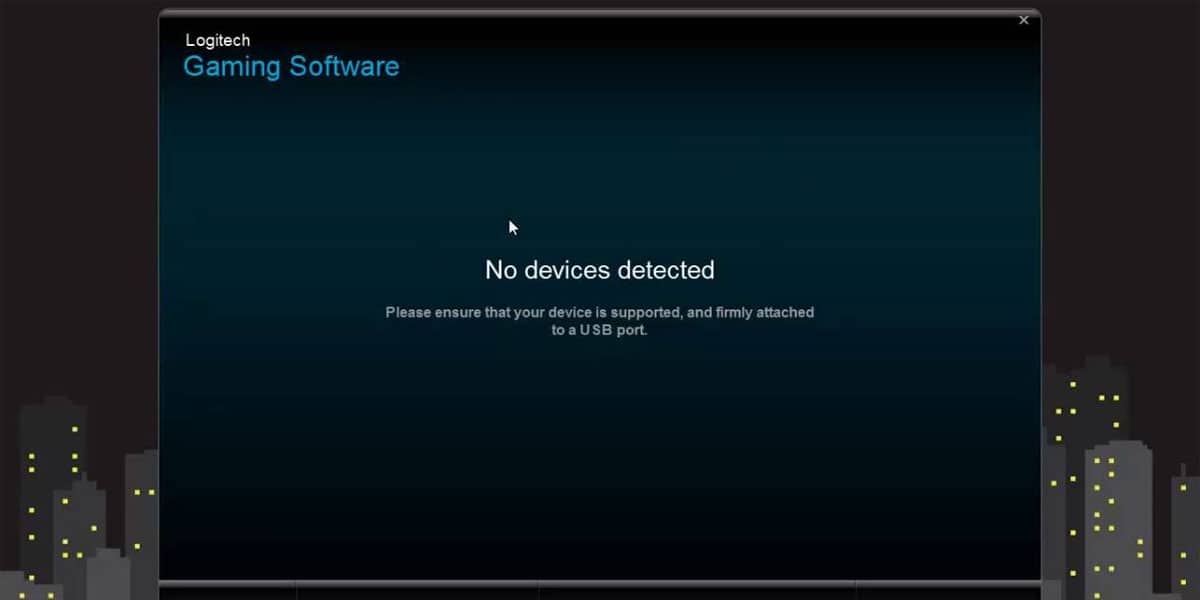
To completely remove Logitech Gaming Software from your Windows PC, you must uninstall the program, delete its leftover files and folders, clear its registry entries, and finish by clearing temporary...
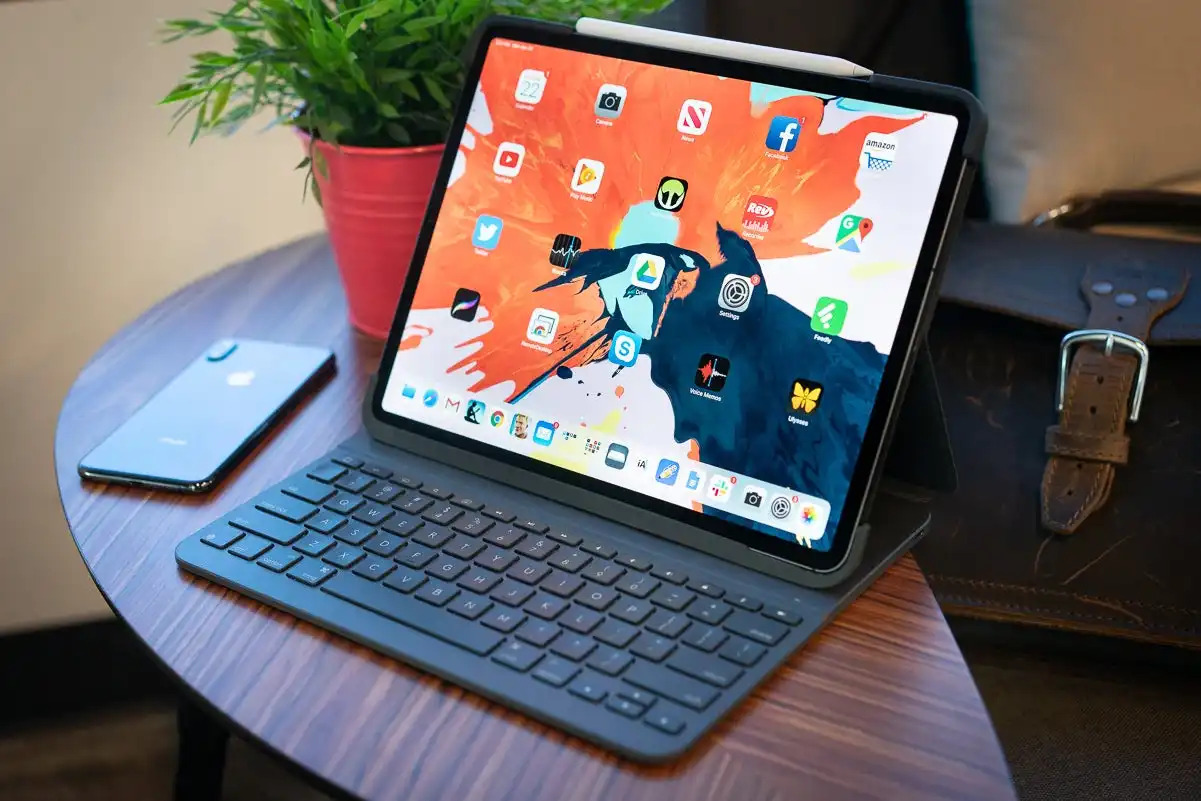
Introduction Welcome to our guide on how to replace the batteries in your Logitech Slim Folio Keyboard. The Logitech Slim Folio Keyboard is a popular choice for those seeking a...
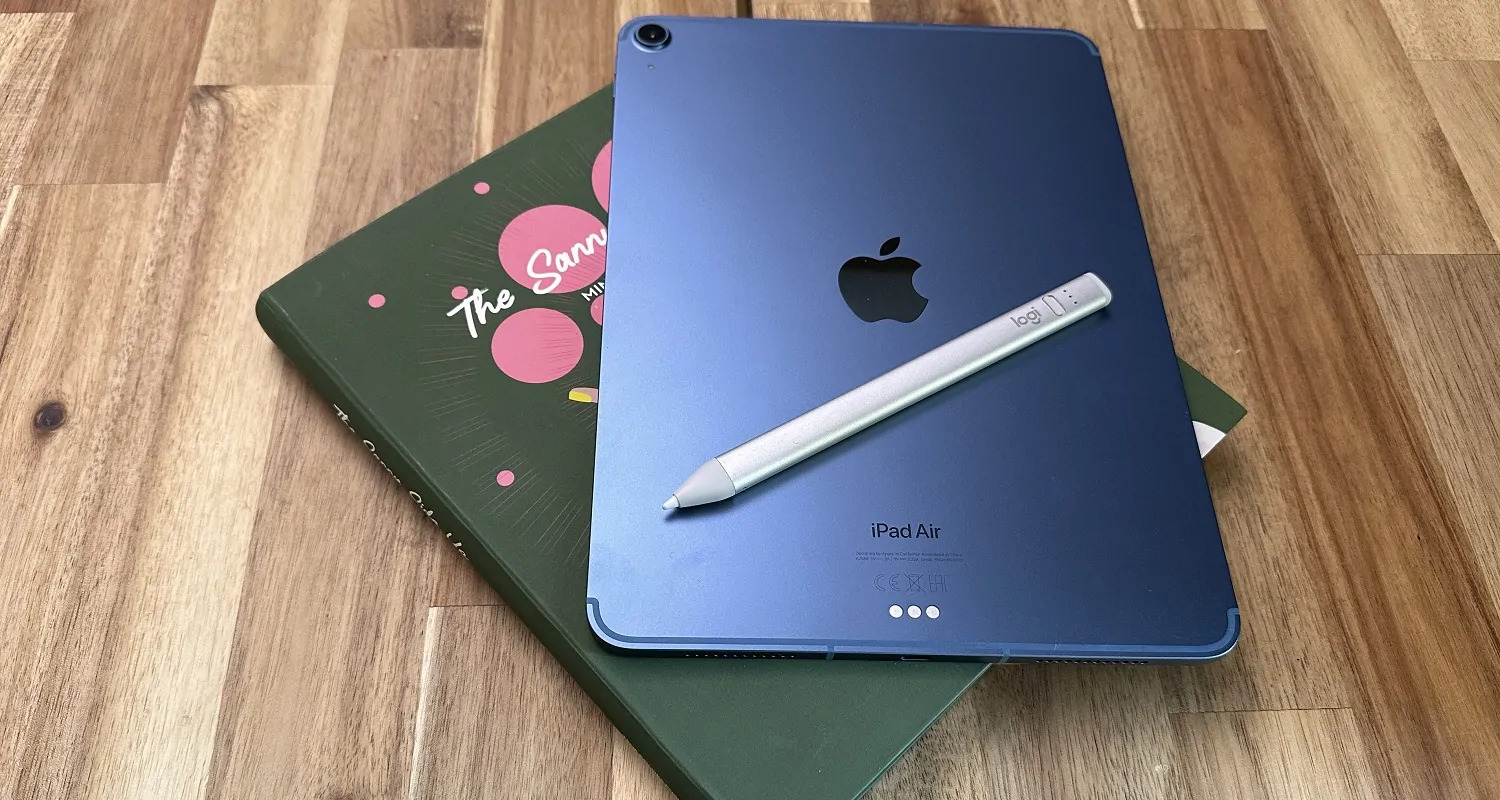
How to connect Logitech Crayon to iPad: the instant method To connect Logitech Crayon to iPad, simply turn the Crayon on and start using it immediately, no Bluetooth pairing, menus,...
This website uses cookies so that we can provide you with the best user experience possible. Cookie information is stored in your browser and performs functions such as recognising you when you return to our website and helping our team to understand which sections of the website you find most interesting and useful.
Strictly Necessary Cookies
Strictly Necessary Cookie should be enabled at all times so that we can save your preferences for cookie settings.
If you disable this cookie, we will not be able to save your preferences. This means that every time you visit this website you will need to enable or disable cookies again.