To fill out an application sent by email on your phone, first check the file type: a PDF can be completed instantly using your iPhone’s built-in Markup tool, while a...
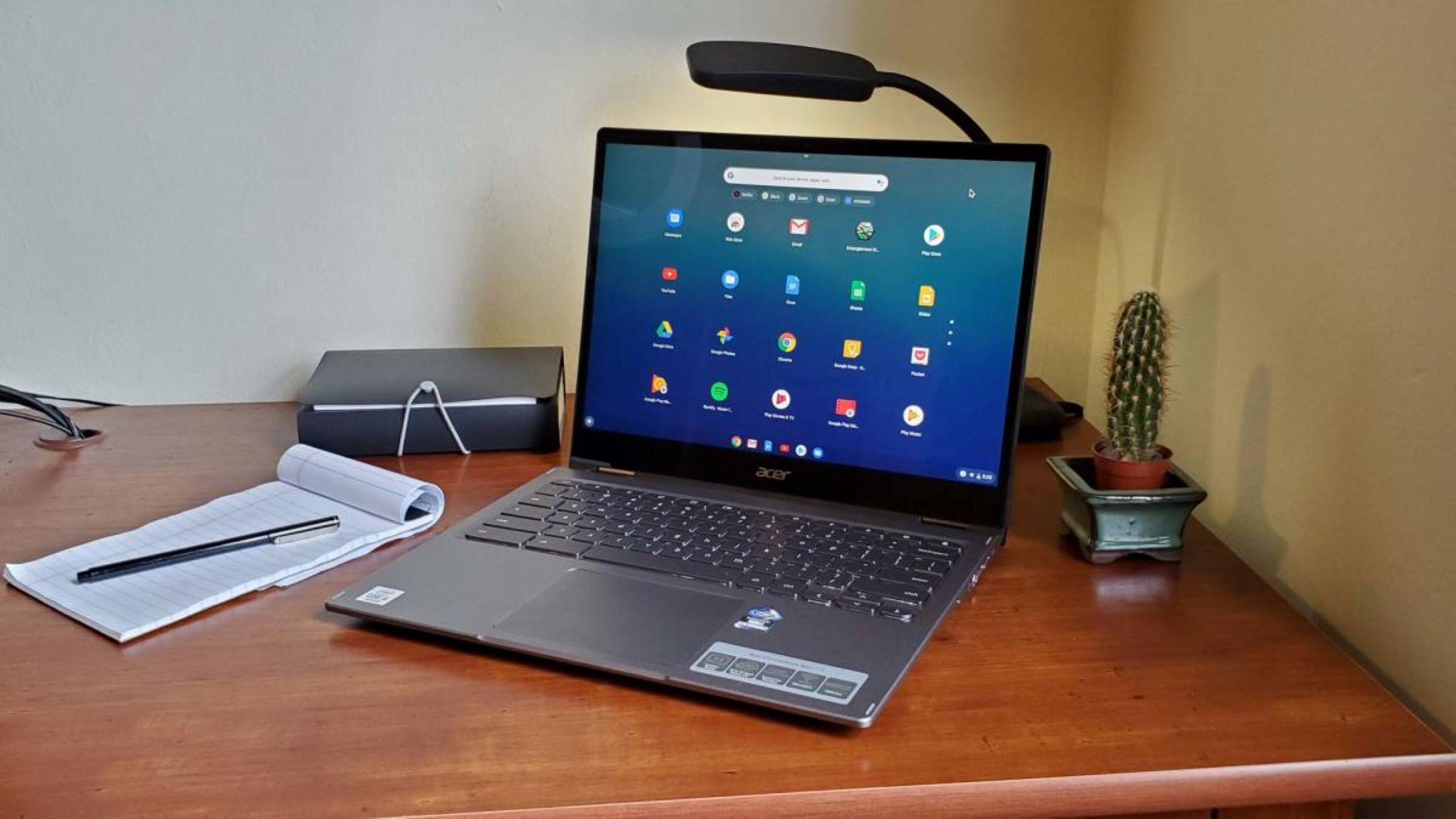
To make your Chromebook louder, start by checking the system volume slider in the Quick Settings panel and then consider browser extensions or external speakers if you need more power....
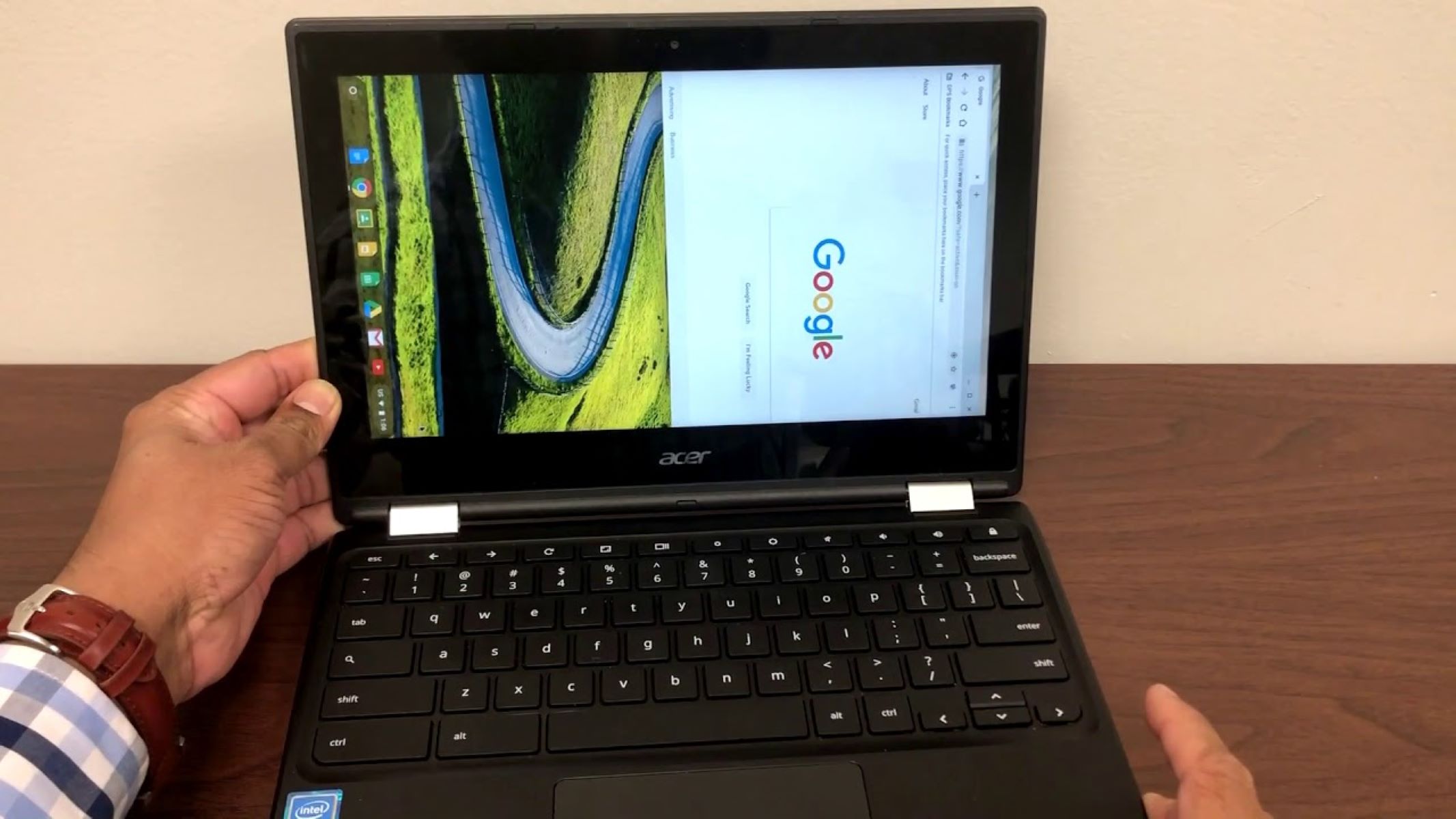
To rotate screen on Chromebook, press and hold Ctrl + Shift and tap the Refresh key (the circular arrow near the top row). Each press turns the display 90 degrees,...
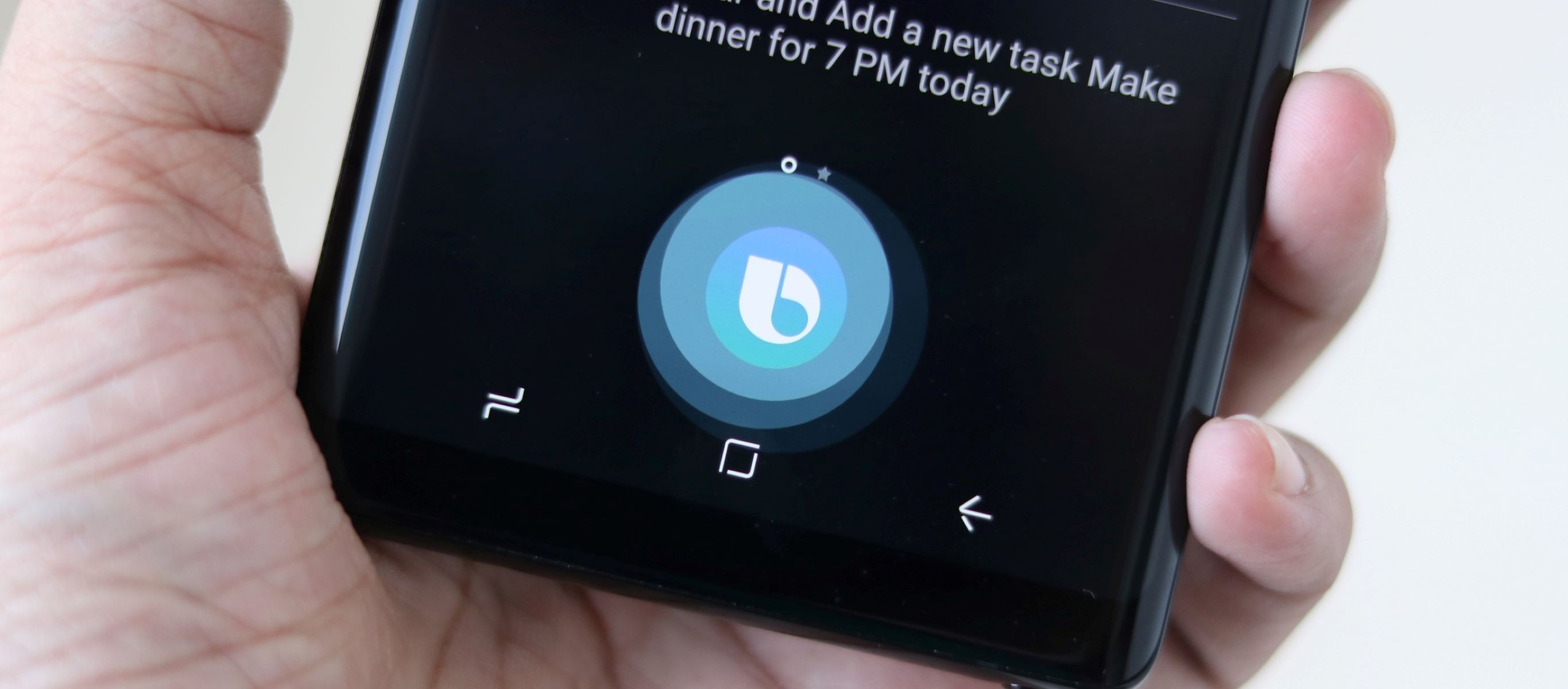
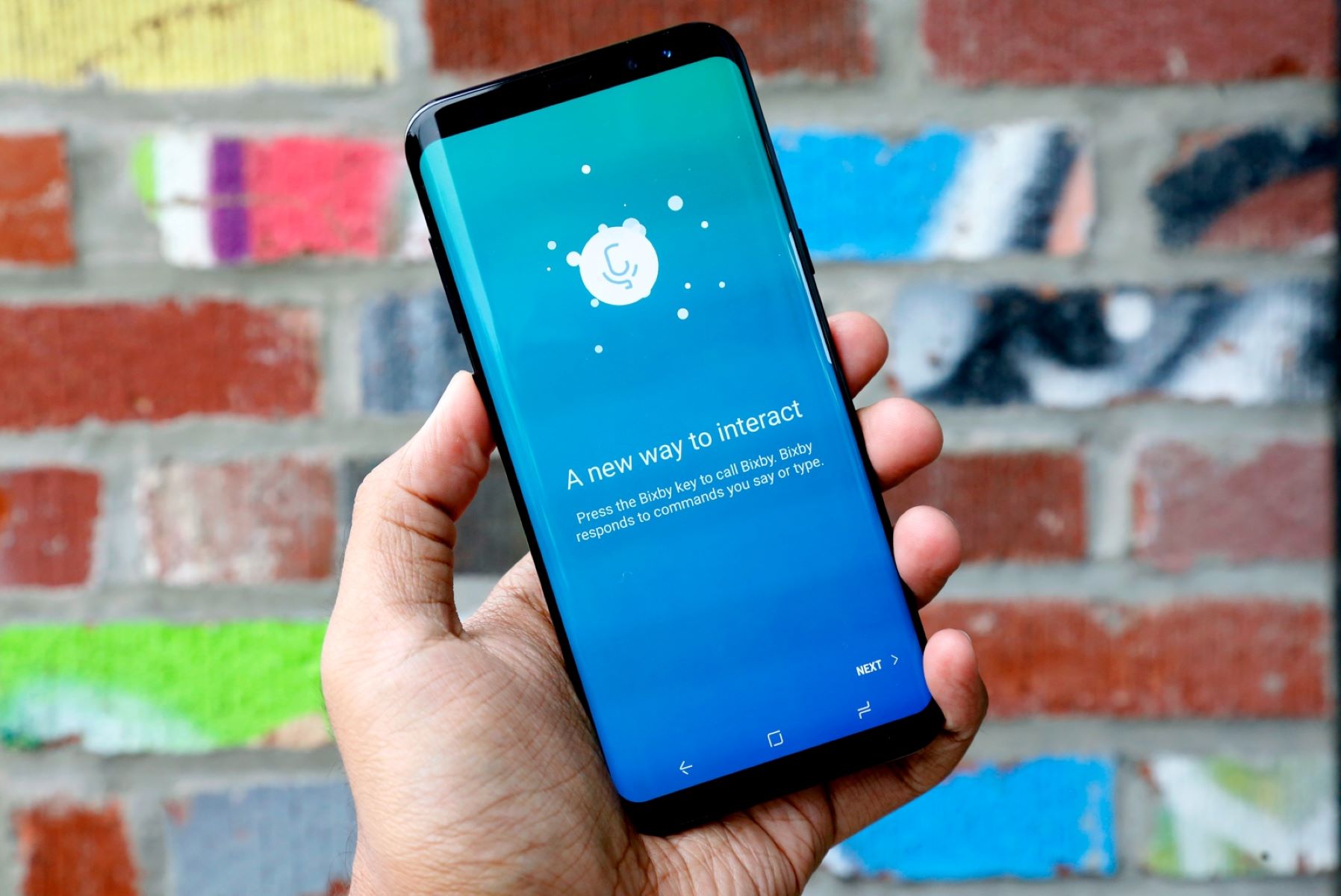
To turn on Bixby, press and hold the Side button on your Samsung phone (or the dedicated Bixby button on older models) until Bixby appears. This is the fastest and...
If Bixby is suddenly speaking another language, you can change Bixby back to English in just a few taps. The fix is quick: open Bixby’s settings, find “Language and voice...
You can watch Ted Lasso without Apple TV by using the Apple TV+ app on a device you already own, not the Apple TV set-top box. The Apple TV+ service...
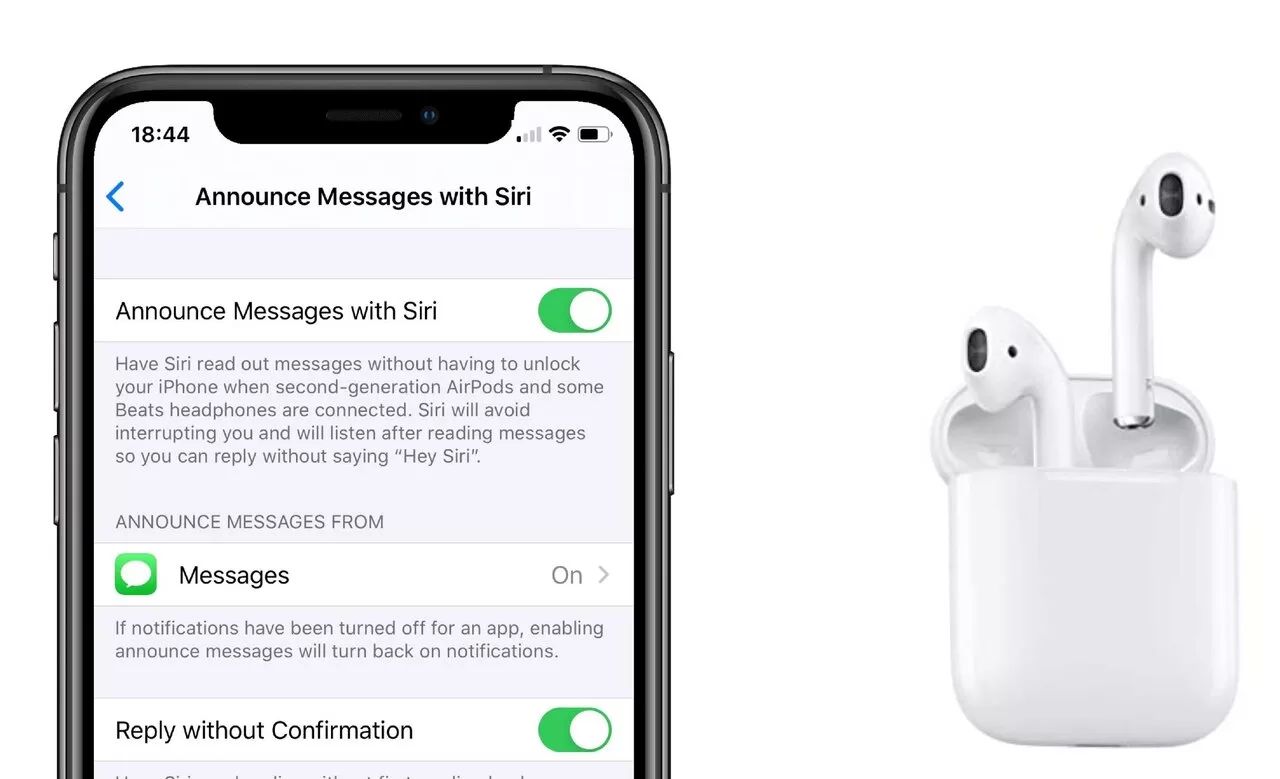
To turn off announcements on AirPods, open your iPhone or iPad's Settings app, tap Notifications, then tap Announce Notifications and toggle the switch off. This is the primary method to...
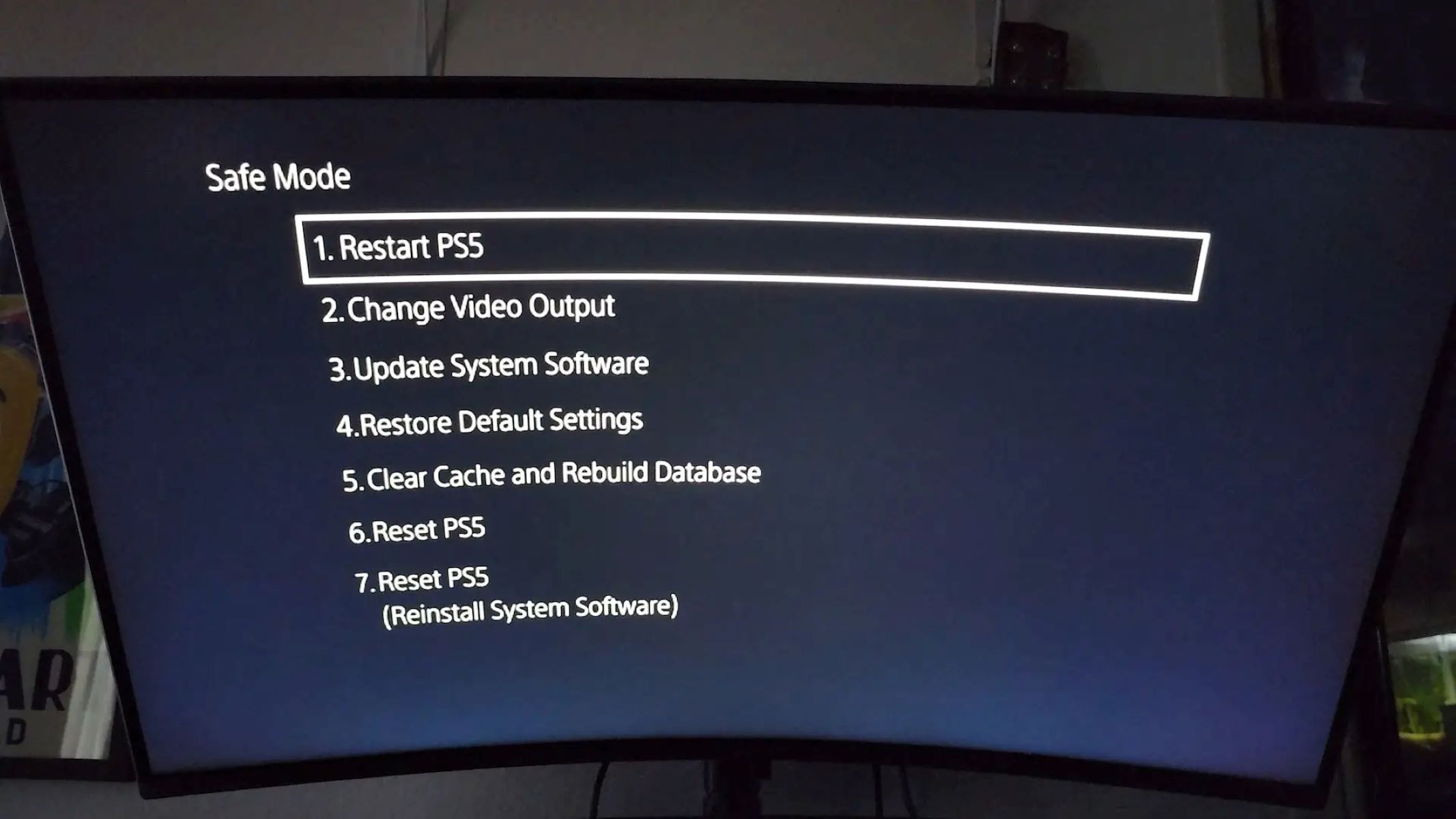
To start PS5 in Safe Mode, turn off the console completely by holding the power button until the power indicator blinks and turns off, then press and hold the power...
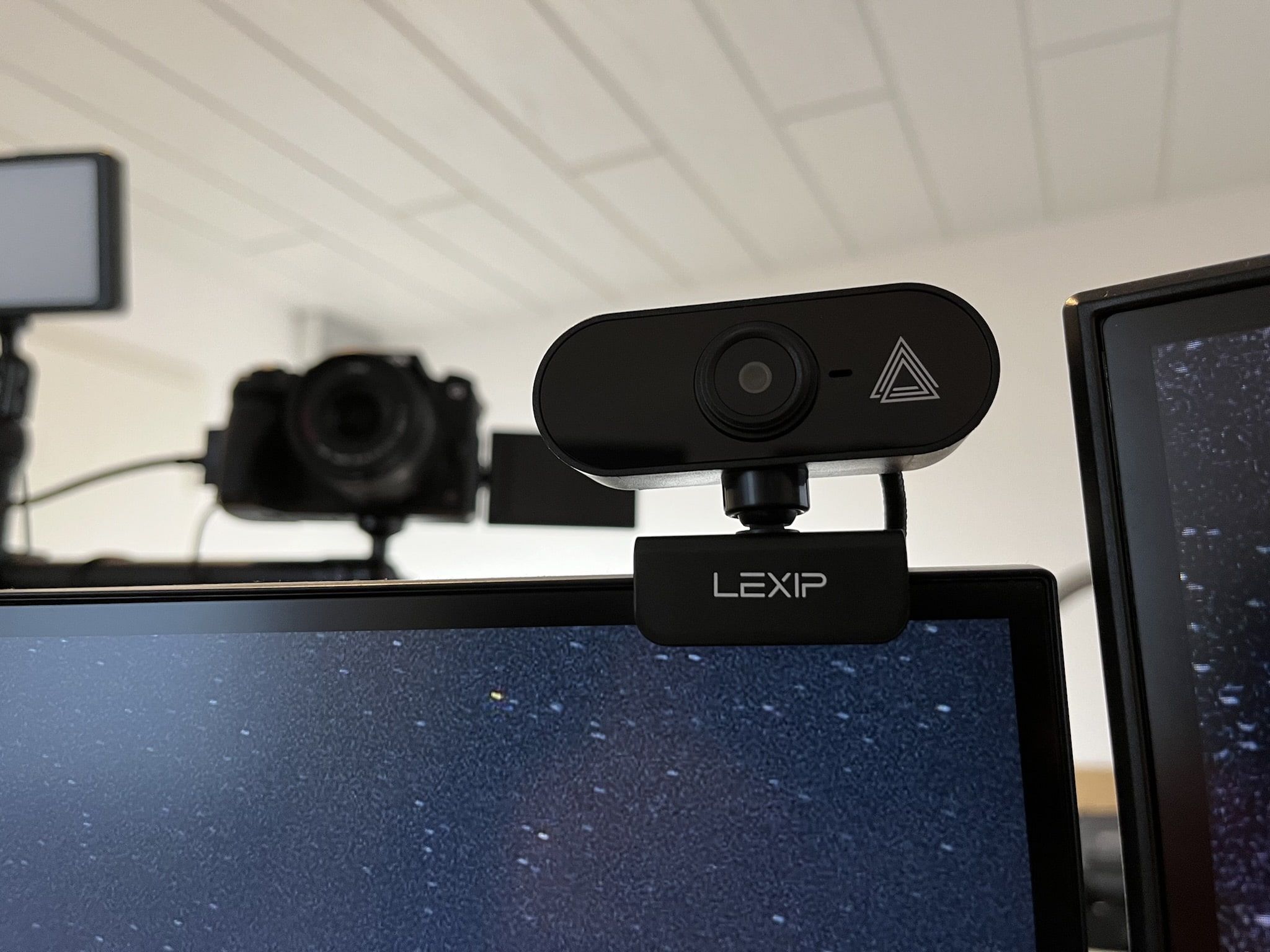
To attach a webcam to a monitor, open the webcam's built-in hinged clip and hook the shorter front edge over the top bezel of the monitor, letting the longer back...
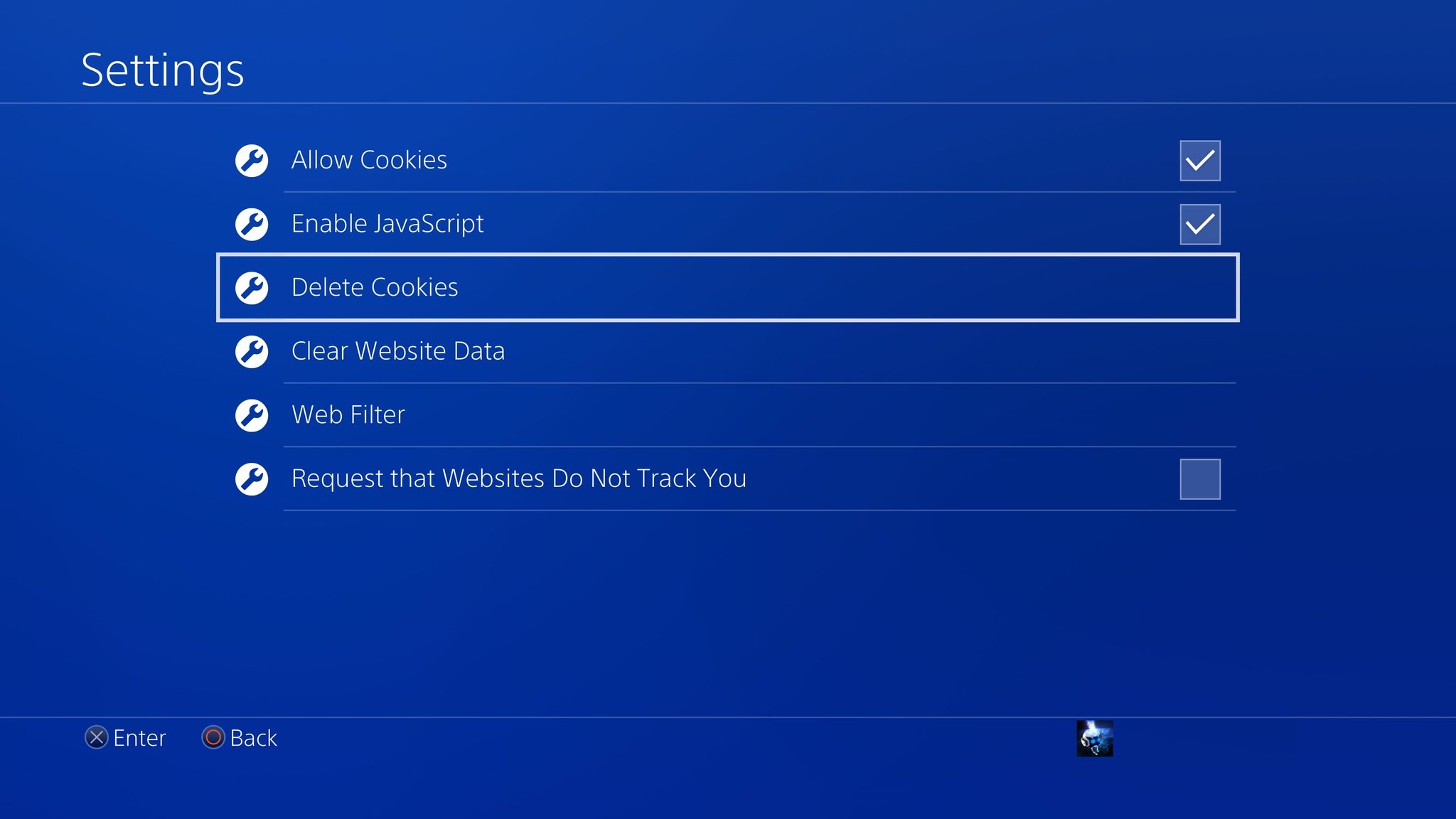
To clear cache on PlayStation 4, you must perform a full power cycle because there is no direct menu option for this task. This method discharges the system's capacitors and...
How Do I Get My Catalytic Converter Monitor Ready To get your catalytic converter monitor ready, you need to complete a specific drive cycle that forces the vehicle's computer to...
This website uses cookies so that we can provide you with the best user experience possible. Cookie information is stored in your browser and performs functions such as recognising you when you return to our website and helping our team to understand which sections of the website you find most interesting and useful.
Strictly Necessary Cookies
Strictly Necessary Cookie should be enabled at all times so that we can save your preferences for cookie settings.
If you disable this cookie, we will not be able to save your preferences. This means that every time you visit this website you will need to enable or disable cookies again.