To zoom out on a computer instantly, hold the Ctrl key (Windows) or Command (⌘) key (Mac) and press the minus (-) key. This keyboard shortcut works in web browsers,...
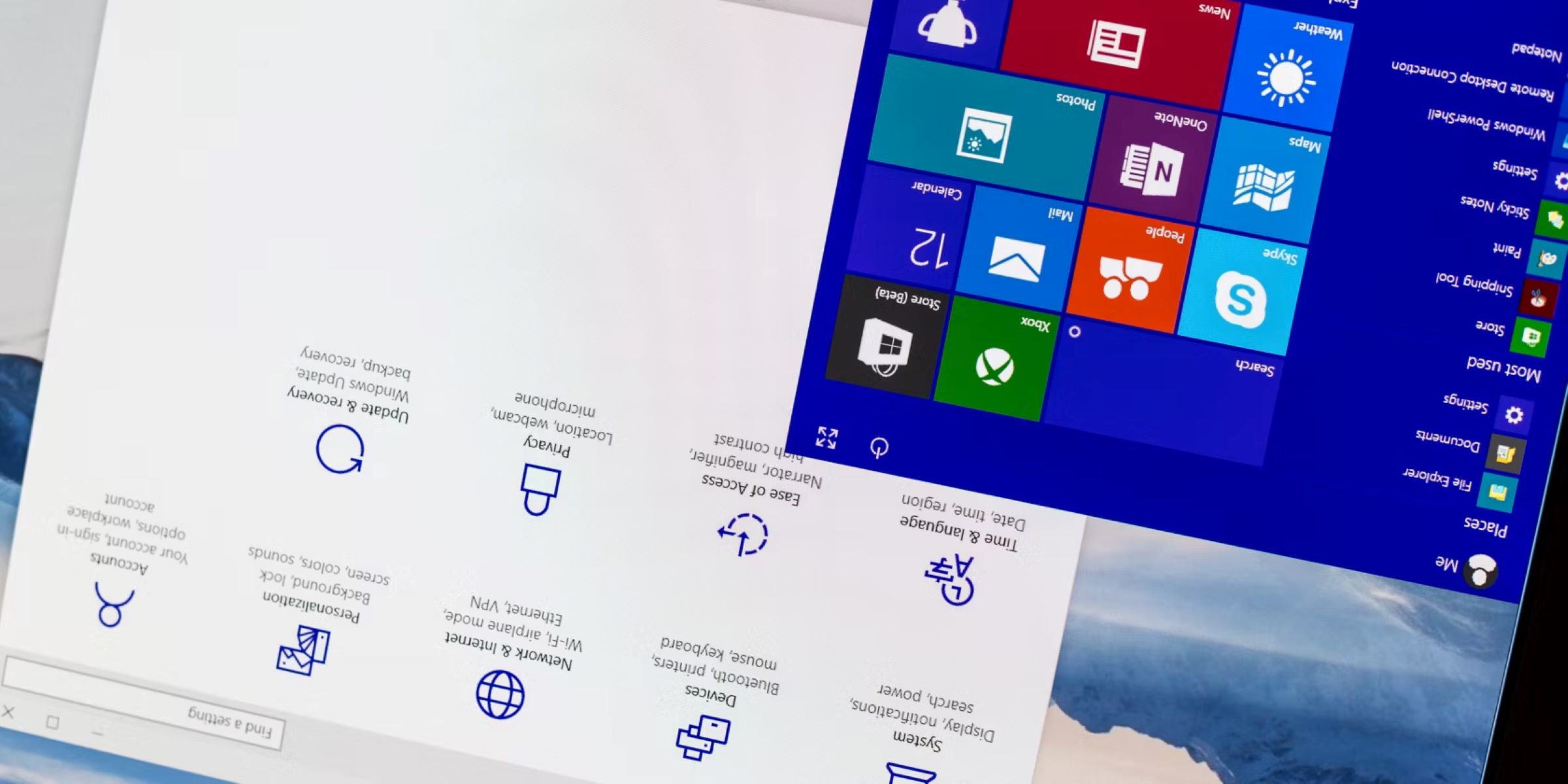
To flip screen on Windows, press Ctrl+Alt+Arrow keys, this is the fastest fix for an accidentally rotated display. If that shortcut doesn't work, use the Display settings menu, which works...
There is no single keyboard shortcut that closes every window from every app on your Mac at once, so the fastest way to close all windows mac users actually need...
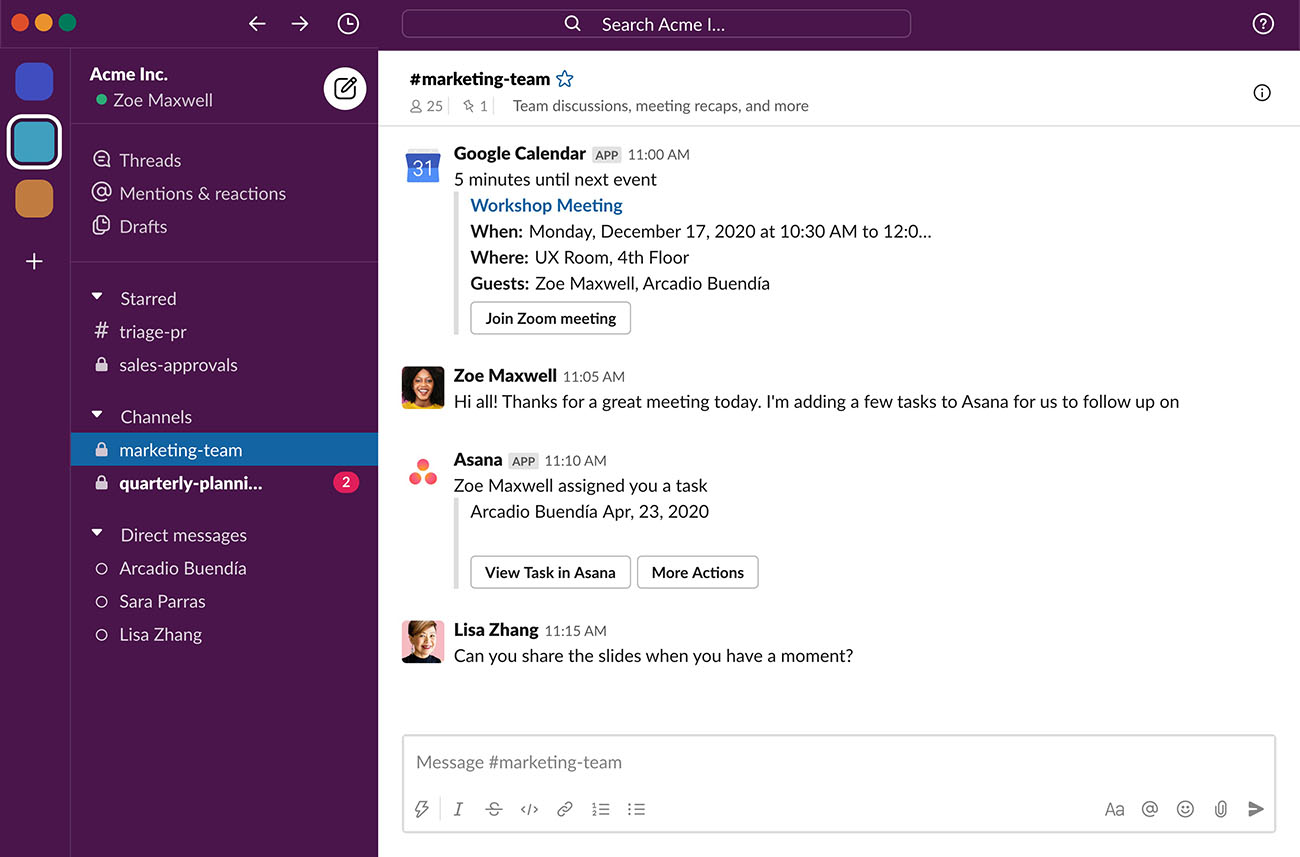
How To Merge Slack Accounts Merging Slack workspaces means consolidating two separate workspaces into one by exporting data from a smaller origin workspace and importing it into a larger destination...
To transfer Slack channel ownership, you add a new Channel Manager and then remove yourself from the channel’s “Managed by” field. This action gives the new person full administrative control...
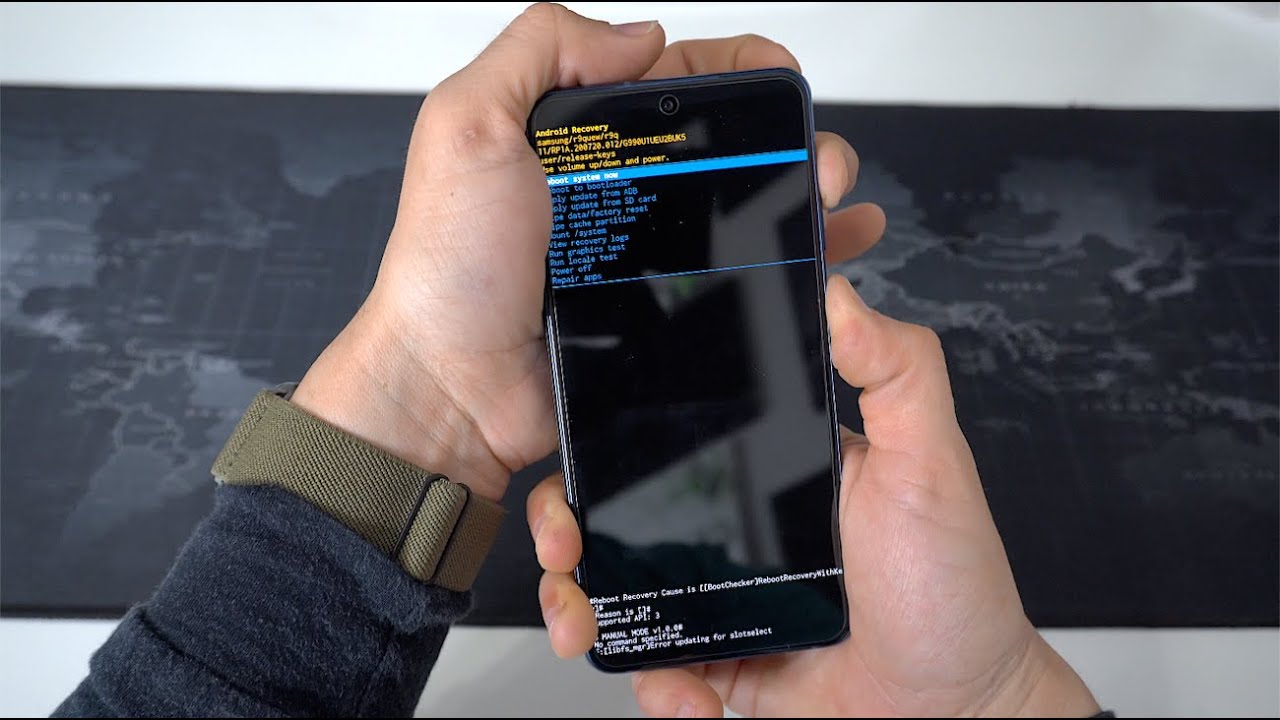
To factory reset Samsung Galaxy S21, you erase everything on the phone and restore it to its out-of-box state, which fixes persistent software glitches and removes your personal data before...
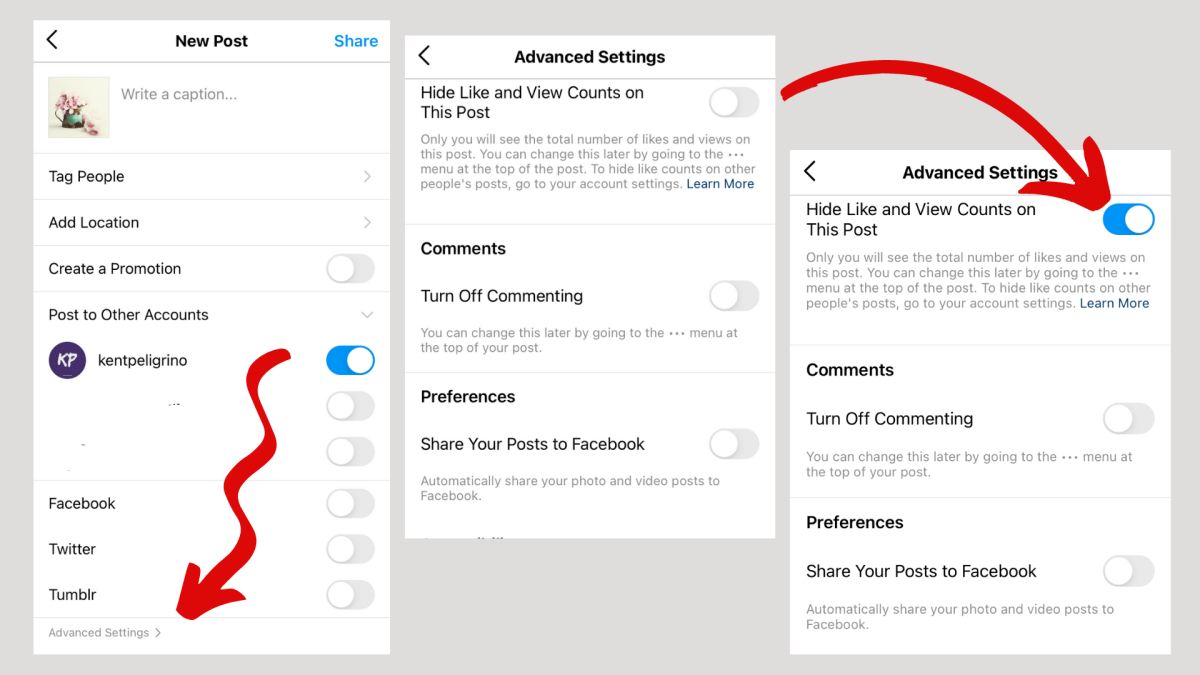
To remove likes from Instagram, open the post you've liked and tap the red heart icon directly below it, which will unlike it instantly. For removing likes in bulk, you...
You can’t turn off iMessage for one person with a dedicated per-contact toggle, but you can stop receiving their iMessages by muting notifications or blocking them entirely. To turn off...
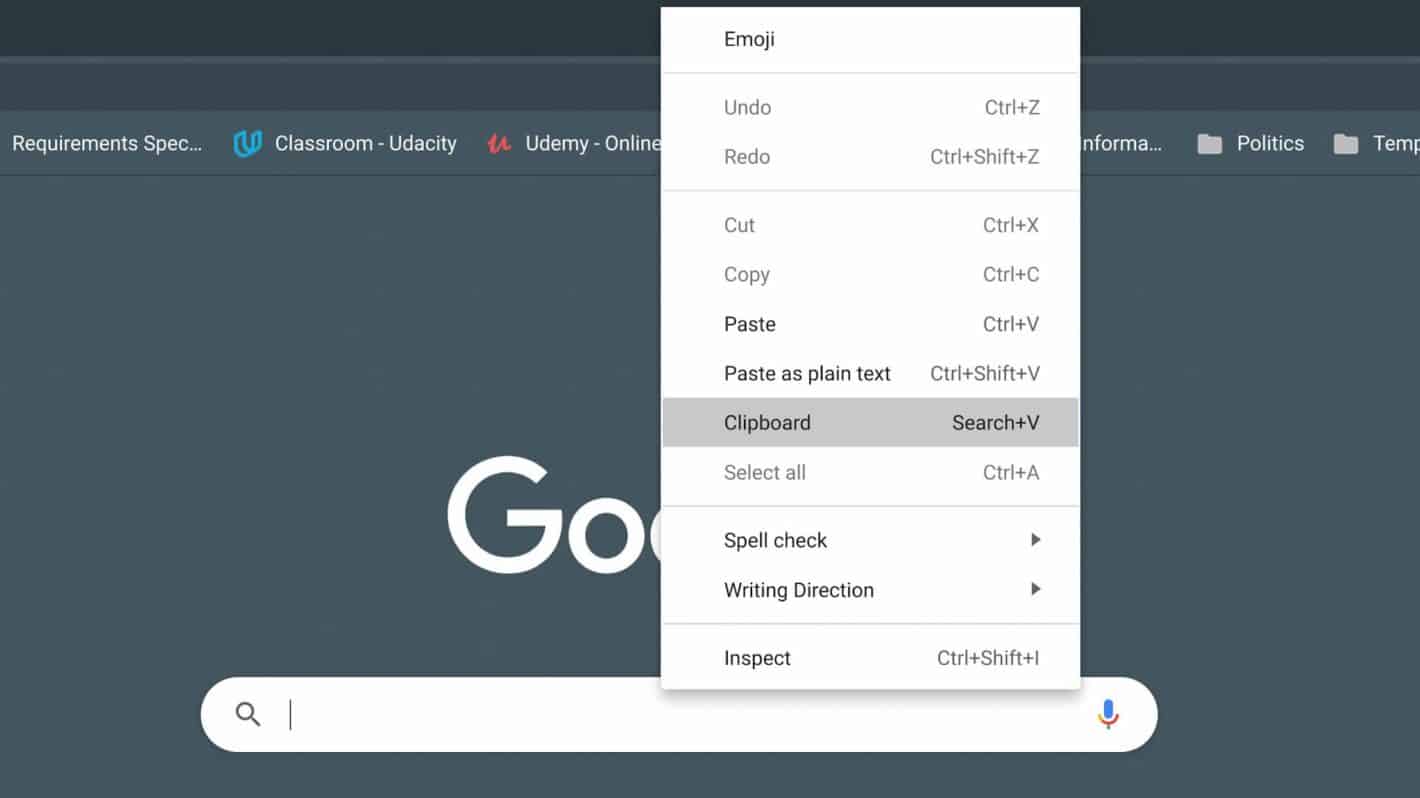
To access your Chromebook clipboard history, press the Search (or Launcher) key + V on your keyboard. This opens a small pop-up showing your five most recently copied items, letting...
This website uses cookies so that we can provide you with the best user experience possible. Cookie information is stored in your browser and performs functions such as recognising you when you return to our website and helping our team to understand which sections of the website you find most interesting and useful.
Strictly Necessary Cookies
Strictly Necessary Cookie should be enabled at all times so that we can save your preferences for cookie settings.
If you disable this cookie, we will not be able to save your preferences. This means that every time you visit this website you will need to enable or disable cookies again.