How To Install A TP-Link Wireless Router To install a TP-Link wireless router, start by unplugging your modem and removing its backup battery, then connect the router to the modem...
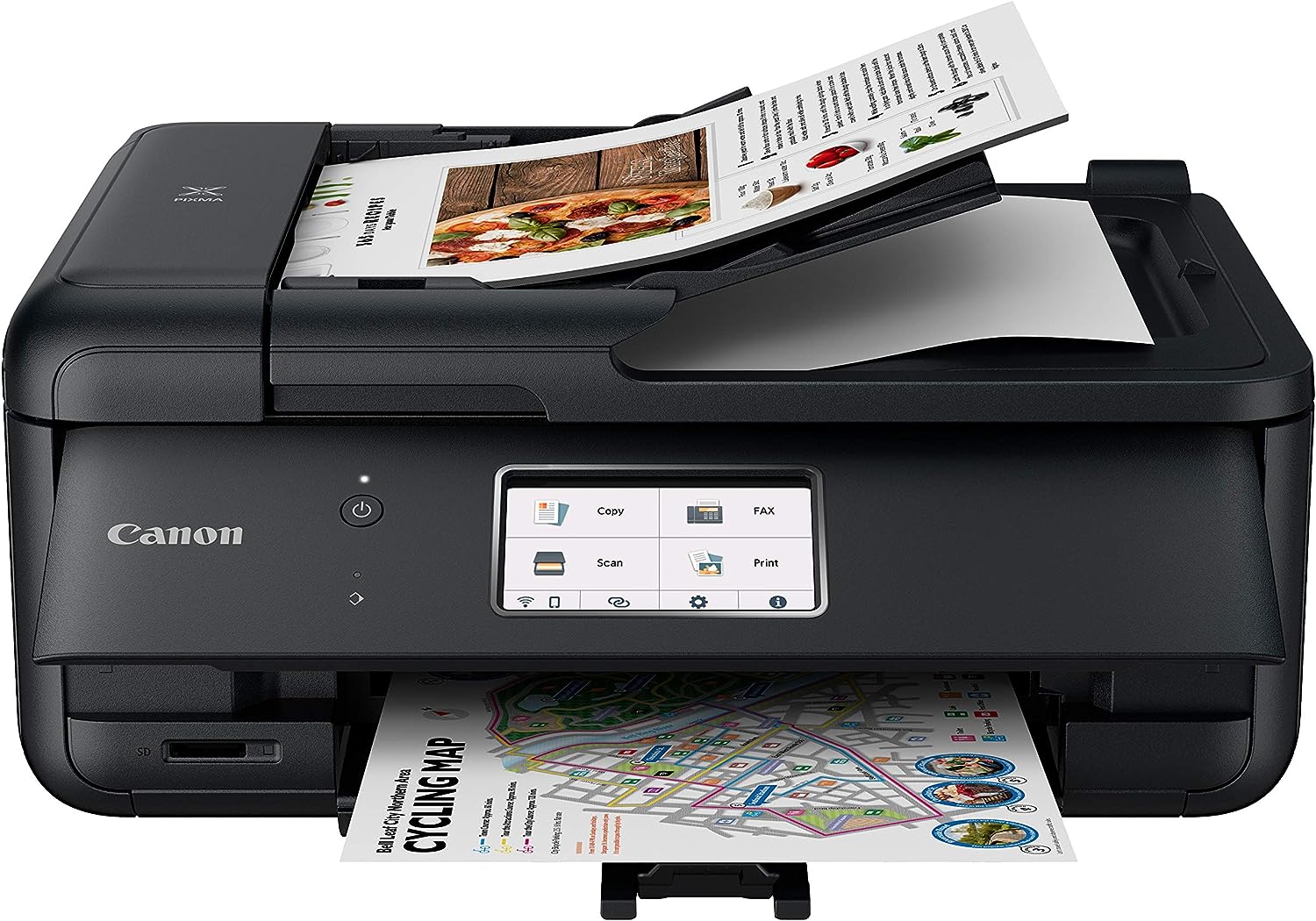
You can download Canon printer software without the CD by getting the official driver and utilities directly from Canon’s website, which is the fastest and safest way to get your...
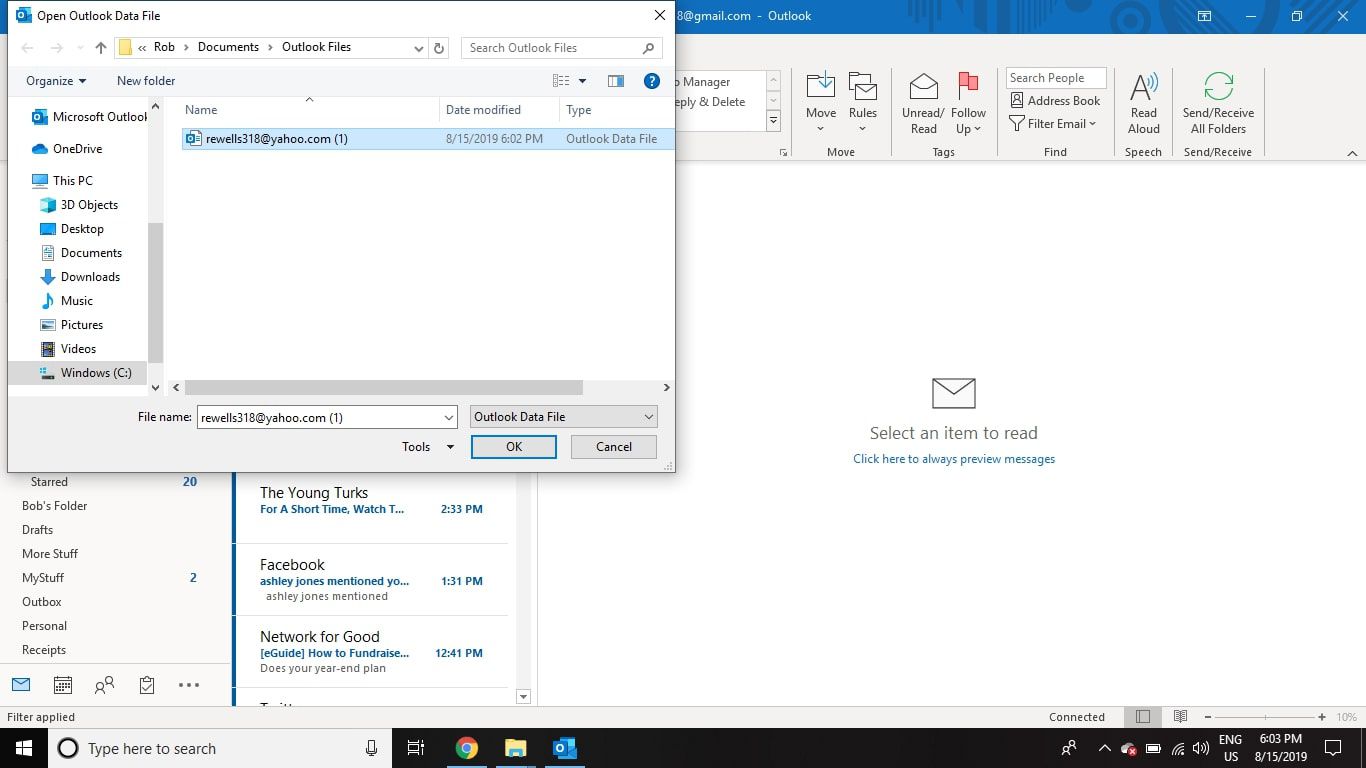
To download email from Yahoo, you need to use one of several workarounds since Yahoo Mail does not include a direct button for downloading individual messages. The most reliable methods...
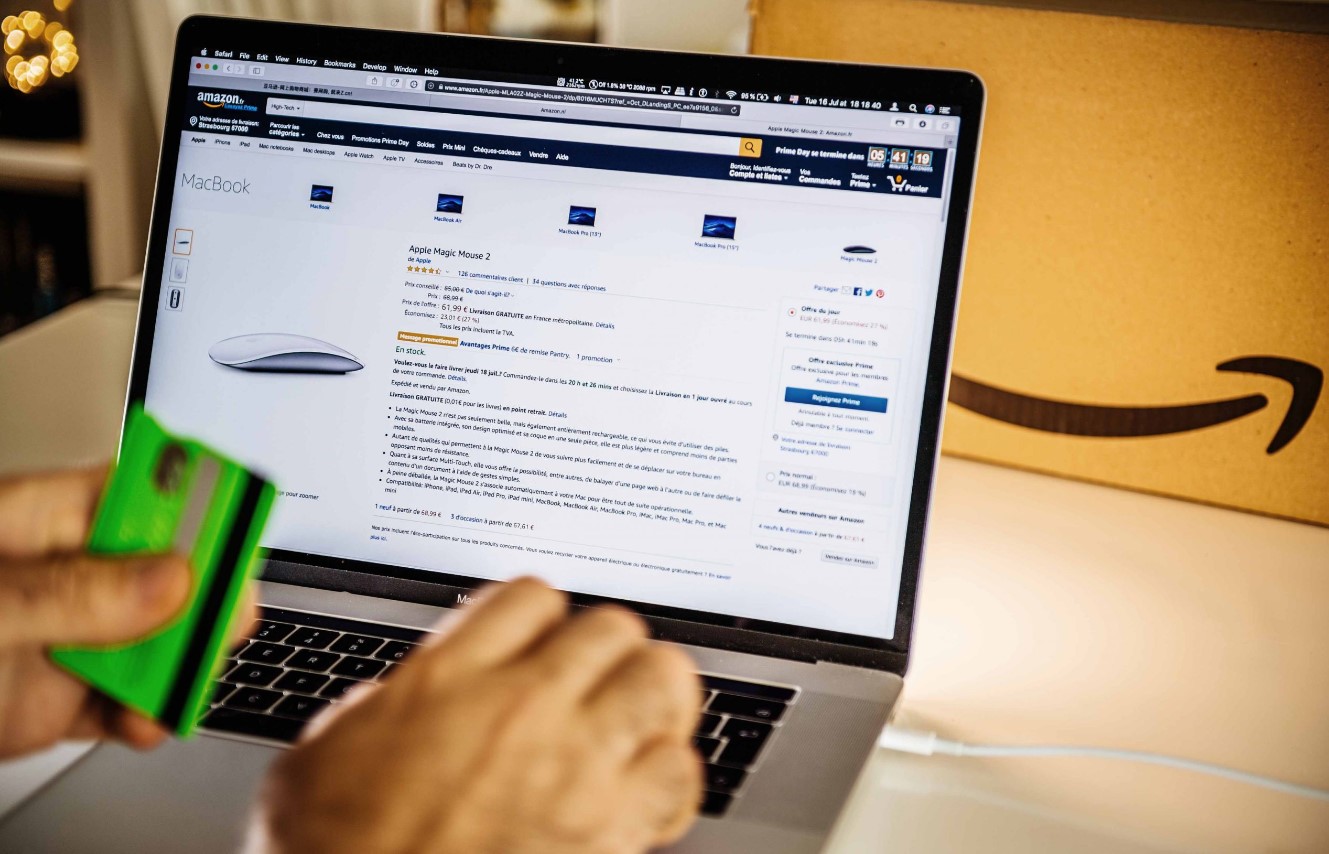
Why download all Amazon orders? To download all Amazon orders, request your complete data archive from Amazon's privacy settings, this gives you a machine-readable record of every purchase you've ever...
To download the HTML of a website, use your browser's built-in "Save Page As" feature to store the full page source locally, or copy the rendered source from developer tools....
To download Patreon content, you need to know that the platform doesn't offer a universal download button for every post type, so your options depend on what the creator has...
To download Google Site content as an offline backup, you’ll use Google Takeout, which packages your site’s files into a single archive you can save and extract anywhere. The process...
To download files from Bitbucket, you have two main options: download a single file directly through the web interface, or clone the entire repository to your local machine using Git....
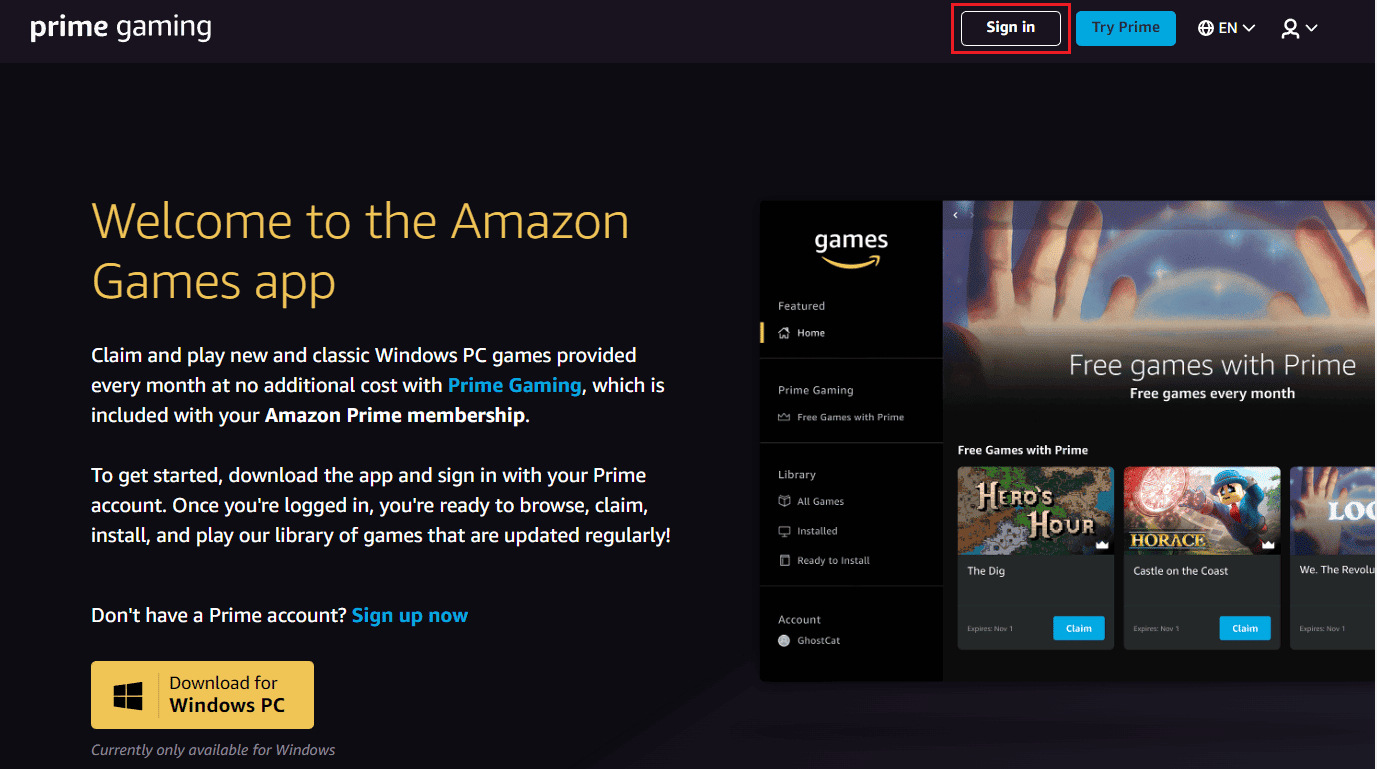
How to download purchased software from Amazon To download purchased software from Amazon, sign in to your account, open your Games & Software Library, and either download the installer directly...
To download an XML file, right-click the XML content in your browser and choose “Save Page As,” then make sure the file ends with the `.xml` extension before saving. This...
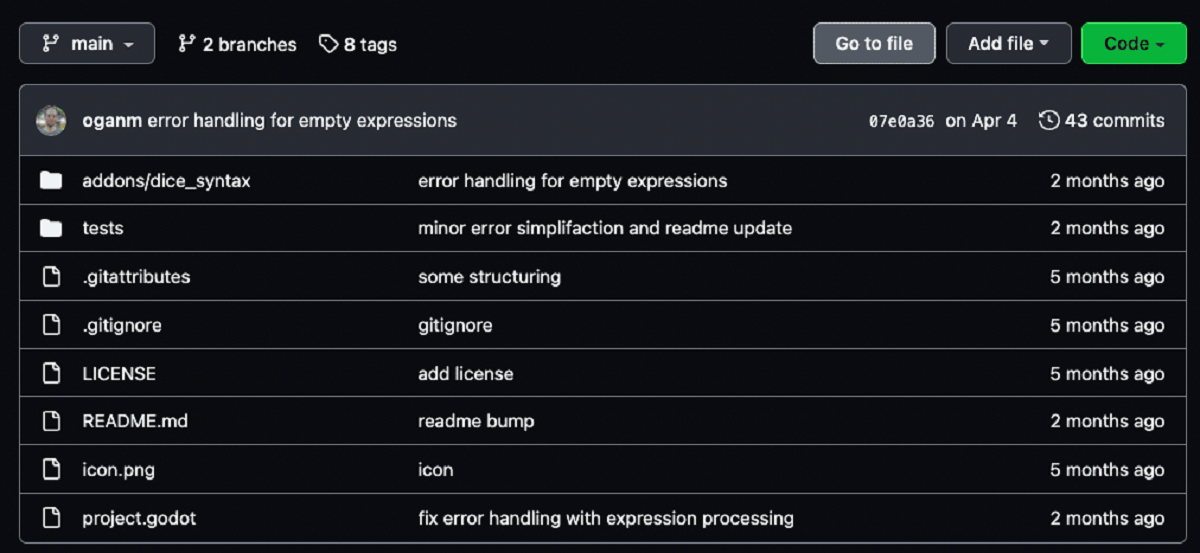
To download a CSV file from GitHub, open the repository, click the file, and then click the Raw button in the upper-right corner; your browser will display the plain text...
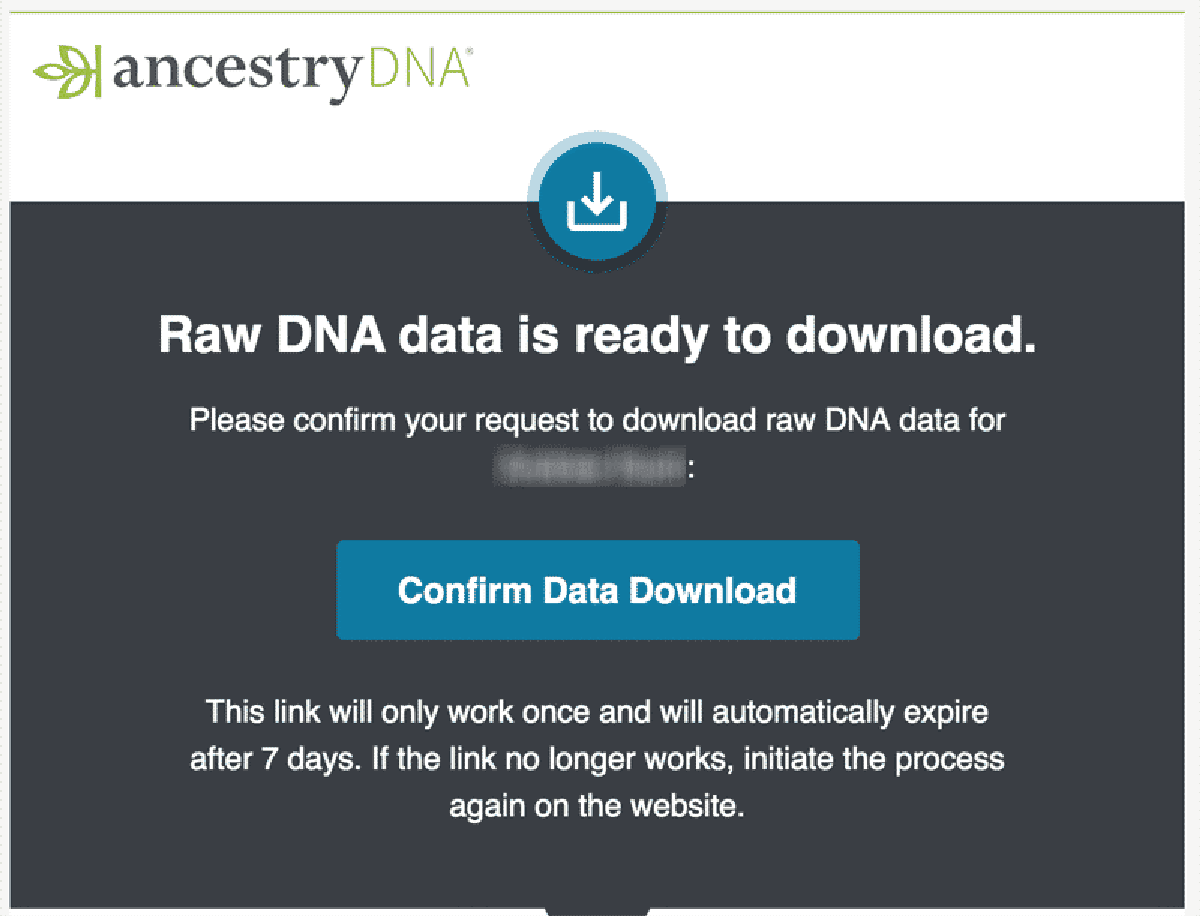
To download your Ancestry DNA raw data, sign in to your existing Ancestry account and navigate to the DNA settings page, no new test is required. This guide covers the...
This website uses cookies so that we can provide you with the best user experience possible. Cookie information is stored in your browser and performs functions such as recognising you when you return to our website and helping our team to understand which sections of the website you find most interesting and useful.
Strictly Necessary Cookies
Strictly Necessary Cookie should be enabled at all times so that we can save your preferences for cookie settings.
If you disable this cookie, we will not be able to save your preferences. This means that every time you visit this website you will need to enable or disable cookies again.