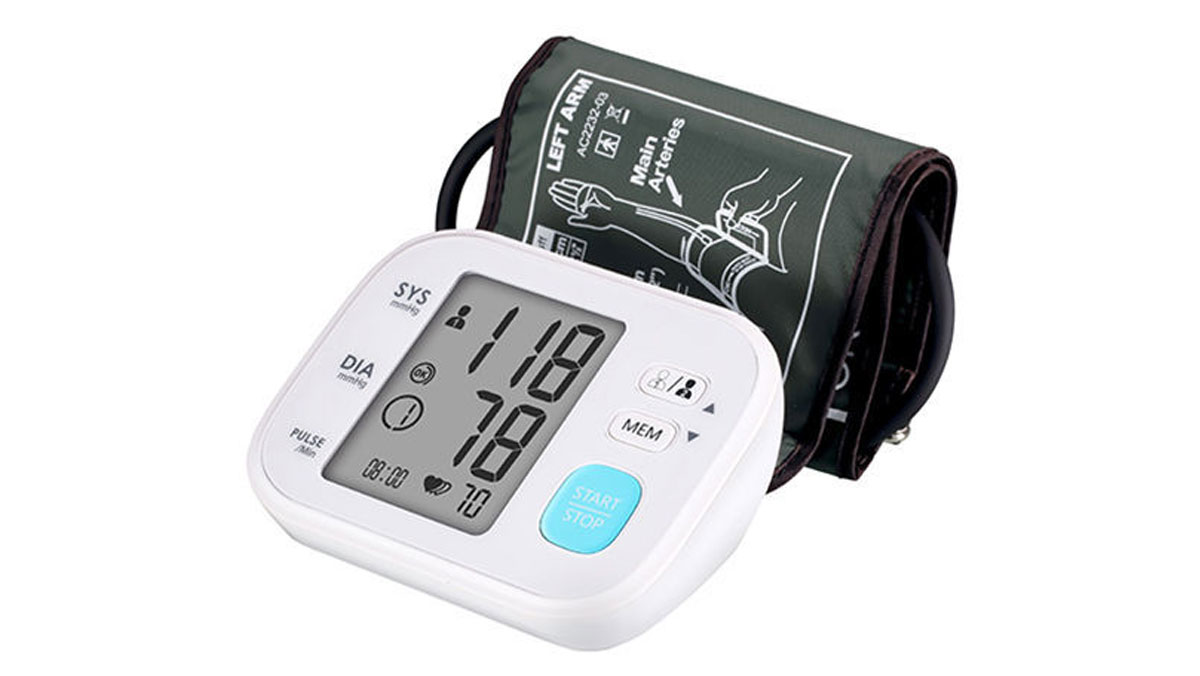
To calibrate a blood pressure monitor, you must first understand that true calibration is a professional service performed by manufacturers or biomedical technicians, while you can perform an accuracy check at home. This article focuses on that home accuracy check, which is the most practical way for most people to ensure their device is reliable.
How to calibrate a blood pressure monitor: DIY check vs. professional service
Many people search for "calibrate blood pressure monitor" expecting a do-it-yourself adjustment, but the reality is that home devices are not designed for user calibration. What you can do at home is an accuracy check, comparing your monitor's readings against a professional device to see if it is working correctly. True calibration, which involves adjusting the internal sensors to a known standard, requires specialized equipment and is typically done by the manufacturer, a biomedical technician, or a specialized service provider. This article will guide you through performing a reliable accuracy check so you know when professional calibration is needed.
Why accuracy matters for your blood pressure monitor
Inaccurate blood pressure readings can lead to serious health consequences. If your monitor consistently reads too high, you might be overmedicated or worry unnecessarily. If it reads too low, you could miss a dangerous hypertension condition. Ensuring your monitor provides accurate readings is essential for managing your health, tracking medication effectiveness, and making informed decisions about lifestyle changes. A reliable monitor empowers you to trust the data you're using to manage your blood pressure.
How to check your monitor's accuracy at home
Performing an accuracy check at home is a straightforward process. Follow these steps carefully:
- Take your blood pressure at home using your monitor, following the manufacturer's instructions exactly. Record the reading.
- Visit your healthcare provider and have your blood pressure measured with a professional-grade monitor that is known to be calibrated. Record that reading as well.
- Compare the two readings. If they are within 5 to 10 mmHg of each other (for both systolic and diastolic numbers), your home monitor is likely accurate. A larger difference suggests your monitor may need professional servicing or replacement.
Because blood pressure naturally fluctuates, it is wise to repeat this comparison several times, at different times of day, to get a reliable picture of your monitor's performance.
When to seek professional calibration services
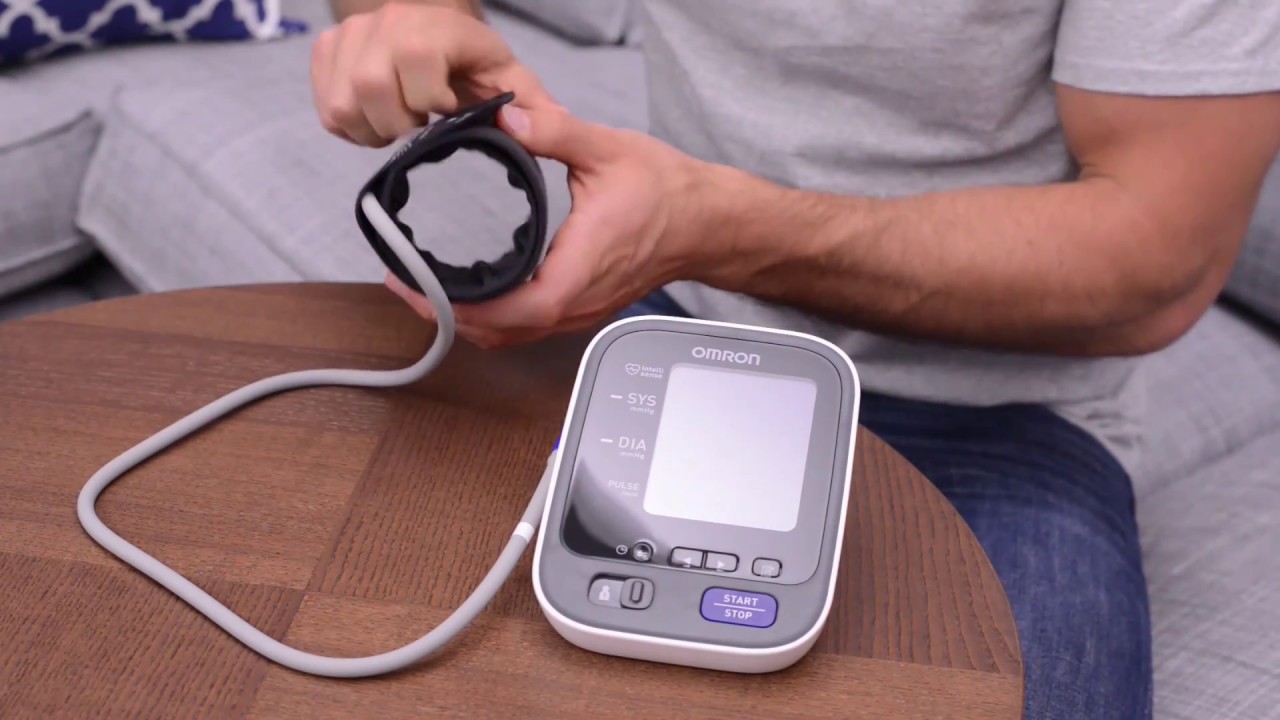
If your home accuracy check reveals a discrepancy outside the 5 to 10 mmHg range, it is time to seek professional calibration. This service is offered by the manufacturer of your device, as well as by biomedical technicians and specialized service providers. For example, if you own an Omron model, you can calibrate an Omron blood pressure monitor by contacting their customer support or visiting their website for authorized service centers. Professional calibration ensures the internal sensors are adjusted to meet the device's original specifications, restoring its accuracy.
Tips for reliable blood pressure readings
To get the most accurate readings from your monitor, follow these best practices every time you measure:
- Sit in a comfortable chair with your feet flat on the floor and your back supported.
- Rest your arm on a sturdy surface, such as a table, so the cuff is at heart level.
- Position the cuff correctly on your bare upper arm, aligning it with your brachial artery as shown in your device's manual.
- Stay still and quiet during the measurement; do not talk or move.
- Avoid caffeine, alcohol, and smoking for at least 30 minutes before taking a reading, as these can temporarily raise your blood pressure.
- Take multiple readings (one to two minutes apart) and record the average for a more reliable result.
Troubleshooting common monitor issues
If your monitor displays error messages, fails to power on, or gives inconsistent readings, start by checking the basics. Ensure batteries are fresh and properly inserted, or that the device is fully charged. Verify the cuff is the correct size for your arm and is not twisted or damaged. If error codes persist, consult your user manual for specific troubleshooting steps. For persistent problems like malfunctioning buttons or display issues that you cannot resolve, contact the manufacturer's customer support for guidance or to arrange for professional service.
\nRelated reading: How To Calibrate A Logitech G29 and How To Calibrate Logitech G920 Xbox.