This tag collects our guides to Google Photos, aimed at everyday users who want more control over their photo library, whether they are switching phones, cleaning up storage, or trying to get prints that look right. The articles are practical, step-by-step explanations for common tasks, written for people who are not tech experts but want to manage their photos without losing anything important.
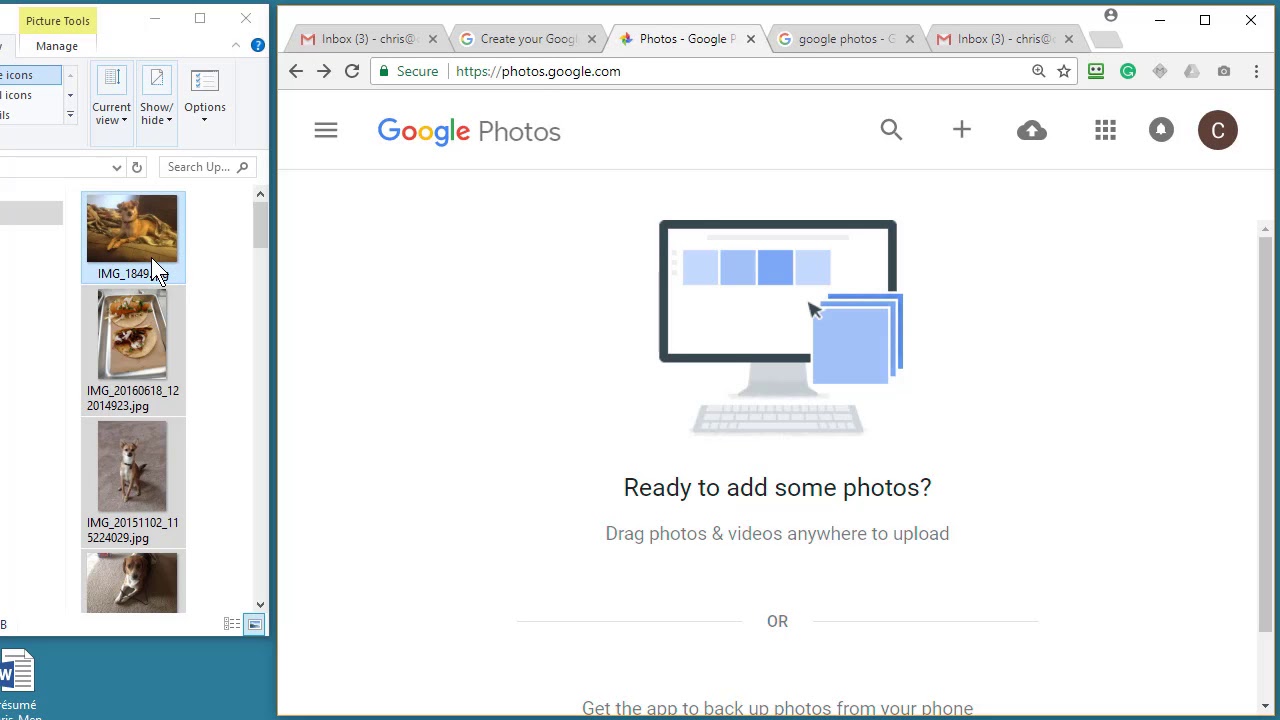
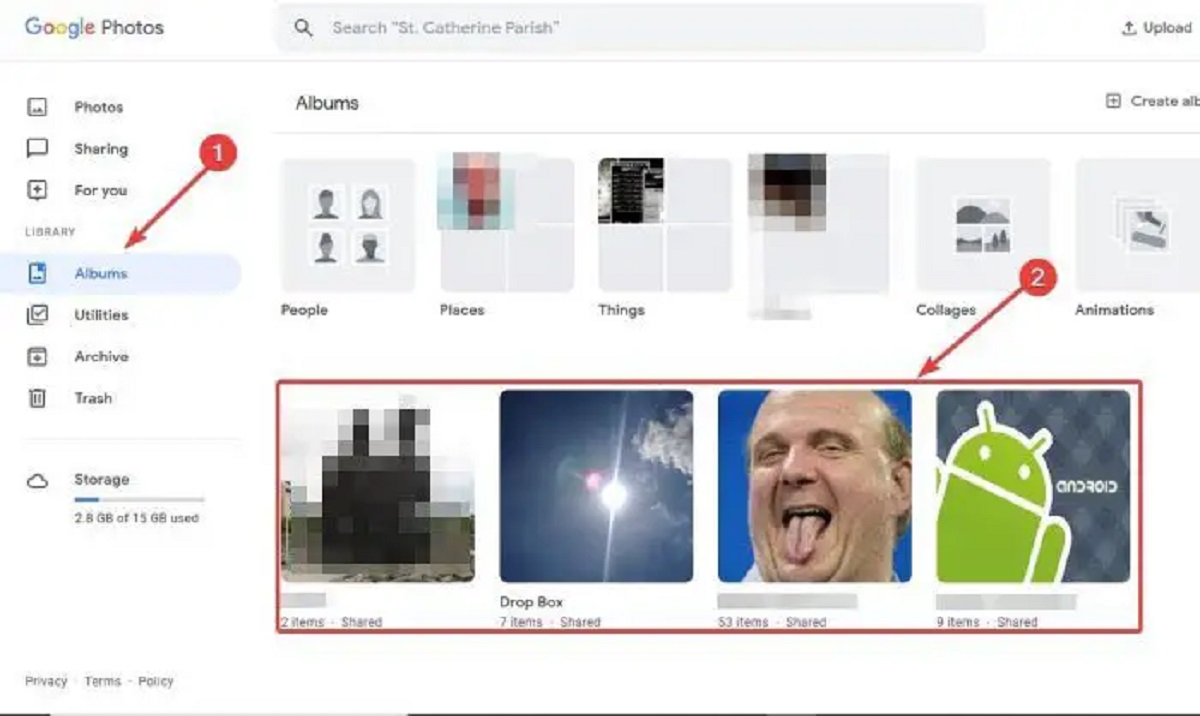
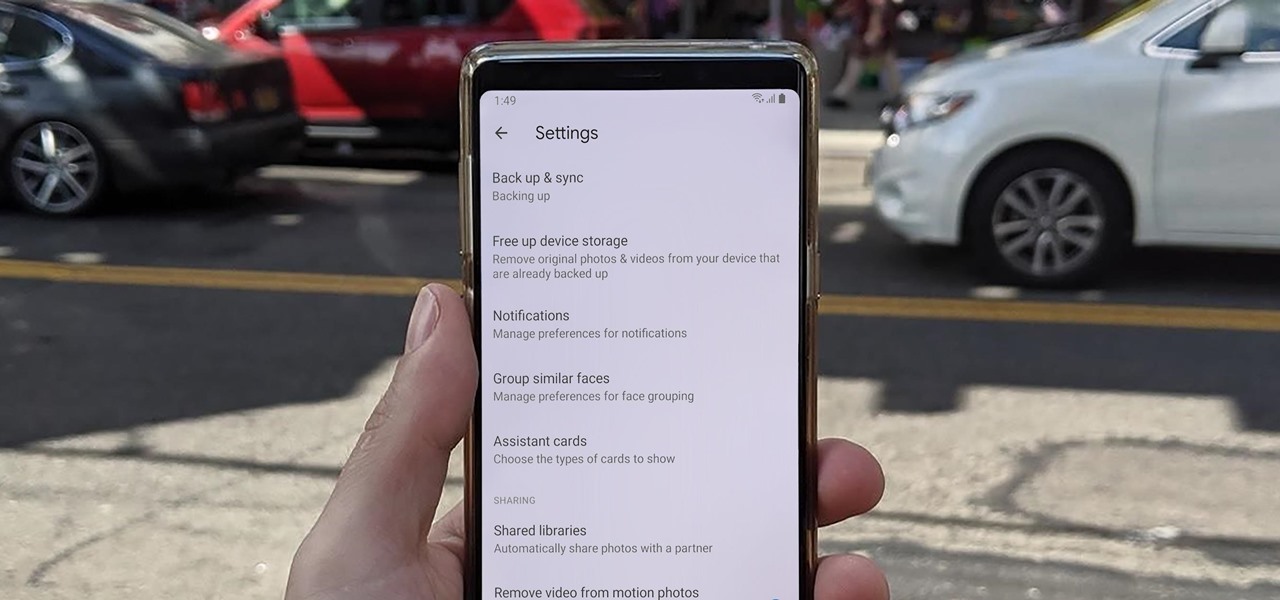
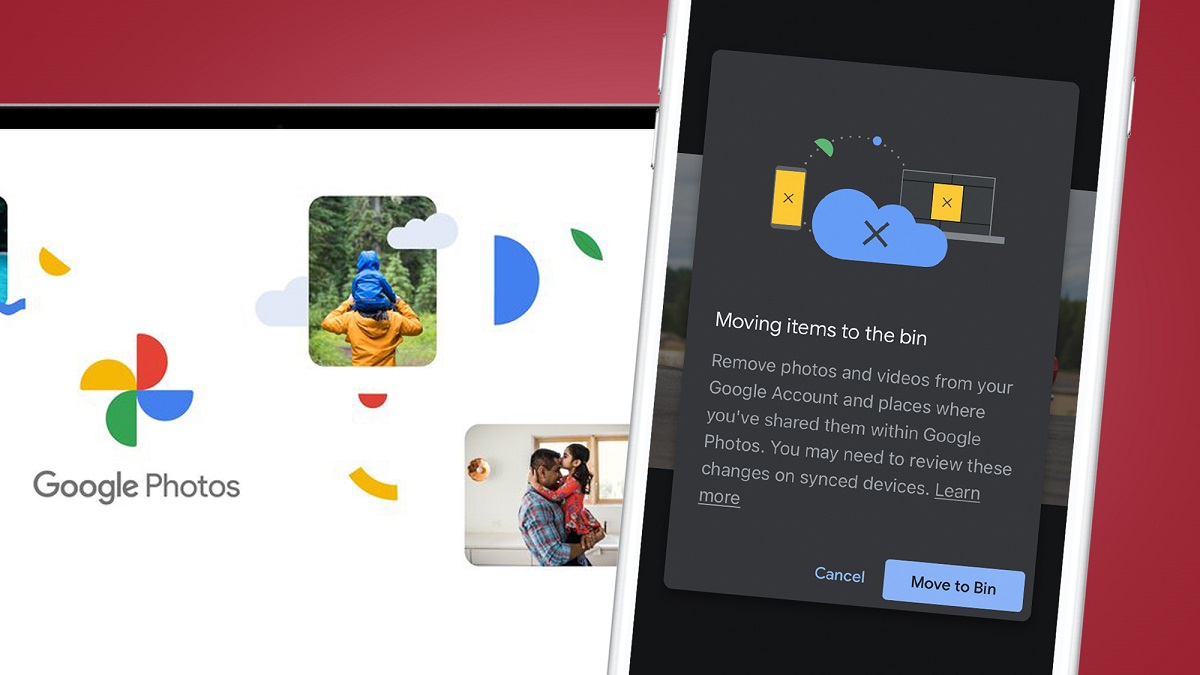
The biggest group of articles deals with moving and downloading photos. You can learn how to transfer Google Photos to Apple Photos, move pictures from your Android gallery to Google Photos, or download everything to a PC, iPhone, or external hard drive. A related set focuses on deletion and organization: how to mass delete photos, remove backed-up photos from Google Photos, or delete photos from your phone without wiping them from the cloud. These pieces also cover the safety and legal side of deletion, for example, what happens to shared albums when you delete your account, and how to recover permanently deleted photos after 60 days, which is explained as a cautionary guide about Google’s retention limits, not a workaround.
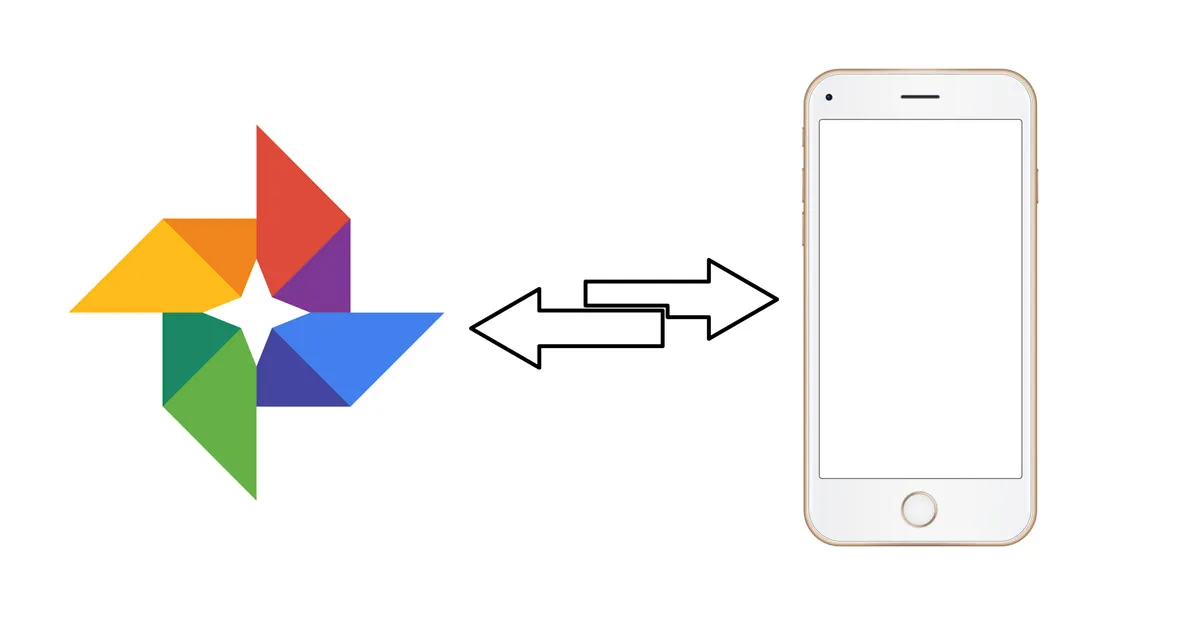
Finally, several articles address syncing and sharing between devices, such as transferring photos from an iPhone to an Android tablet or syncing your Android phone to a tablet. There are also practical answers about photo quality and archiving: whether Google Photos compression affects print quality, how to make a digital photo album, and how to download full-resolution photos. Throughout, the focus is on doing these tasks safely and within Google’s rules, never on bypassing limits or exploiting the service.