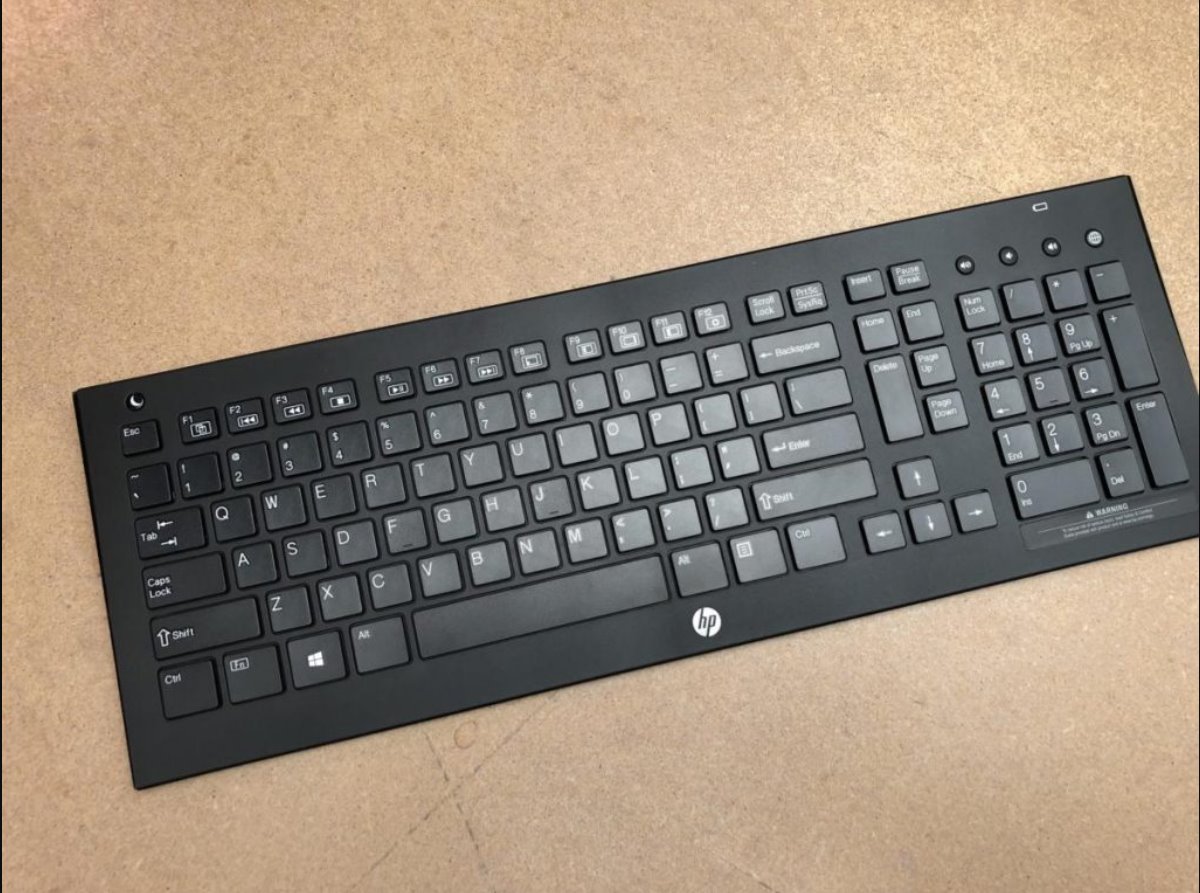
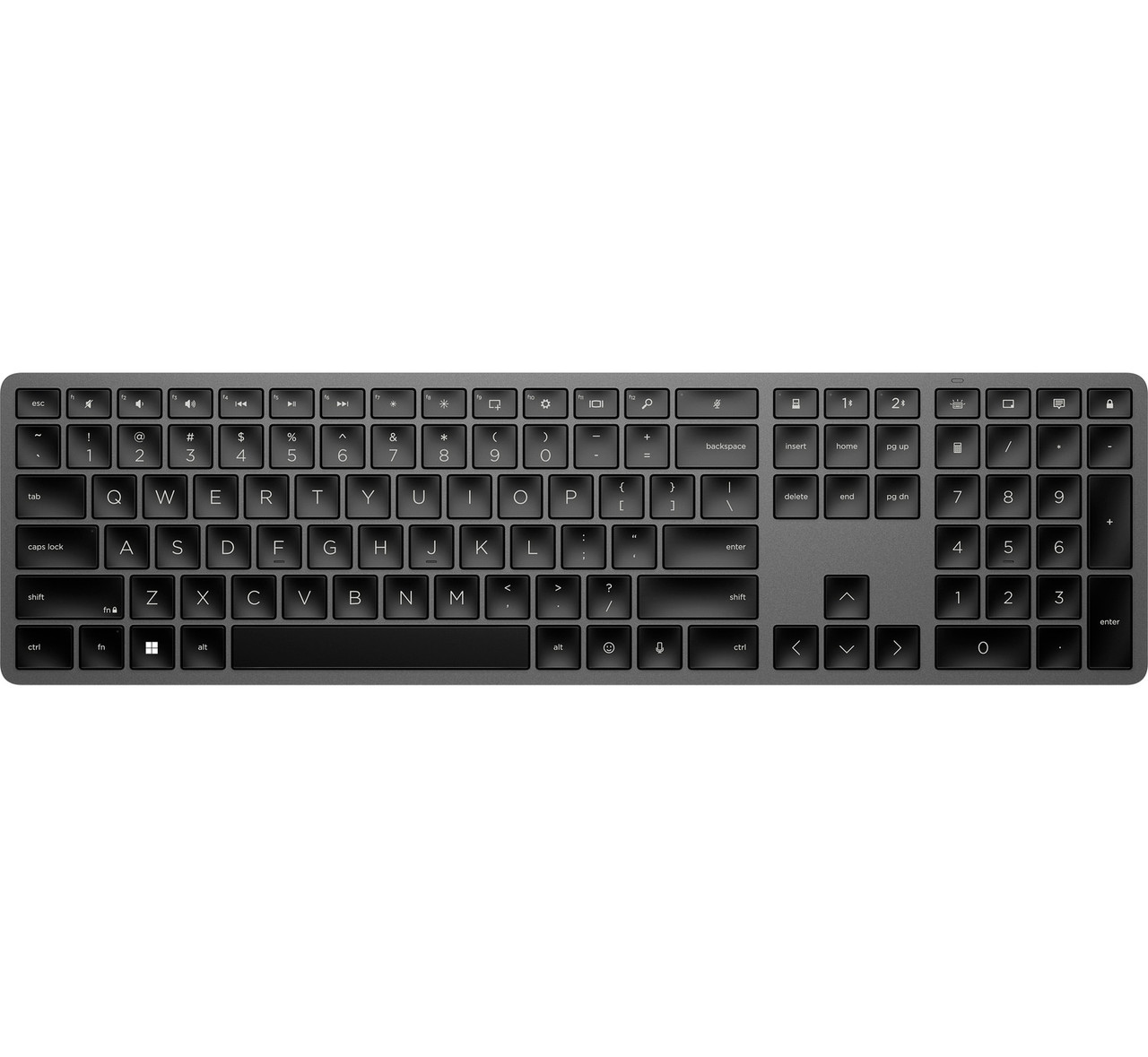
To turn on your HP wireless keyboard, first make sure it has power by installing fresh batteries or charging it, then locate and use the power switch or button. Most...
To connect an HP wireless keyboard, first identify whether it uses a USB receiver (dongle) or Bluetooth, this determines the setup method. Follow the steps below to quickly connect your...
To make your wireless keyboard discoverable, turn it on and press the dedicated pairing key or key combination until the LED starts blinking rapidly. The exact button press varies by...
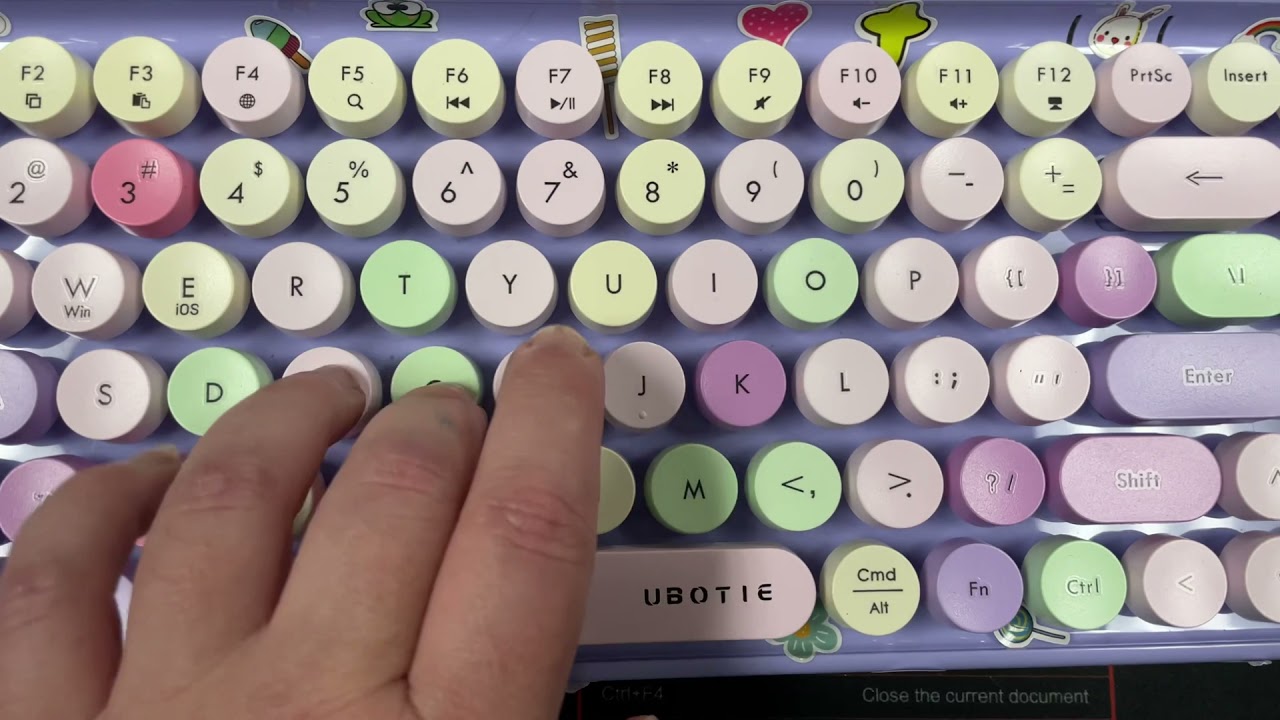
To connect a Ubotie wireless keyboard, first identify whether your model uses a 2.4GHz USB receiver or Bluetooth by checking what came in the box. If you have a small...
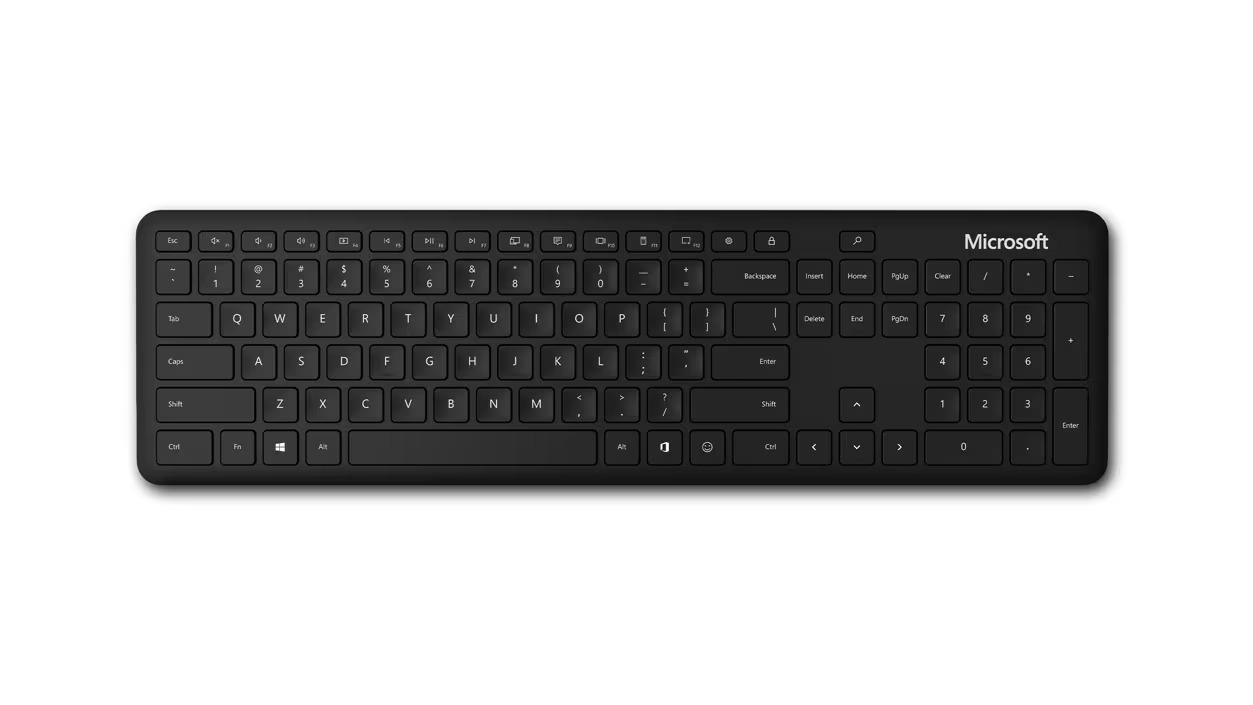
To connect a Microsoft wireless keyboard, you first need to identify whether your specific model uses Bluetooth or a dedicated USB receiver, this determines the exact steps you'll follow to...
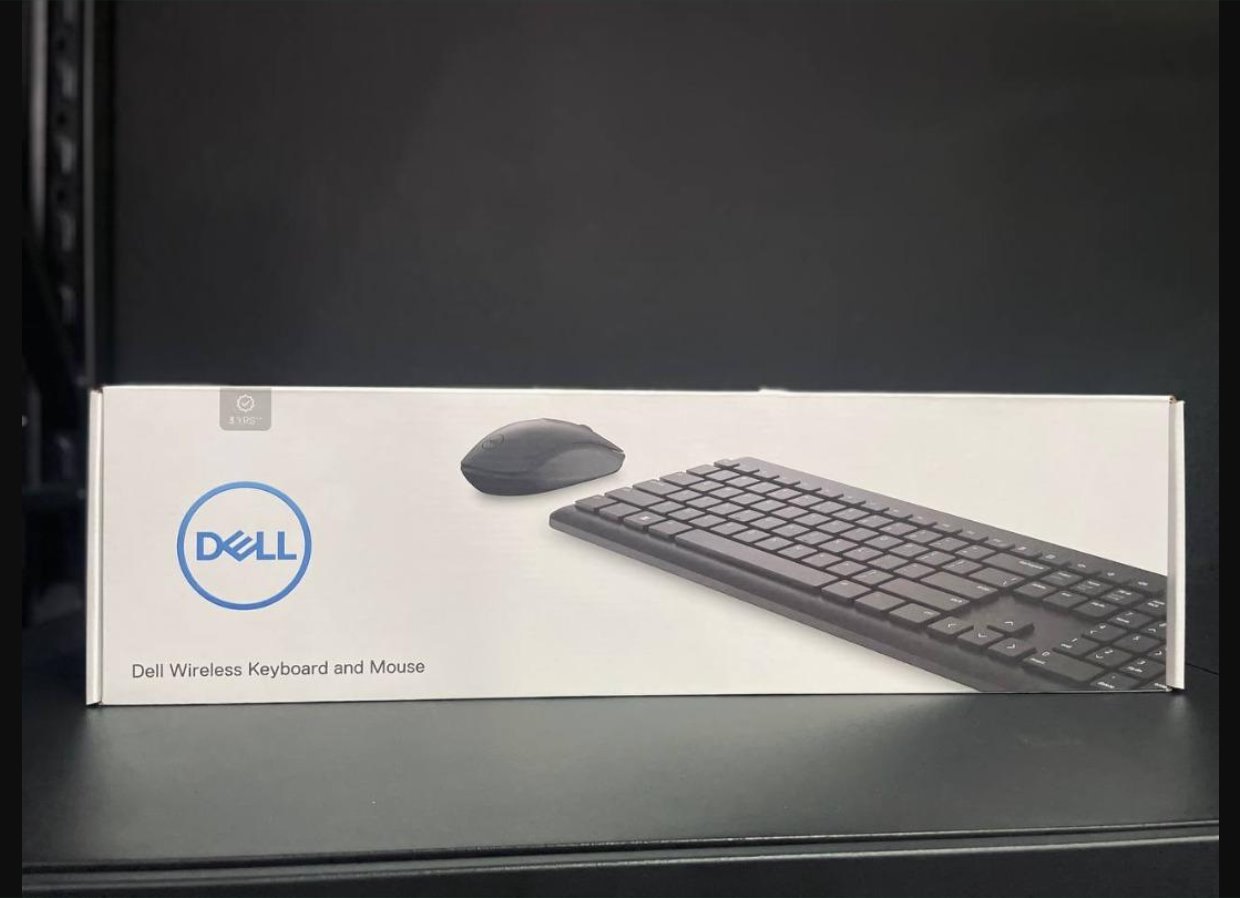
To pair a Dell wireless keyboard, you can use either the included USB receiver for an instant plug-and-play connection or Bluetooth for a cable-free setup, though you may need lost...
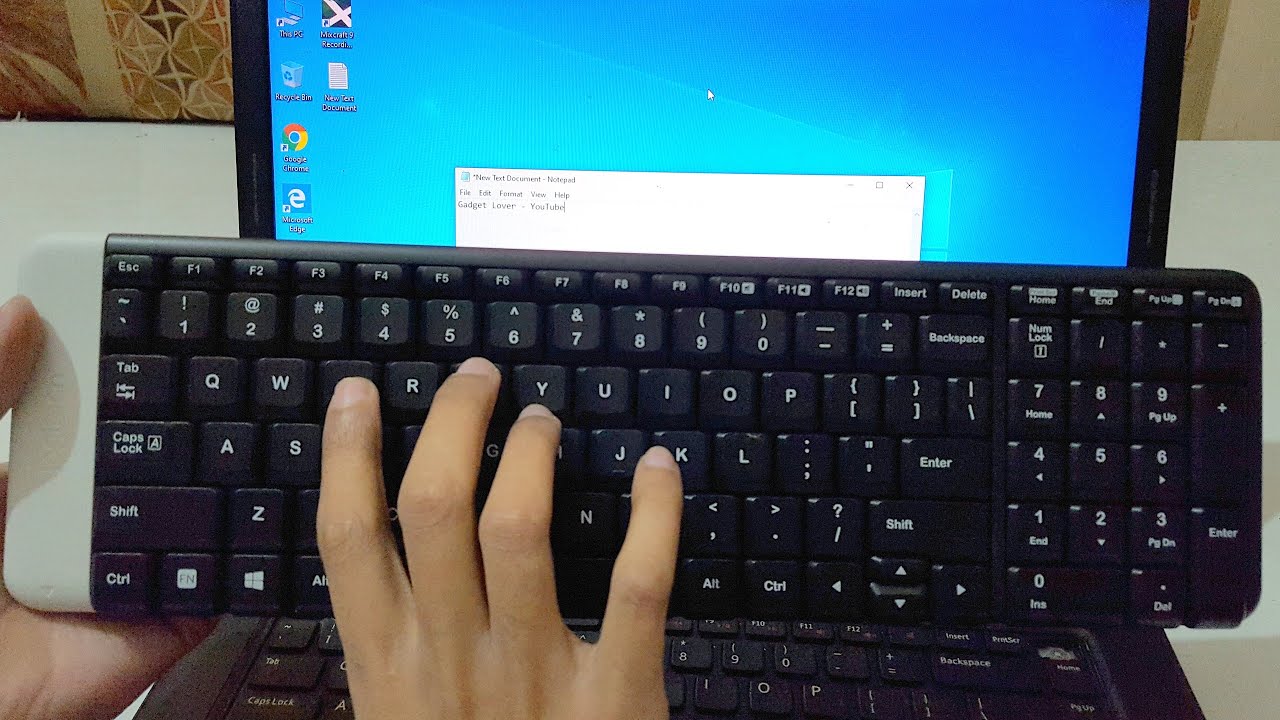
To turn on a wireless keyboard, press the power button or slide the power switch, then look for the LED indicator light to confirm the keyboard has power. This single...
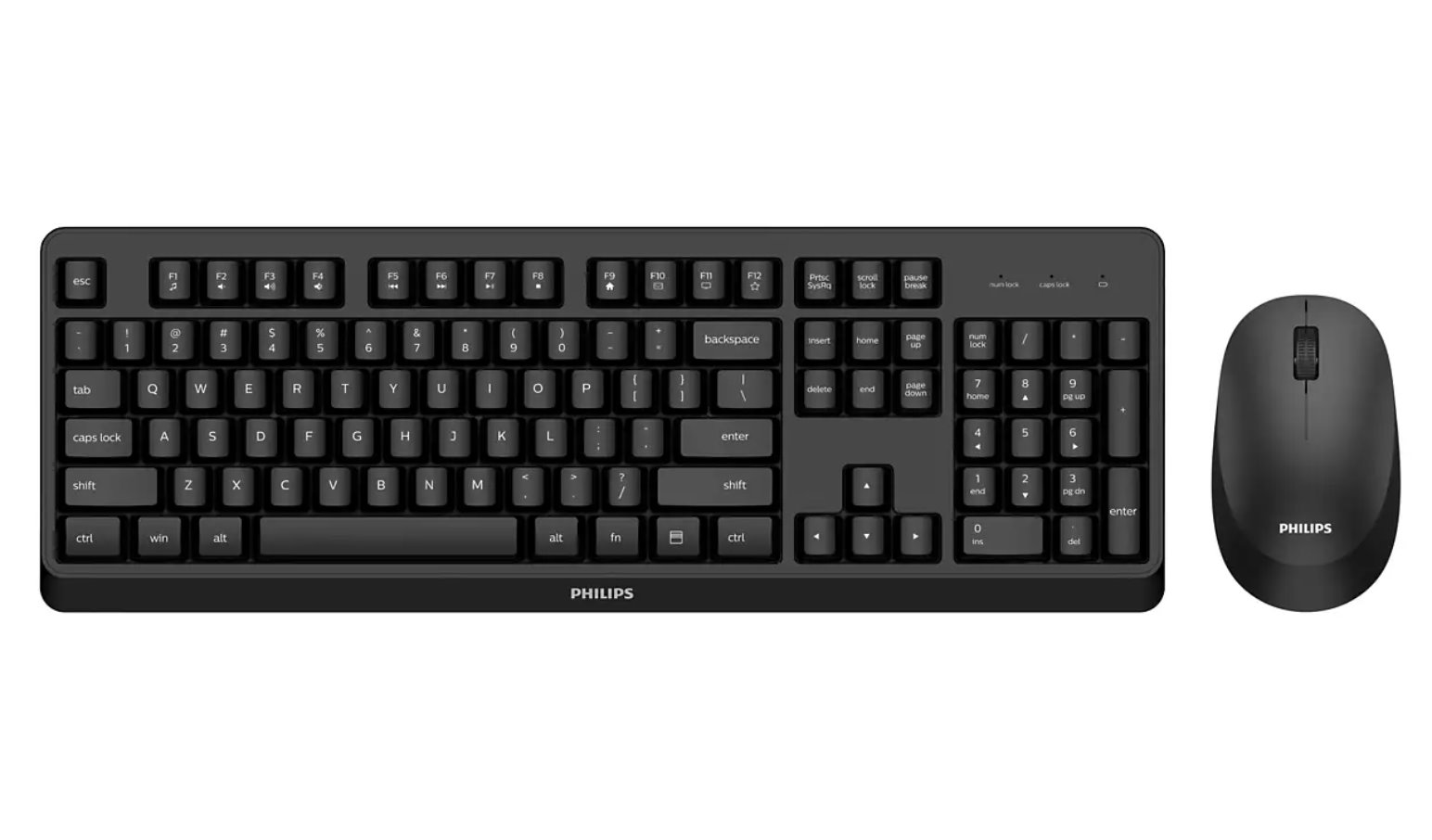
How To Connect Wireless Keyboard And Mouse To connect a wireless keyboard and mouse, plug the USB receiver into a free USB-A port (for 2.4 GHz models) or pair via...
To download phone contacts to your car, you pair your smartphone via Bluetooth and approve the phonebook-sharing prompt that appears on your phone. The entire process relies on the Bluetooth...
To pair a Roku remote, you first need to know what type of remote you have. Simple infrared (IR) remotes do not require pairing and work instantly when you point...
To sync a Roku remote, you need to pair it wirelessly with your Roku device, unless you have a simple infrared (IR) remote, which never requires pairing. The fastest fix...
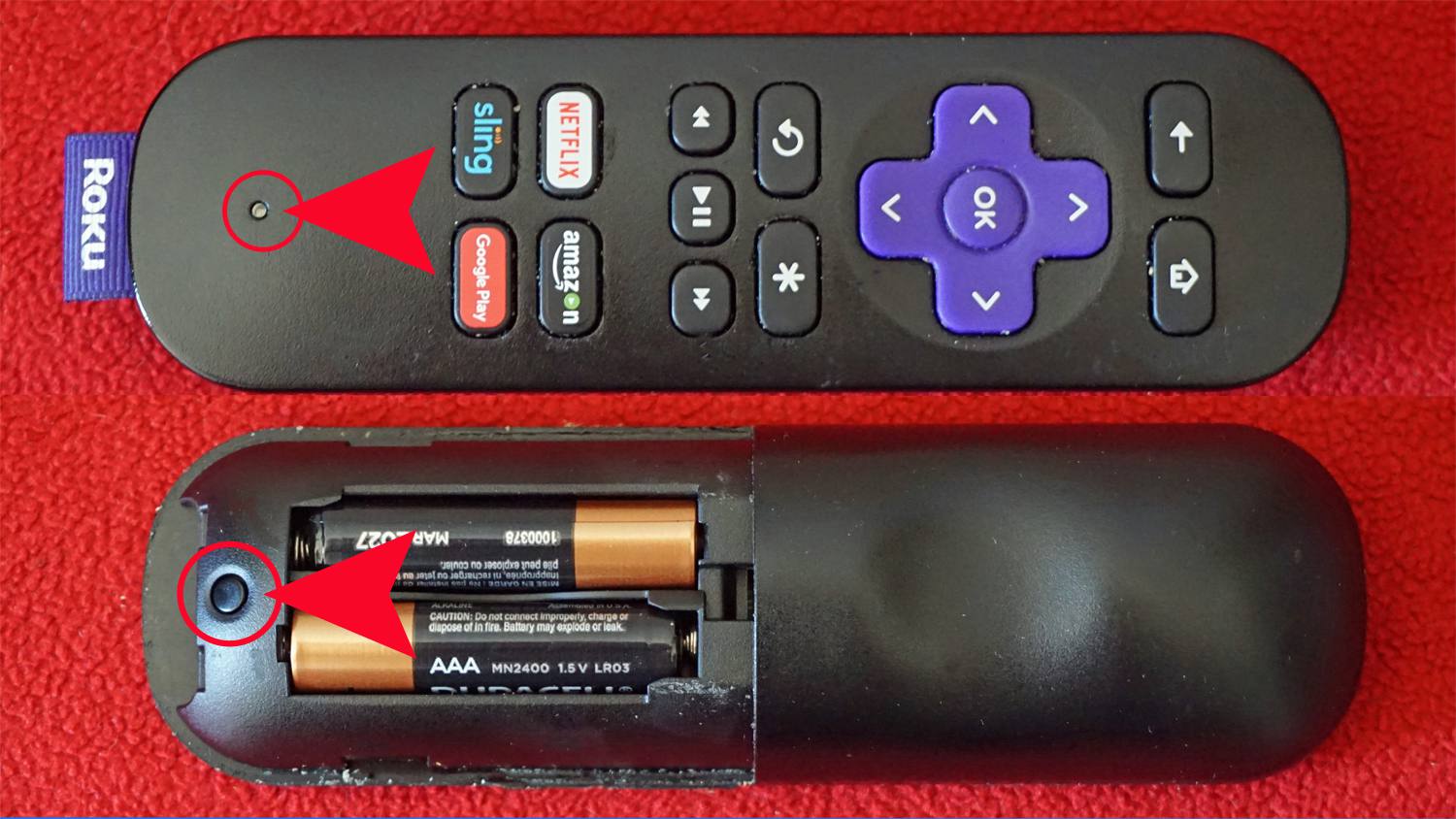
The pairing button on a Roku remote is located either on the back of the remote or under the battery cover. This small, sometimes recessed button is only found on...
This website uses cookies so that we can provide you with the best user experience possible. Cookie information is stored in your browser and performs functions such as recognising you when you return to our website and helping our team to understand which sections of the website you find most interesting and useful.
Strictly Necessary Cookies
Strictly Necessary Cookie should be enabled at all times so that we can save your preferences for cookie settings.
If you disable this cookie, we will not be able to save your preferences. This means that every time you visit this website you will need to enable or disable cookies again.