To tell if your Apple Pencil is dead, start by checking its battery level in the iPad’s Settings app or via the Batteries widget, if it shows 0% or won’t...
To stop AirPods from connecting to other phones, you must either remove them from the specific device that keeps hijacking the connection or disable automatic switching on your own Apple...
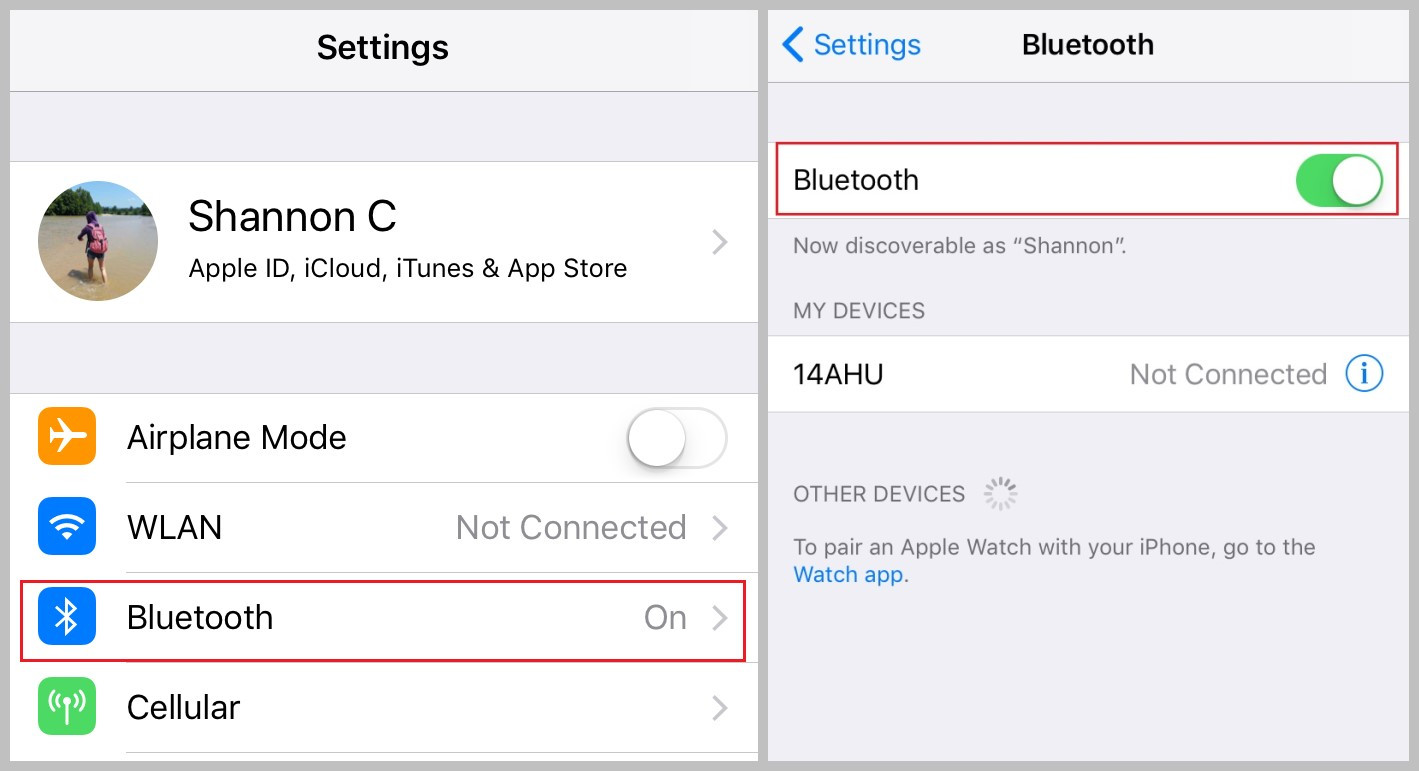
To turn on Bluetooth on a Dell laptop, open the Start menu and go to Settings. In Windows 11, navigate to Bluetooth & devices and toggle the switch to On;...
You can use an Xbox controller on PS5, but only by using a third-party USB adapter, because Sony blocks direct Bluetooth or USB connections for PS5 games. To use Xbox...
If your PS5 controller is not connecting, the fastest fix is to connect it directly to your console using the USB cable and press the PS button. If that doesn't...
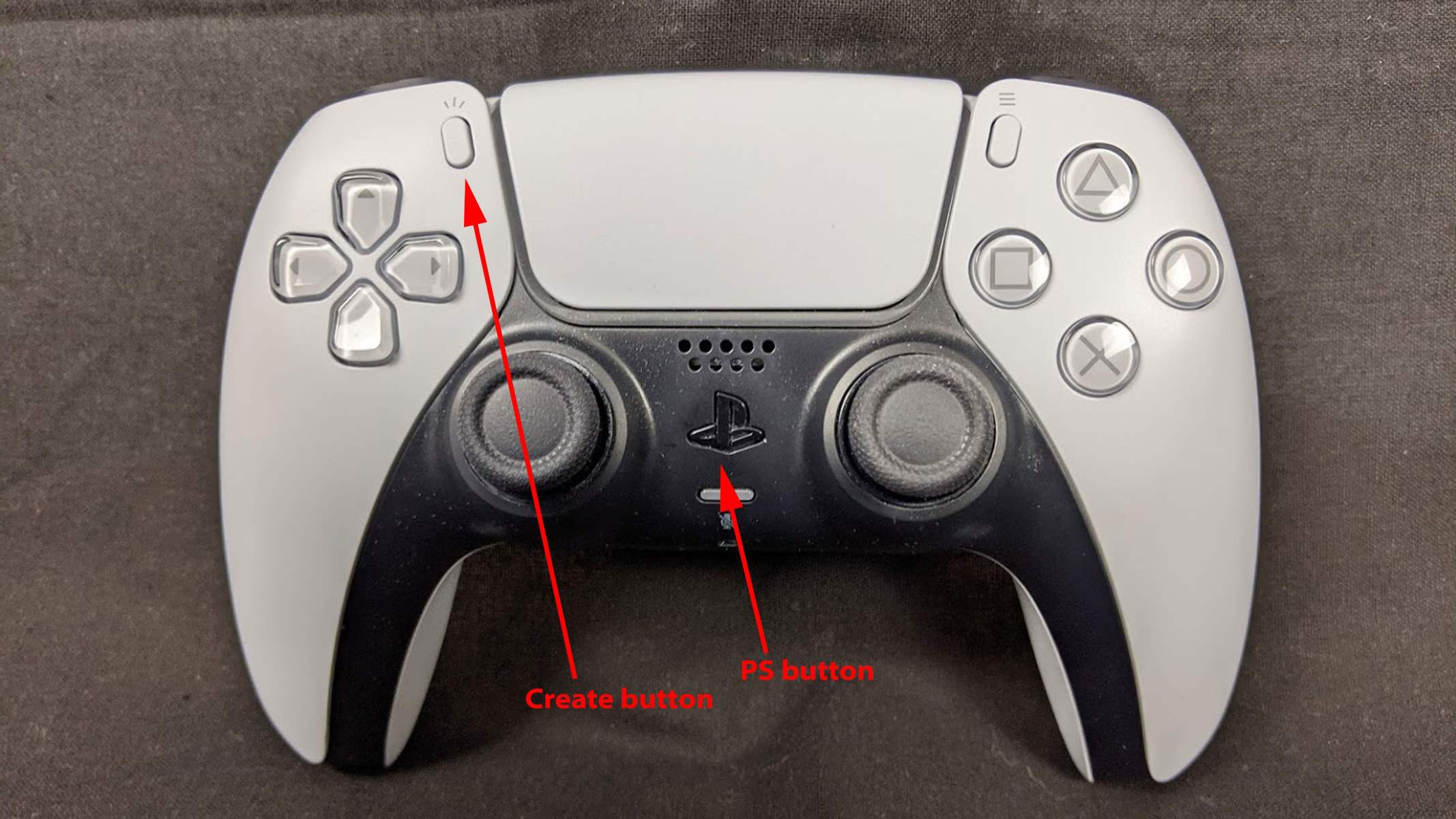
To put a PS5 controller in pairing mode, first make sure the controller is off and disconnected from any USB cable. Then, simultaneously press and hold the Create button (to...
To connect a second PS5 controller, you need to pair it with your console either wirelessly or via USB. The quickest method for most users is the wireless Bluetooth pairing...
To turn on your PlayStation 5, press the power button on the console itself or press the PlayStation (PS) button on a paired DualSense wireless controller. Before you can power...
You can connect a PlayStation controller to PC using either a USB cable or Bluetooth, and both the DualShock 4 (PS4) and DualSense (PS5) controllers work with Windows without extra...
Why your heart monitor is flashing a blue light If your heart monitor is flashing blue light, the most likely reason is that the device has entered Bluetooth pairing mode...
To pair JBL wireless earbuds, the quickest method is to simply remove them from the charging case, which automatically powers them on and puts them into pairing mode. Then, open...
To stop iPhone from automatically playing music on Bluetooth, you need to clear the Music app's "Up Next" queue and disable the Handoff feature. These two actions directly address the...
This website uses cookies so that we can provide you with the best user experience possible. Cookie information is stored in your browser and performs functions such as recognising you when you return to our website and helping our team to understand which sections of the website you find most interesting and useful.
Strictly Necessary Cookies
Strictly Necessary Cookie should be enabled at all times so that we can save your preferences for cookie settings.
If you disable this cookie, we will not be able to save your preferences. This means that every time you visit this website you will need to enable or disable cookies again.