This tag collects articles about 3D printing for hobbyists, makers, and small-shop operators who use desktop machines and consumer-grade software. The content is practical, aimed at people who want to keep their printer running, fix a jam, or move from one material to another without guesswork. You don’t need a background in additive manufacturing to follow along, these pieces assume you have a printer and want clear, direct answers.

The articles group into three broad themes. The first is routine maintenance and material handling: how to change filament, remove it cleanly, and switch colors mid-print. The second is file and connection troubleshooting, finding your printer’s IP address, uploading STL files, and understanding the file formats a FlashForge machine expects. The third theme covers broader workflow questions, like replicating a plastic part, using a Kinect as a 3D scanner, or understanding how 3D printing changes traditional manufacturing. A few pieces also address safety and legal alternatives: for example, the article on using isopropyl alcohol explains the correct concentration for cleaning and finishing prints, while the piece on replicating a part focuses on legitimate reverse-engineering for repair, not piracy.

Across the board, these articles help you do concrete things: get a stuck filament out, talk to your printer over your network, or prep a file for printing. Some, like the Toybox and IIIP printer guides, are model-specific, while others, like the STL upload guide, apply to most machines. The goal is straightforward, get you printing again, with fewer failed attempts and less wasted material.

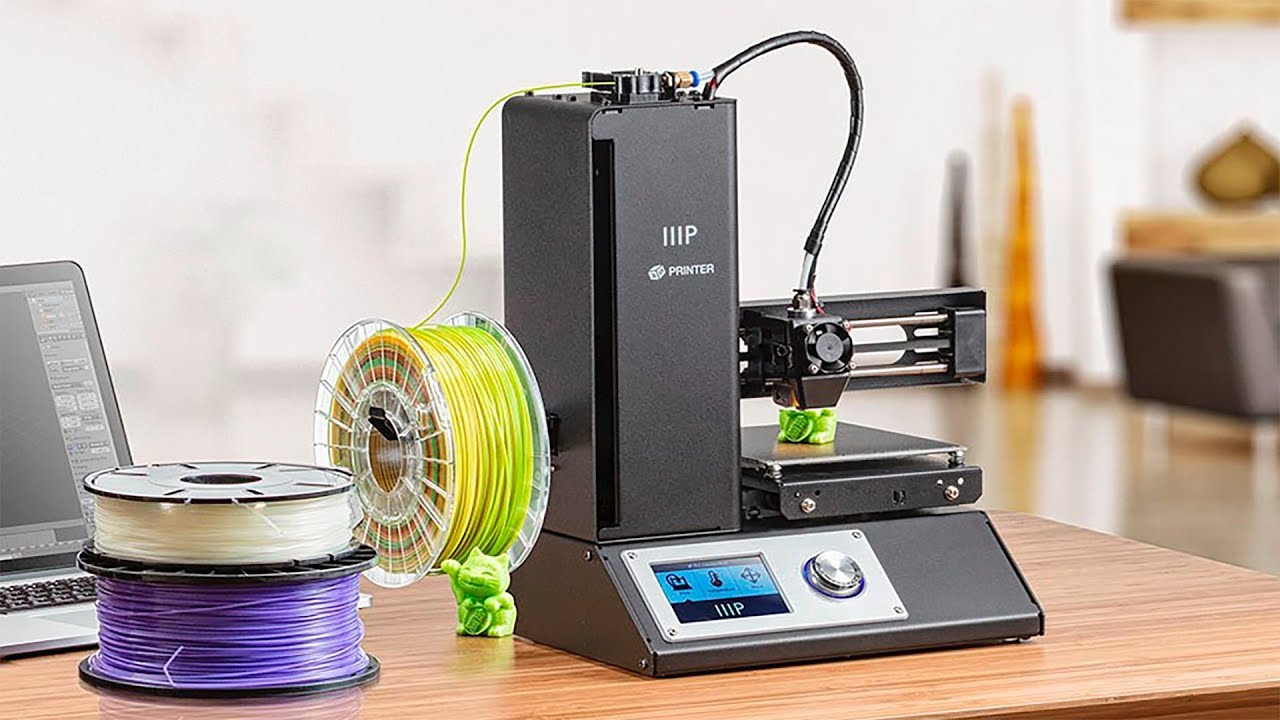
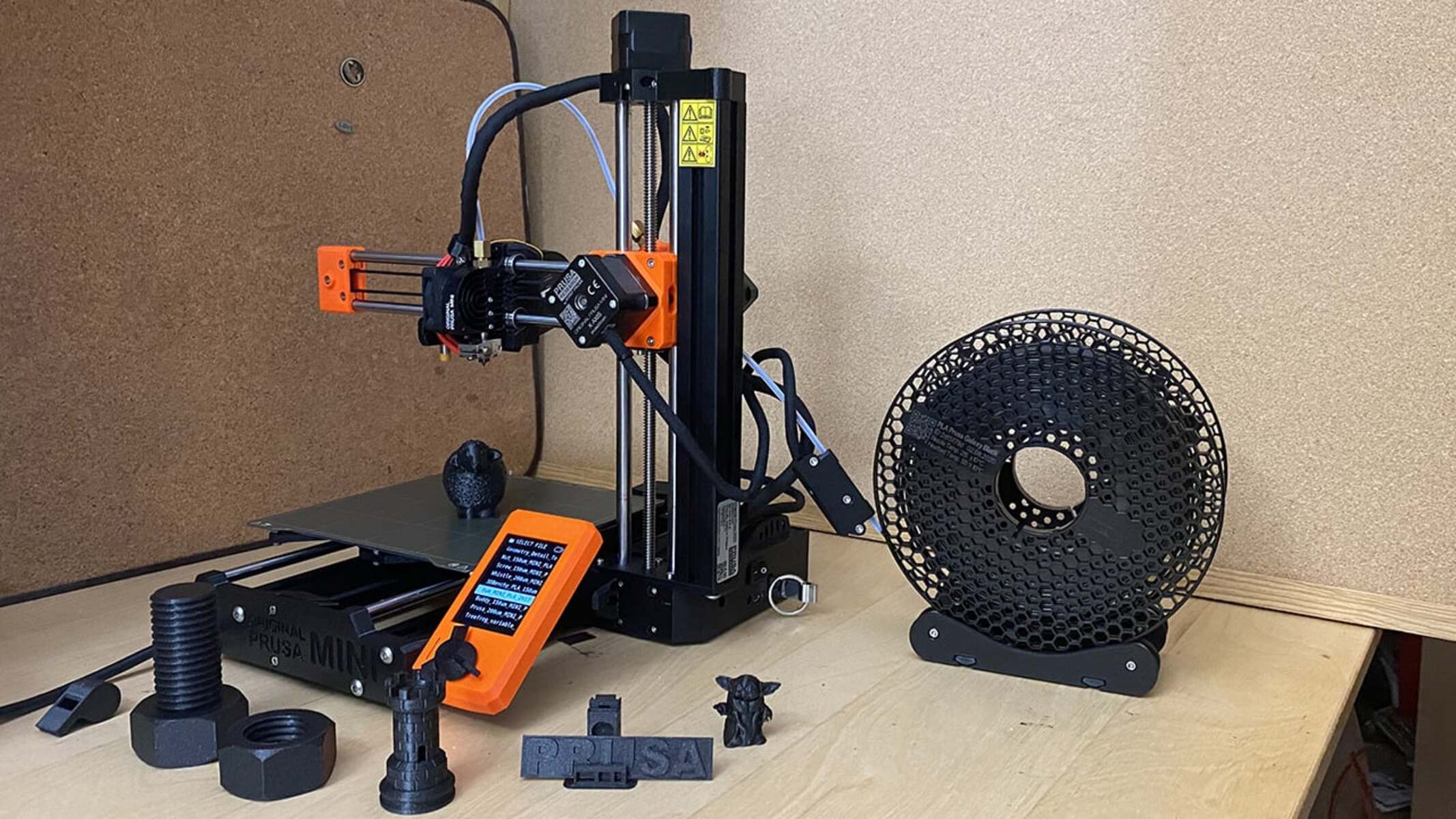
How To Use An IIIP 3D Printer

To use an IIIP 3D printer, you must start by correctly calibrating the print bed, as this single step determines whether your first print succeeds or fails. This quick-start guide...

How To Upload STL File To A 3D Printer

To print an STL file, you don't upload it directly to a 3D printer, you must first convert it into G-code using a slicer program, then transfer that G-code file...

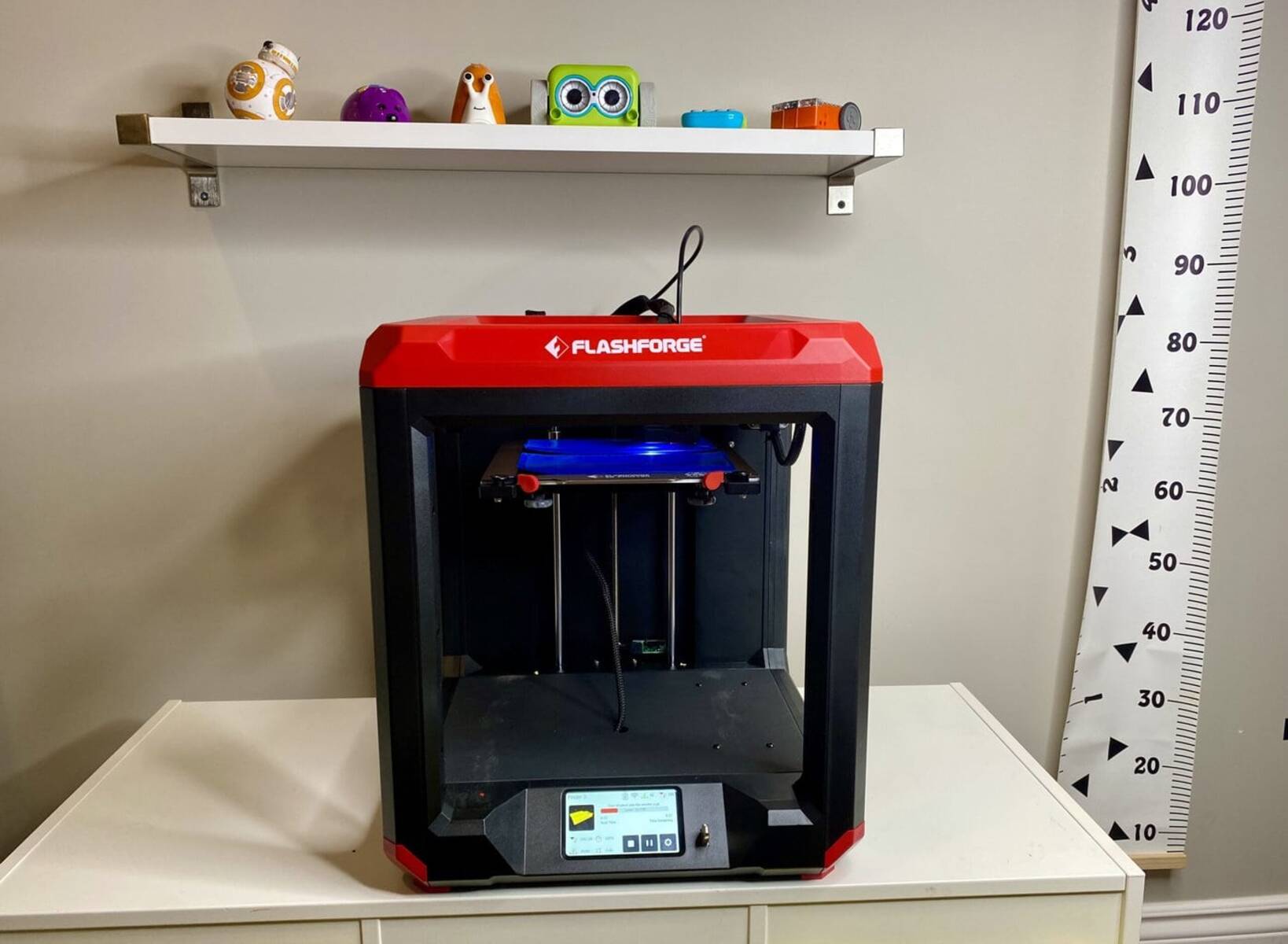
What Format Does Flashforge 3D Printer Use

Flashforge 3D printers use a sliced print file format for actual printing, which is primarily GX, G, or standard G-code, and not the 3D model files you download or design....

How To Change Color On A 3D Printer

To change color on a 3D printer with a single extruder, you pause the print at a specific layer, manually swap the filament, and then resume the job. This is...

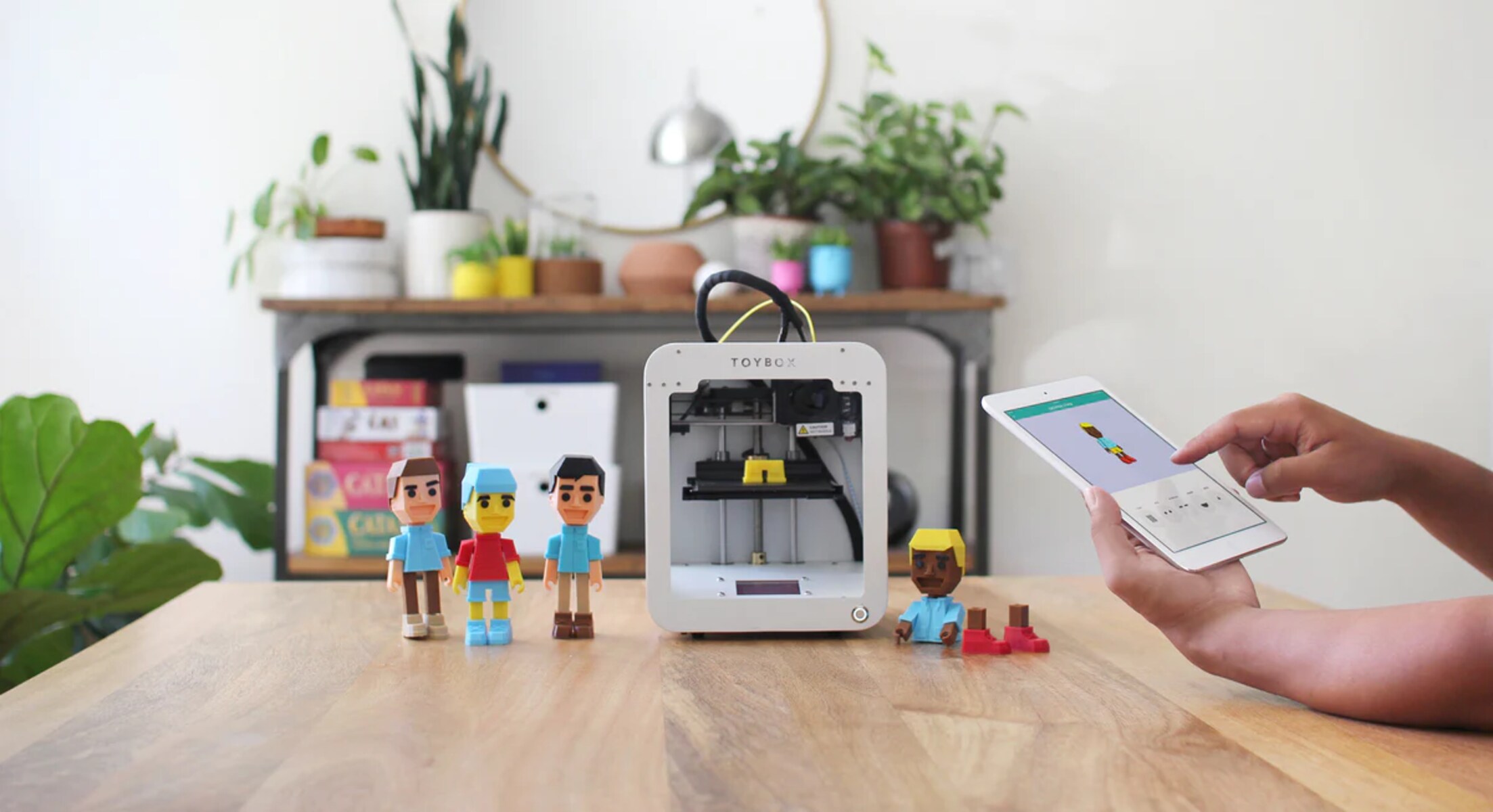
How To Use Toybox 3D Printer

To use a Toybox 3D printer, the core workflow is simple: create a Toybox account, load filament into the printer, pick a toy from the app, and press “Print Me.”...

How To Find A 3D Printer IP Address

To find 3D printer IP address, the fastest method is to check the printer's own screen menu, where the address is usually displayed under network settings. If your printer lacks...

How To Use Flash Forge On A 3D Printer

FlashPrint 5 is the official slicing software from Flashforge, designed to convert your 3D models into G-code instructions that your FlashForge FDM printer can follow. To use FlashPrint 5 on...

How To Remove Filament From A 3D Printer

To remove filament from a 3D printer, you must heat the nozzle to the filament's printing temperature and then gently pull the filament out. Always exercise extreme caution around the...

How To Use Kinect As A 3D Scanner

To turn your Microsoft Kinect v2 sensor into a working kinect 3d scanner, you need a Windows PC, the free Kinect for Windows SDK 2.0, and Microsoft's 3D Builder app,...

What Percent Isopropyl Alcohol For 3D Printing

For 3D printing, an isopropyl alcohol percentage of 90% or higher works reliably, especially when washing uncured resin off SLA/DLP prints. A 70% solution contains too much water, which slows...