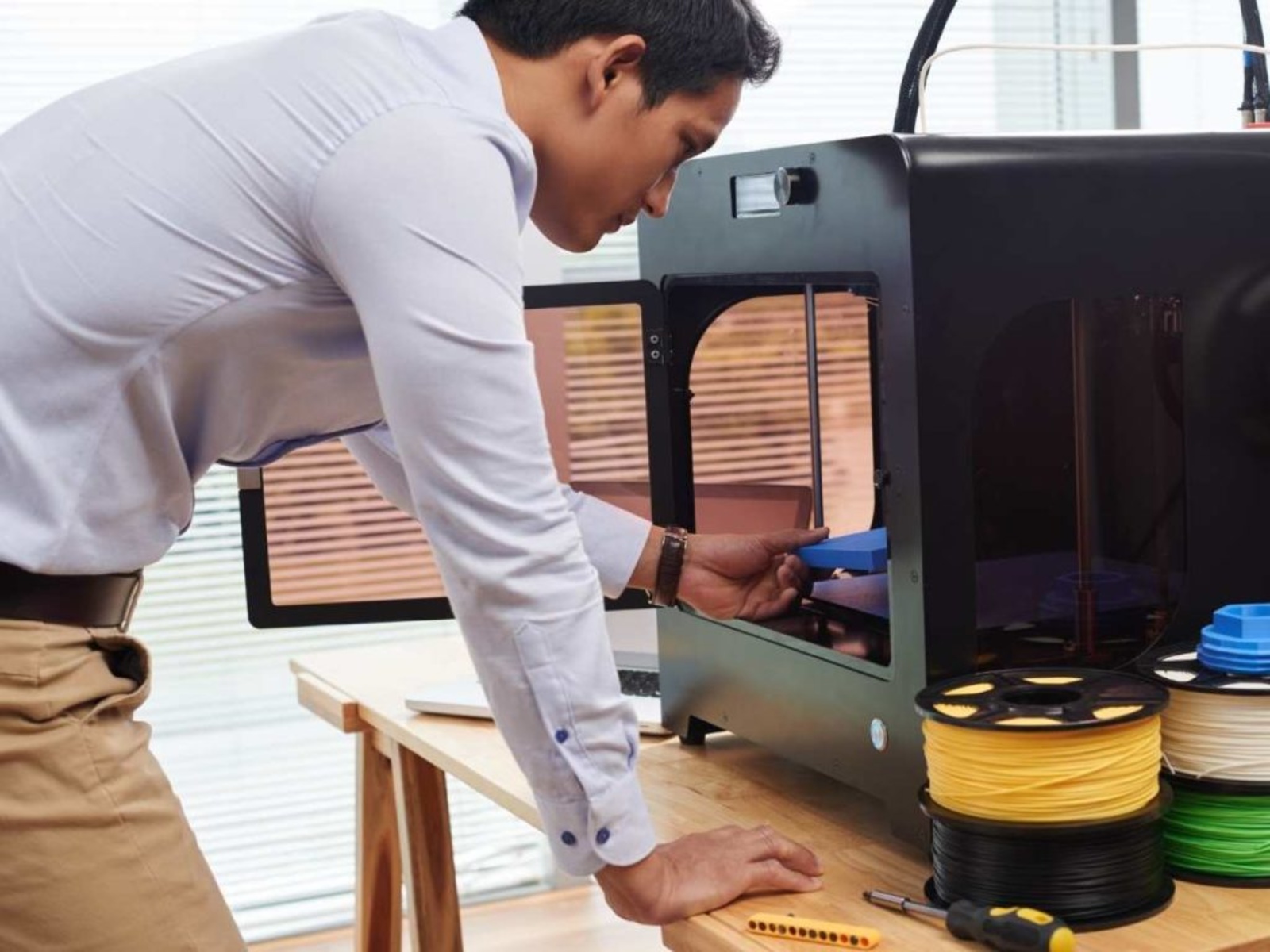
This tag collects articles about 3D printing for hobbyists, makers, and small-shop operators who use desktop machines and consumer-grade software. The content is practical, aimed at people who want to keep their printer running, fix a jam, or move from one material to another without guesswork. You don’t need a background in additive manufacturing to follow along, these pieces assume you have a printer and want clear, direct answers.
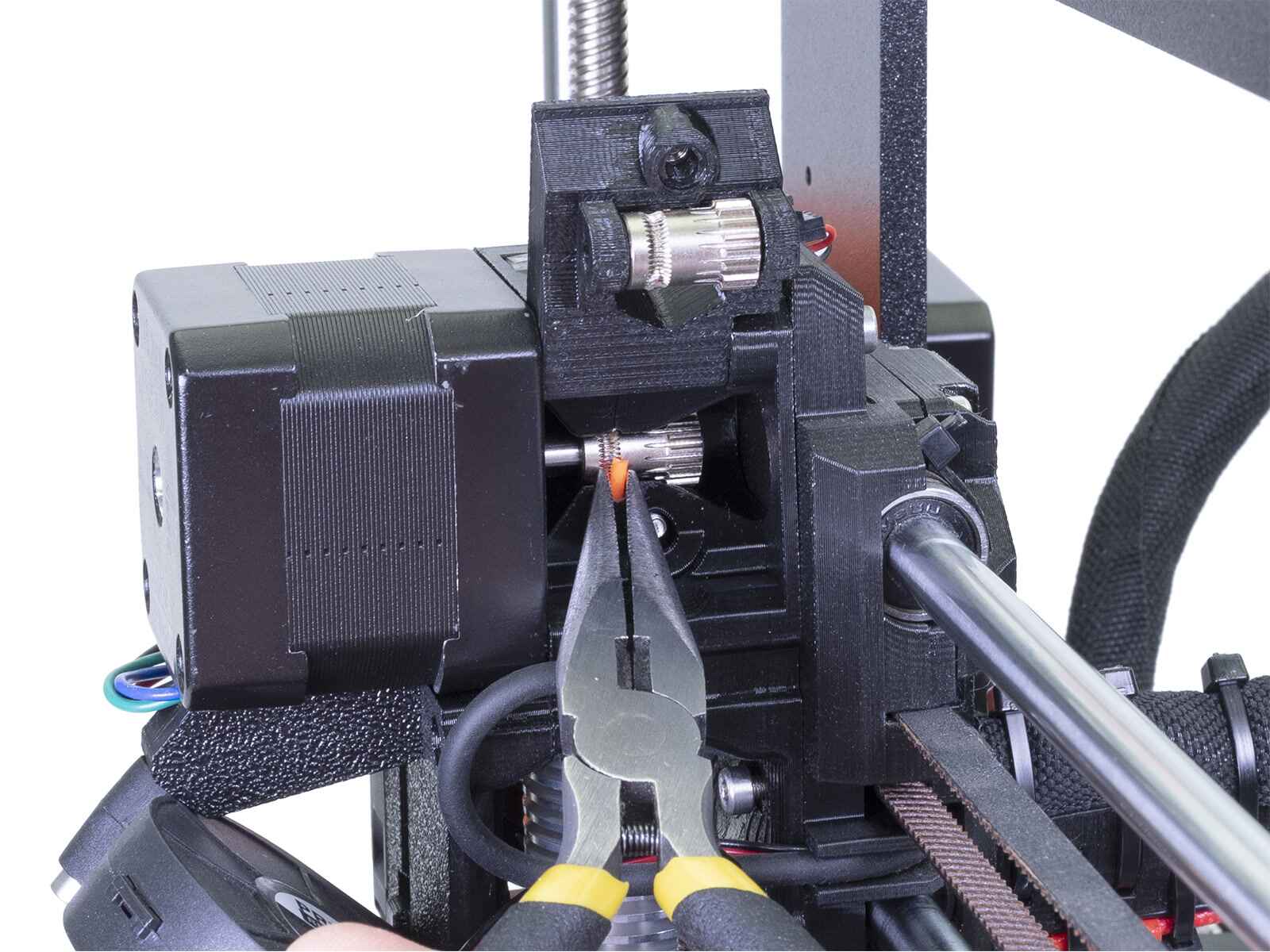
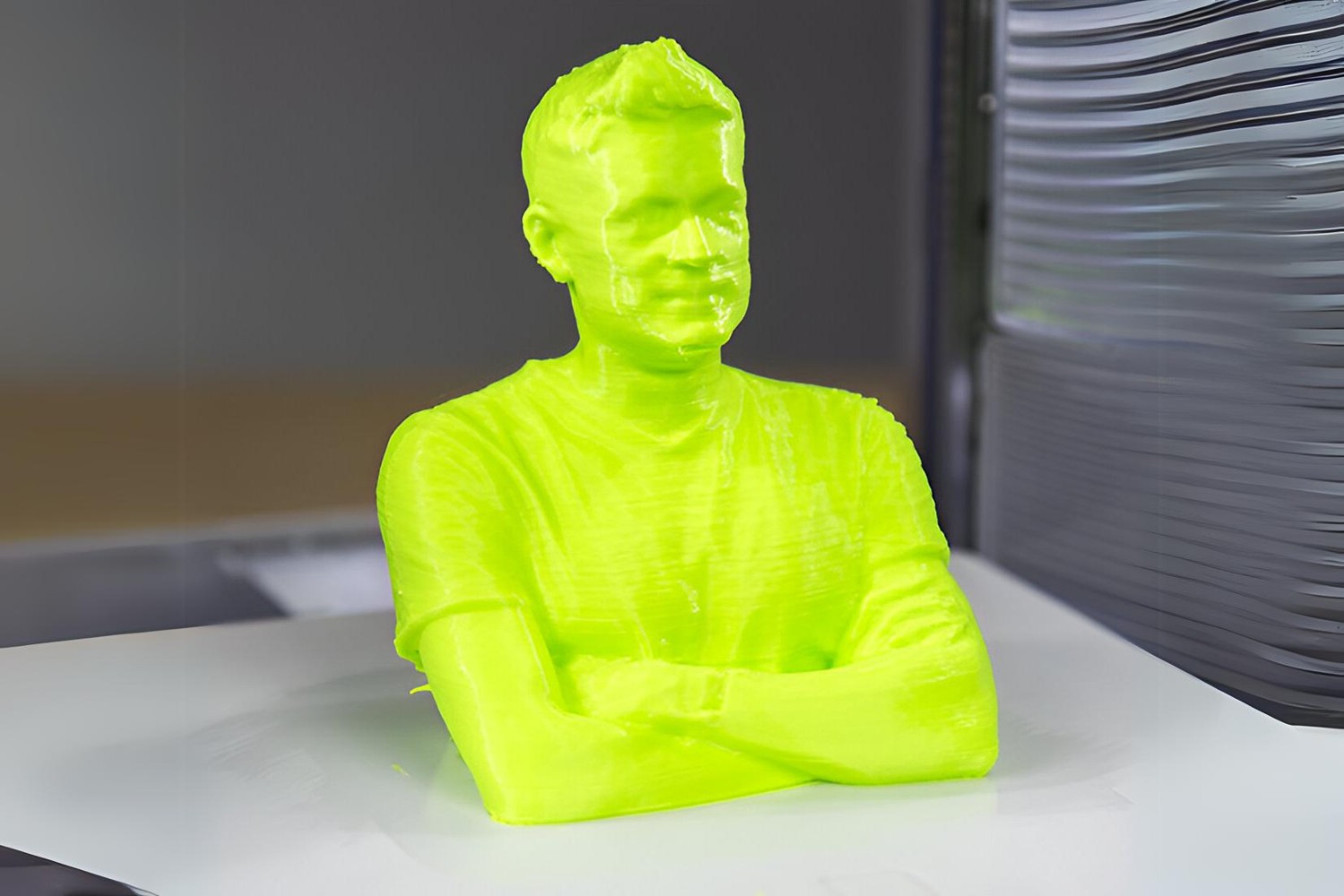
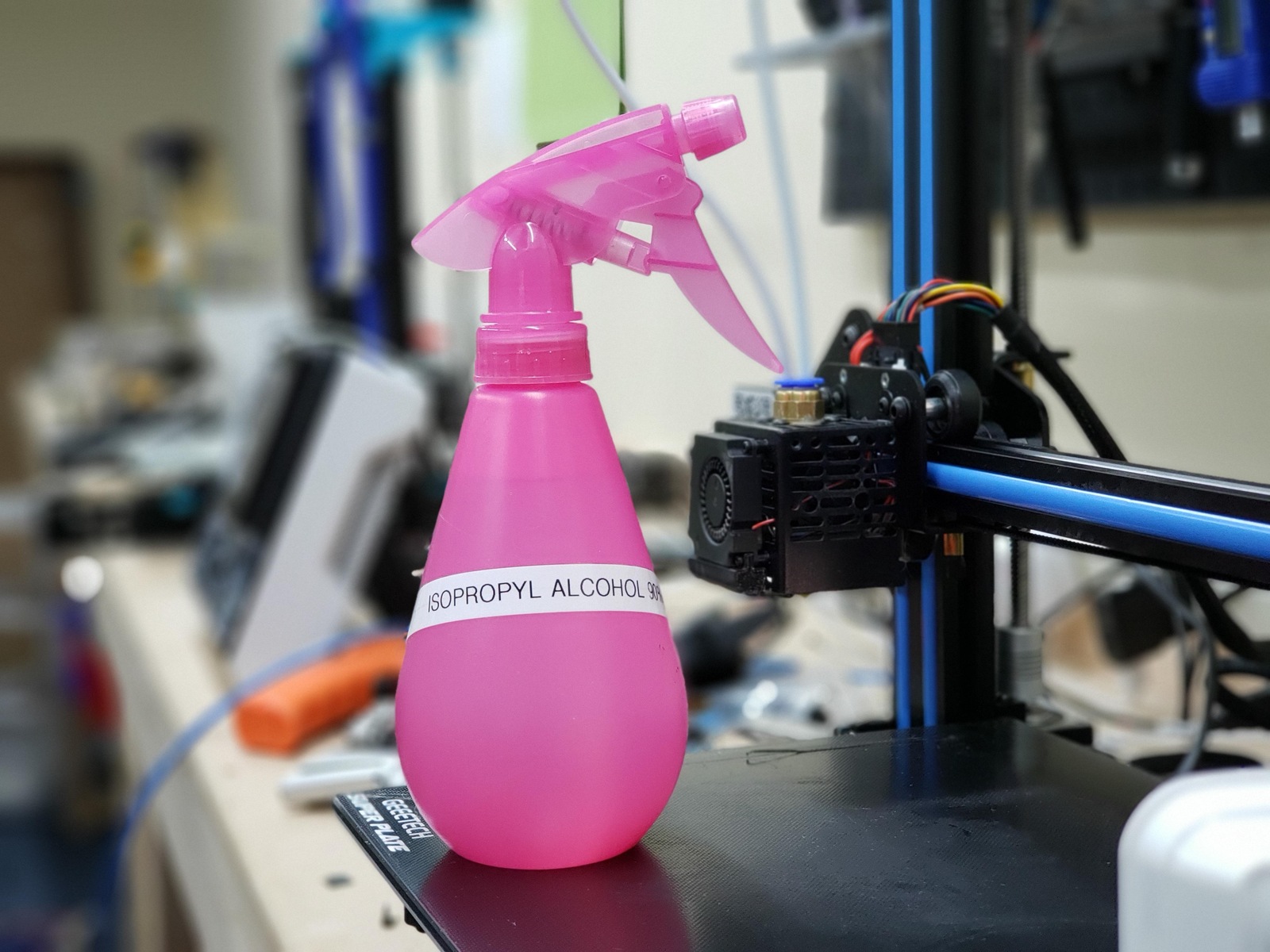
The articles group into three broad themes. The first is routine maintenance and material handling: how to change filament, remove it cleanly, and switch colors mid-print. The second is file and connection troubleshooting, finding your printer’s IP address, uploading STL files, and understanding the file formats a FlashForge machine expects. The third theme covers broader workflow questions, like replicating a plastic part, using a Kinect as a 3D scanner, or understanding how 3D printing changes traditional manufacturing. A few pieces also address safety and legal alternatives: for example, the article on using isopropyl alcohol explains the correct concentration for cleaning and finishing prints, while the piece on replicating a part focuses on legitimate reverse-engineering for repair, not piracy.
Across the board, these articles help you do concrete things: get a stuck filament out, talk to your printer over your network, or prep a file for printing. Some, like the Toybox and IIIP printer guides, are model-specific, while others, like the STL upload guide, apply to most machines. The goal is straightforward, get you printing again, with fewer failed attempts and less wasted material.