Yes, for personal chats. Meta made end-to-end encryption the default for personal messages and calls on Messenger, so in most one to one conversations there is nothing to switch on. That is a real improvement over the old opt-in mode, and it still leaves a list of things encryption does not cover, which is the part worth understanding before you treat Messenger as private.
What replaced secret conversations
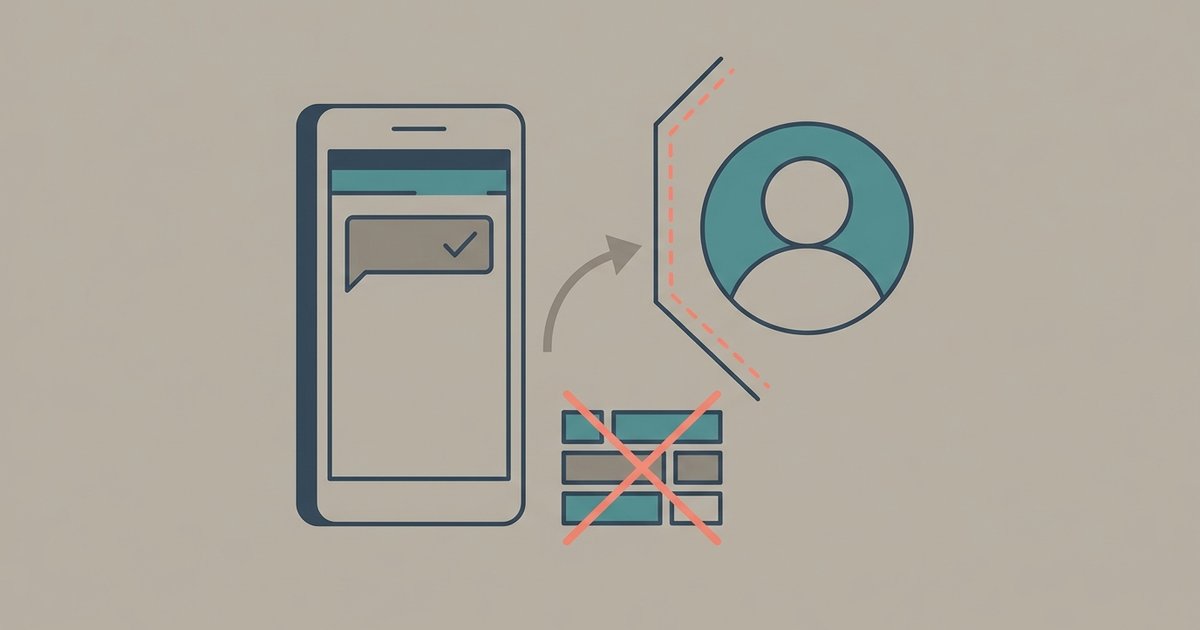
Messenger's original encrypted mode was called secret conversations. It was opt-in, you started it per chat, and it only worked on one device at a time, which is why almost nobody used it. Meta began rolling out default end-to-end encryption for personal chats in December 2023, and the separate secret conversation toggle stopped being the point once the default arrived.
Some of the search terms have outlived the feature. If you are looking for how to start a secret conversation, the answer is usually that your personal chats already are encrypted, and the extras that came with secret conversations, such as message timers, now live inside ordinary encrypted chats.
How to check a specific chat
Meta's instruction is simple: to check if a chat is end-to-end encrypted, look for End-to-end encrypted in the chat settings. Open the conversation, tap or click the name at the top, and read the chat's settings screen.
Messenger also gives each device in an encrypted chat a key, and you can compare keys with the other person to confirm nobody is sitting in the middle. That check is optional and most people never do it, but it exists, and it is the only way to verify a chat rather than trust a label.
What is covered
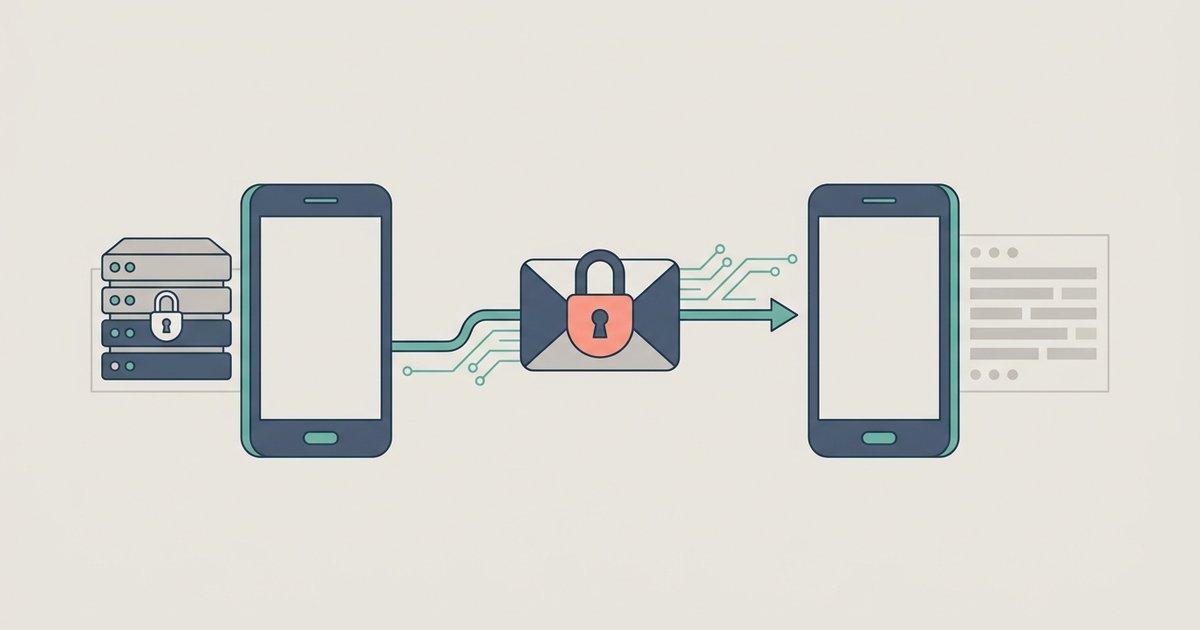
In an end-to-end encrypted chat, your device locks each message as it sends, and only a device holding a key for that chat can unlock it. Meta's wording is that only you and the people you are communicating with can see or listen to what is sent in your messages and calls, and no one else, not even Meta, can do so. That applies to the content of personal messages and to personal voice and video calls.
What is not covered
This is the list Meta publishes, and none of it is hidden in fine print.
- Chat customizations. Nicknames, chat themes and reactions are not end-to-end encrypted.
- Business and Marketplace chats. Meta says some products do not currently support end-to-end encryption, including chats with businesses or accounts using business messaging tools, and Marketplace chats.
- Meta AI. Messages shared with Meta AI can be accessed by Meta under its privacy policy and the Meta AI terms. Other messages in the chat stay encrypted, but anything you address to the assistant is not private to the chat.
- Older messages in an upgraded chat. If a chat was not previously secured with end-to-end encryption, interactions with messages sent before the upgrade are not encrypted either, including reactions to them.
- Anything anyone chooses to share. Meta notes that if someone in an encrypted chat shares a message with someone else, that person can see or hear its contents. Encryption governs delivery, not what the recipient does next.
Reporting decrypts what you report
Encryption and reporting have to coexist, and Meta's answer is that reporting a conversation hands the reported content over for review. Its own description of the approach is that reporting decrypts portions of the conversation that were previously encrypted and unavailable to Meta, so that action can be taken if there are violations.
Two practical consequences follow. You keep the ability to report harassment or abuse even in an encrypted chat, which is the point. And the other person in a chat has that same ability, so an encrypted conversation is never unreadable by Meta in principle, only unreadable unless a participant chooses to surface it.
Metadata is a different question
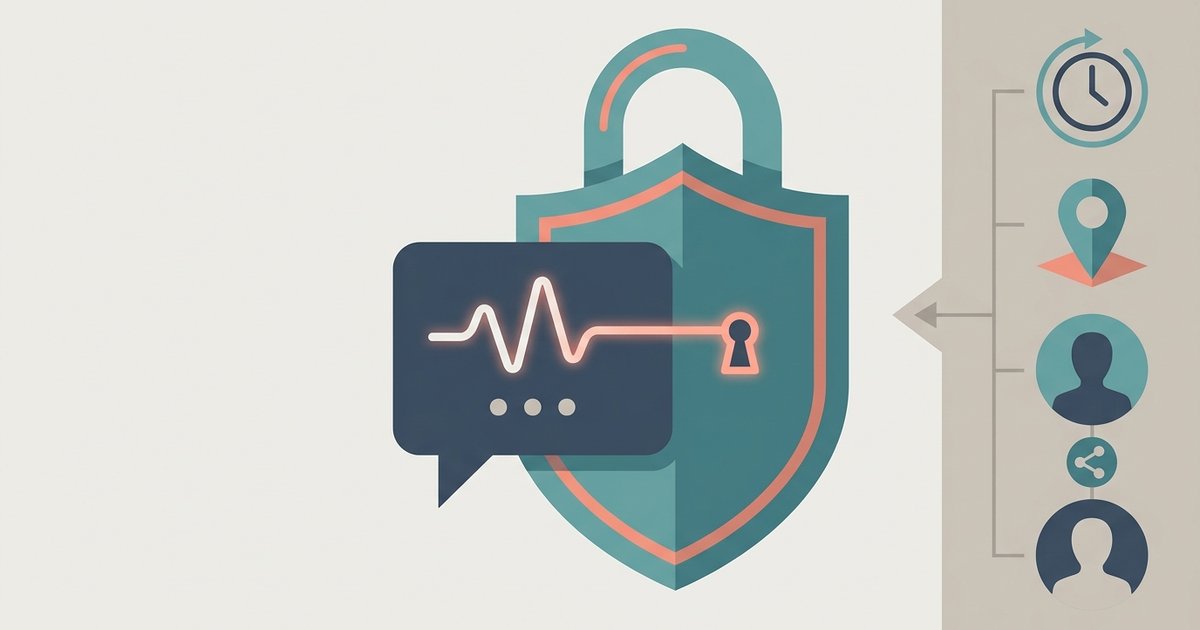
End-to-end encryption protects the content of messages. It does not hide that the conversation happened. Meta has said that even in end-to-end encrypted systems there is additional data it can provide to law enforcement when requested, such as who users contact, where they were when they sent a message, and when they sent it.
Meta also describes using machine learning on non-encrypted parts of its platforms, such as account information and content posted publicly, to detect suspicious activity. So the accurate summary is that the words in your personal chats are private to the participants, while the pattern of your account's behavior is not.
Backups, secure storage and the PIN
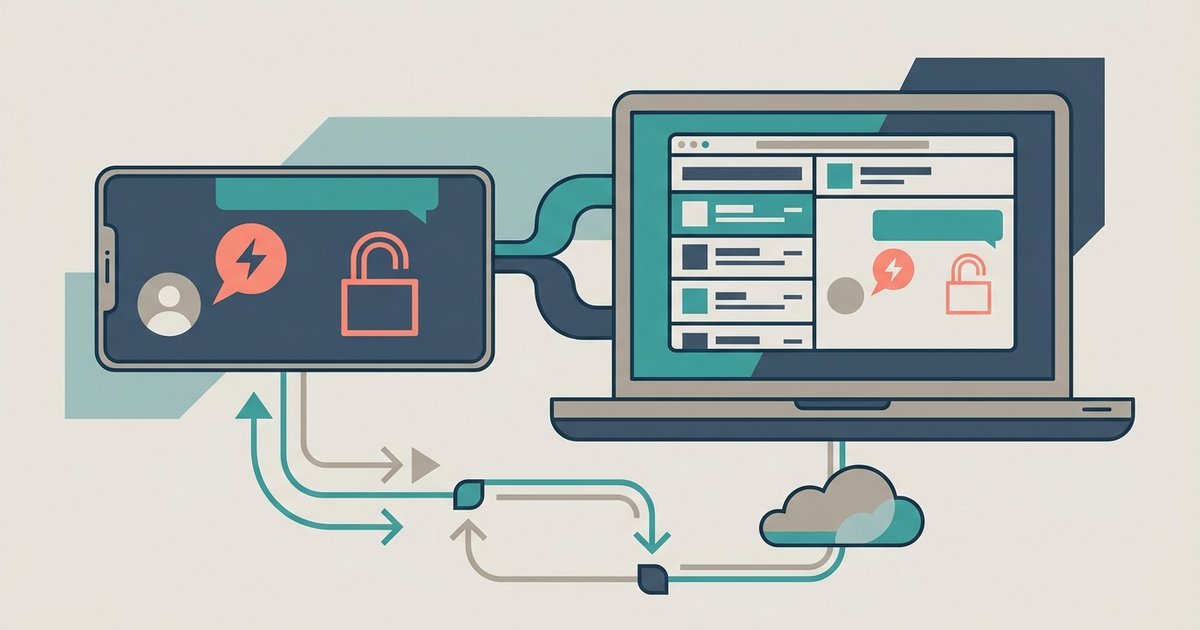
Encryption creates a storage problem: if only your devices can read your messages, a new device starts empty. Messenger's answer is secure storage. When you sign in to Messenger on a new device, you need to restore your end-to-end encrypted chats to see all of your messages, and secure storage is what makes that restore possible.
You set it up either with a six-digit PIN or by storing a key in Google Drive or iCloud. If you need to change the PIN, Meta's route is your profile, then Privacy and safety, then End-to-end encrypted chats, then Secure storage, then Reset PIN, and it has to be done on a device where secure storage is already on. There is also a one-time code option for restoring when you have forgotten the PIN.
Judge this feature on its own terms. Secure storage is a convenience and a safety net, and it is also a copy of your chat history held under a six-digit PIN or in a cloud account. Someone who controls that cloud account or guesses that PIN is closer to your history than the encryption alone would suggest.
Disappearing messages are not deletion
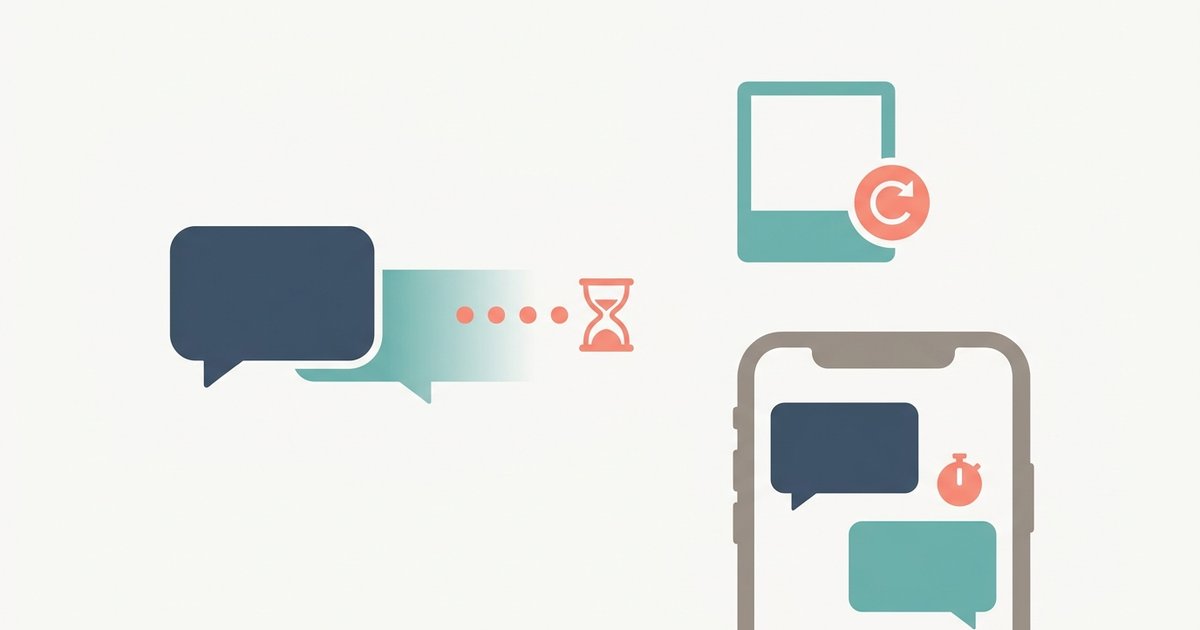
Inside an encrypted chat you can set a timer so everyone's messages disappear after a set time, and anyone in the chat can reset that timer. Meta lists what a timer cannot stop: someone forwarding or screenshotting a message before it disappears, copying and saving its content, or photographing the screen with another device. It notifies participants when it detects a screenshot or screen recording of an encrypted chat, while stating it may not detect all of them.
What encryption does not protect you from
Encryption defends the message in transit. It does nothing about the person you sent it to, who can screenshot, forward or simply show someone their phone. It does nothing about a device that is unlocked on a table, which is what Messenger's app lock is for. And it does nothing about an account someone else can sign in to, which is what two-factor authentication is for.
Treat Messenger's default encryption as what it is: a solid baseline that means Meta is not reading your personal chats, sitting alongside metadata Meta still holds, backups you control with a short PIN, and a whole category of conversations, with businesses and Marketplace sellers, that is not encrypted at all. If a conversation genuinely must not be readable by anyone else, the safest move is still to have it somewhere you can verify, with keys you have checked, and to keep it out of a chat with a business account.
\nRelated reading: How To Check Browser Settings In Google Chrome and How To Temporarily Disable Face ID For All Apps Without Resetting Enrolled Faces.