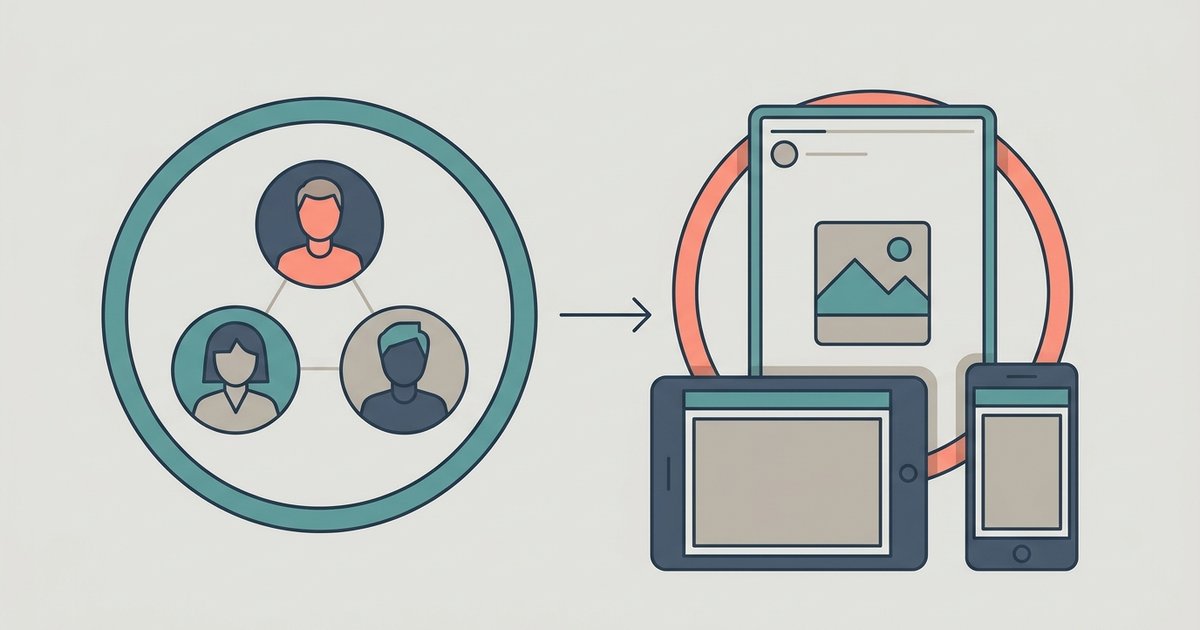
Close Friends is a private audience list you build yourself on Instagram. When you share a story, reel, note or post, you can choose to show it only to the people on that list instead of all your followers. Nobody is notified when you add or remove them, but people on the list can tell they are on it when they see something you shared with Close Friends.
That last point surprises a lot of people, so it is worth being clear from the start: Close Friends is private in the sense that nobody else can see who is on your list, not in the sense that people don't know they are included.
What Close Friends applies to
The feature started with stories, and stories remain its most common use. Instagram's help pages now describe the list as working across several formats. You can create a Close Friends list so that when you share things like a post, note, reel or story, you can choose for only people on that list to see it.
- Stories. Shared from the stories camera with a Close Friends button at the bottom of the screen. Like any story, they disappear after 24 hours.
- Reels. Instagram says you may also be able to share a reel with your Close Friends list, chosen through the Audience option before you share.
- Notes. The short text updates at the top of your inbox can be shared with either followers you follow back or your Close Friends.
- Posts. Instagram's current help text lists posts as one of the formats the list can be used for.
Availability can differ between accounts and app versions. Instagram's reel page uses the phrase "you may also be able to," which is its usual signal that a feature is not yet available to everyone. If you don't see the Close Friends option on a particular format, update the app before assuming you have done something wrong.
Who can see what
Only you can see the full list. No one can request to be added, and there is no public count of how many people are on it. That makes it one of the lower-pressure privacy tools on Instagram: you can change it as often as you like without anyone getting an alert.
What people on the list do see is a label. When someone on your list views your Close Friends notes, reels or stories, they see a Close friends marker telling them they are part of your list, and they may see a green ring around your profile photo. People who are not on the list simply don't see that content at all. They are not told that something was hidden from them.
The reel exception
Reels shared to Close Friends behave a little differently from stories. Instagram notes that if someone on your list likes, comments on or shares your Close Friends reel, others on your list can see their username and how they interacted with it. In other words, the people on your list can see each other's activity on that reel. If your list mixes groups of people who don't know each other, keep that in mind before posting a reel to it.
How to create or edit your Close Friends list
You manage the list from your profile settings. On the Instagram app for iPhone and Android, the steps Instagram publishes are:
- Tap Profile or your profile picture in the bottom right to go to your profile.
- Tap the Menu icon in the top right.
- From the menu, tap Close Friends.
- Tap Select next to each person you want to add. You can also tap Search to find someone.
- To remove someone, tap Remove next to their name.
- Tap Done at the bottom to save your changes.
On a computer the path is similar. Click More in the bottom left, then Settings, and choose Close friends below Who can see your content. You can select and deselect people there in the same way.
Removing someone is silent, and so is adding them. Treat the list as a control over what you share next. If something you already shared to Close Friends should not have gone to a particular person, delete it rather than relying on an edit to the list.
How to share with Close Friends
A story
- Tap Create at the top, or swipe right anywhere in Feed.
- Tap Story at the bottom.
- Take a photo or record a video, or swipe up to pick something from your camera roll.
- When you're ready to share, tap the green Close Friends icon at the bottom, or select Close Friends Only from the Send To options.
A reel
- Tap Create at the top, or swipe right anywhere in Feed.
- Tap Reel at the bottom.
- Record a clip or select photos or videos from your camera roll, then tap Next.
- Tap Audience and select Close friends.
- Tap Back in the top left, then tap Share.
A note
When you leave a new note from your inbox or profile, you type up to 60 characters and then select the audience. The two options Instagram lists are Followers you follow back and Close Friends.
Close Friends compared with other privacy tools
Close Friends is an opt-in list: you choose who is included, and everyone else is left out. Instagram also offers the opposite approach for stories, where you hide your story from specific people and everyone else still sees it. That setting lives below Who can see your content, under Story, live and location, and then Hide your story and live videos from specific people. Instagram points out that hiding your story from someone does not stop them seeing your profile and posts.
Which one to use depends on the size of the group. If you want a small audience, Close Friends is simpler. If you want almost everyone to see your stories except a few people, hiding is less work than maintaining a long Close Friends list. A private account is the broader option again, limiting everything you share to approved followers.
Practical ways people use it
- A personal circle on a public account. Creators and small businesses often keep their main content public and use Close Friends for everyday stories meant only for friends and family.
- Drafts and previews. Sharing a reel or story to a small group of trusted people first is a quick way to get feedback before posting publicly.
- Event logistics. A note or story to Close Friends works for plans that don't concern your wider following.
Two limits are worth remembering. Close Friends controls who sees content inside Instagram, but anyone on the list can still take a screenshot or show their screen to someone else. And because people may notice they are on your list from the green ring on your Stories, adding and removing someone often is something they may notice from the change in what they see, even without a notification.
Start by keeping the list short and reviewing it every so often from the Close friends screen in your settings. Share one story to it first and look at who appears in the viewer list, and you will know exactly who your Close Friends audience really is.