Instagram never tells you that someone blocked you, so there is no single screen that confirms it. What you can do is compare what you see against what Instagram says a block does, and rule out the three situations that look almost identical: being restricted, the other person deactivating or deleting their account, and a simple username change.
The honest answer is that you can build a strong case but rarely prove it. The checks below are ordered from the least intrusive to the most conclusive, and each one tells you something different.
What a block actually does
Instagram's help pages describe blocking from the side of the person doing the blocking, which is useful because it tells you exactly which traces a block leaves. People aren't notified when you block them. Once someone is blocked, Instagram says they can't see the blocker's photos or videos or find the account through search.
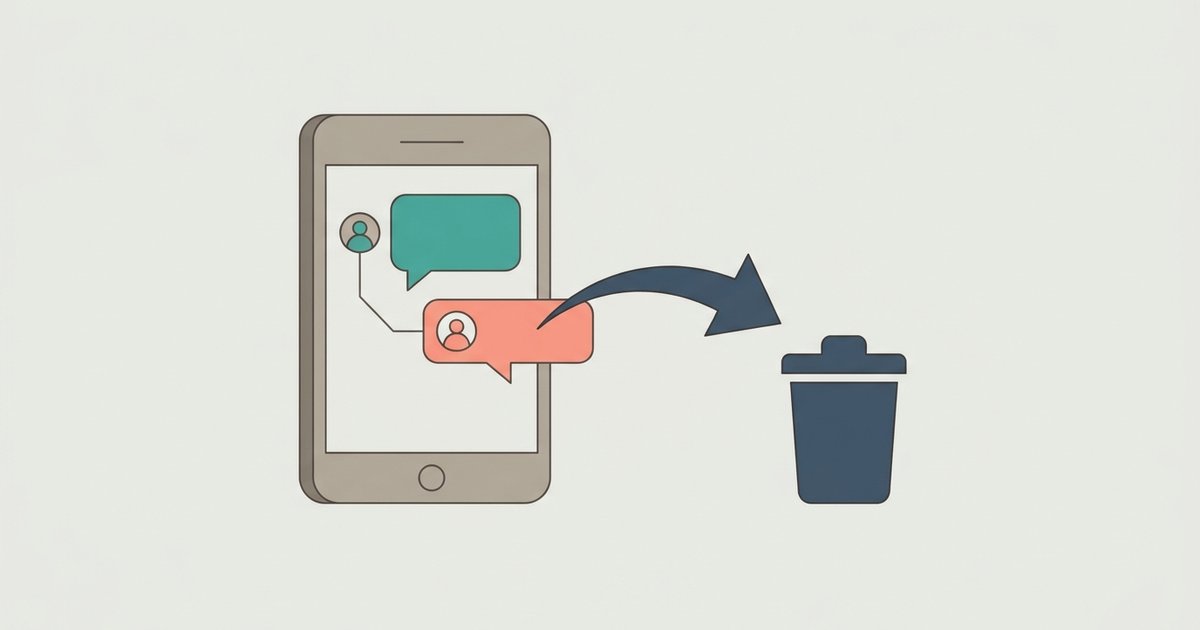
A block also cleans up history. Instagram states that after you block someone, their likes and comments are removed from your photos and videos, and unblocking them later won't restore those likes and comments. The blocked person can no longer mention or tag the account that blocked them. Existing message threads may stay in the blocker's inbox, but any new messages the blocked person sends are not received.
There is one more detail that matters if you are tempted to check from a second profile. When someone blocks you from the Instagram app, they can choose to block your account and also other existing accounts you may have or new accounts you may create. A spare account is therefore not a reliable test, and using one to get around a block defeats the point of the block.
The signs, one at a time
Their profile disappears from search
If you search for the username and nothing comes up, while mutual friends can still find it, that fits a block. On its own it also fits a deactivated account, a deleted account and a changed username, so treat it as the start of the investigation rather than the end.
Your old likes and comments on their posts are gone
This is one of the more telling signs, because it is specific to blocking. If a friend can open one of their posts that you know you commented on, and your comment is no longer there, that matches Instagram's description of what a block removes. A deactivated account hides the owner's own content, but it does not strip your comments off a post that you can no longer see anyway.
You can't mention or tag them
Instagram says a blocked person can't mention or tag the account that blocked them. If their username no longer resolves when you try to tag them in a story or a comment, that is consistent with a block, although it would also happen if the account no longer exists.
Messages go nowhere
Your old conversation may still appear in your own inbox. Because Instagram says messages from a blocked person are simply not received, you will not get an error explaining why. A thread where nothing you send ever shows as seen is weak evidence by itself, since plenty of people just don't reply. It becomes stronger when combined with the search and comment checks above.
Block, restrict, hidden story, deactivated or renamed
Several quieter actions produce some of the same symptoms. This table sets out what each one does, based on Instagram's own descriptions.
| Situation | Can you find the profile? | What changes for you |
|---|---|---|
| Blocked | No | Their content is hidden from you, their likes and comments on your posts are removed, and your messages are not received. |
| Restricted | Yes | Your new comments on their posts are visible only to you unless they approve them, your chat moves to their Message requests, and you can't see when they are online or whether they read your messages. |
| Story hidden from you | Yes | You stop seeing their stories and live videos, but their profile and posts are still visible. |
| Removed as a follower | Yes | If their account is private, you lose access to their posts until they approve a new follow request. |
| Deactivated | No | Their photos, comments and likes are hidden from everyone until they log back in. |
| Deleted | No | The profile, posts, comments, likes and followers are permanently removed, and the username can eventually be taken by someone else. |
| Username changed | Yes, under the new name | Searching the old name fails, but the account is otherwise unchanged. |
Restricted is the most common confusion
Restrict was designed so the other person doesn't notice it. The profile still loads, you can still follow, and you can still comment. The difference is that your new comments are visible only to you unless the account owner taps See comment and approves them, and you lose the online and read indicators. If your comments seem to get no reaction from anyone else while everything else looks normal, restrict is a better explanation than a block.
Deactivated accounts vanish for everyone
A deactivation looks exactly like a block from your side, with one difference: it affects everyone equally. Instagram says a deactivated profile has its photos, comments and likes hidden until the owner reactivates it by logging back in, and a profile can only be deactivated once a week. So if a mutual friend also can't find the account, the person has most likely stepped away rather than blocked you. Their old comments disappearing from other people's posts is another sign of deactivation, because it affects every post they interacted with, not just yours.
A new username breaks old links
People change usernames more often than they block. An old tag in a caption, an old link and a search for the old name will all fail, which feels like being cut off. Search for their display name instead, or look through your own Following list, where the account will still appear under its new username if nothing else has changed. For accounts that show it, the About this account screen lists any former usernames, which settles the question quickly.
A sensible way to check
- Search for their username and their display name from your own account.
- Look for them in your Following and Followers lists, which reflect renamed accounts automatically.
- Ask a mutual friend whether they can see the profile. If they can't either, the account is probably deactivated or deleted.
- If the friend can see it, ask them to open a post you know you commented on. A missing comment points strongly toward a block.
- If your comments are still there but get no visible reaction, consider restrict instead.
Viewing a public profile while logged out in a web browser can also show whether the account still exists at all, though Instagram may ask you to log in before showing much. It tells you nothing about whether you personally were blocked, only whether the profile is live.
What not to do
Third-party apps that promise to reveal who blocked you cannot see anything Instagram doesn't expose, and Instagram's own guidance warns that giving your login details to outside apps can hand them complete access to your account, including your messages. Creating a new account to look at someone who blocked you is also a poor idea. The blocker may have already blocked any new accounts you create, and repeatedly trying to reach someone who has cut contact can itself be reported as unwanted contact.
If the evidence points to a block, the useful response is to let it stand. If it points to a deactivation or a new username, you have your answer without needing to confront anyone. And if you are the one who wants distance without a visible break, Instagram gives you restrict, hidden stories and follower removal as gentler options before a full block.