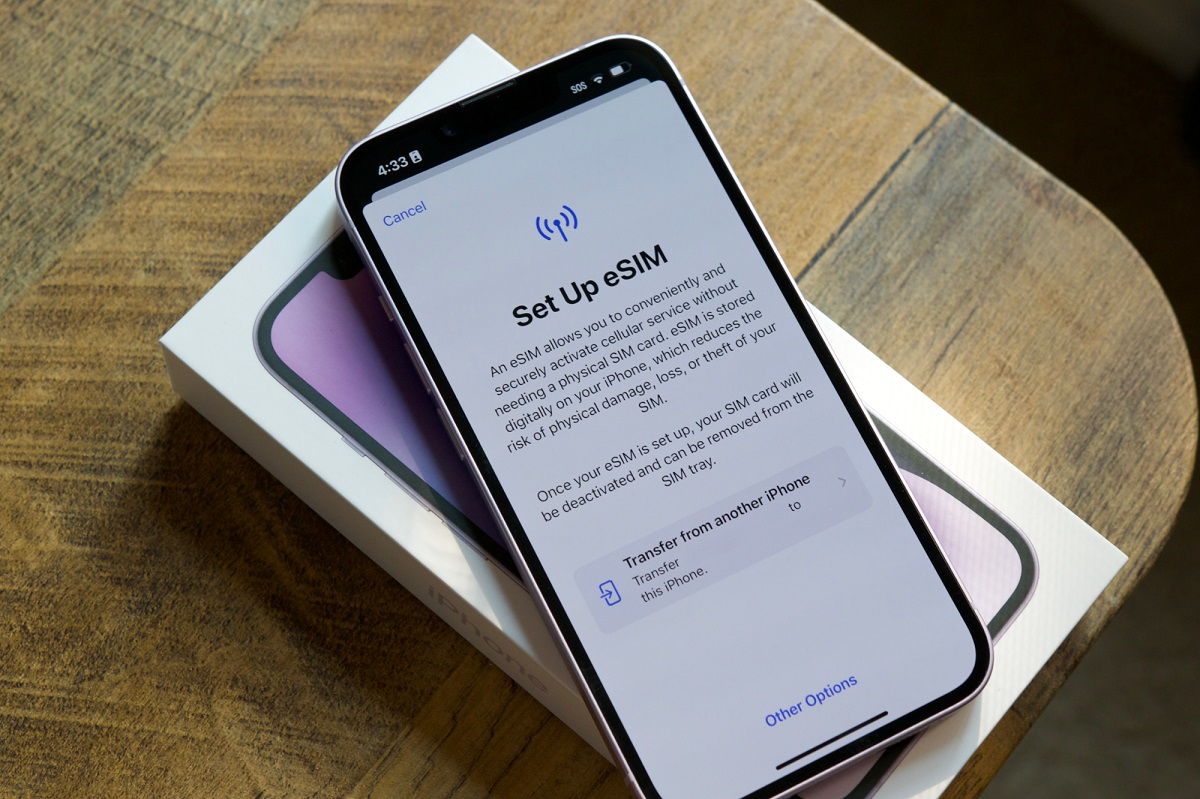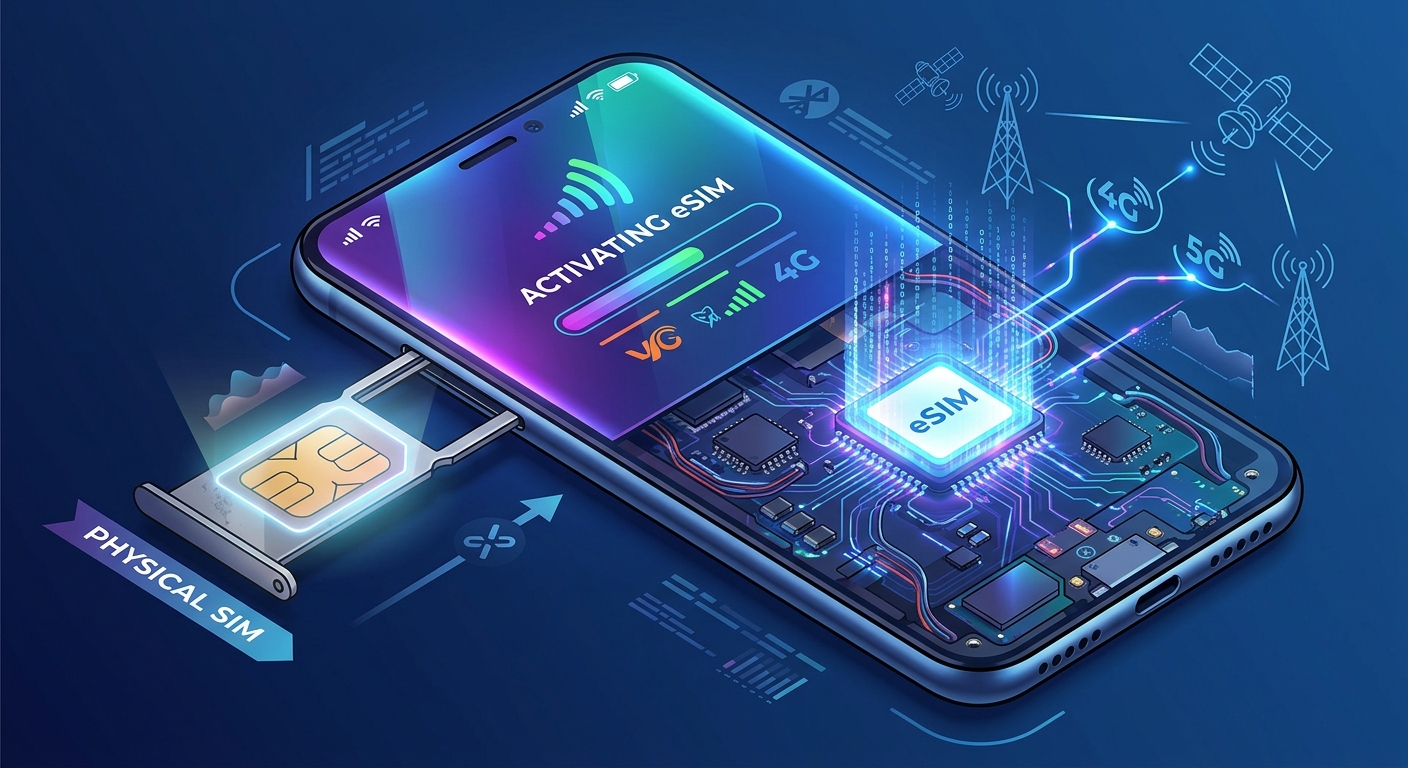
eSIM activation usually fails because the phone is not actually eligible, the line is carrier-locked, the device has not reached the carrier correctly over Wi-Fi or cellular data, or the plan needs the correct data line, roaming setting, or APN before it will connect. Apple’s and Google’s setup pages both point to those same first checks, and uPhone’s eSIM troubleshooting guide follows the same pattern for compatibility, lock status, QR code reuse, and APN issues.
Check whether the phone can use eSIM at all
The first branch in the diagnosis is compatibility. On iPhone, Apple says to open Settings > General > About and look for the eSIM section; if the device is not eligible, the carrier or device will not activate the line. uPhone says to check for EID or Available SIM in Settings > General > About as a sign that the phone supports eSIM.
If the device does not support eSIM, a QR code will not fix the problem. If the problem is a carrier restriction rather than hardware support, the activation has to be resolved with the carrier before the profile can install or register.
Confirm the phone is not carrier-locked
A locked phone can prevent an eSIM from installing or from attaching to the network. uPhone says to contact the carrier and request an unlock if the device is locked, and it states that unsupported or locked devices may be eligible for a refund on its service page.
Apple’s setup page also sends users back to the carrier if eSIM setup still fails after the basic steps. The practical rule is simple: if the phone is locked to another carrier, the eSIM can be downloaded but still fail to activate on the intended network.
Use a working connection during activation
Apple tells iPhone users to turn Airplane Mode on and off, then check Settings > Cellular to see whether the number appears, turn the line off and back on if it does, and restart the device if it still will not set up. Google’s Pixel guidance also requires a live connection during setup and points users back to connectivity when activation stalls.
uPhone states that installation requires Wi-Fi in some cases and that re-registering the phone on the network can help after toggling Airplane Mode off and on. If the device has no usable connection, the eSIM profile may install but still fail to complete registration.
Do not reuse a QR code that has already been consumed
If the QR code was already used once, the activation can fail even when the phone is otherwise eligible. uPhone says to contact the eSIM provider and request a new QR code when activation fails.
That matters because many eSIM activations are single-use or otherwise tied to one install attempt. If the original code has already been scanned, a fresh code is the documented fix rather than repeated rescans of the same one.
Pick the correct data line and roaming setting
For dual-SIM phones, the wrong selected line can leave the eSIM installed but unable to carry data. uPhone’s iPhone instructions direct users to Settings > Cellular > the eSIM line and to switch Data Roaming on for that line when the eSIM installs but will not connect.
Its troubleshooting page also says to check that carrier network selection is set to Automatic rather than Manual, with the path shown as Settings > Cellular > Network Selection > Automatic. If the wrong line is selected for data, or roaming is off on a travel plan that expects roaming, the phone may show service without passing data.
Set the APN only if the provider documents one
APN problems are a common reason for “connected but no data” reports. uPhone says iPhone users should go to Settings > Cellular > Cellular Data Network, enter the APN supplied by the provider, and leave Username and Password blank unless the provider says otherwise.
Google’s Pixel guidance documents the Pixel path for APN handling in the phone’s network settings, and uPhone’s guidance says the APN should come from the provider’s order email or support instructions. If a provider does not publish an APN for the plan, do not invent one; use the value the carrier or eSIM issuer gives for that specific plan and region.
- On iPhone, uPhone documents Settings > Cellular > Cellular Data Network for manual APN entry.
- uPhone says to toggle Airplane Mode off and on after changing the APN.
- uPhone says to leave Username and Password blank unless specified by the provider.
Use the platform’s own recovery steps before retrying the install
Apple's international eSIM guidance and Apple’s setup help both point to the same recovery pattern: toggle Airplane Mode, check whether the number appears in Settings > Cellular, restart the phone, and then check Settings > General > About for a carrier update prompt near the carrier version in the eSIM section. If an update is available, Apple says the prompt shows OK or Update.
Google's Pixel eSIM guidance similarly keeps the focus on setup flow, network connection, and carrier requirements rather than forcing unrelated resets first. That makes the lowest-risk order: verify compatibility, verify unlock status, retry on a stable connection, then correct the line, roaming, or APN only if the provider documents those settings.
What to do when the eSIM still will not activate
If the device is compatible, unlocked, online, and configured with the provider’s documented settings but still will not activate, the remaining documented step is to contact the carrier or eSIM provider. Apple tells users to contact the carrier if setup still fails, and uPhone says to request a new QR code when activation fails.
In practice, that means the problem has moved from the phone to the account, provisioning, or the plan itself. At that point, the carrier or provider has to reissue the code, confirm the line, or correct the account-side activation status.
More eSIM resources: Browse our eSIM guides and troubleshooting resources for compatibility, setup, travel-data and account-safety advice.
\nRelated reading: The Complete eSIM Guide: Setup, Transfers, Security and Travel Data, Activating Your SIM Card: A Step-by-Step Guide, and How eSIM Works and Why Your Next Phone Might Not Have a SIM Slot.