Threads is Meta's app for public text conversations, and it is built on top of your existing Meta accounts rather than a separate sign-up. You create a Threads profile by signing in with an Instagram account or a Facebook account, so you no longer need Instagram specifically, but you do need one of the two. Some things carry over from the account you sign in with, like your username and password, while your followers and posts on Threads stay separate.
The connection runs deeper than a shared login, and it matters most when you want to change or leave one app without affecting the other.
What Threads is
Instagram's help center describes Threads as an app from Instagram where you can view and share public conversations. Posts, called threads, can include short text, links, photos, videos or any mix of them. People can follow you, reply to your posts, and like, share, quote or repost them. Who can see your posts depends on whether your Threads profile is public or private and on your other settings.
Do you need Instagram to use Threads?
Not anymore. Threads launched as an Instagram companion, but Instagram's help center now states that anyone who has an Instagram or Facebook account can create a Threads profile. You can create one Threads profile for each Instagram account and each Facebook account you have.
What you cannot do, based on Meta's current help pages, is create a Threads profile with no Meta account at all. The sign-up needs an Instagram or Facebook login behind it. Meta's help pages also refer to an option in some regions for using Threads without a profile, which allows browsing and searching but not posting or interacting. That option is not available everywhere, and if you want to take part in conversations you need a full profile.
How the accounts connect
When you create a Threads profile, it is connected to the Instagram or Facebook account you logged in with. Instagram's help center lists the information from that account that is used for Threads:
- Your login information and account ID.
- Your name and username.
- Your profile information, such as your profile picture and bio.
- Your connections.
- Your age.
- Your account status relating to intellectual property violations and Community Standards.
The data flows both ways. Meta says it uses data from Threads to personalize and improve your experience across Instagram and Facebook. Threads has a setting for suggesting your Threads posts on other apps, which you manage in Threads and which affects Instagram and Facebook.
Accounts Center and logins
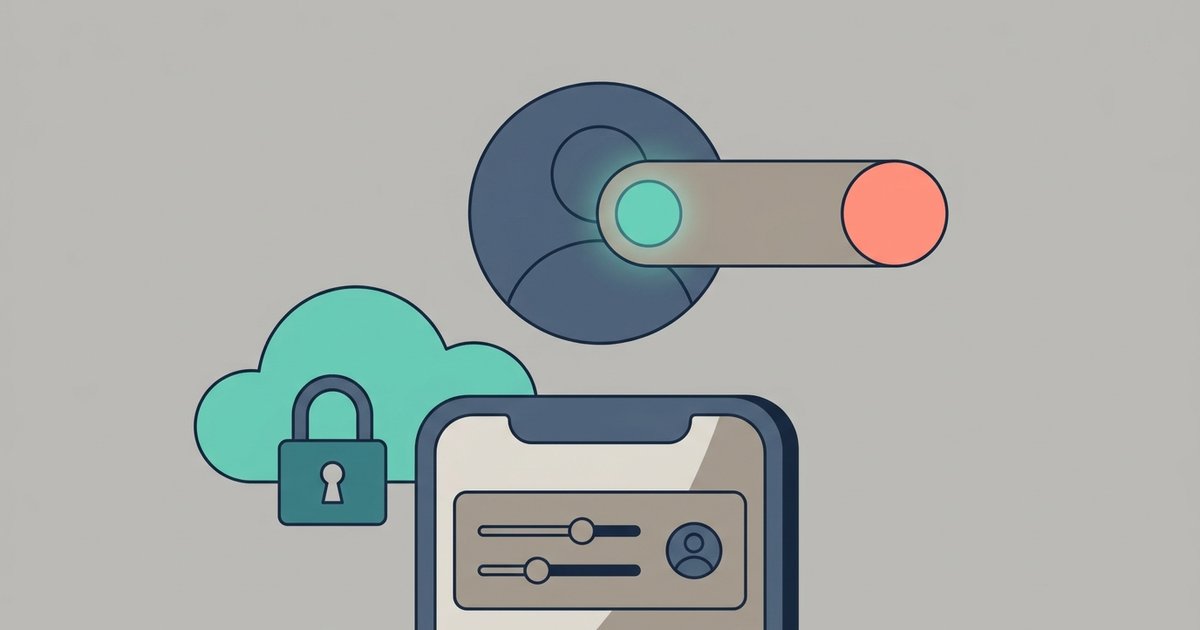
Where Threads is part of Accounts Center, your Threads account sits in the same Accounts Center as the account you signed up with. That means you can use your Instagram login to get into Threads, or create a separate password just for Threads. You can also remove Threads from that Accounts Center if you want to manage its settings separately or stop the accounts logging into each other. Instagram notes that Threads in Accounts Center isn't available everywhere. Meta is also gradually moving Accounts Center to a Meta Account, so the settings may appear under that name.
What carries over and what doesn't
Meta publishes a table showing where each setting is managed. The practical picture for a profile created with Instagram looks like this:
| Item | Shared with Instagram? |
|---|---|
| Name and username | Yes. Managed in Threads or Instagram, and a change affects both. |
| Password and two-factor authentication | Yes, for profiles created with an Instagram account. |
| Birthday | Yes, shared between Threads and Instagram. |
| Profile picture | Not automatically. Changes on Threads affect only Threads, and you can choose to import a new Instagram picture. If your Instagram account is verified, you can only change your profile picture on Instagram. |
| Bio and link | Not automatically. Each app keeps its own unless you import from Instagram. |
| Followers and following | No. Following someone on Threads does not change who you follow on Instagram. |
| Privacy, blocks, mutes, Hidden Words | No. These are managed separately in Threads. |
| Sleep mode and daily time limit | No. Threads has its own. |
Verification is the one special case. If the Instagram account you used is verified, the badge appears on Threads as well, and you can only change your Threads profile picture from Instagram. A verified badge on a Facebook account does not carry over to Threads.
For profiles created with Facebook, the pattern is similar but tied to Facebook instead: password and birthday are shared with Facebook, while the name and username are managed in Threads only.
The Threads badge on your Instagram profile
Once you have a Threads profile, a Threads badge can appear on your Instagram profile and link people to your Threads account. To show or hide it, open Instagram, go to your profile, tap Edit profile and switch Show Threads banner on or off. The same choice controls the Instagram badge on your Threads profile. Instagram notes that even if your Instagram account is private, anyone who visits your profile can see the Threads badge.
Deactivating or deleting Threads
This is where the connection matters most, because the rules are not symmetrical.
- Deactivating Threads hides your profile and content on Threads until you reactivate. It does not affect your Instagram account. You can only deactivate once a week.
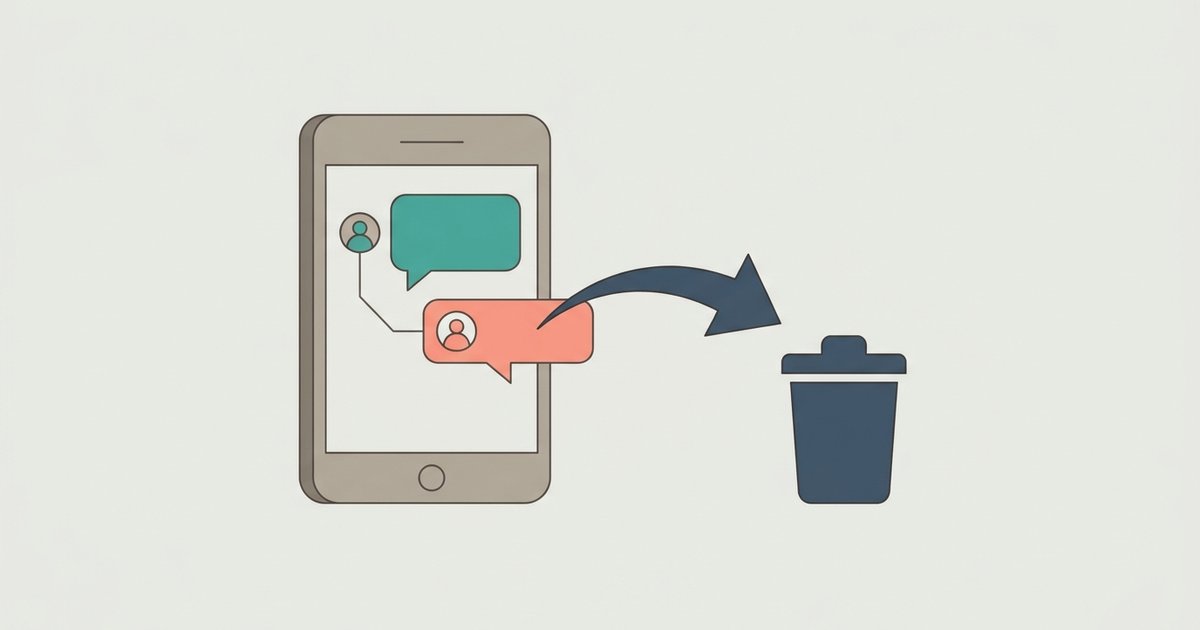
- Deleting Threads permanently removes your Threads content, likes and followers. Instagram says deleting your Threads account won't delete your Instagram or Facebook account.
- Deactivating Instagram also deactivates the Threads profile you created with it.
- Deleting Instagram also deletes the Threads profile you created with it.
To delete a Threads account where Accounts Center is available, open Threads, go to your profile, tap Menu, then Accounts Center, Personal details, Account ownership and control, and Deactivation or deletion. Choose the Threads account and tap Delete account. Deletion is permanent 30 days after the request, and you can cancel within that window by logging back in, although Instagram notes the cancellation period varies by region.
Two further details are worth knowing before you delete. After a Threads account is deleted, you have to wait 90 days before signing up again with the same Instagram account. And if you turned on sharing to the fediverse, Meta will ask other servers to delete your content but cannot guarantee they will.
Threads and the fediverse
Threads can optionally share your posts to the fediverse, the network of independent servers that includes Mastodon. It is a setting you manage in Threads. You can also add a link to a profile on another server in your Threads bio to verify that both belong to you.
If you already use Instagram, the simplest path is to sign in to Threads with it and accept that your username, password and birthday will be shared. If you want more separation, sign up with a Facebook account instead, use a separate Threads password, or remove Threads from your Accounts Center. And if you ever plan to leave Instagram, remember that deleting it takes the connected Threads profile with it.