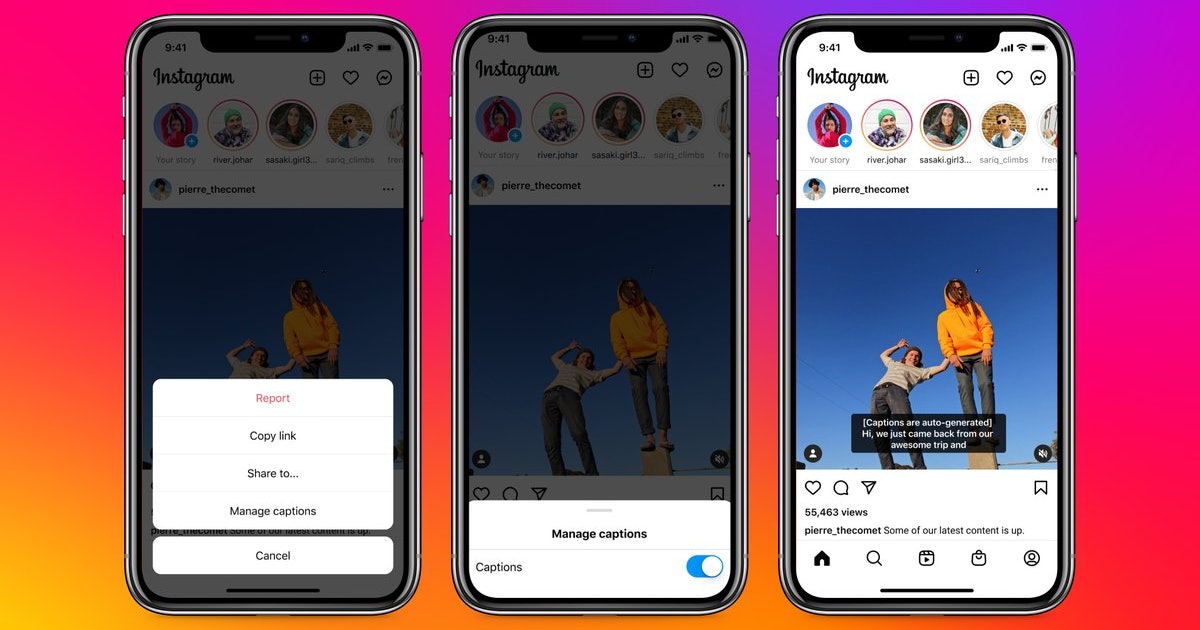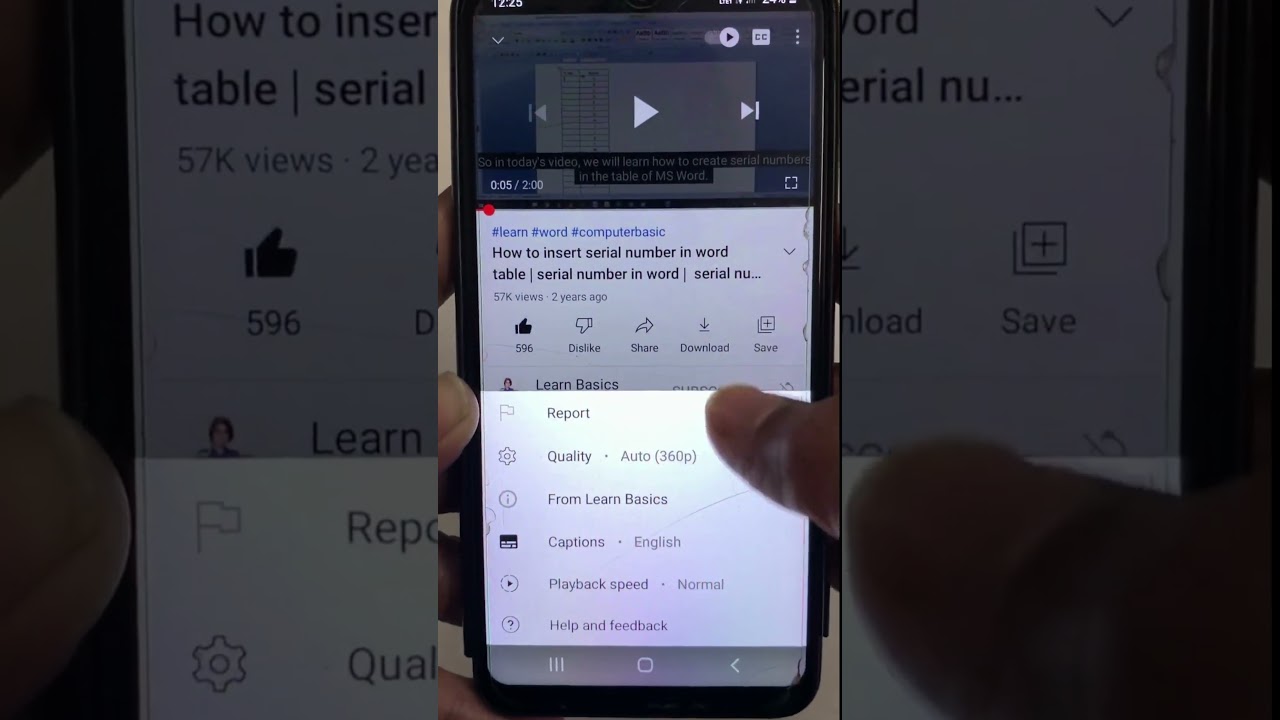
Instagram can caption a reel for you. In the reel editor, open More options and turn on the toggle labeled Enable closed captions, and Instagram transcribes the speech in your video using speech recognition. For captions that are part of the picture rather than a separate track, add the captions sticker from the sticker tray instead. Both approaches let you fix the words before you post.
Turn on automatic closed captions
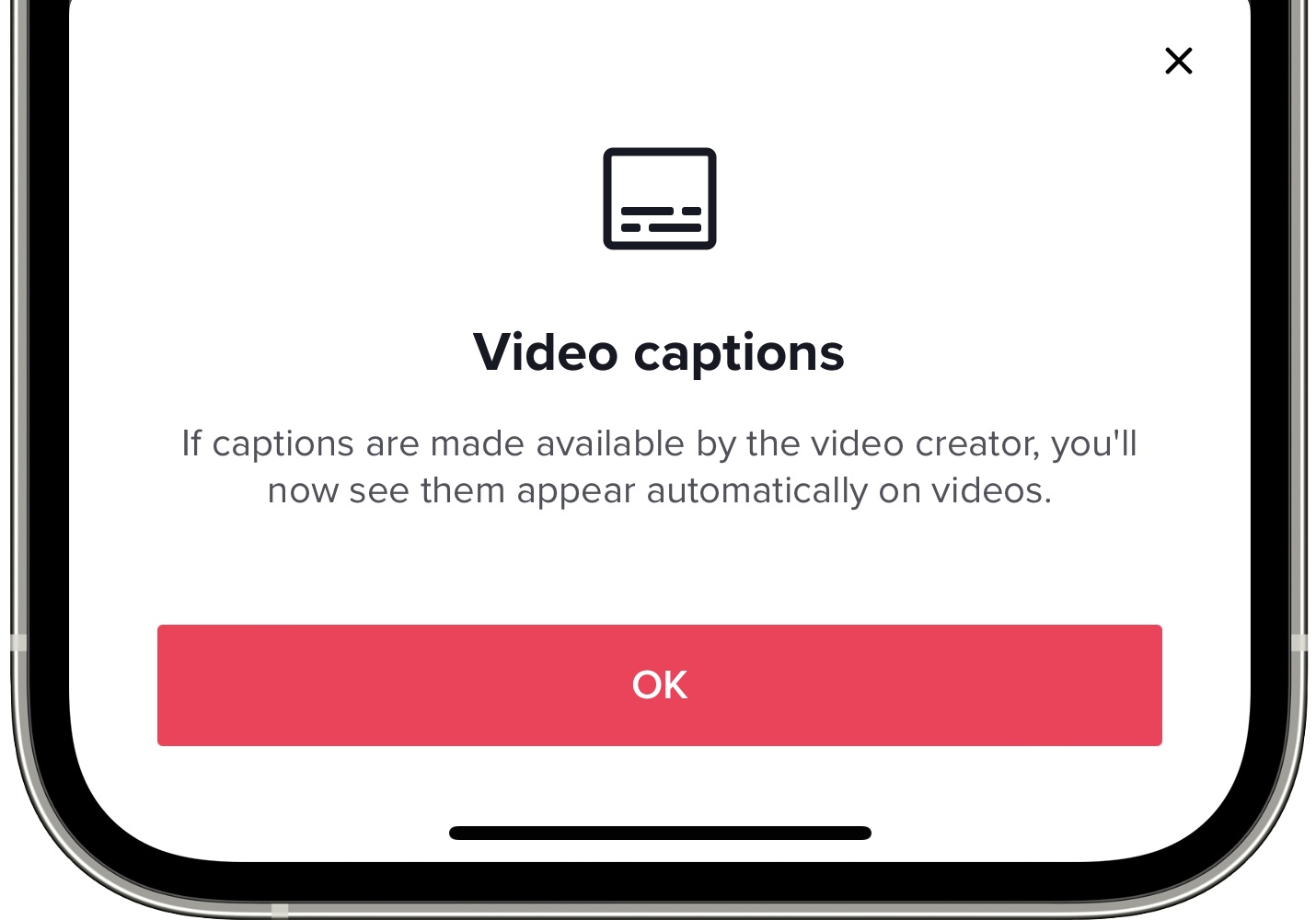
Automatic closed captions are a setting on the reel, not something you draw on top of it. While you are creating the reel, tap Create and choose Reel, pick your video, tap Next twice to reach the final screen, then tap More options and switch on the toggle next to Enable closed captions. Instagram generates the captions from the audio and displays them at the bottom of the reel for viewers who have captions showing.
You can change your mind after publishing. Go to your profile, open the reel, tap the options menu, tap Edit, then tap More options and use the same Enable closed captions toggle. Instagram documents this feature as a phone one: the help pages for captions say it is not available on computers, so do this on the Android or iPhone app.
Automatic captions are the lowest-effort option and they are the right default for a talking-head reel or anything with clear speech. They are less reliable for music, overlapping voices, heavy background noise or specialist vocabulary, which is where the next two options matter.
Use the captions sticker
The captions sticker does something different. Instead of a caption track that a viewer's settings control, it burns animated text into the video itself, so everyone sees it. Take or upload your clip, tap the sticker icon, choose the captions sticker from the tray, and Instagram transcribes the audio onto the screen as styled text. The sticker works the same way in stories and in reels.
Because the sticker is part of the frame, you can move it, resize it and change its style like any other sticker. That is an advantage when you want captions to sit in a specific part of the frame, and a disadvantage when a viewer already has their own caption preferences. If you are unsure, the sticker is the safer choice for reach, because it does not depend on a viewer setting being switched on.
Fix the words the transcription gets wrong
Automated transcription is good, not perfect, and names, brand names, acronyms and technical terms are where it fails most often. Meta's own guidance for using automated captions tells you to read the generated text and correct it: tap the words that are wrong and edit them before you post. Do this every time. A single wrong word in a product name is more damaging than no captions at all, because it makes the whole reel look careless.
Watch for three specific failure patterns. Numbers and units get transcribed inconsistently, so check any figure you quote. Sentence boundaries drift when you speak quickly, which produces a wall of text with no pauses. And words that sound alike get swapped in ways that change the meaning entirely, which spell-checking will never catch because both words are real.
Upload your own captions from an edit
If you want full control over the wording, line breaks and timing, write the captions yourself in your editing software and export them burned into the video. Instagram accepts the finished file like any other upload, so the text is simply part of the picture from the moment it leaves your editor. This is the usual approach when a reel is cut from a longer piece that already has a caption file, or when captions need to match a script exactly.
The quickest way to start is to turn the video's audio into text and then edit that text down rather than typing the whole thing from scratch. Keep lines short, around six or seven words, and break them where you would naturally pause. Two lines on screen at a time is the practical maximum in a vertical frame.
One thing to remember: captions you burn in yourself are invisible to Instagram. Automatic closed captions produce a text layer Instagram knows about, while burned-in text is just pixels. If you burn captions in, consider still writing a real caption in the post text so the words exist somewhere machine-readable.
Accessibility and placement
Captions are an accessibility feature before they are a growth tactic, and a few details decide whether they work. Contrast is the first one. Meta's guidance warns against combinations that are hard to read, such as white text over a bright background, so use a caption style with a solid or shaded backdrop when your footage is busy.
Placement is the second. Meta's creative guidance for Stories and Reels recommends keeping text and logos out of roughly the top 14 percent, the bottom 35 percent and 6 percent of each side of a vertical asset, because the interface puts the profile icon, the caption, the audio label and the action buttons there. That bottom band is large, and it is exactly where people instinctively put captions. Keep caption text inside the middle of the frame and it will not end up behind a username or a share button.
Alt text covers the other half of accessibility. For a photo post, tap Next, then Advanced settings, then Write alt text, and tap Done or Save. You can also edit alt text after posting from the options menu on the post. On the web, the same field appears under Accessibility while you are creating or editing a post. Alt text describes the image for people using screen readers, and it is worth writing properly rather than repeating your caption.
Why captions matter for views
Reels autoplay without sound in plenty of situations, and a viewer scrolling in a quiet room will not turn audio on for a video that has not earned it yet. Captions make the first seconds legible with the sound off, which is the only window you get. Meta's own guidance on automated captions states that including captions on videos increases average watch time across all users, not just people who are deaf or hard of hearing.
That matters because of how Instagram ranks reels. Instagram has said the signals it predicts include how likely someone is to watch a reel all the way through, to like it and to reshare it. Captions do not directly feed a ranking signal, but they remove a reason for someone to scroll past in the first two seconds, and that shows up in the watch-through numbers Instagram is measuring.
Pick one approach and stay consistent. If your reels are mostly speech, turn on Enable closed captions and check the transcript each time. If your reels are edited elsewhere, burn the captions in and keep them inside the safe area in the middle of the frame. Either way, read the text once before you publish, because a caption with the wrong word in it costs more than the minute it takes to fix.
\nRelated reading: How Do You Add Subtitles To Instagram Reels and How To Add Subtitles In Powerpoint.