This tag collects our practical guides to adding and managing subtitles and captions across popular video platforms and productivity software. It is written for everyday viewers, content creators, and social media users who want to make their videos more accessible, easier to follow in noisy or quiet environments, or simply more engaging for a wider audience. The articles here focus on clear, step-by-step instructions for built-in tools, not on any workarounds or prohibited methods.
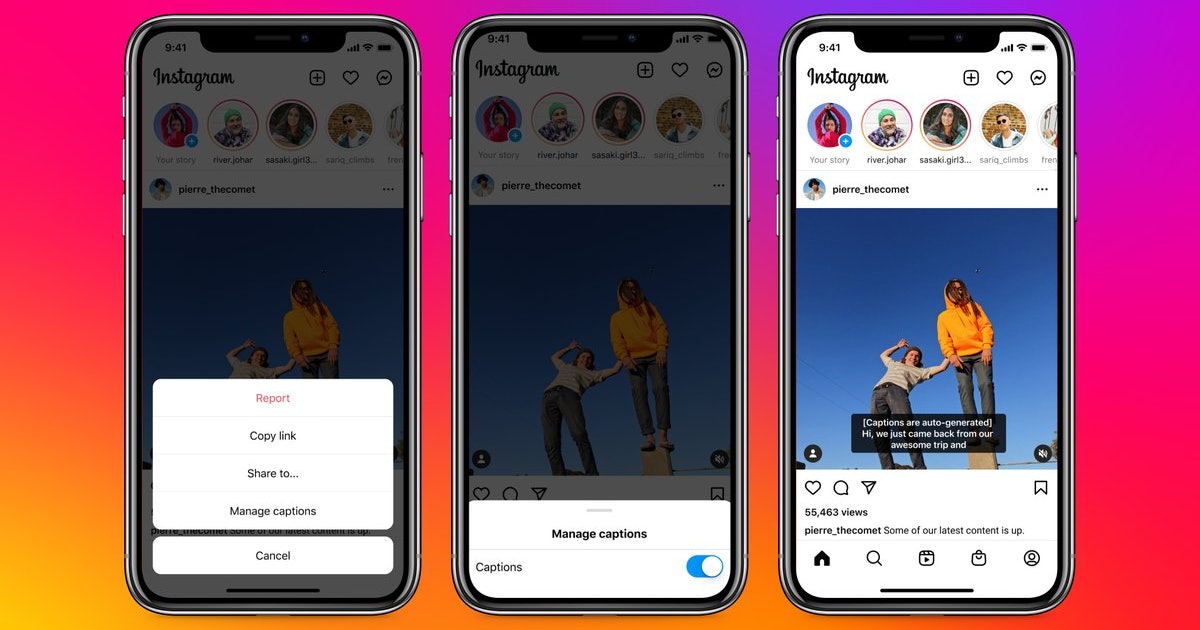
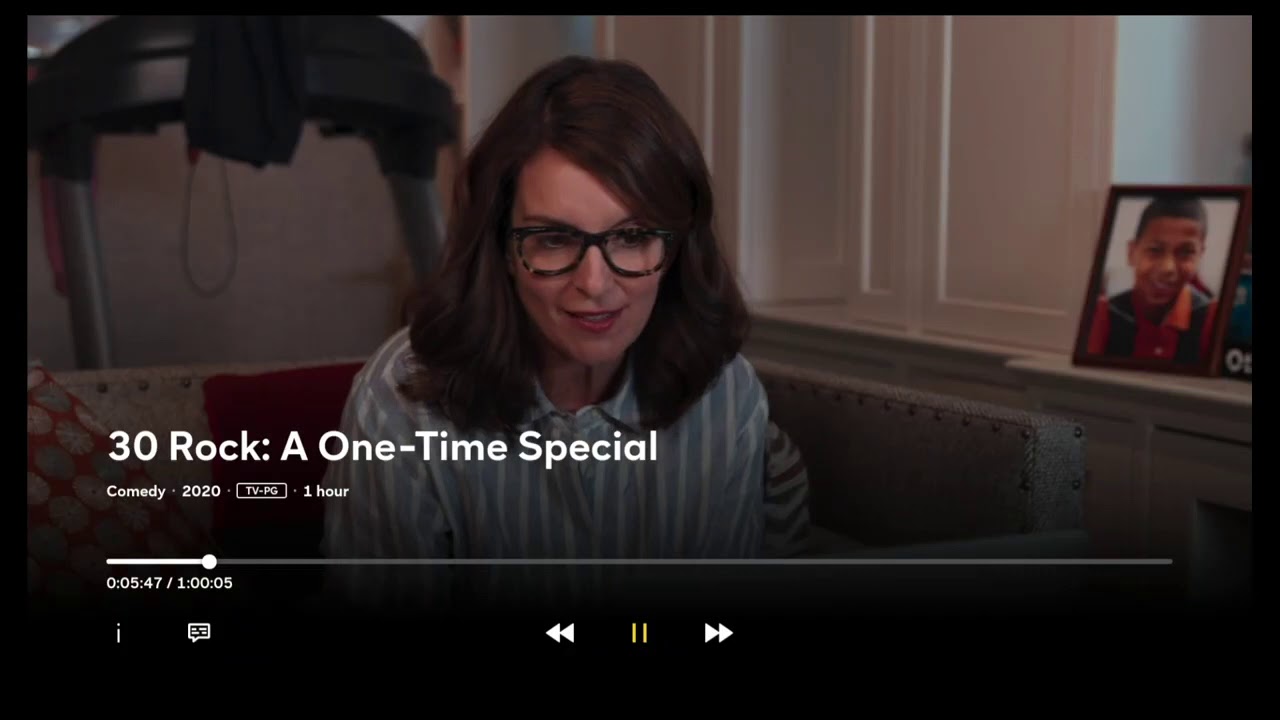
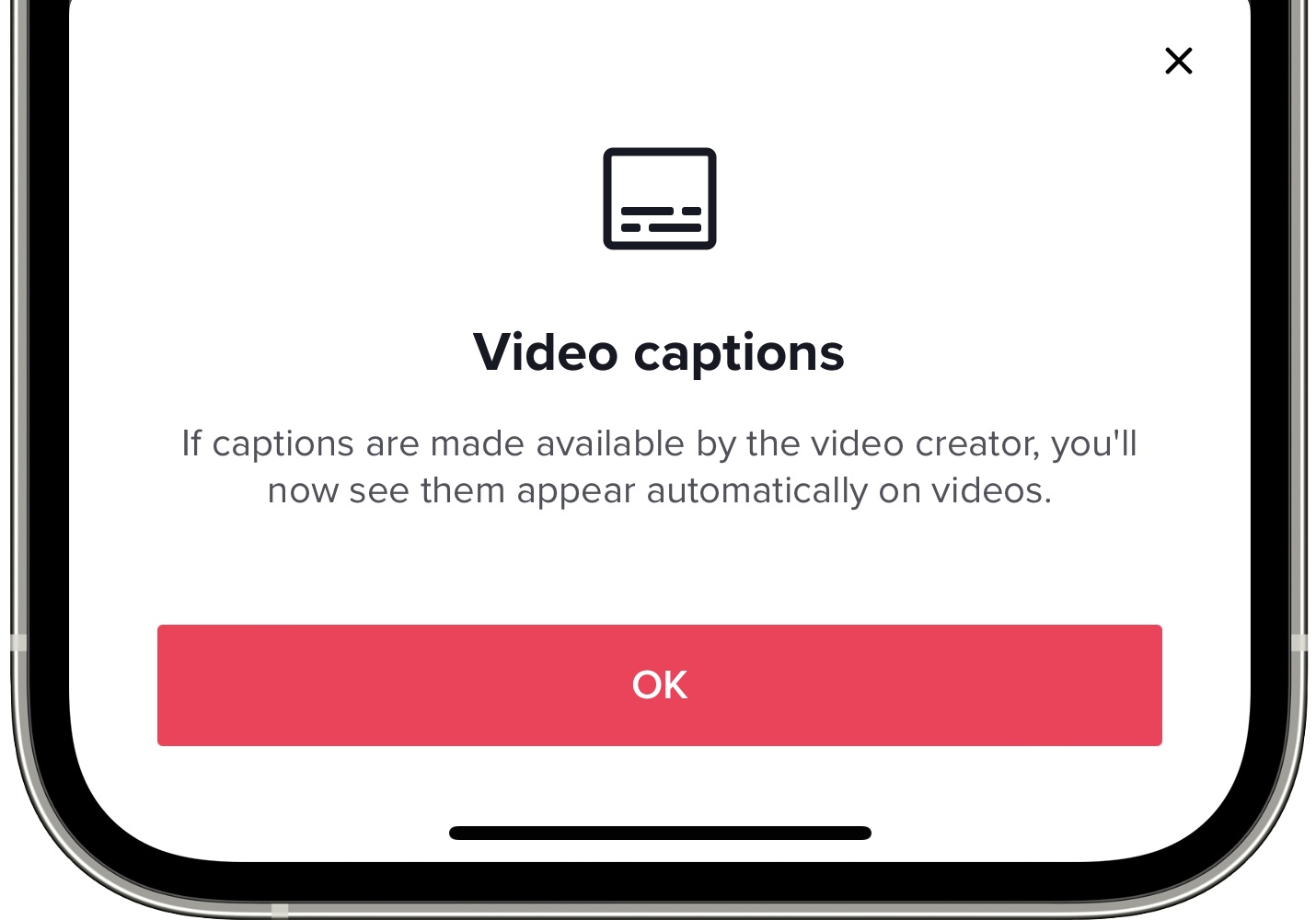
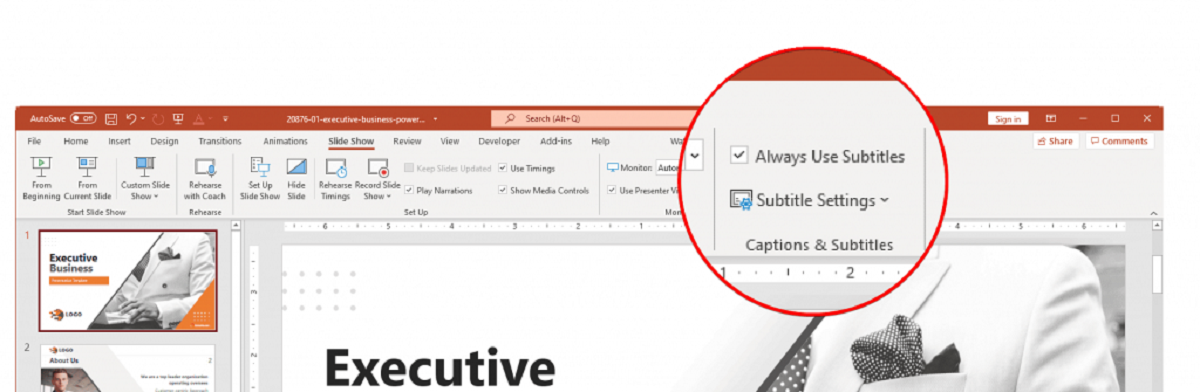
The problems these articles solve fall into three main themes. First, there is the “making content understandable” group, which covers adding subtitles to presentations (PowerPoint) or enabling them on streaming services like Peacock, so you never miss dialogue during a movie or a meeting. Second, there is the “social media accessibility” theme, where you will find guides for turning on subtitles on TikTok and adding them to Instagram Reels, helping you reach viewers who watch without sound or who have hearing impairments. Third, there is the “automation and language” theme, which includes making automatic subtitles on YouTube and changing those subtitles to English, useful for following foreign-language content or ensuring your own videos are understood by a global audience.
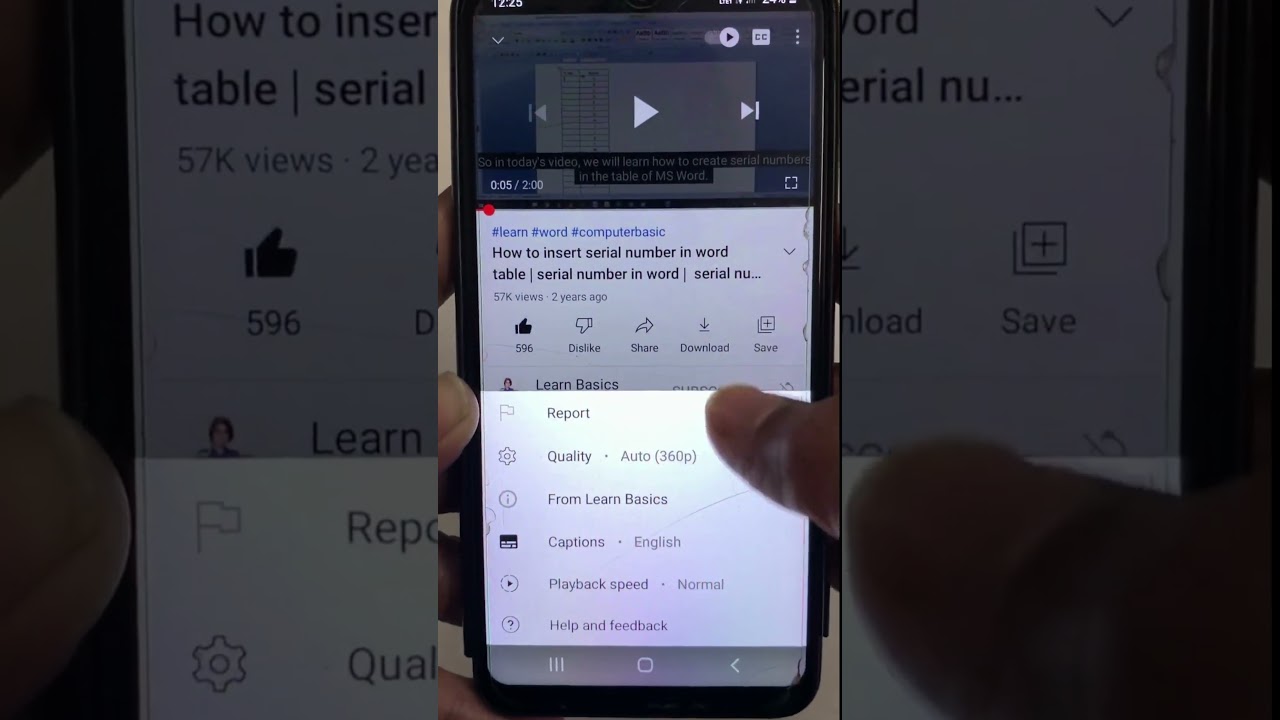
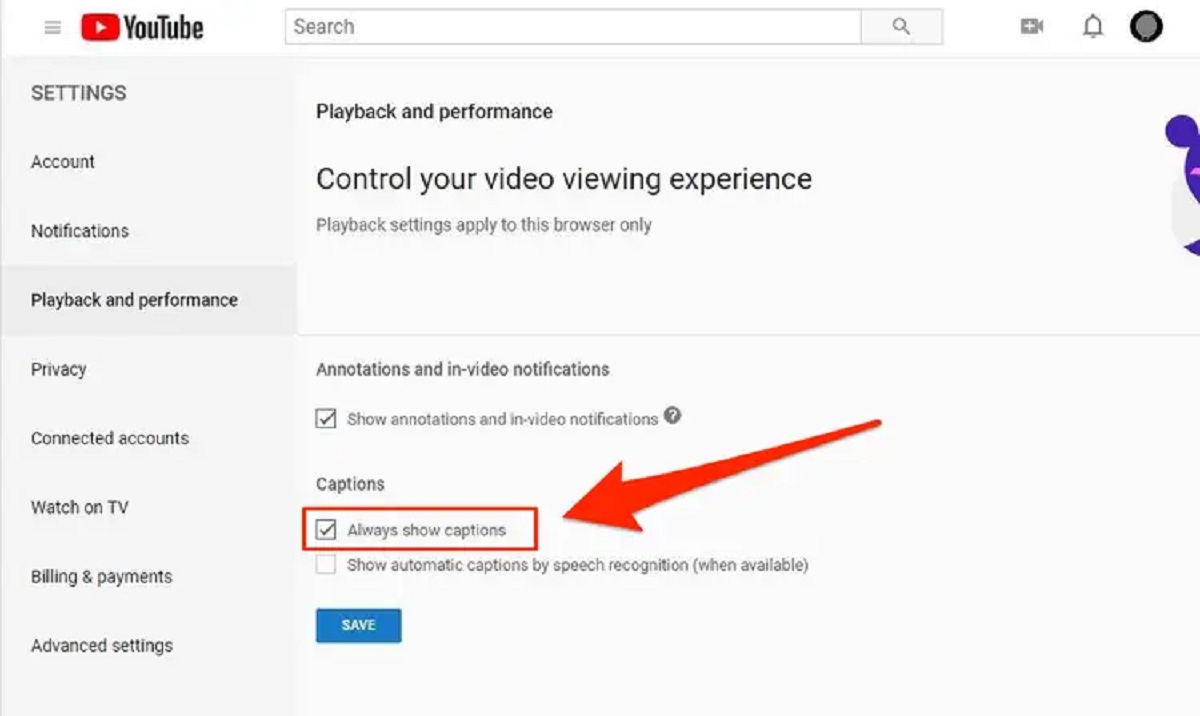
Specifically, you will learn how to enable the built-in subtitle toggle on TikTok, how to generate auto-captions in YouTube Studio, and how to modify the language of existing captions on YouTube to English. The PowerPoint guide helps you embed subtitles into your slides for clearer presentations, while the Peacock article walks you through the settings menu to turn on closed captions. These articles are about using official features correctly, no piracy, no hacking, no bypassing any system. They simply help you make the most of the accessibility tools already available to you.