Latest in WiFi & Ethernet
Most read in WiFi & Ethernet
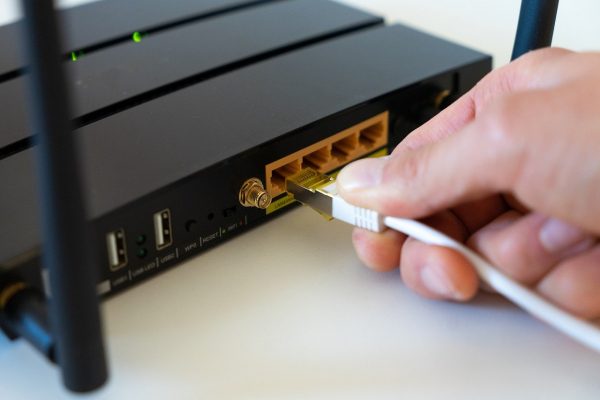


Whether you’re wiring up a home office or trying to get a smarter TV online, this section covers the practical side of connecting and troubleshooting your network gear. It’s written for everyday users who want clear, step-by-step help with routers, switches, mesh systems, and the cables that link them together. You’ll find guidance for setting up hardware from brands like Netgear, TP-Link, and Orbi, as well as for understanding the lights, ports, and settings that often cause confusion.
The core of the category revolves around making your network work the way you want. The main guide, “How To Use A Network Switch With 2 Routers,” walks you through a common but tricky setup, while related articles explain how to connect switches to other switches, access a switch’s admin page, and configure managed models. You’ll also find practical help for joining multiple routers, whether they’re the same brand or not, and for choosing between bridge mode and access point mode when you need to extend your Wi-Fi.
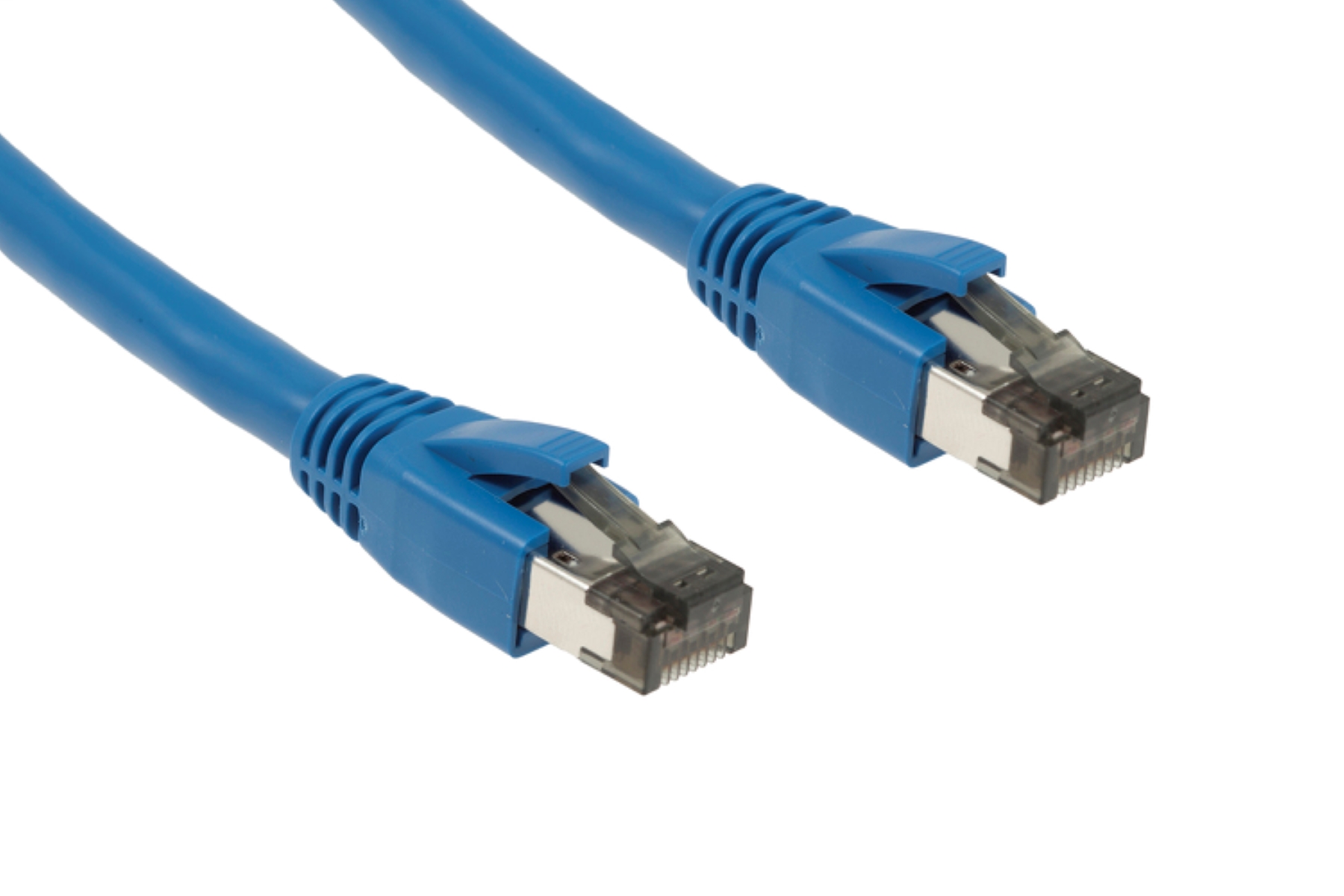
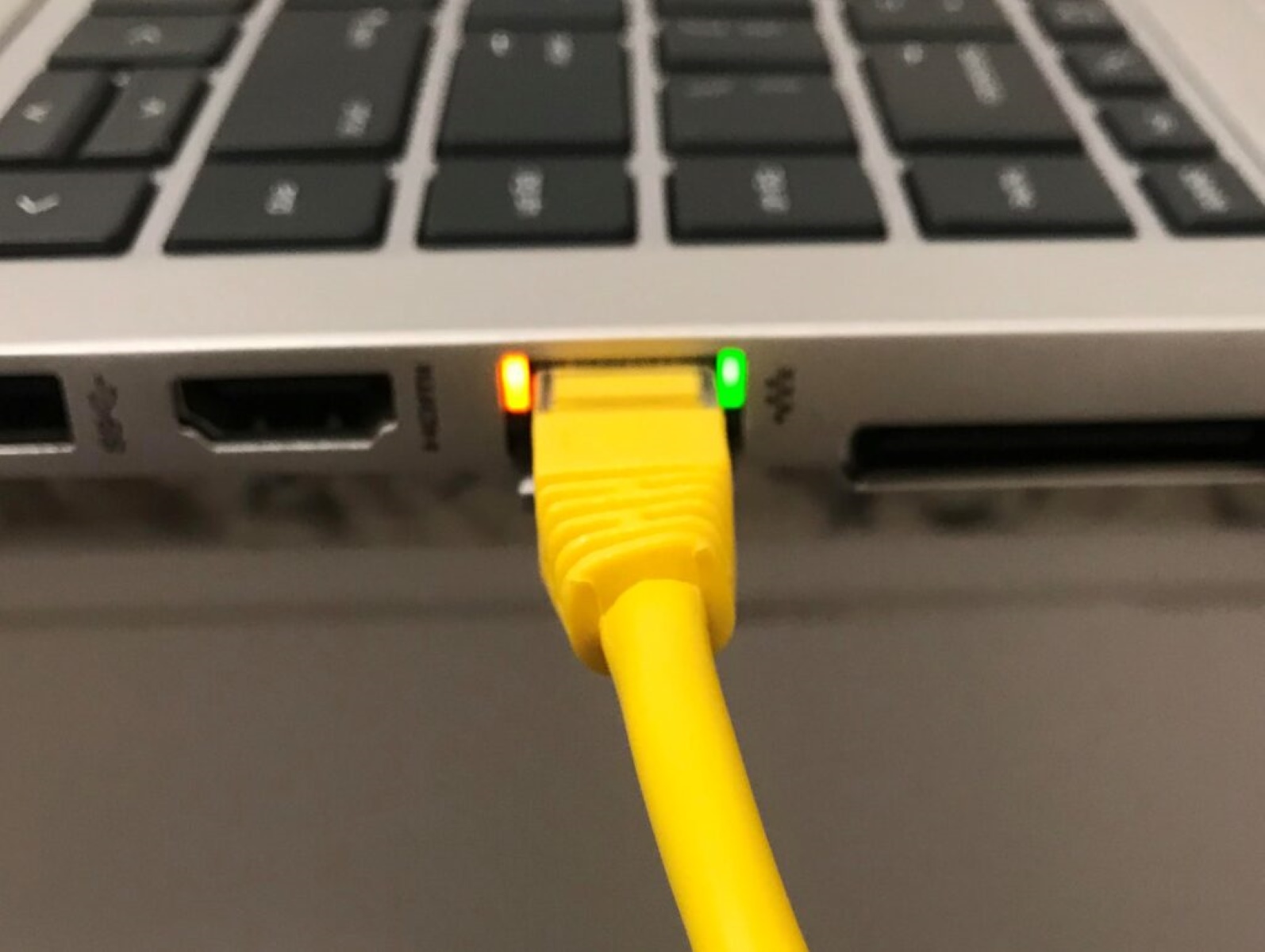
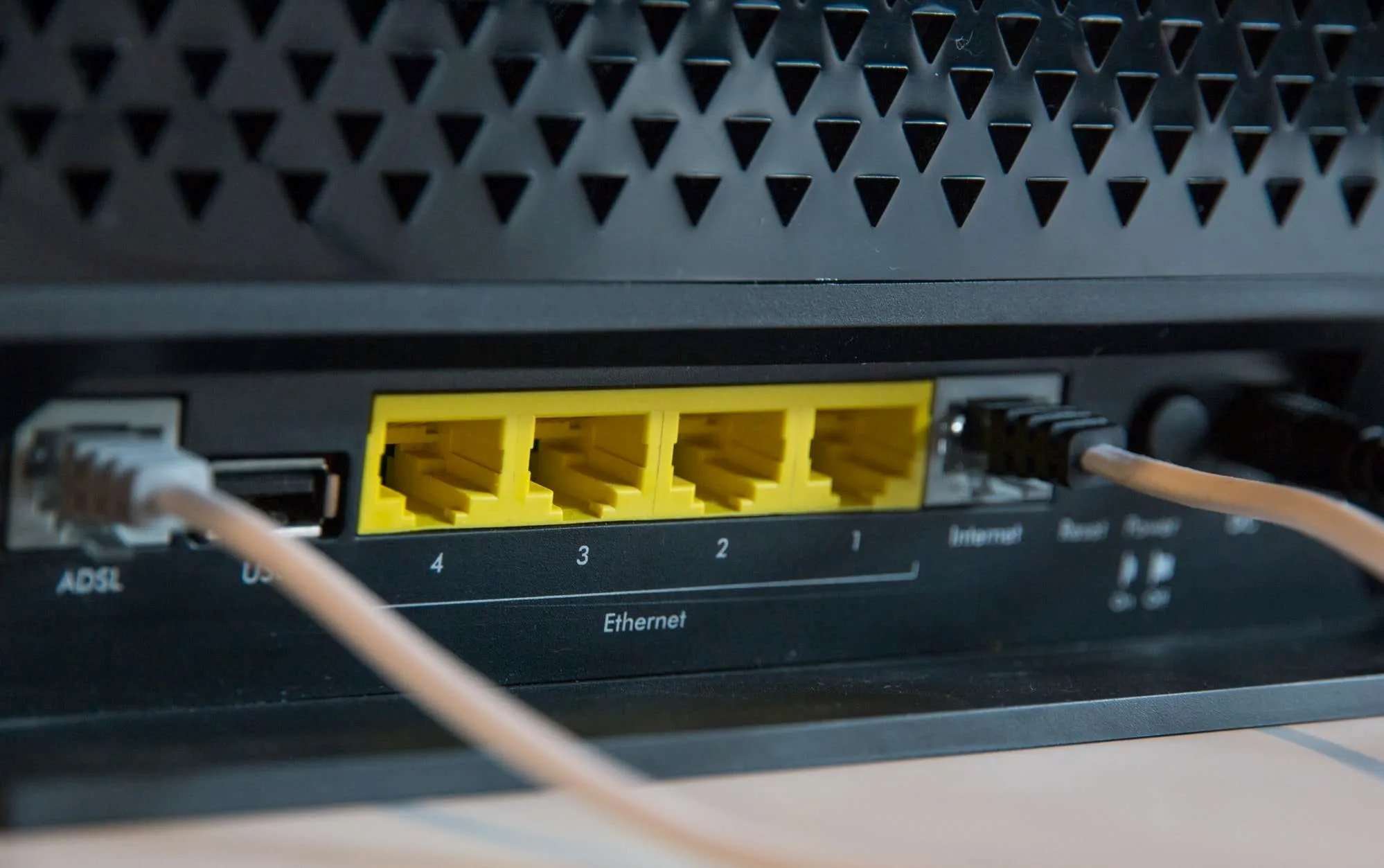
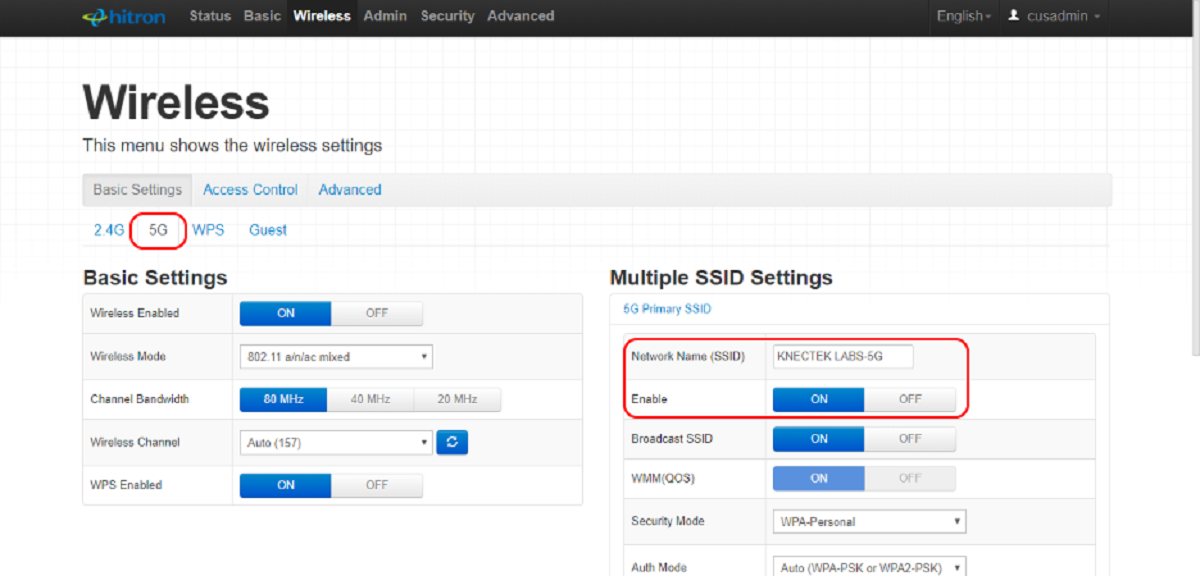
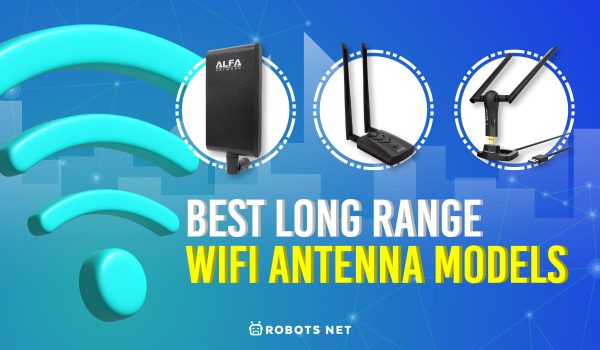
Beyond the hardware, you’ll learn how to improve performance and diagnose issues. Articles cover topics like reducing high download latency, getting faster download speeds, and understanding what the different lights on your Ethernet ports or switch actually mean. You can also learn how to check your Wi-Fi’s frequency band, connect an IP camera or printer by IP address, and set up a whole-home mesh system like the TP-Link Deco. From picking a long-range antenna to deciding between Cat6 and Cat8 cables, these guides help you make informed choices and get your home network running smoothly.
