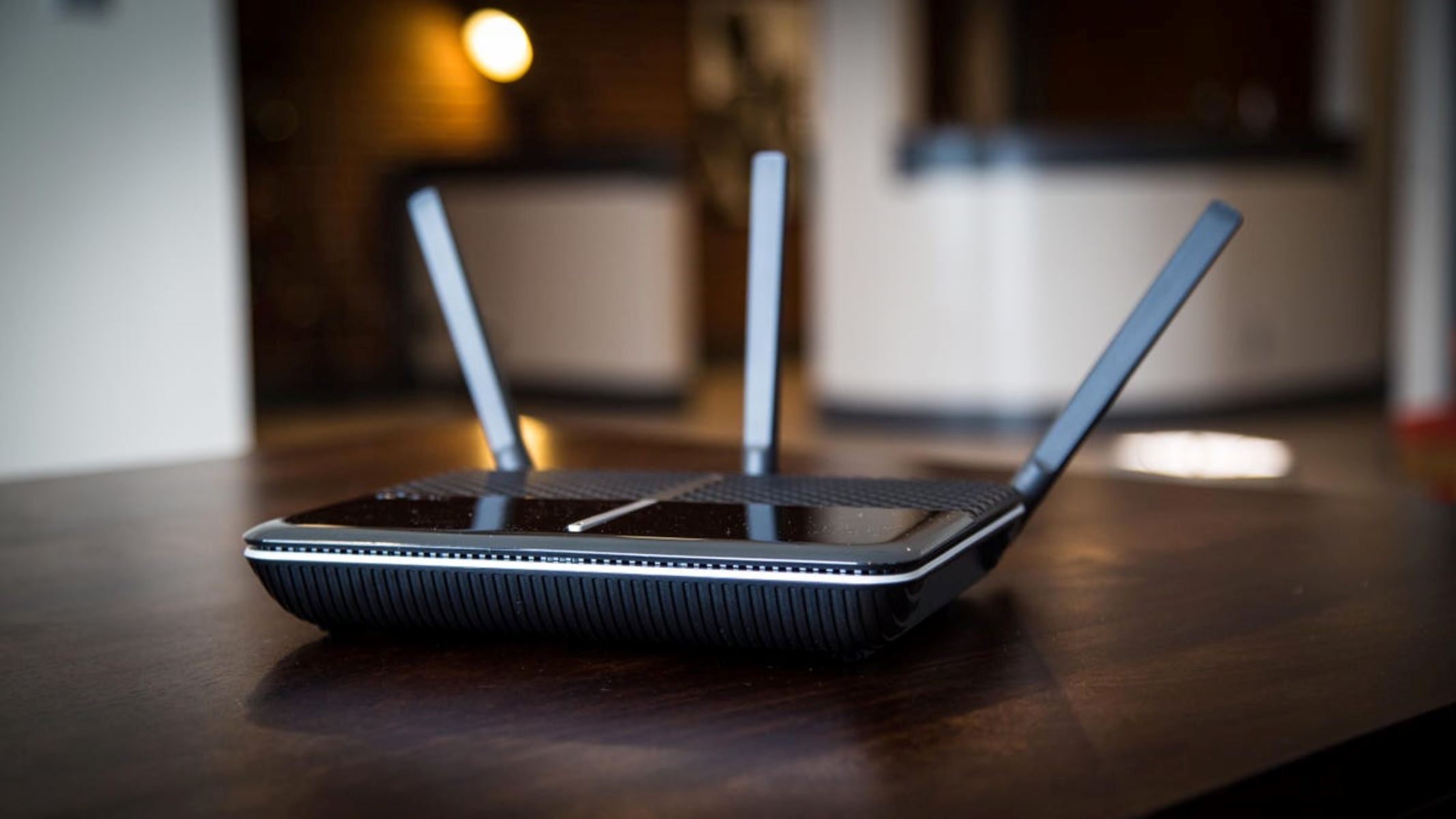
The best wifi 6 router for your home is one that delivers faster speeds, lower latency, and more reliable connections for every device on your network, especially when dozens of smartphones, laptops, and smart home gadgets are competing for bandwidth. Upgrading to a Wi-Fi 6 router is the single most impactful way to modernize your home network, as this new standard is designed to handle congested environments with far greater efficiency than older Wi-Fi 5 models. Whether you are a casual streamer, a remote worker, or a family with heavy internet usage, the right Wi-Fi 6 router will eliminate buffering and dead zones, and our top picks below cover the best options for every type of user.
What is the best wifi 6 router for your home?
Wi-Fi 6, also known as 802.11ax, is the latest generation of Wi-Fi technology, and it is a game-changer for typical homes where multiple devices are always online. Unlike older standards, Wi-Fi 6 uses advanced technologies like OFDMA and MU-MIMO to split a single channel into many smaller sub-channels, allowing it to communicate with multiple devices simultaneously rather than one at a time. This results in dramatically better performance in congested networks, meaning your video calls, 4K streams, and online games will stay stable even when everyone else is using the internet. For a typical home, the best wifi 6 router provides a noticeable speed boost on your existing internet plan, extends reliable coverage to every room, and future-proofs your network for the next several years. The top models we have selected below vary in price and features, but all share the core benefits of Wi-Fi 6, so you can choose based on your home size, internet speed, and budget.
The top Wi-Fi 6 router models compared
To help you narrow down your search, we have compared the best Wi-Fi 6 routers on the market, evaluating each on raw speed, coverage, port selection, and value. The table below provides a quick snapshot, followed by in-depth reviews of each model so you can see which one fits your specific situation.
| Router Model | Best For | Key Specs | Ideal Use Case |
| :--- | :--- | :--- | :--- |
| ASUS RT-AX86U | Gaming | 5700 Mbps, dual-band, 2.5G port | High-performance gaming and heavy streaming |
| TP-Link Archer AX55 | Value | 3000 Mbps, dual-band, 4 Gigabit ports | Affordable upgrade for medium-sized homes |
| Netgear Nighthawk RAX50 | Overall Performance | 5400 Mbps, dual-band, 5 Gigabit ports | Balancing speed and coverage for most users |
| Asus RT-AX68U | Compact Power | 2700 Mbps, dual-band, 5 Gigabit ports | Reliable performance in a smaller form factor |
| TP-Link Archer AX90 | High-Capacity | 6600 Mbps, tri-band, 2.5G port | Homes with many devices and heavy multi-tasking |
ASUS RT-AX86U
The ASUS RT-AX86U is a powerhouse designed with gamers in mind, featuring a mobile game mode that prioritizes gaming traffic for a lag-free experience. This router is the best choice for serious gamers who demand the lowest possible latency, and its robust parental controls and security suite add extra value.
TP-Link Archer AX55
The TP-Link Archer AX55 is our pick for the best value, delivering solid Wi-Fi 6 performance without the premium price tag. With four Gigabit Ethernet ports, you can connect your wired devices directly, and its simple setup process makes it an excellent choice for those who want a reliable upgrade without fiddling with complex settings. This router is ideal for medium-sized homes where budget is a primary concern.
Netgear Nighthawk RAX50
The Netgear Nighthawk RAX50 is the best overall router for most households because it strikes an ideal balance between performance, features, and price. The RAX50 excels in coverage and stability, making it a fantastic all-rounder for families with mixed usage, from remote work to streaming and casual gaming. Its reliable app makes setup and management straightforward for any user.
Asus RT-AX68U
The Asus RT-AX68U proves that you do not need a massive chassis to get excellent Wi-Fi 6 performance. It is an excellent choice for apartments or smaller homes where space is at a premium, and its five Gigabit ports ensure you have plenty of wired options. This model is perfect for users who want a discreet, powerful router that doesn't dominate the room.
TP-Link Archer AX90
This router is designed for power users and smart homes where many devices are active at once, ensuring that every gadget gets a fast and stable connection. Its tri-band design is the key to maintaining high speeds in dense environments.
What to look for when buying a Wi-Fi 6 router
When shopping for the best wifi 6 router, you will encounter several specifications that directly impact your experience. The speed rating, often listed as AX3000 or AX5400, indicates the maximum theoretical throughput, but your actual speeds will be limited by your internet plan and device capabilities. Coverage is another critical factor, so look for routers with multiple high-gain antennas and support for mesh technology if you have a large home. OFDMA is a core Wi-Fi 6 technology that allows the router to serve multiple devices in a single transmission, which is a huge benefit in busy households.
Understanding Wi-Fi 6 speeds and performance
Wi-Fi 6 has a theoretical maximum throughput of 9.6 Gbps, but this figure is a sum of all channels and is not achievable by a single device in real-world conditions. The actual speed you experience depends on several factors, including the capability of your client devices (laptops, phones, etc.), the distance from the router, and the amount of interference from walls and other electronics. Most devices only support a single or dual stream, so they will connect at a fraction of the router's total bandwidth. However, the real benefit of Wi-Fi 6 is not just raw speed; it is the improvement in network efficiency. By using OFDMA and MU-MIMO, the router can handle more devices simultaneously without slowing down, which means your connection will feel more responsive and stable even when the network is under heavy load. For a typical home, this translates to smoother video calls, faster downloads, and less lag in online games, even when multiple people are using the internet at once.
Is a Wi-Fi 6 mesh system right for you?
While a traditional Wi-Fi 6 router is sufficient for most homes, a Wi-Fi 6 mesh system is the better choice if you have a large, multi-story house or have areas with poor coverage. A mesh system uses multiple access points that work together to create a single, seamless Wi-Fi network, eliminating dead zones and providing consistent coverage throughout your entire property. If you find that a single router cannot reach the corners of your home, or if you frequently move from room to room and need a strong signal everywhere, a mesh system is the ideal solution. For those with larger homes, the investment in a mesh system is worthwhile, and you can find a detailed guide on setting up a TP-Link Deco system to get started. However, for apartments or smaller houses, a single high-performance router will offer better value and simpler setup.
Our verdict: which Wi-Fi 6 router should you buy?
Choosing the best wifi 6 router ultimately comes down to your specific needs and budget. For the best overall performance that balances speed, coverage, and features for the average user, the Netgear Nighthawk RAX50 is our top recommendation. If you are looking for the best value, the TP-Link Archer AX55 offers excellent performance at a more accessible price point, making it perfect for budget-conscious shoppers. For gamers who need the absolute lowest latency and advanced features like a dedicated gaming port, the ASUS RT-AX86U is the clear winner. If you have a massive home with persistent dead zones, then a Wi-Fi 6 mesh system is the right investment, but for the vast majority of homes, any of the routers highlighted above will provide a significant upgrade over older Wi-Fi 5 equipment. Consider your internet plan speed, the size of your home, and how many devices you connect to make the final decision, and you will be well on your way to a faster, more reliable network.
Using your direct internet line is great when you're using the internet, but installing a Wi-Fi connection lets you connect to the net and browse from any spot in your home home. Wi-Fi enables you to use multiple devices, so your family members can also browse on their own. Wi-Fi 6 is the newest wireless internet technology that aims to replace the slower Wi-Fi 5. A good Wi-Fi 6 router promises to bring you faster download and upload speeds that you don't have to wait for a mile each time you use the internet.
What is Wi-Fi 6?
https://www.youtube.com/watch?v=V5qLv0BtBcM Wi-Fi 6 is a new wireless internet technology that replaces the Wi-Fi 5 or 802.11ac. Initially launched two years ago, Wi-Fi 6 promises to bring faster connections to commercial and residential areas. With the innovation of the more advanced Wi-Fi 6 router and its subsequent increased availability in the market, internet users get to deck out their older devices and finally enjoy faster upload and download speeds. With the surge of Wi-Fi 6 in the market, we collated a list of the best routers available for purchase to help you find the best Wi-Fi 6 router for your home. If you're interested in reading more about Wi-Fi related topics, we have an Acrylic Wi-Fi guide, a guide with tips and tricks to find out who is on your Wi-Fi, and a list of the best Wi-Fi boosters available today.
Best Wi-Fi 6 Router Models
To assist you in your quest for the best Wi-Fi 6 router, we looked all over the web for the different Wi-Fi 6 routers available and selected the ones with the most positive reviews. Note that these routers are available via Amazon US. Included in the list are their current prices and specifications cited from the same site.
TP-Link Archer AX3000
Specifications:
- JD Power Award recipient
- Wi-Fi 6 technology allows faster speeds and lower latency
- Next-gen 3 Gaps speed
- Simultaneously connect to different devices
- Minimized lag
- Increased battery life
- Advanced security features
- Easy set-up and Backwards Compatible
- 802.11 standards and all Wi-Fi devices support
ASUS ROG Rapture GT-AX11000
Specifications
- Tri-Band features
- 12 Stream max
- Wireless, Wired, and USB-compatible connections
- 5 GHz frequency
- Tri-Band frequency
- 802.11ax and 802.11ac Bluetooth compatibility
- 11000 Megabits per second data transfer speed
- Voltage: 120240 Volts
- 1.8 GigaHertz Quad-Core CPU and 2.5 G gaming port
- ASUS AiMesh Wi-Fi system compatibility
- 256 MB Flash memory
- 1 GB RAM
- ASUS wrt features
- ASUS AiProtection security features
- Nextgen ax Wi-Fi backward compatibility
- Operating Frequencies of 2.4 GigaHertz, 5 GigaHertz 1, and 5 GigaHertz 2
ASUS RT-AX92U
https://www.amazon.com/RT-AX92U-Pack-Performance-Tri-Band-Routers/dp/B07RBBX5ZW/ref=as_li_ss_tl?ie=UTF8&linkCode=ll1&tag=robotsnet0b-20&linkId=a522756824feab1c54725d088708213b&language=en_US
Specifications
- Connections: Wi-Fi
- Brand: ASUS
- Frequency Band Class: Tri-Band
- Operating System: Linux, Apple Mac OS X
- Supports Bluetooth: 802.11n, 802.11b, 802.11ax, 802.11a, 802.11ac
- Number of Ports: 4
- AI mesh technology
- 802.11ax technology features
- Mesh System Connectivity
- Multiple OS Support (Windows and Mac)
- Ax technology features
- Flexible Wi-Fi connection for devices
- AI mesh ax6100 Wi-Fi system features
- Commercial-grade network security for family
D-Link EXO Mesh AX1500
Specifications
- Ethernet wired connection
- 5 GHz frequency
- Dual-Band frequency functionality
- Five ports available
- Exceptional Capacity for connected devices
- Smart home ready
- OFDMA features
- Target Wake Time (TWT) features help reduce battery consumption
- D-Link Wi-Fi Mesh Technology
NETGEAR Nighthawk AX-8
Specifications
- Style: AX6000 Wi-Fi 6 | Eight Streams
- Connections: Wireless, Wired, USB
- 5 GHz frequency
- Dual-Band frequency class
- Wireless Type: 802.11n, 802.11b, 802.11a, 802.11ac, 802.11g
- Security Protocol: WPA2-PSK
- Data Transfer Rate: 6000 Megabits Per Second
- Device compatibility
- Can accommodate up to 8 devices
- Wired Ethernet ports
- Features a 64-bit 1. 8GHz quad-core processor
- Four amplified antennas
- Beam-forming+
- MU-MIMO features
- Dynamic QoS
- Smart Connect features
- OFDMA features
- Alexa Voice Control compatibility
- USB connectivity
- Smart parental control features
- WPA2 wireless security protocols support.
- Comes with NETGEAR Armor protection
ASUS RT-AX88U
Specifications
- Style: AX6000| Dual Band| 8 Stream
- Connections: Wireless, Wired, USB
- Brand: ASUS
- Frequency: 5 GHz
- Frequency Band Class: Tri-Band
- Operating System: Apple Mac OS X
- Supports Bluetooth: 802.11n, 802.11b, 802.11ax, 802.11a, 802.11ac
- Data Transfer Rate: 6000 Megabits Per Second
- Ultrafast Wi-Fi speed
- Four antennas
- Eight LAN ports
- Commercial grade security features
- Better partner with the mesh system
- ASUS AiMesh Wi-Fi system compatibility
- Supports multiple operating systems (Windows and Mac)
- Nextgen ax Wi-Fi technology is backward compatible
- Next-gen Wi-Fi standard 802.11Ax features
NETGEAR Orbi RBK852
Specifications
- Excellent Wi-Fi coverage
- Can support 60+ devices.
- Ultra-fast gigabit-speed AX6000 Wi-Fi 6
- Supports newer devices
- Works with all internet providers
- Tri-band backhaul for Orbi router and satellite.
- Ethernet ports for wired connections
- Designed with MU-MIMO Smart Connect features
- Single Wi-Fi name and beam-forming technologies functionality
- WPA2 wireless security protocols compatibility
- Includes Guest Wi-Fi access and DoS Firewall.
- Comes with a free 30-day NETGEAR Armor protection.
Linksys Velop MX5
Specifications
- Connection: Ethernet
- Frequency Band Class: Tri-Band
- Wireless Type: 802.11a
- Security Protocol: WPA2-PSK
- 100240 Voltage for Power
- Provides next-gen Wi-Fi 6 speeds for superb internet connection
- Whole-home mesh coverage
- Can accommodate 50 Wireless devices at the same time
- Coverage for homes with a distance of up to 3000 sq. ft.
- Ultra-fast and reliable Wi-Fi coverage for user satisfaction
- Perfect for 4K video streaming and playing video games
- Wi-Fi 6 Connectivity speeds of up to 5.3Gbps
- Connects to your existing modem
- Easy set-up when used with the Linksys App
- Includes 3-year warranty
Linksys MR7350
Specifications
- Provides Wi-Fi coverage for distances up to 1,500 sq. ft.
- Can support up to 20+ wireless devices
- Connectable to existing Linksys Mesh products for more coverage of your internet connection
- Perfect for 4K HD streaming and precise gaming
- Dual-band Wi-Fi provides speeds up to 1.5 Gbps
- Seamless integration with Velop mesh Wi-Fi System.
- Compatible with Amazon Alexa features
NETGEAR Nighthawk AX-12
Specifications
- Compatible with any Internet Service Provider
- Easy to set up and manage the connection
- USB connectivity: 2 x 3.0 USB ports
- Advanced cyber threat protection features
- NETGEAR Armor comes with a 30-day trial period. For more protection, you can subscribe for $69.99/year
- Wired Ethernet ports available
- Wi-Fi 6 route provides a stable and speedy connection. Perfect for simultaneously streaming HD movies, playing online, video calls, or download/transfer files
- 6Gbps Wi-Fi speed
- Compatible with newer devices
- Built-in 2.2GHz quad-core processor
- OFDMA modulation
- MU-MIMO functionality
- Dynamic QoS features
- 1024-QAM
- Smart Connect features for one Wi-Fi name and Beam-forming technologies Amazon
- Supports Alexa Voice Control features
- Supports WPA2/WPA3 wireless security protocols.
NETGEAR Orbi Home Mesh
Specifications
- Whole-home mesh Wi-Fi connectivity coverage for a distance of up to 5,000 sq. ft.
- Can accommodate 25+ devices
- Wired Ethernet port available
- Fast wireless speed of up to 3Gbps
- Perfect for streaming HD videos and playing video games
- Parental controls available
- Advanced cyber threat protection available
- NETGEAR Armor security functions that come with a 30-day free trial
- Easy to set up and manage
- The Orbi app also allows you to manage Wi-Fi settings. You can also test and monitor your connection speed through the app
- Compatible with all internet service providers
- Designed with MU-MIMO features
- Smart Connect functions for one Wi-Fi name, and beam-forming technologies
- Supports WPA2 wireless security protocols
Reasons to Get a Wi-Fi 6 Router
https://www.youtube.com/watch?v=mqDzdzSxOJg There are many benefits to obtaining a Wi-Fi 6 router. Although this newest wireless device makes a more significant dent in your wallet, it provides added convenience in the long run.
Better Performance
A Wi-Fi 6 router offers faster upload and download speeds. Despite having a limited internet connection, your Wi-Fi 6 router offsets this weakness by maximizing the speed allowed by your specific subscription.Gaming Capacity
For gamers, a Wi-Fi 6 router provides a better connection. You don’t have to worry about playing with a lot of latency that, in turn, can ruin the experience. You can never blame lag for your losses once yo get a Wi-Fi 6 router.Network Attached Storage (NAS)
When connecting your Wi-Fi 6 router to home automation centers, gaming consoles, and NAS, you get to have increased throughput. This is especially essential when transferring large files or dealing with internet traffic load balances.Multiple USB Ports
Many Wi-Fi 6 routers provide multiple ports. This is important when you aim to connect your Wi-Fi 6 router to various devices without the necessity of unplugging the ones already connected to it.Malware Protection
Most Wi-Fi 6 routers come with anti-virus and anti-malware software. Due to the rapid influx of developed viruses and malware crowding the internet today, it is essential to have updated security measures. Obtaining a Wi-Fi 6 router enables you to have excellent software that blocks viruses and other malware that may only harm your data and your devices when left unsolved for long.Get More Stability With a Wi-Fi 6 Router Today
[caption id="attachment_31877" align="alignnone" width="600"]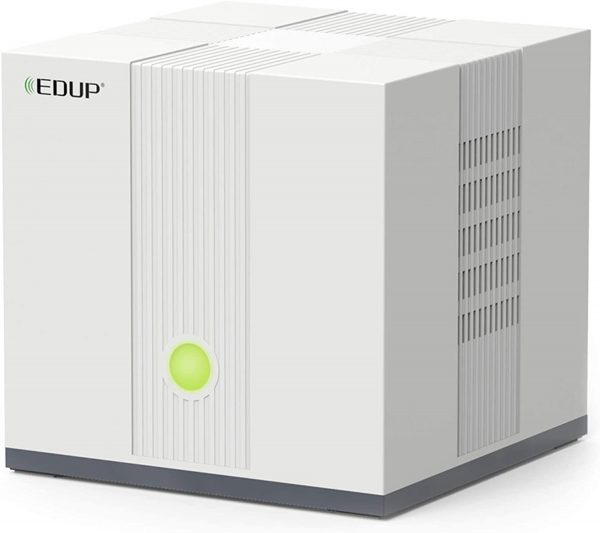 Photo from Amazon[/caption]
A Wi-Fi 6 router is the newest wireless solution to slow internet speeds, multiple device connections, and malware intrusions. Wi-Fi 6 technology also provides better access to smart home connection hubs. This particularly significant capability allows immediate and continuous control of various home alarm equipment, including smart camera doorbells, window or door sensors, and motion detectors.
We hope that the top Wi-Fi 6 routers we gathered across the internet can help address your internet needs. We hope that one of the powerful routers we recommend suits your budget, preferences, and needs.
Photo from Amazon[/caption]
A Wi-Fi 6 router is the newest wireless solution to slow internet speeds, multiple device connections, and malware intrusions. Wi-Fi 6 technology also provides better access to smart home connection hubs. This particularly significant capability allows immediate and continuous control of various home alarm equipment, including smart camera doorbells, window or door sensors, and motion detectors.
We hope that the top Wi-Fi 6 routers we gathered across the internet can help address your internet needs. We hope that one of the powerful routers we recommend suits your budget, preferences, and needs.
Related reading: Where Is Wps Button On Spectrum Wifi 6 Router, How To Find Ethernet Port In House, and What Routers Does Spectrum Use.