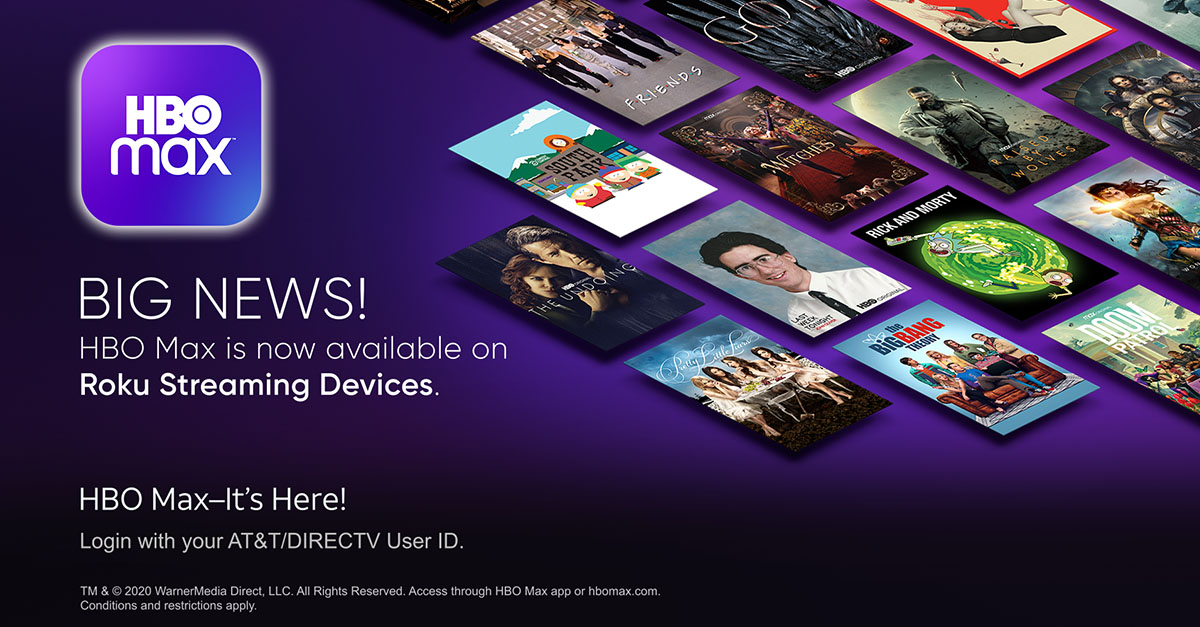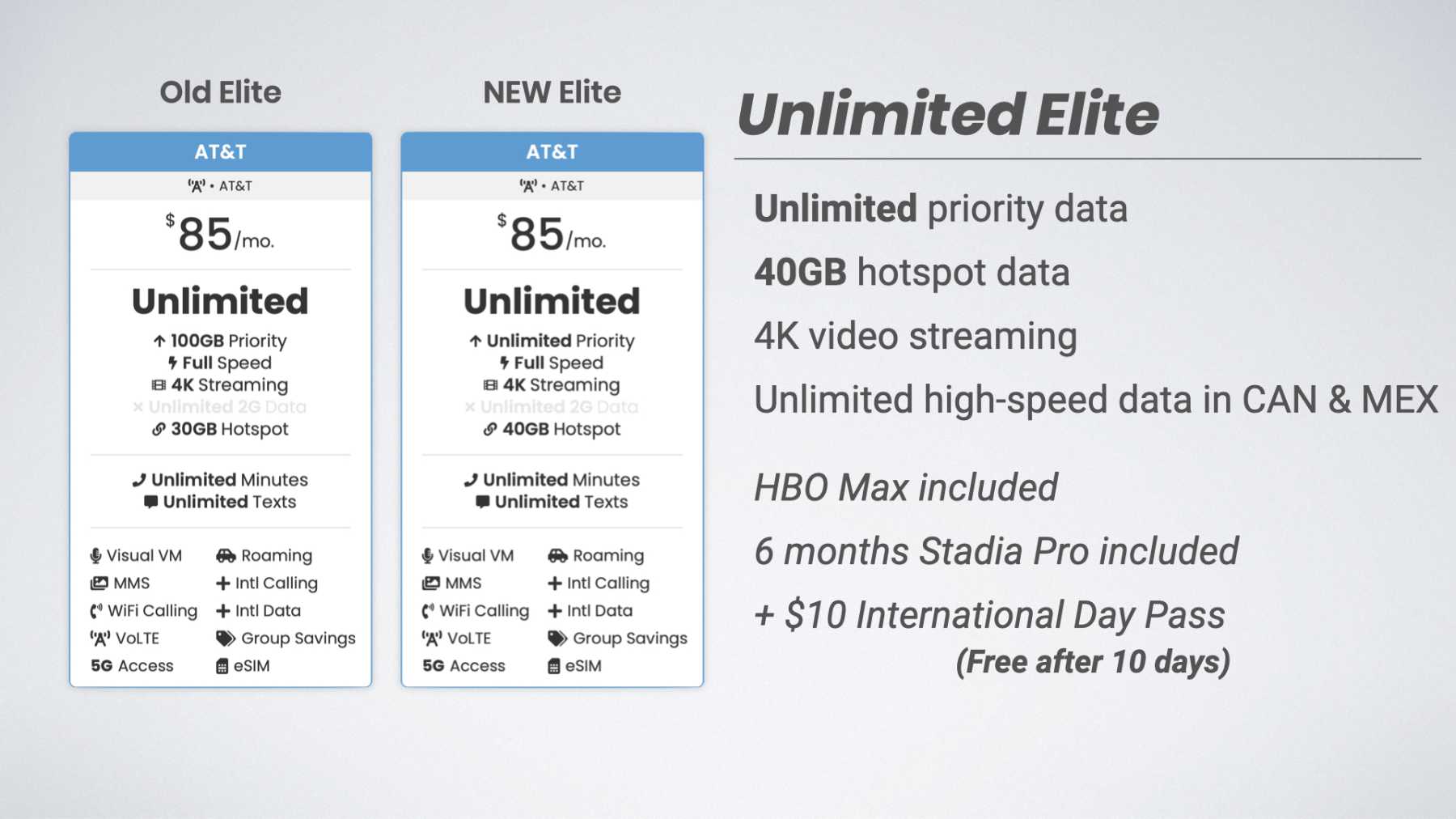
If you have a grandfathered AT&T plan, you may still be able to get HBO max for free with at&t, but AT&T no longer includes Max with any new wireless, internet, or TV plans. The only way to get this benefit today is to hold onto one of the specific legacy plans that still retain the perk, and once you have access you can download movies on HBO max to watch offline anytime.
Which att plans with max are still available?
AT&T stopped including Max (formerly HBO Max) in new plans. However, customers who never switched away from certain older plans can still access Max at no extra cost. The grandfathered wireless plans that still include Max are: AT&T Unlimited Elite, Unlimited Plus, Unlimited Plus Enhanced, Unlimited Choice, Unlimited Choice II, Unlimited Choice Enhanced, and Unlimited &More Premium. If you are on one of these plans and have not changed your rate plan, the benefit should remain active. On the TV side, specific DIRECTV and U-verse TV packages that include a standard HBO subscription may also grant access to Max. No current AT&T wireless, internet, or TV plans offer this benefit to new subscribers.
How to check if your current AT&T plan includes Max
Because the benefit is now limited to legacy plans, you need to verify your own plan's eligibility directly through your AT&T account. Log in to your AT&T account online or through the myAT&T app. Navigate to your plan details or add-ons section. Look for a line item that says "HBO Max" or "Max" or "HBO" included. If you see it listed as part of your plan, you are still eligible. If you do not see it, your current plan does not include Max. You can also check your monthly bill for any mention of HBO or Max as an included feature. If you are unsure, contact AT&T customer support and ask them to confirm whether your specific grandfathered plan still carries the Max benefit.
How to activate and sign in to Max with your AT&T plan
Once you have confirmed your plan includes Max, follow these steps to activate and sign in:
- Download the Max app from your device's app store or visit Max.com on a web browser.
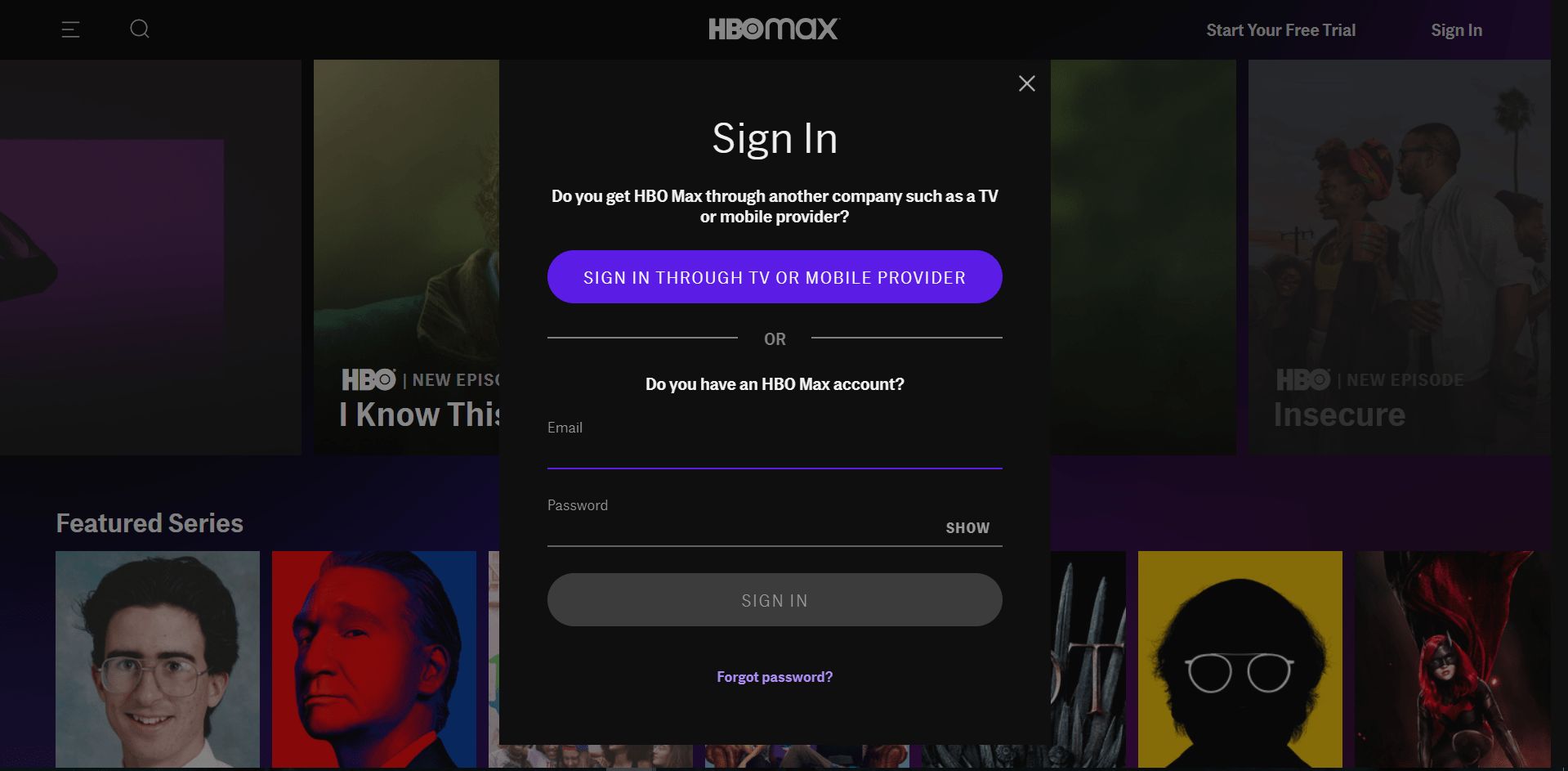
- From the list of providers, select AT&T.
- Sign in using your AT&T ID and password (the same credentials you use for your AT&T account).
- Follow any on-screen prompts to complete the activation. You should now have full access to Max.
If you encounter any issues during sign-in, ensure you are using the correct AT&T ID associated with your grandfathered plan. You may need to reset your password or verify your account details before the connection works.
What about AT&T internet and TV plans?
The AT&T Fiber internet promotion that included Max ended on June 5, 2022. This means that AT&T Fiber Internet 1000, 2000, and 5000 plans no longer include Max, even if you signed up during the promotional period. If you are an AT&T internet customer, you do not get Max through your internet plan unless you have a separate grandfathered wireless or TV plan. For TV customers, only those with certain DIRECTV or U-verse TV packages that include a standard HBO subscription may still have access to Max. If your TV package includes HBO as a channel, you can likely sign in to Max using your AT&T TV or DIRECTV credentials. If your TV package does not include HBO, you do not get Max through AT&T.
Frequently asked questions about using Max with AT&T
How many simultaneous streams can I have?
With an AT&T plan that includes Max, you can stream on up to three different devices at the same time. This allows multiple people in your household to watch different content simultaneously.
What devices are compatible?
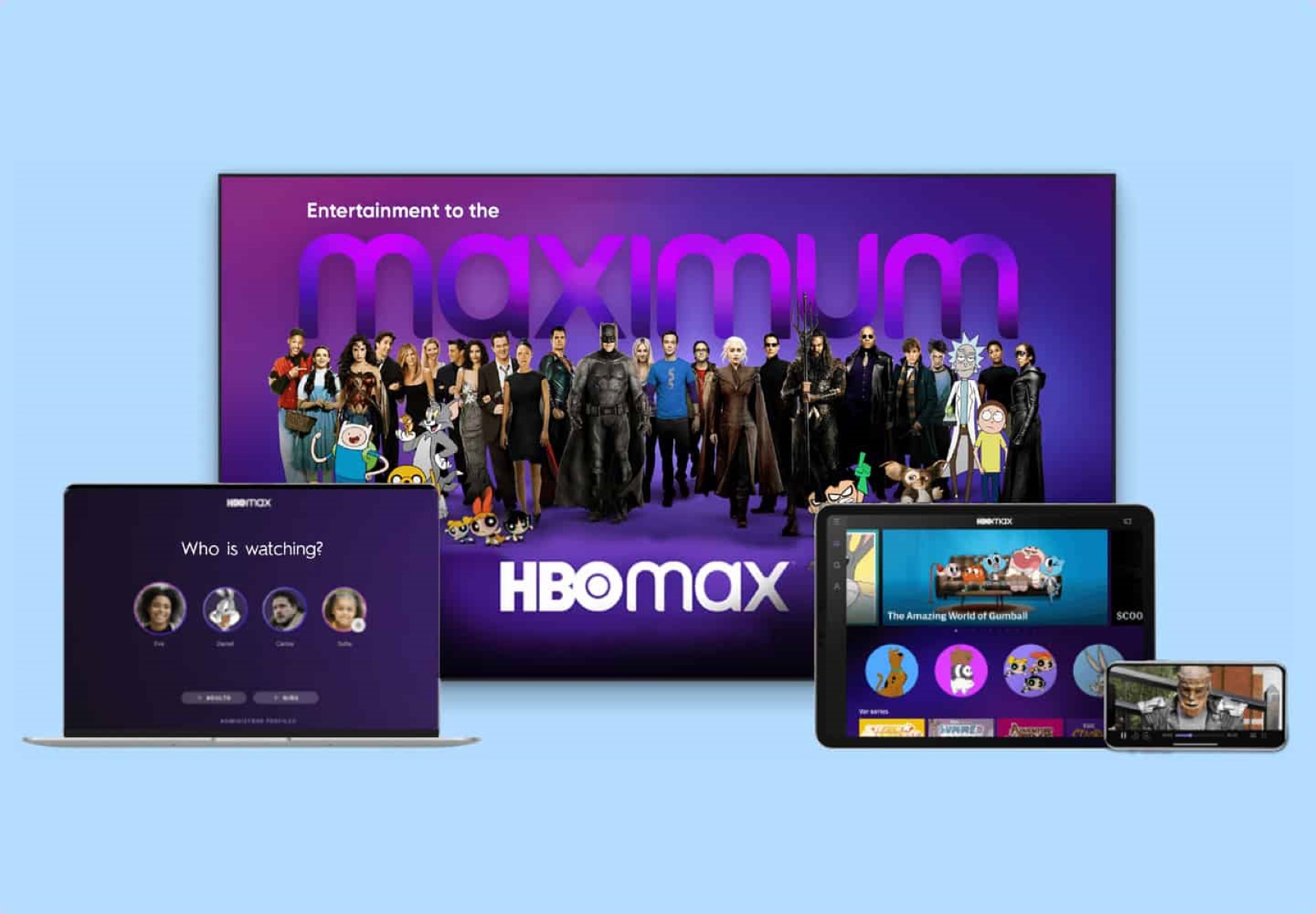
You can watch HBO Max on smartphones, tablets, smart TVs, streaming devices (such as Roku, Amazon Fire TV, Apple TV, and Chromecast), gaming consoles (Xbox One and PlayStation 4), and web browsers. The Max app is available for iOS and Android devices.
Can I share my profile with family and friends?
Yes, you can create individual profiles within your Max account for different members of your household. Each profile has its own personalized recommendations and watchlist. However, sharing your login credentials with people outside your household is not permitted under the terms of service.
How do I manage my Max subscription through AT&T?
You can manage your Max subscription by logging into your AT&T account online or through the myAT&T app. From there, you can view your plan details, update billing and payment options, and manage the devices connected to your account. If you need to make changes to your plan or have questions, contact AT&T customer support.
What if I switch to a new AT&T plan?
If you switch from a grandfathered plan that includes Max to any current AT&T plan, you will lose access to Max. The benefit is tied only to the specific legacy plans listed above. Once you change your rate plan, the perk is removed and cannot be reinstated.
Is Max available outside the United States?
Max is currently available only in the United States and its territories. If you travel outside the U.S., access to Max may be limited or unavailable depending on your location.
What should I do if I cannot sign in?
First, confirm that your AT&T plan still includes Max by checking your account. If it does, ensure you are using the correct AT&T ID and password. You can reset your password if needed. If the problem persists, contact AT&T customer support for assistance with the sign-in process.