To download locked videos, you must first understand that the term covers two very different situations: videos with simple restrictions like a hidden download button or disabled right-click, and videos protected by true Digital Rights Management (DRM) encryption such as Google Widevine, Apple FairPlay, or Microsoft PlayReady. Simple restrictions can often be bypassed with basic tools, but properly implemented DRM makes the video stream an encrypted payload that browser extensions and network inspection tools cannot read, meaning those videos cannot be downloaded without breaking the law.
What 'download locked videos' really means
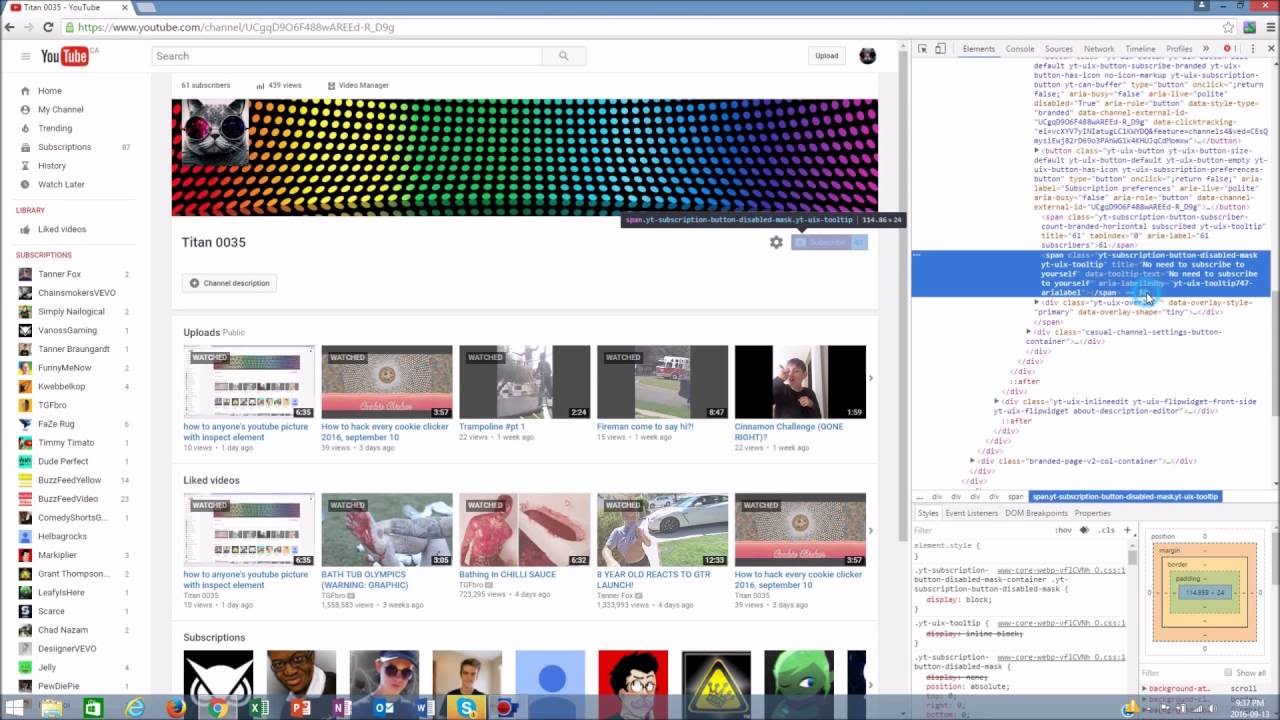
A locked video is any video that a website restricts from being saved locally. The restriction can be as minor as hiding the download button or disabling the right-click menu, or as robust as encrypting the entire video stream with DRM. DRM systems like Widevine, FairPlay, and PlayReady are designed to prevent unauthorized copying and playback. When a site uses proper DRM, the video data is scrambled as it travels to your device, and only an authorized player can decode it in real time. This means that common tools advertised to download locked videos will fail against true DRM protection. Setting realistic expectations is the first step: if a video is behind a paywall or login and uses DRM, you likely cannot download it with simple software. For content locked behind a subscription rather than DRM, you may still be able to download paid videos for free from any website using legitimate screen recording workarounds, and for unprotected videos you can download videos from any website in Google Chrome with browser extensions.
When downloading locked videos is not possible
DRM encryption is the primary barrier. Because the video stream is an encrypted payload, browser extensions and network inspection tools see only unreadable data. The claim that Chrome extensions can download DRM-protected videos is generally false. Attempting to circumvent DRM is illegal under the Digital Millennium Copyright Act (DMCA) and similar laws in other countries. Legal consequences can include fines and account termination. Even if you find a tool that claims to break DRM, using it puts you at legal risk. For any video that requires a paid subscription or login to view, assume it is DRM-protected and that downloading it is not possible without violating the platform's terms of service.
Check if the video owner allows downloads
Before attempting any workaround, verify whether the content owner has already enabled a legitimate download option. On platforms like Vimeo, for example, the uploader can enable a Download button if they have a paid plan. If the owner has enabled this feature, a Download button will appear below the video player on the video's page on vimeo.com. Many other platforms offer similar options. Checking for a built-in download button or a "save offline" feature is the fastest and safest way to download videos. If the button is present, you can save the video legally and without any technical hassle.
Method 1: Browser extensions for non-DRM videos
For videos that are locked only by a hidden download button or disabled right-click, browser extensions can be effective. These tools detect video files playing on a webpage and offer a download button. The following steps apply to extensions like Video DownloadHelper.
- Install a video downloader extension from your browser's official extension store.
- Navigate to the webpage containing the video you want to save.
- Play the video so the extension can detect the file.
- Click the extension's icon or the download button that appears near the video.
- Select the desired quality and format if prompted, then save the file to your computer.
This method only works on videos without DRM encryption. If the video is protected by Widevine, FairPlay, or PlayReady, the extension will not be able to read the stream.
Method 2: Online video downloading websites
Online services such as SaveFrom.net and KeepVid allow you to paste a video URL and receive a downloadable link. These sites work by extracting the video file directly from the webpage. Use them only for videos that are not DRM-encrypted.
- Copy the URL of the webpage containing the locked video.
- Open the video downloading website in a new tab.
- Paste the URL into the provided text field.
- Click the download or generate button.
- Select the format and quality from the available options.
- Click the download link to save the file.
Be aware that these sites often contain intrusive ads and redirects. Stick to well-known services to reduce security risks. Like browser extensions, these tools cannot bypass DRM encryption.
Method 3: Screen recording as a universal fallback
Screen recording is the only method that works regardless of the type of restriction, including DRM. Tools like OBS Studio capture whatever is displayed on your screen in real time. This approach has two main drawbacks: the recorded quality depends on your display settings and recording software, and you must play the entire video in real time, which can be time-consuming for longer content.
- Install screen recording software such as OBS Studio.
- Configure the recording area to match the video player on your screen.
- Start the recording.
- Play the locked video in full screen if possible.
- Stop the recording when the video ends.
- Save the resulting file to your computer.
Screen recording captures everything on your screen, so close any unrelated windows or notifications before starting.
Method 4: Downloading locked videos on mobile
On Android, apps like TubeMate can detect and download videos played within their built-in browser. On iOS, apps such as Documents by Readdle offer a similar function. These apps are not always available through official app stores, so download them only from trusted sources.
- Install a video downloading app on your device.
- Open the app and navigate to the webpage containing the locked video.
- Play the video within the app's browser.
- Tap the download or save button that appears.
- Access the downloaded video from the app or your device's media gallery.
Mobile apps face the same DRM limitations as desktop tools. If the video is encrypted, these apps will not be able to download it.
Staying legal and respecting content owners
Downloading copyrighted material without the owner's permission is illegal under copyright laws such as the DMCA and can lead to fines or account termination. Even if a video is technically downloadable, you should only save it if you have explicit permission or are acting within fair use boundaries. Always check the platform's terms of service before using any method to download videos. The best approach is to look for legitimate download options first, use screen recording only for personal, non-commercial purposes, and never attempt to break DRM encryption. Respecting content owners ensures that creators can continue to produce the videos you want to watch.