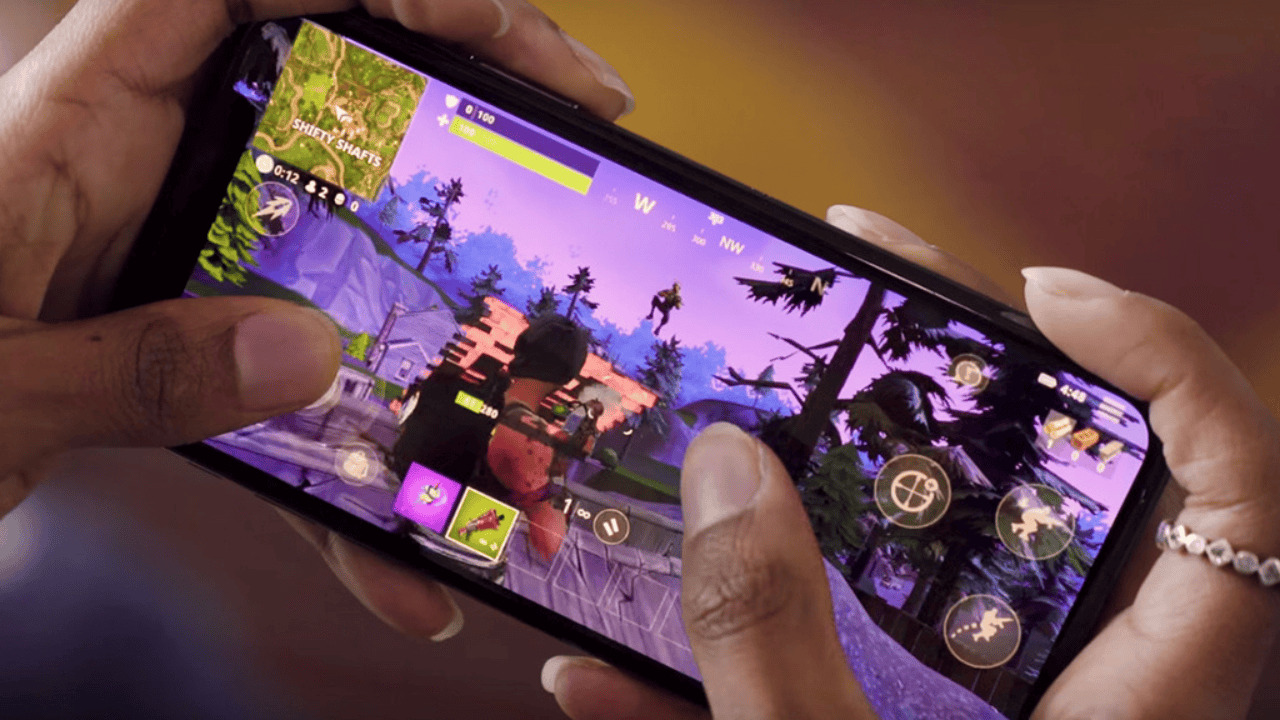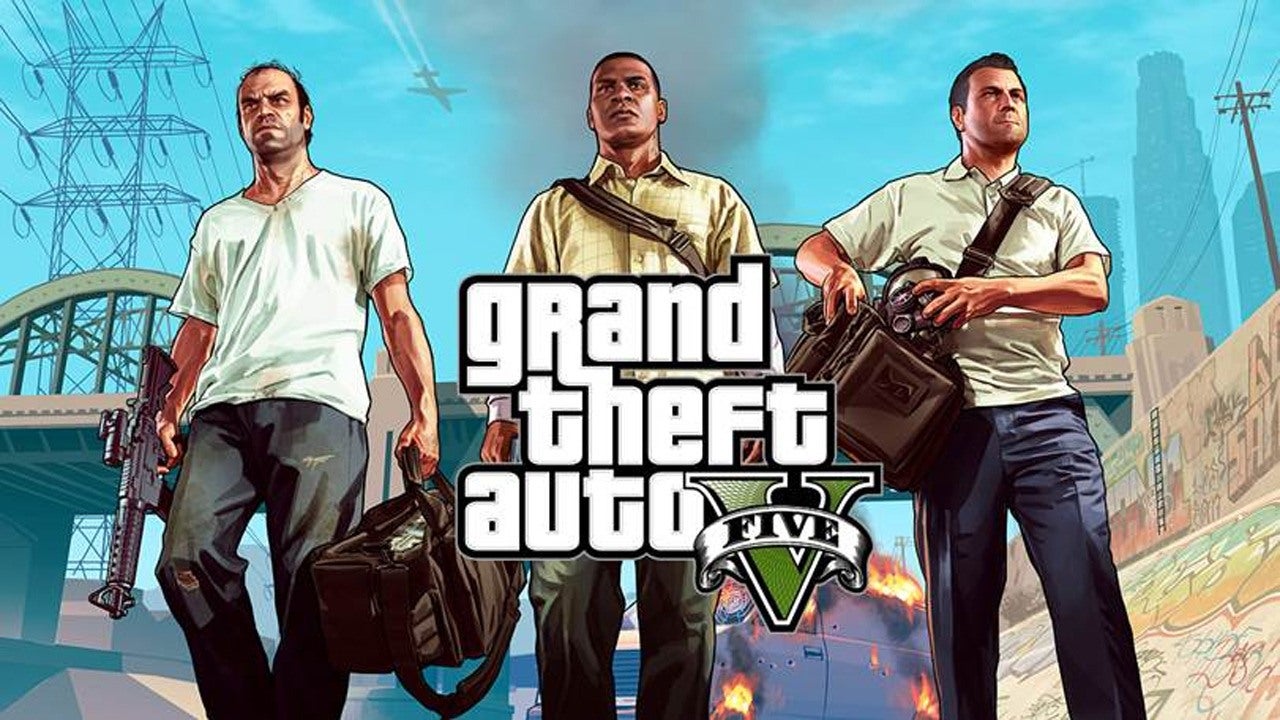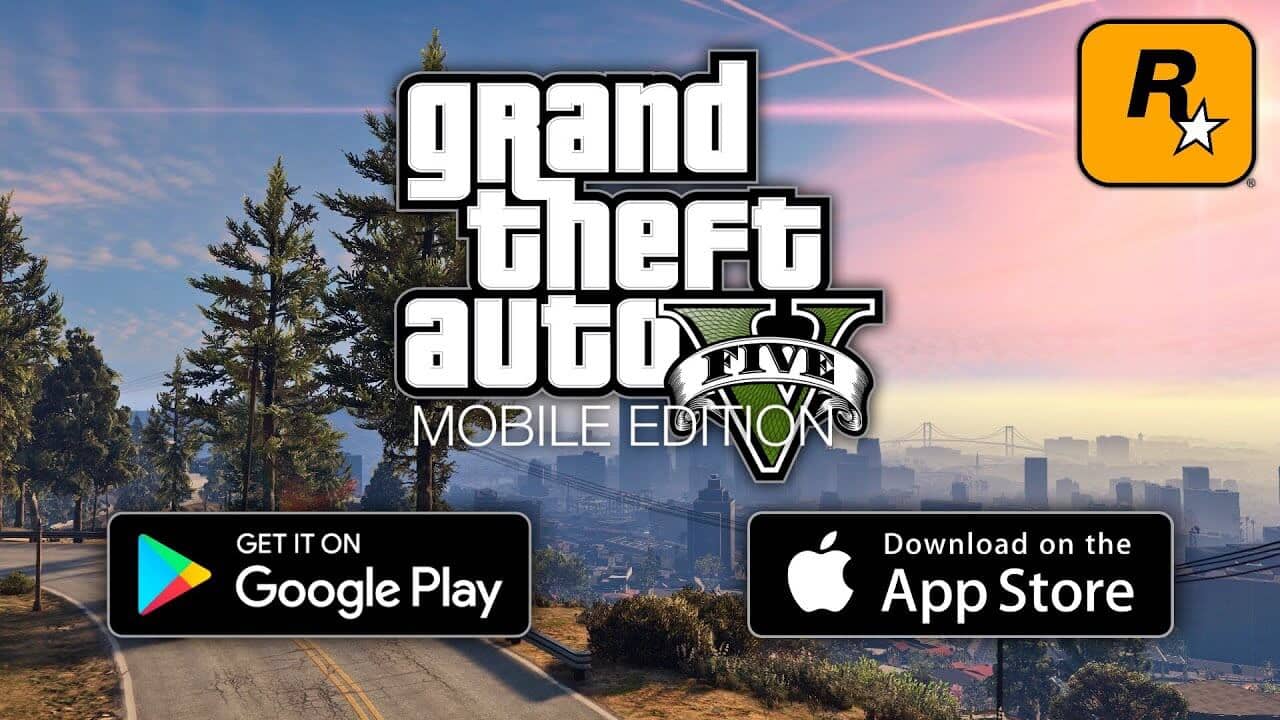
You can play GTA 5 on mobile right now, but not through a direct download or an official app from Rockstar Games. The only legitimate ways to play GTA 5 on mobile are by streaming it from your own gaming PC or by using a cloud gaming subscription service.
Can you really play gta 5 on mobile?
No official mobile port or APK of Grand Theft Auto V exists. Rockstar Games has not released a version for Android or iOS. Any website claiming to offer a direct "GTA 5 Mobile" download is a scam. The only real answers are two streaming methods: streaming from your own gaming PC or using a cloud gaming service. Both require a strong, stable internet connection to work properly.
Method 1: Stream gta 5 from your own PC
If you already own GTA 5 on PC, you can stream it to your phone using a remote gaming app. This method turns your mobile device into a portable screen for your gaming computer.
What you need
- A gaming PC with GTA 5 installed on it
- A mobile device running iOS 12+ or Android 8+
- A stable 5GHz Wi-Fi connection
- A remote gaming app like Deskin or Parsec
Setup steps
- Download the remote gaming app on both your PC and your mobile device.
- Log into the same account on both devices.
- Open the mobile app and select your PC from the list of available devices.
- Verify the connection is active and stable.
- Launch GTA 5 on your PC. The game will stream directly to your phone screen.
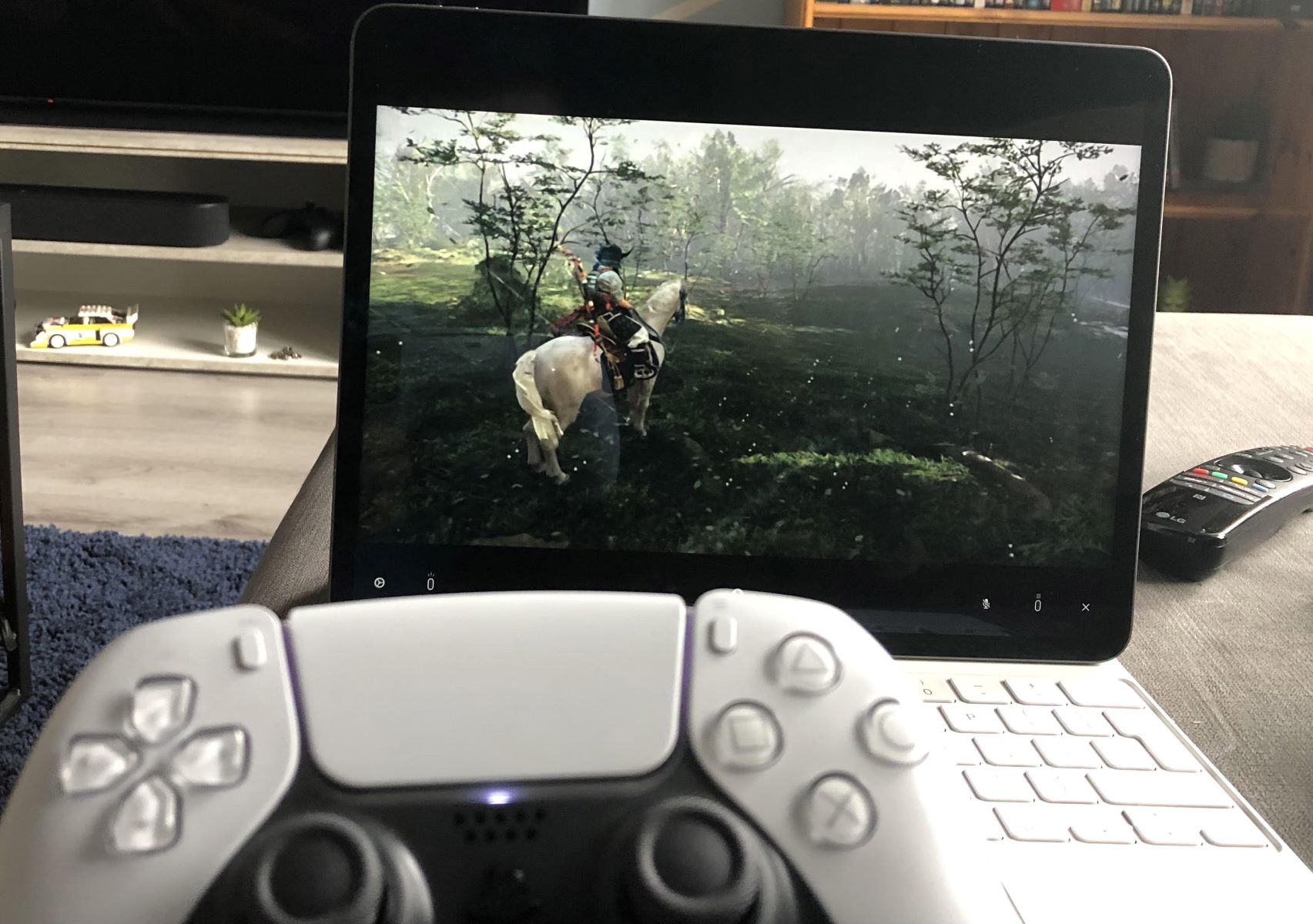
You can then use on-screen touch controls or connect a physical controller. This method works because your PC does all the heavy processing while your phone just displays the video feed.
Method 2: Play via cloud gaming services
If you do not own a gaming PC, cloud gaming subscriptions let you stream GTA 5 directly to your phone. Services like Xbox Cloud Gaming, GeForce NOW, and Shadow PC host the game on their servers and send the video to your device. These services typically require a monthly subscription. You need a stable internet connection with low latency. The game runs on remote hardware, so your phone only needs a decent screen and Wi-Fi.
Essential gear for the best experience
Touch controls work for basic navigation, but GTA 5 was designed for a controller. Connecting a physical game controller to your mobile device dramatically improves aiming, driving, and combat. Most modern Bluetooth controllers pair easily with both Android and iOS phones. A stable internet connection is equally critical. For streaming, a 5GHz Wi-Fi connection or 5G cellular data provides the smoothest results.
What about that unofficial Android port?
A community developer named M0jso of Paralympics Productions is working on an unofficial native Android port of GTA 5. It is based on leaked source code and is real, but it is not yet publicly available. The port remains in development with no confirmed release date. When it does arrive, it will have very high requirements: a Snapdragon 865 chipset or newer, at least 8GB of RAM, 65GB of free storage, and Android 13 or higher. It will initially support only Snapdragon processors like the 782G, 865, 870, 888, and newer 7 and 8 series chips. Phones with Tensor chips (Google Pixel) or MediaTek Helio processors will have limited or no support. The port is expected to be single-player only at launch.
Avoid fake gta 5 mobile downloads and scams
Any website offering a direct APK or iOS download for GTA 5 is lying. These files are not official and carry serious risks. Downloading unofficial APKs or modded versions from third-party sites can install malware, expose your personal data to theft, and create security vulnerabilities on your device. There are also legal issues because distributing or downloading copyrighted game code without permission is copyright infringement. If you want to download gta 5, buy it legitimately on PC or console. If you want to download gta5 for PC free full version, be aware that no free full version exists from Rockstar. The same applies if you search how to download gta on PC, only official storefronts like Steam, Rockstar Games Launcher, or the Epic Games Store provide safe copies. For those who want to use both keyboard and game controller in gta v, the PC version supports both input methods simultaneously, which is one reason to play on a real computer rather than chasing fake mobile downloads.