Getting apps without the official store
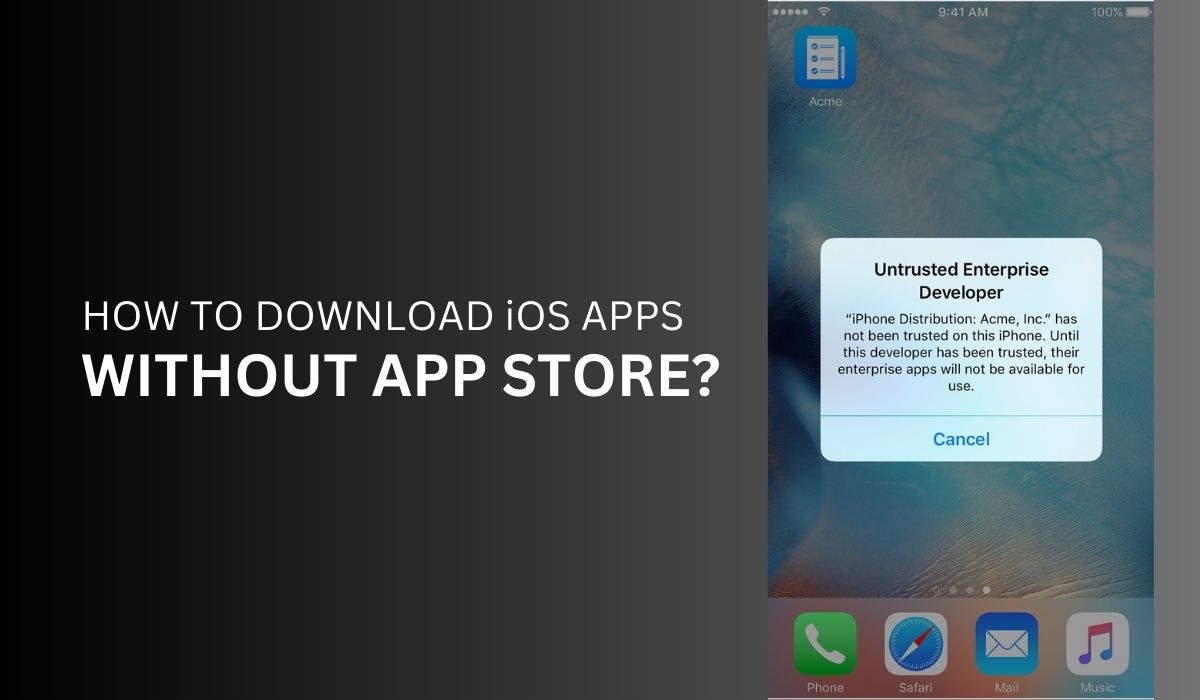
If you want to download the app store alternatives and get apps while bypassing the official store, the approach depends entirely on your device’s operating system. On Android, you can locate the app’s APK file from a trusted source like APKMirror or the developer’s own website, then tap the file to install it. This process is called sideloading. Before you do that, you must toggle on "Install from unknown apps" in your Settings. You can download Android apps without Google account by skipping sign-in entirely and relying on those external APK sources, though you lose automatic updates and safety scans. On iOS, the situation is far more restricted. You might try to download apps on iPhone without app store by using an enterprise certificate, a tool meant for distributing proprietary in-house apps to employees. These certificates can be revoked by Apple, causing the app to stop working. Another common workaround is to download free apps on iPhone without payment method. This usually involves signing into a secondary Apple ID that has no payment info attached, then switching back to your main account. The trick works only for free titles and can fail if Apple detects the swap. In both cases, skipping the official store trades convenience and security for flexibility, and apps obtained this way may break with the next system update.
Adding a different app store
If your device shipped lacking Google Play, common on Huawei phones after trade restrictions or on Xiaomi models sold in certain regions, you will need to install it manually. The process varies by brand, but the core step is always the same. You locate the official Google Play Store APK from a trusted source, enable "Install from unknown sources" in your security settings, and tap the file to begin installation. For a Xiaomi phone running MIUI, the exact sequence is slightly different because the system may place the unknown sources toggle in a different menu, which is why you would follow a dedicated Xiaomi Google play store installation guide to find the right settings and avoid a bootloop. On a Huawei device lacking Google services, you might hit a pop-up that says "Install blocked" because the phone's app verification service rejects the APK; to get around this, you would search for a fix that shows you how to disable the Package Installer's security check or use a backup tool, which is exactly what you need to fix 'install blocked' on Huawei devices without Google services by first installing the Huawei AppGallery, then using it to download a virtual assistant that patches the installer. Keep in mind that none of this applies to iPhones; you cannot natively run Google Play on iOS, so if you still want to download Google play store on iPhone, your only option is a sideloaded emulator or a third-party app store that uses an enterprise certificate. Apple can revoke that certificate remotely, making the store disappear overnight.
- fix 'install blocked' on Huawei devices without Google services — How to fix 'Install blocked' on Huawei devices without Google services
- Xiaomi Google play store installation — Xiaomi Google Play Store Installation: Step-by-Step Guide
- download Google play store on iPhone — How To Download Google Play Store On iPhone
Managing sideloaded apps safely
Once you have sideloaded an app, keeping it running reliably depends on the method you used and how well you manage the underlying certificates. On iOS, a common frustration is the signing limit imposed by a free Apple ID. The AltStore seven day signing limit workaround without computer may let you refresh apps directly from your iPhone using a local network connection. A paid developer account may offer more autonomy. For any sideloaded IPA you download from a third‑party source, you should check if a sideloaded IPA file contains malware before installing it. Look at the app’s permissions, steer clear of IPAs from forums with no reputation, and use a tool like a virus total scanner that accepts IPA uploads. One risk you face is Apple revoking an enterprise certificate. When that happens, apps signed with that certificate may stop launching. You lose all data stored inside those apps unless you backed it up separately. If you manage multiple iPhones in a household, you can use a single Apple ID to sideload on multiple iPhones. Remember that the refresh cycle applies to every device independently. You may need to refresh each phone’s apps individually unless you upgrade to a paid developer account that covers all devices under one ID.