To change birthday on PlayStation, you must be a family manager updating a child's account, as Sony locks date of birth for adult accounts. Adult accounts cannot edit their birthdate through standard profile settings because it is used for age verification.
Can you change your birthday on PlayStation?
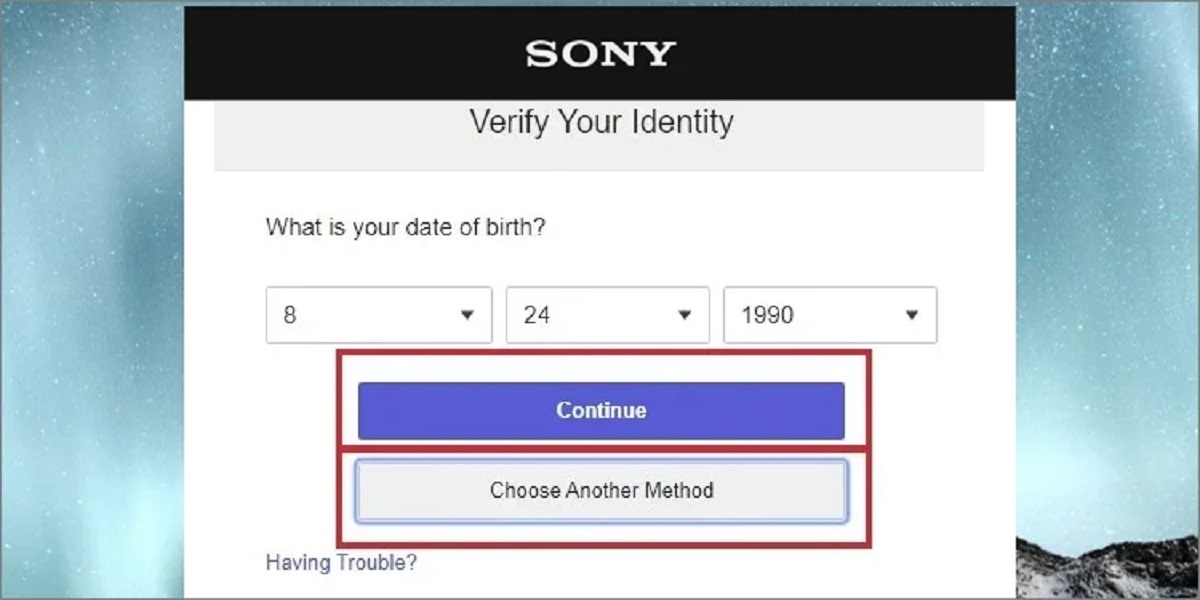
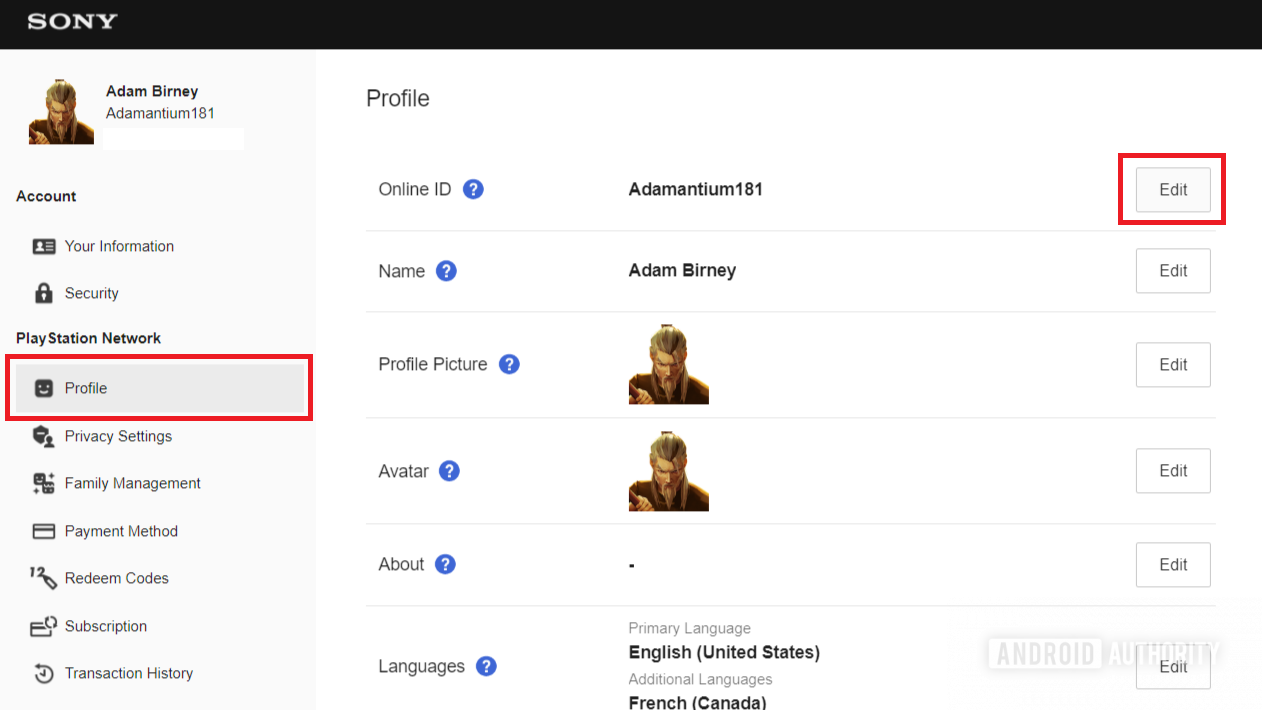
Sony locks the date of birth on adult PlayStation accounts because it is used for age verification and compliance with legal requirements. This means you cannot edit your birthdate through your own profile settings. The only path to update a birthdate is through the family manager setup for child accounts. If you are a family manager, you can adjust a child's date of birth, but adult users have no self-service option for this change. Before attempting any account modifications, make sure you still have access to your change PlayStation email address to receive verification codes.
How a family manager can update a child's birthdate
If you are managing a PlayStation account as a family manager, you can update a child's birthdate by adding the existing child account to your family. Follow these steps:
- As the family manager, send a family request to the child's account.
- The child must accept the family request from their account.
- During acceptance, the child will be prompted to input their date of birth.
- After inputting and checking the date of birth, the child selects "Join Family" and then "OK".
This process allows the family manager to effectively change a child's age on PlayStation, as the newly entered birthdate becomes the account's official date of birth.
What happens when a child joins a family
When a child's account is added to a family, existing payment methods are removed from the account. Parental controls then apply to the child's account based on the family manager's settings. The date of birth entered during the family join process becomes the account's permanent date of birth. This is the only way to update a birthdate on PlayStation, and it only works for child accounts.
What to do if you entered the wrong birthday as an adult
If you entered the wrong birthday as an adult, self-service changes are not available. Your only potential recourse is to contact PlayStation support. You can find the PlayStation support phone number and live chat hours on the official support website. Support agents may be able to help, but there is no guarantee they can change the birthdate since Sony locks this information for age verification purposes. No other method exists for adult accounts to update their date of birth.