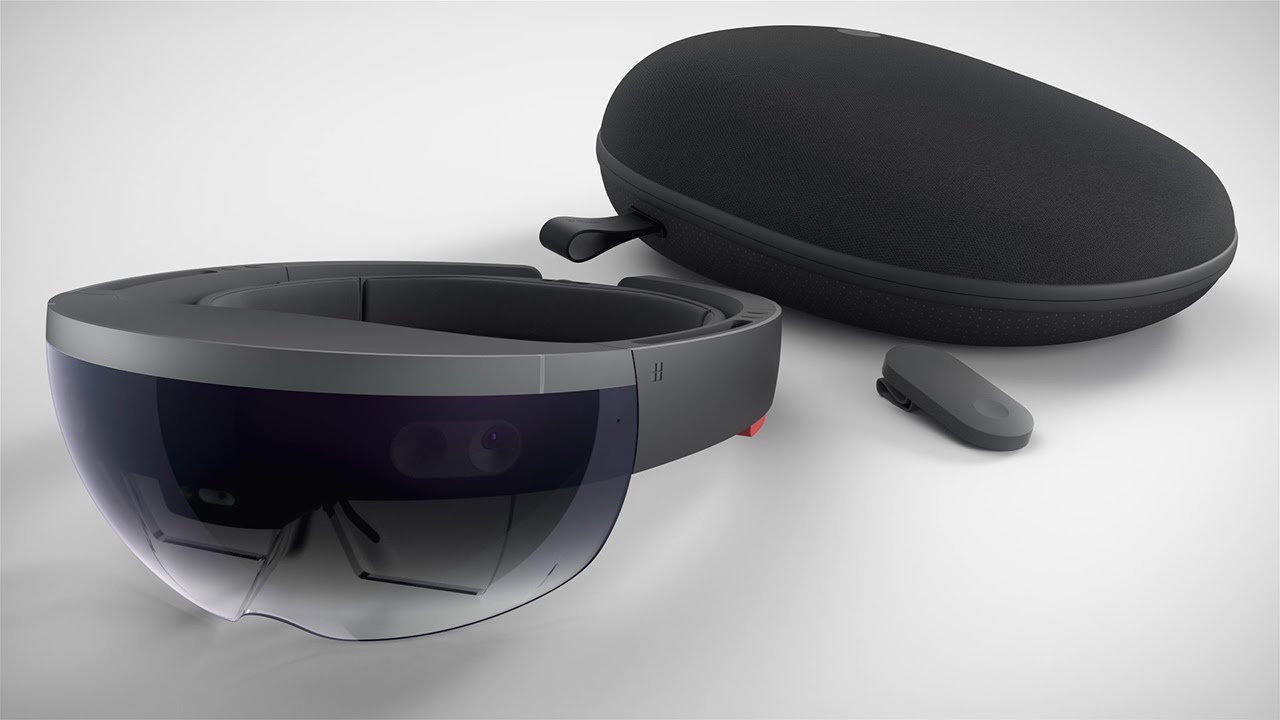
The HoloLens development kit is the HoloLens 2 Development Edition, a hardware and software bundle designed specifically for prototyping and testing mixed reality applications. Its hardware is identical to the standard HoloLens 2, but its licensing restricts it to development and evaluation, not commercial deployment or consumer use.
What is the HoloLens development kit?
The HoloLens development kit, officially named the HoloLens 2 Development Edition, is a mixed reality device package from Microsoft intended for developers to build and test mixed reality applications. The kit combines the full HoloLens 2 hardware with a set of software credits and trials, making it a purpose-built solution for prototyping rather than for end-user deployment. Because the hardware is identical to the standard HoloLens 2, any application you prototype on this edition will perform exactly as it would on a production unit, allowing for accurate testing and iteration.
What's included in the development edition
The HoloLens 2 Development Edition bundle contains everything you need to start prototyping immediately. The exact contents are:
- A HoloLens 2 device
- $500 in Azure credits
- A 3-month Unity Pro trial
- A 3-month PiXYZ Plugin trial
These credits and trials are intended to offset the initial costs of cloud services and professional development tools, letting you focus on building your mixed reality application without immediate subscription expenses.
Licensing and usage restrictions
The most critical distinction of the HoloLens development kit is its licensing. This edition is strictly for prototyping and testing mixed reality solutions. It is not permitted for deployment with commercially distributed solutions or for consumer use. You cannot sell, license, or distribute any application built on this device to end users. If you plan to ship a commercial product, you must purchase standard HoloLens 2 units. This restriction ensures the Development Edition remains a low-cost entry point for evaluation and experimentation.
Hardware and platform specifications
The HoloLens 2 Development Edition runs on the Windows Holographic OS, which is based on Windows 10. It is powered by a Qualcomm Snapdragon 850 Compute Platform and a 2nd Generation Custom-built Holographic Processing Unit (HPU). Key sensors include a depth camera, four visible-light cameras for head tracking, two infrared cameras for eye tracking, and an inertial measurement unit (IMU). This combination enables precise spatial mapping, hand tracking, and gaze interaction, which are essential for building immersive mixed reality experiences.
Prerequisites to start developing
Before you begin building applications, ensure your development machine meets these exact technical requirements:
- A Windows 10 or Windows 11 PC
- Visual Studio 2022 with the "Desktop development with C++" and "Universal Windows Platform development" workloads installed
- The Windows 10 SDK (version 10.0.18362.0 or later)
- Unity Hub with Unity 2021.3 LTS or later, with the Universal Windows Platform Build Support module added
Initial setup of the HoloLens 2 device itself requires a network connection (either Wi-Fi or a USB-C-to-Ethernet adapter) and a Microsoft account. Without these, you cannot complete the device configuration or deploy applications.
Key development tools and resources
Three core tools form the foundation of HoloLens 2 development. The Mixed Reality Toolkit (MRTK) is a Microsoft-driven, open-source project that provides components and features to accelerate cross-platform mixed reality app development in Unity and Unreal. Unity serves as the primary 3D engine for building holographic scenes, handling rendering, physics, and input. Visual Studio is the integrated development environment where you write, debug, and deploy your application code. For deploying from Visual Studio to the device, you will need to know how to pair HoloLens with visual studio; this process establishes a wireless connection between your PC and the HoloLens, enabling you to build and run your app directly on the headset for testing.
Common industry applications
The HoloLens development kit is used across industries for rapid prototyping and proof-of-concept work. Common real-world use cases include:
- Medical training: Prototyping holographic overlays for surgical guidance or anatomy visualization
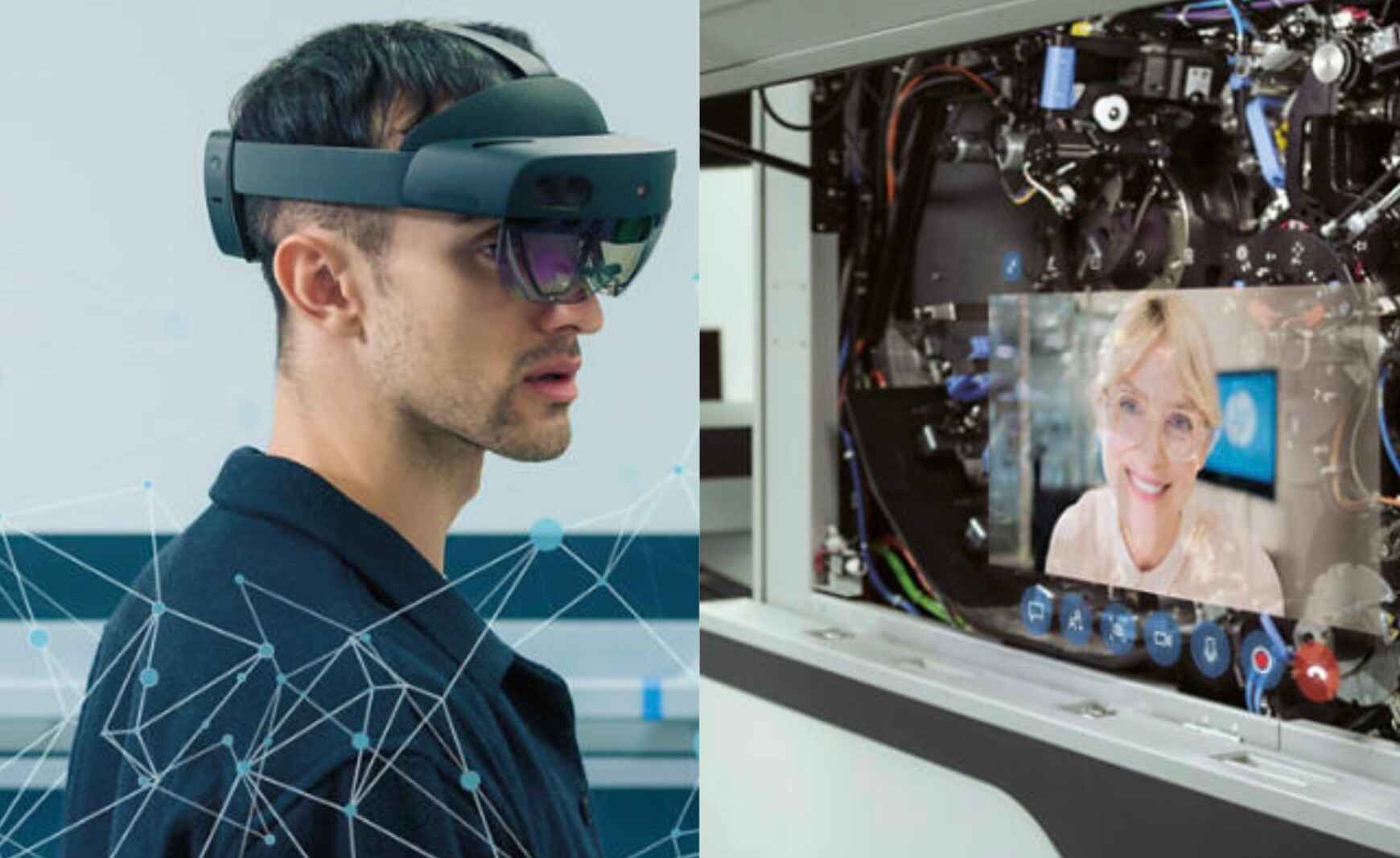
- Remote assistance: Testing scenarios where a remote expert annotates a field worker's view
- Architectural visualization: Placing full-scale 3D building models into physical spaces for client walkthroughs
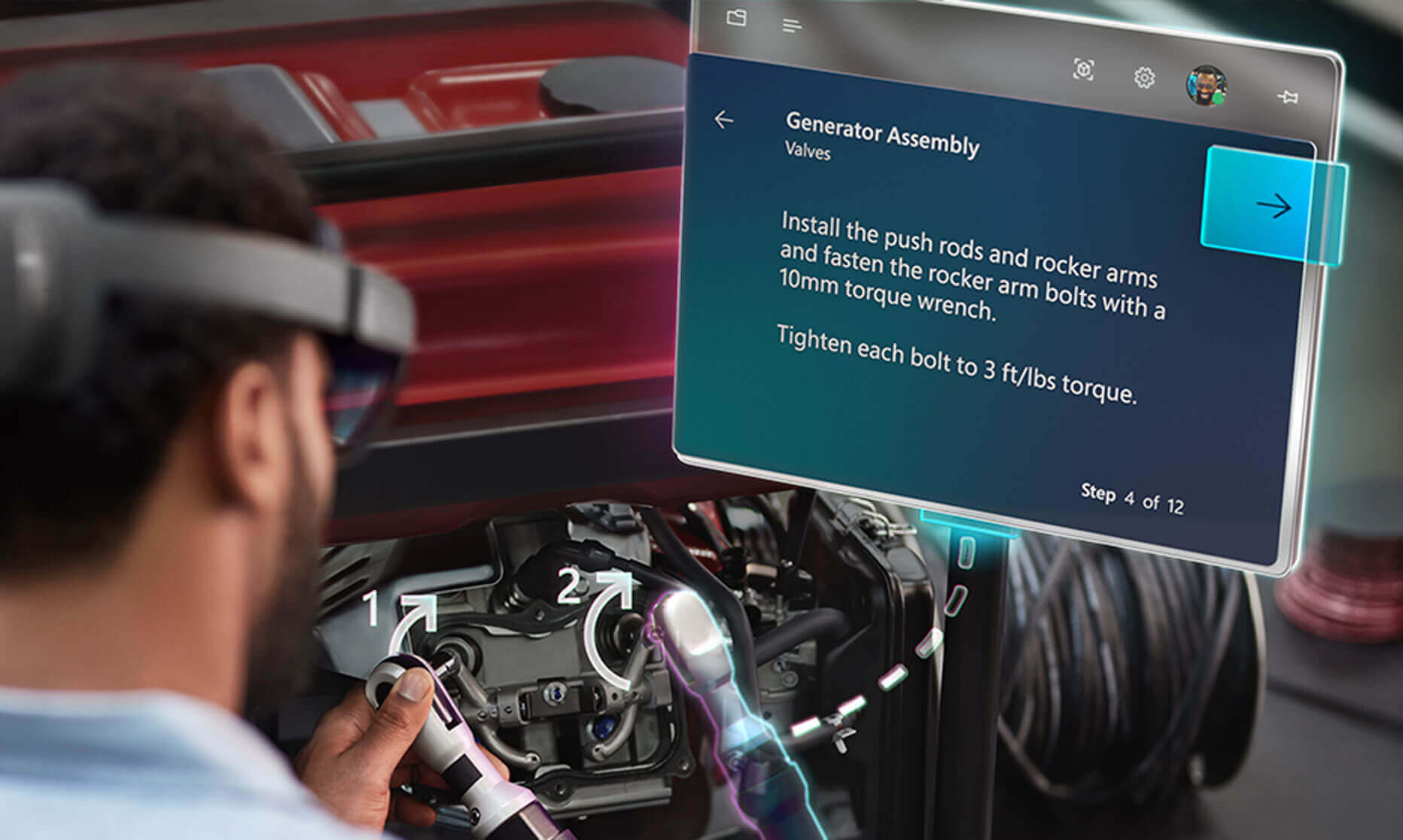
- Manufacturing assembly: Experimenting with step-by-step holographic instructions for complex assembly tasks
- Education and training: Building interactive simulations for hazardous environments or complex equipment operation
These applications leverage the device's spatial mapping and hand tracking to create natural, hands-free interactions that can be validated before moving to a production deployment.