To back up a Bitcoin wallet, you must securely store its recovery phrase, a sequence of 12 or 24 words that encodes the master secret for all your private keys. This seed phrase is the single most critical piece of information for self-custody, because anyone who possesses it can access and spend your Bitcoin.
How to back up a Bitcoin wallet with a seed phrase
- When your wallet generates its seed phrase during setup, write it down accurately on paper or another durable physical medium. Ensure correct spelling and exact word order.
- Verify the backup by reading each word back against what the wallet displays, confirming every character is correct.
- Store multiple physical copies in separate, secure, offline locations, such as a fireproof safe or safety deposit box, to protect against loss, fire, or theft.
Never store your seed phrase digitally. Avoid screenshots, text files, cloud storage, or password managers, as this exposes it to online threats. The security of your funds depends entirely on keeping this phrase offline and physically protected.
How to test your Bitcoin wallet backup
Always test your backup by restoring it to a new or temporary wallet with a small amount of funds to confirm it works before storing significant value. This verification ensures your written seed phrase is accurate and that you can recover your wallet if your device is lost, stolen, or fails. For durable off-site redundancy, consider cloud backup solutions for Linux users to store an encrypted copy of your wallet file. Only after a successful test should you deposit larger amounts.
Using an optional passphrase for advanced security
If you use an optional passphrase (also called a 13th or 25th word) with your seed phrase, you must back up this passphrase separately and remember it precisely, as forgetting it will prevent recovery. This adds a powerful layer of protection: even if someone finds your seed phrase, they cannot access your funds without the passphrase. Store it on a different physical medium and in a different location from the seed phrase itself.
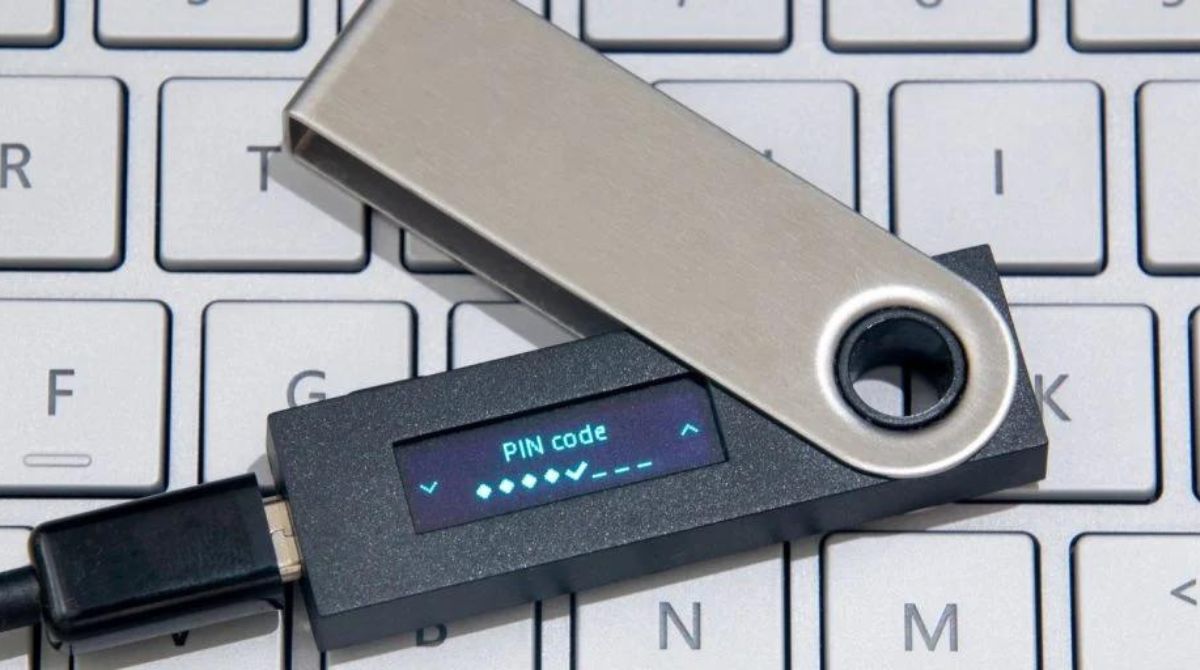
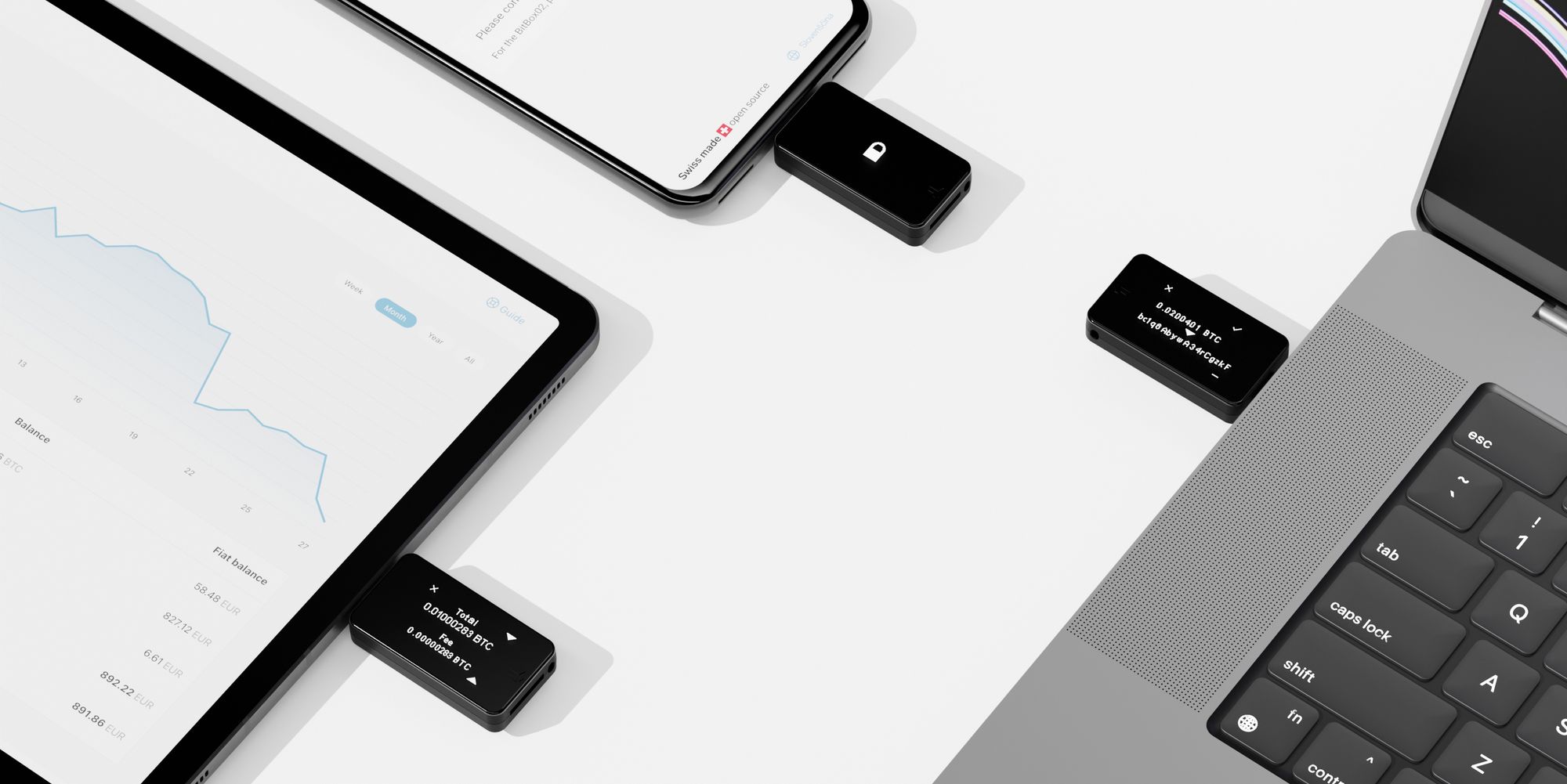
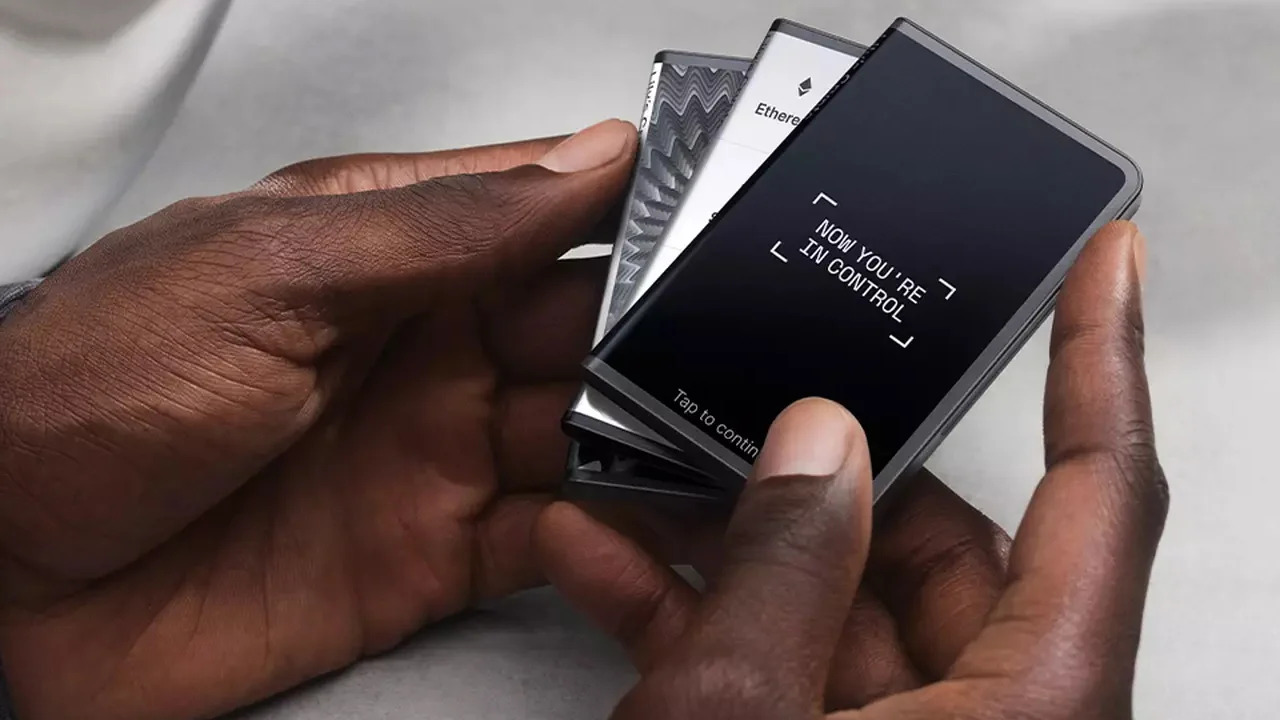
How to back up a hardware wallet
When setting up a hardware wallet, you are typically prompted to write down the recovery phrase on provided backup cards and verify it immediately. The device displays the words one by one; write each on the card, then confirm the sequence by entering the words back into the device. This immediate verification catches transcription errors before you rely on the backup for real funds.
How to back up a Bitcoin Core software wallet
To back up a Bitcoin Core wallet, close the application and copy the wallet.dat file from its data directory to a secure location. This file stores all information about your addresses, keys, and balances. Encrypting your wallet.dat file with a strong passphrase adds an extra layer of security, but forgetting this password means losing access to funds. Store the encrypted file on an external drive or offline media, separate from your computer.
How to back up other software wallets like Electrum
Electrum wallets use a 12-word (sometimes 24-word) seed phrase for recovery and also allow backing up the wallet file (via "File > Save Copy") to preserve metadata like transaction labels and contact addresses. Using the 'Save Copy' function in Electrum ensures you retain your transaction history and address book, which the seed phrase alone does not restore. Keep this file encrypted and stored alongside your physical seed phrase backup.
\nRelated reading: How Sustainable Is Bitcoin's Current Price Rally? and How to Know When it’s the Right Time to Buy Bitcoin.