Digital Media & Creative Tech is where you’ll find practical, hands-on guidance for getting more out of your smart TV, streaming services, and creative software. Whether you’re setting up a new television, trying to connect your phone to a Roku, or adjusting picture settings for the perfect movie night, these articles are written for everyday users who want clear, step-by-step instructions without jargon. The section is for anyone, from first-time smart TV owners to hobbyists exploring music production or video editing, who wants to solve a specific tech problem or learn a new skill quickly.
The main “start here” guides focus on the essentials of home entertainment. You can learn how to find and switch HDMI ports on your TV, reset a smart TV, or connect it to Wi-Fi. There are also practical walkthroughs for popular apps and services, such as getting Netflix, Paramount Plus, or MLB.TV on your smart TV, turning on subtitles, and using your Samsung remote. For streaming-device owners, you’ll find help with contacting Roku, changing your Roku email, and casting from a Chromecast to a Roku. These tutorials are designed to help you take control of your viewing experience, from clearing watch history to adjusting picture settings for the best display.
Beyond the living room, the section branches into creative tools and media management. You’ll find guides on building your own MIDI keyboard, connecting an electric guitar to FL Studio, or importing video from a camcorder to a Mac. For music lovers, there are articles on downloading music, using Spotify’s family plan, and understanding how Netflix uses big data to recommend shows. The creative tech coverage also includes AI writing tools, Adobe’s Firefly vector model, and how to access your Barnes & Noble eBooks. Whether you’re trying to activate a condenser microphone, download stock videos without watermarks, or get your JVC camcorder out of safeguard mode, these articles help you complete your projects and manage your digital media with confidence.

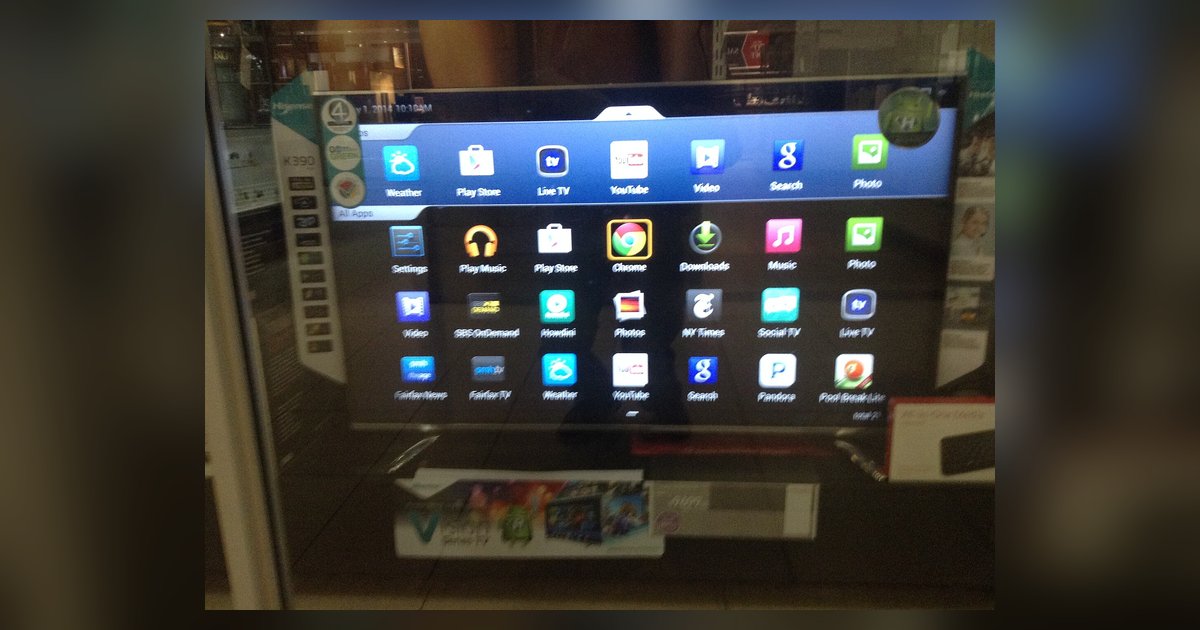 Google Apps and Services on a Smart TV
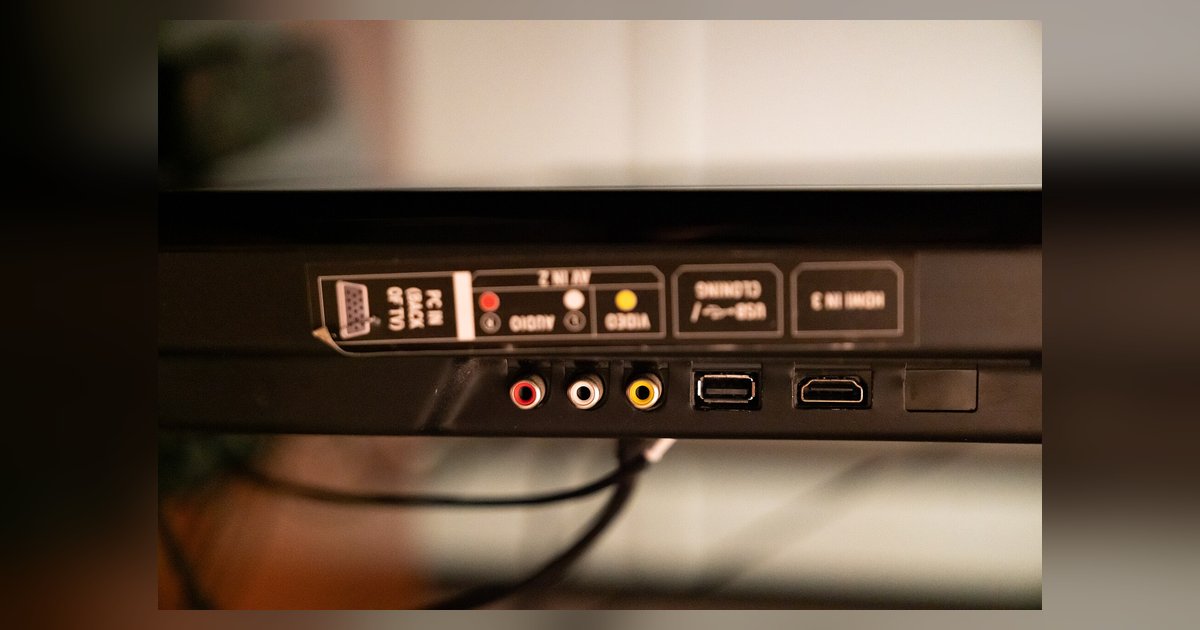 HDMI Ports on a TV: Finding and Switching Them
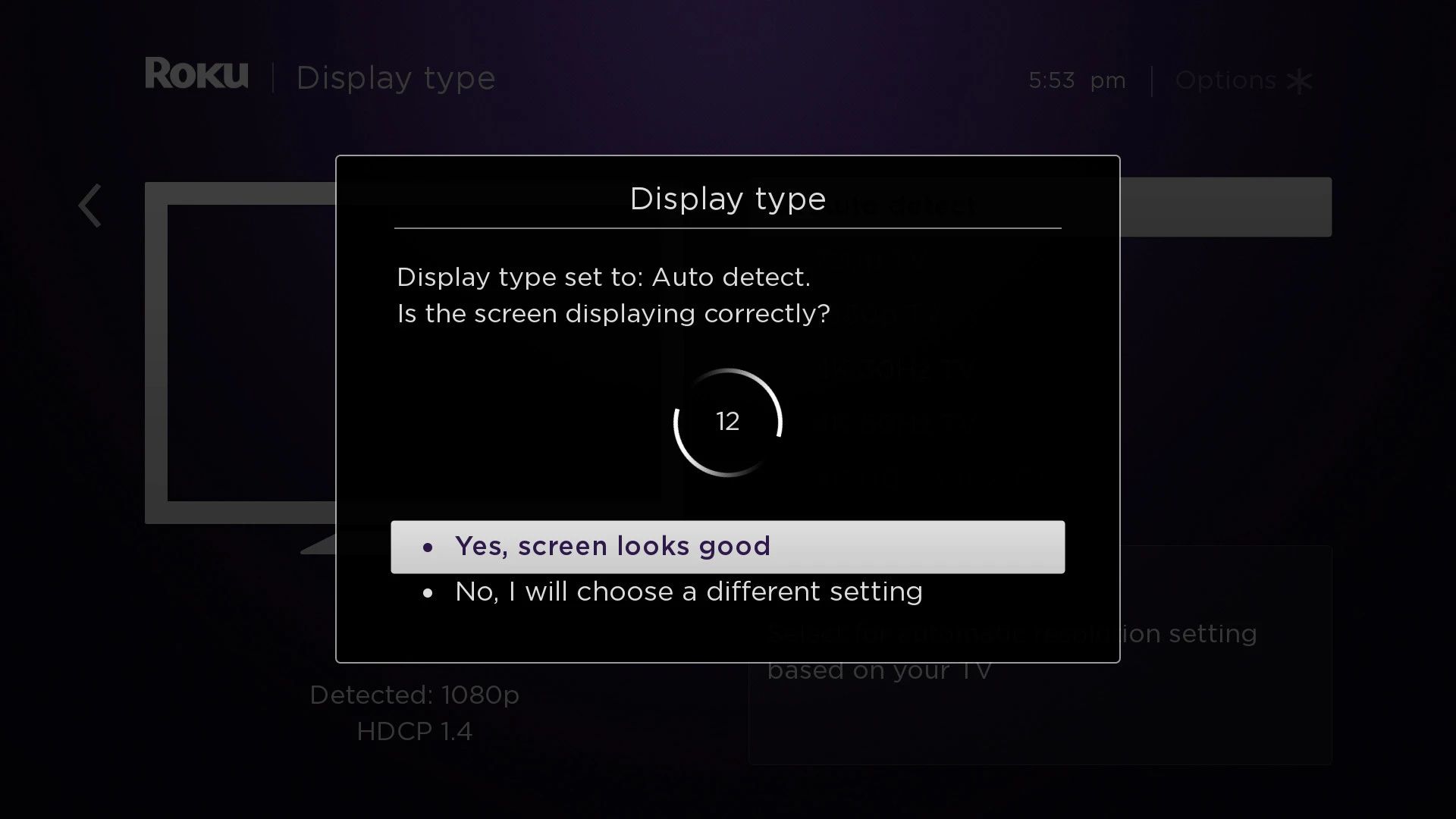 How Do I Contact Roku
 How Do I Get Paramount Plus On My Smart TV?
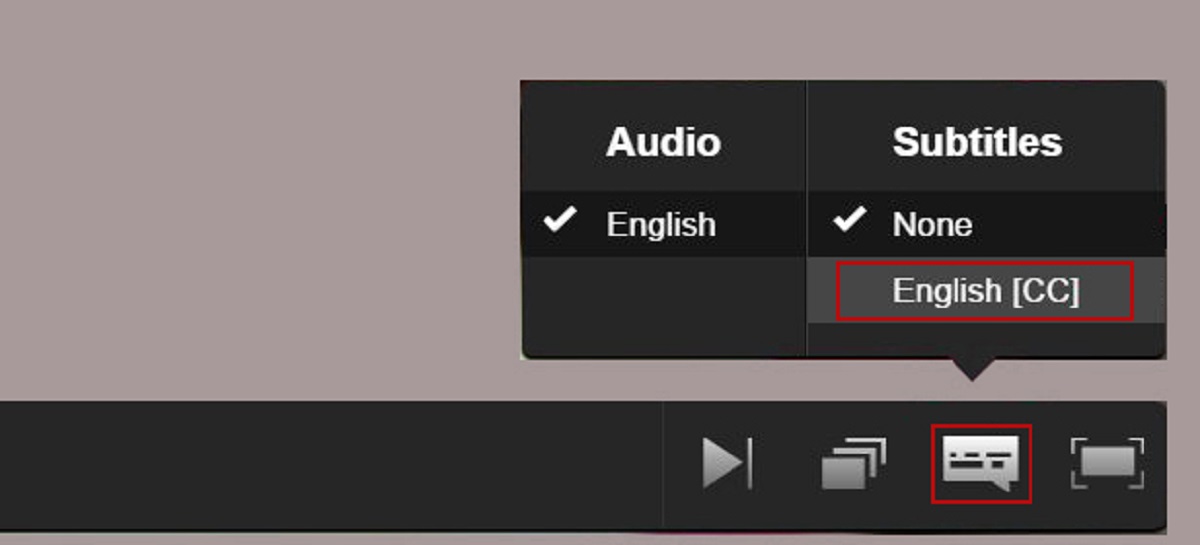 How Do I Turn On Subtitles
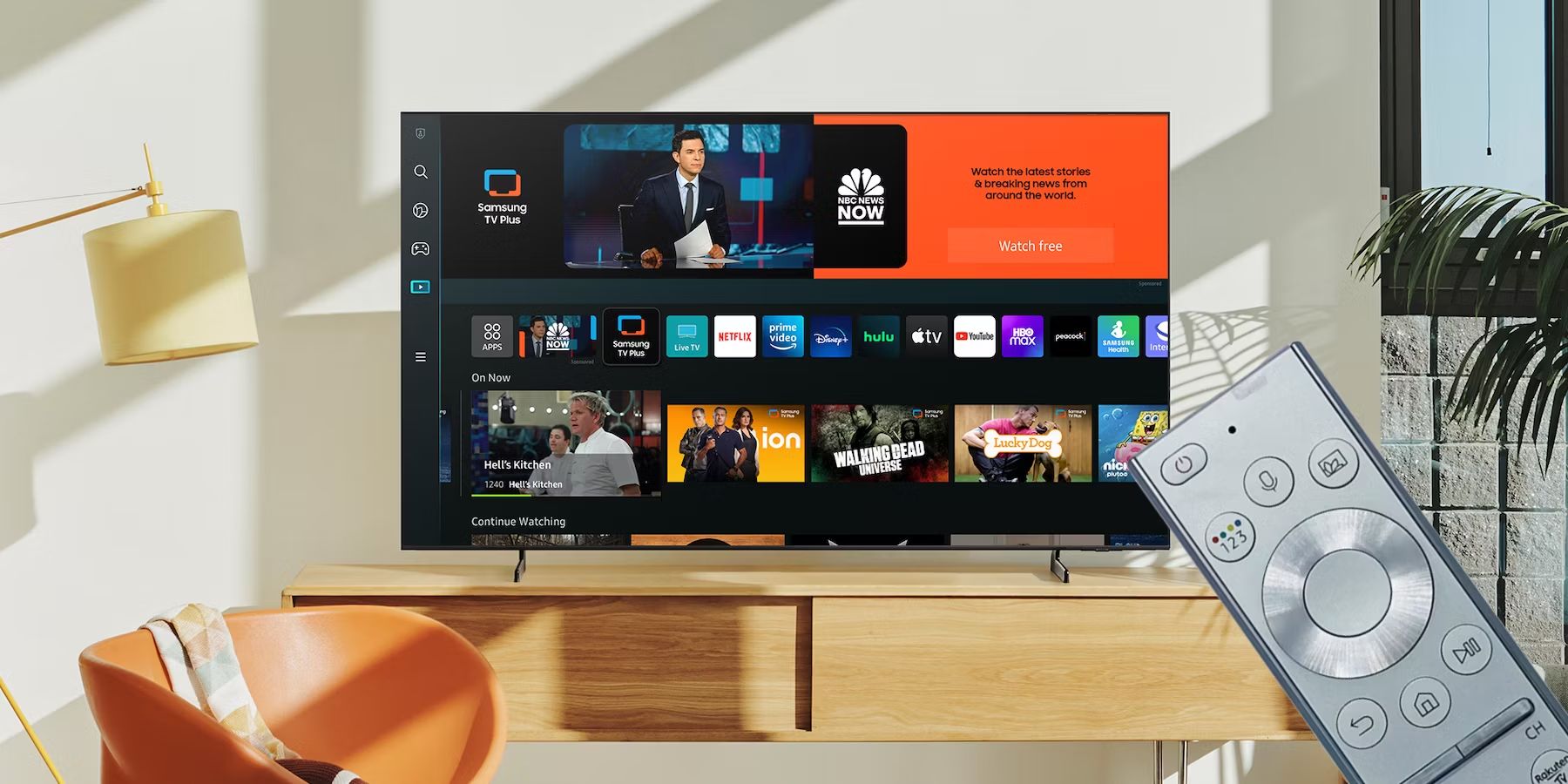 How Do I Use My Samsung Smart TV Remote?
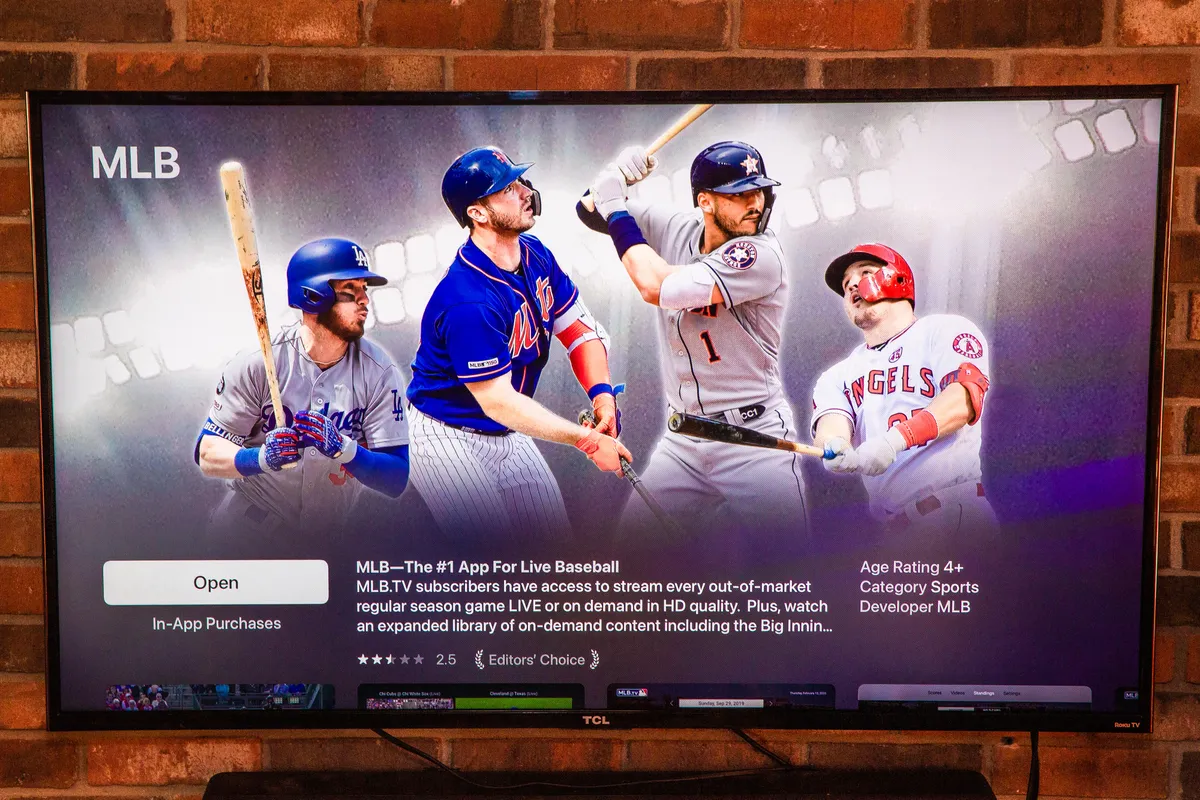 How Do I Watch Mlb.TV On My Smart TV
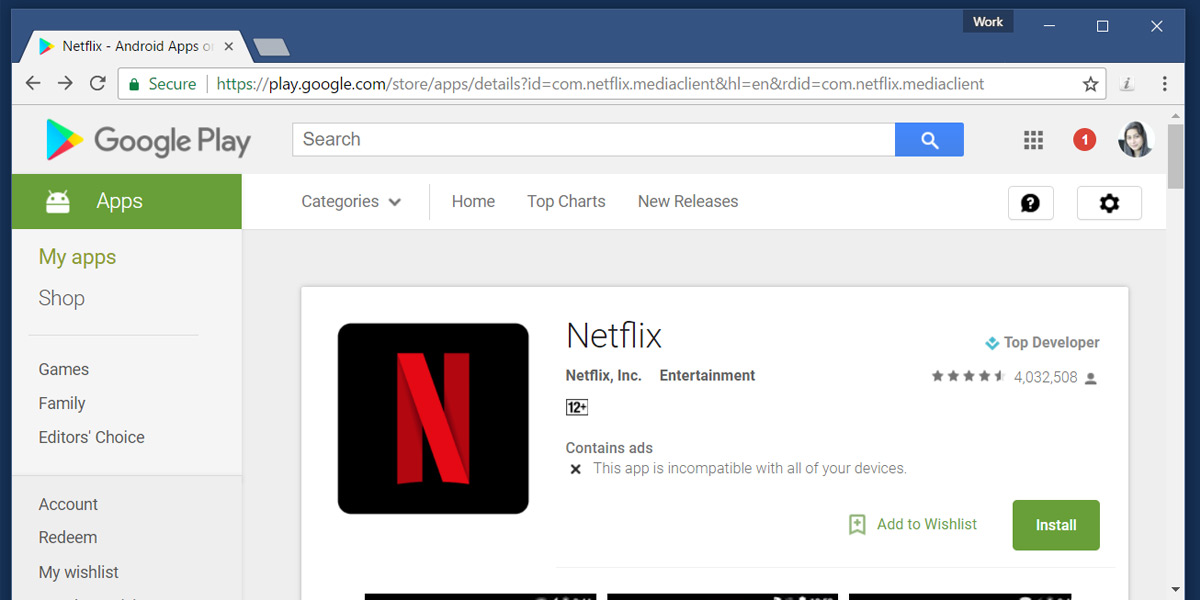 How Do You Get Netflix
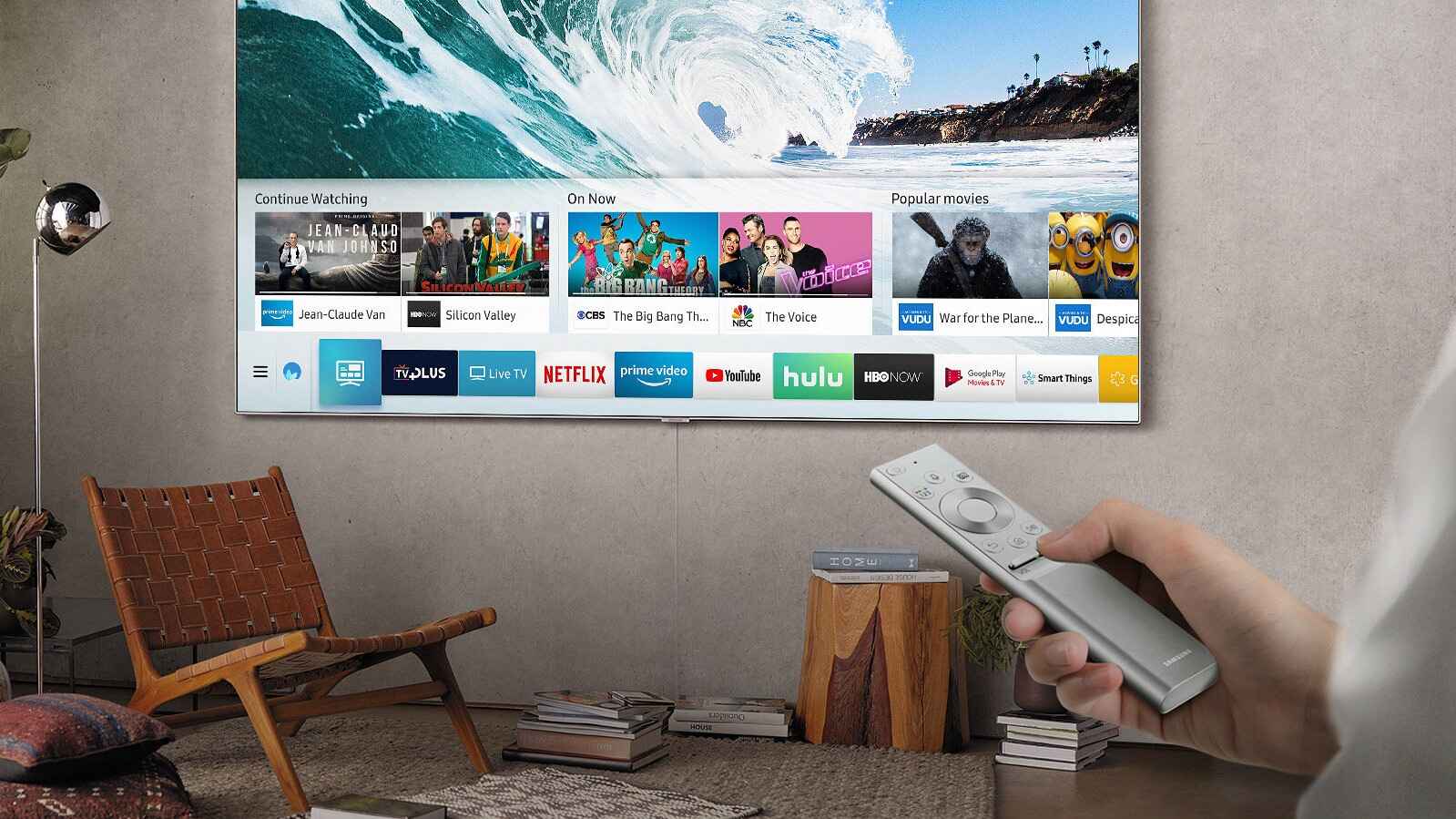 How Do You Get Regular TV On A Smart TV
 How Do You Reset A Smart TV
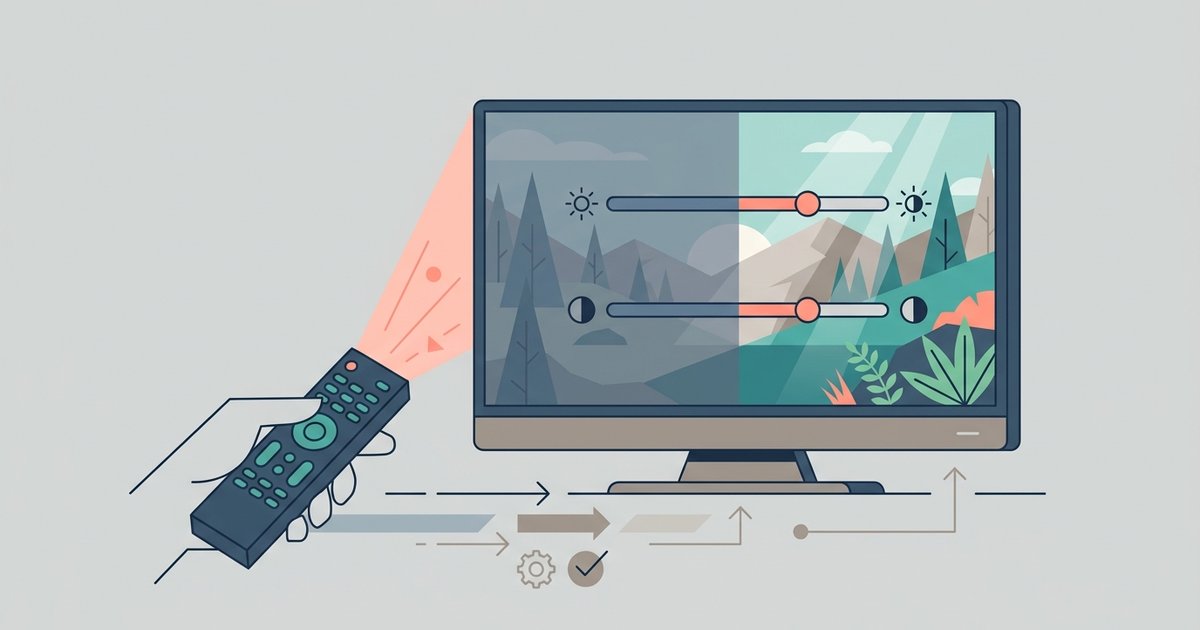 How to Adjust Smart TV Picture Settings
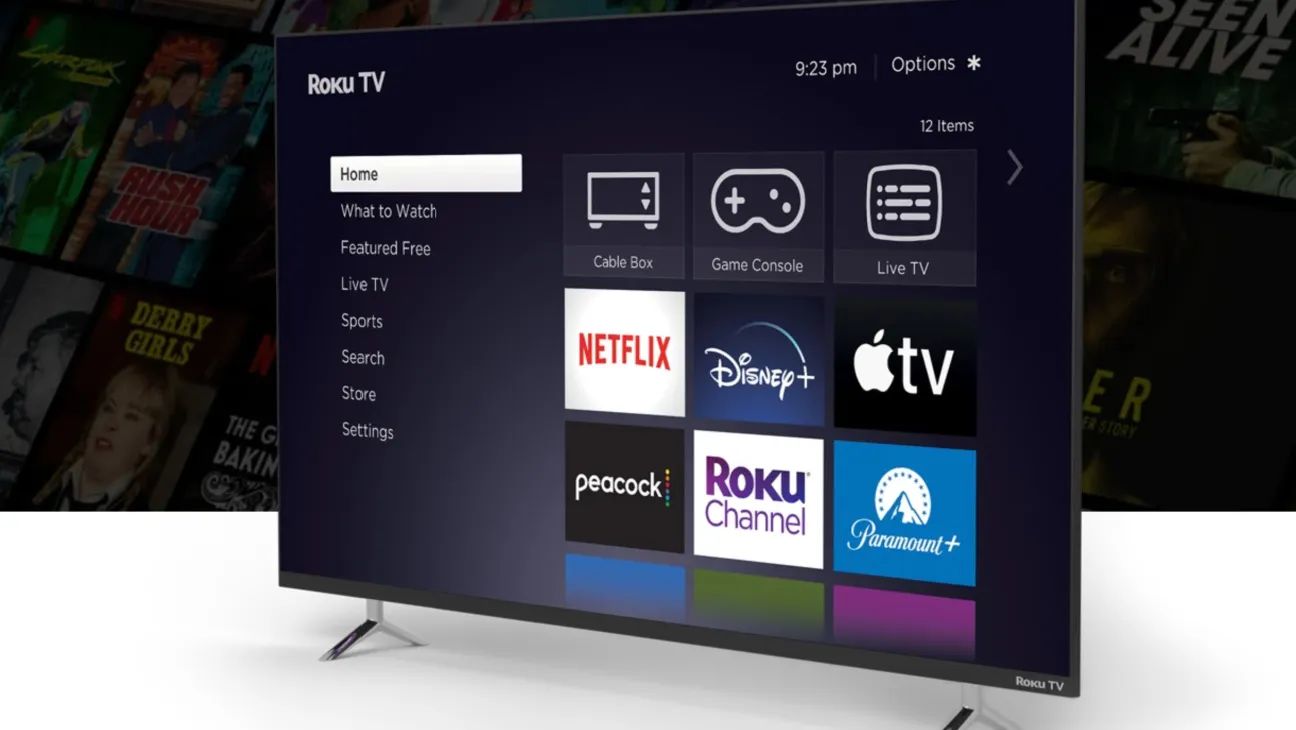 How To Change Roku Email