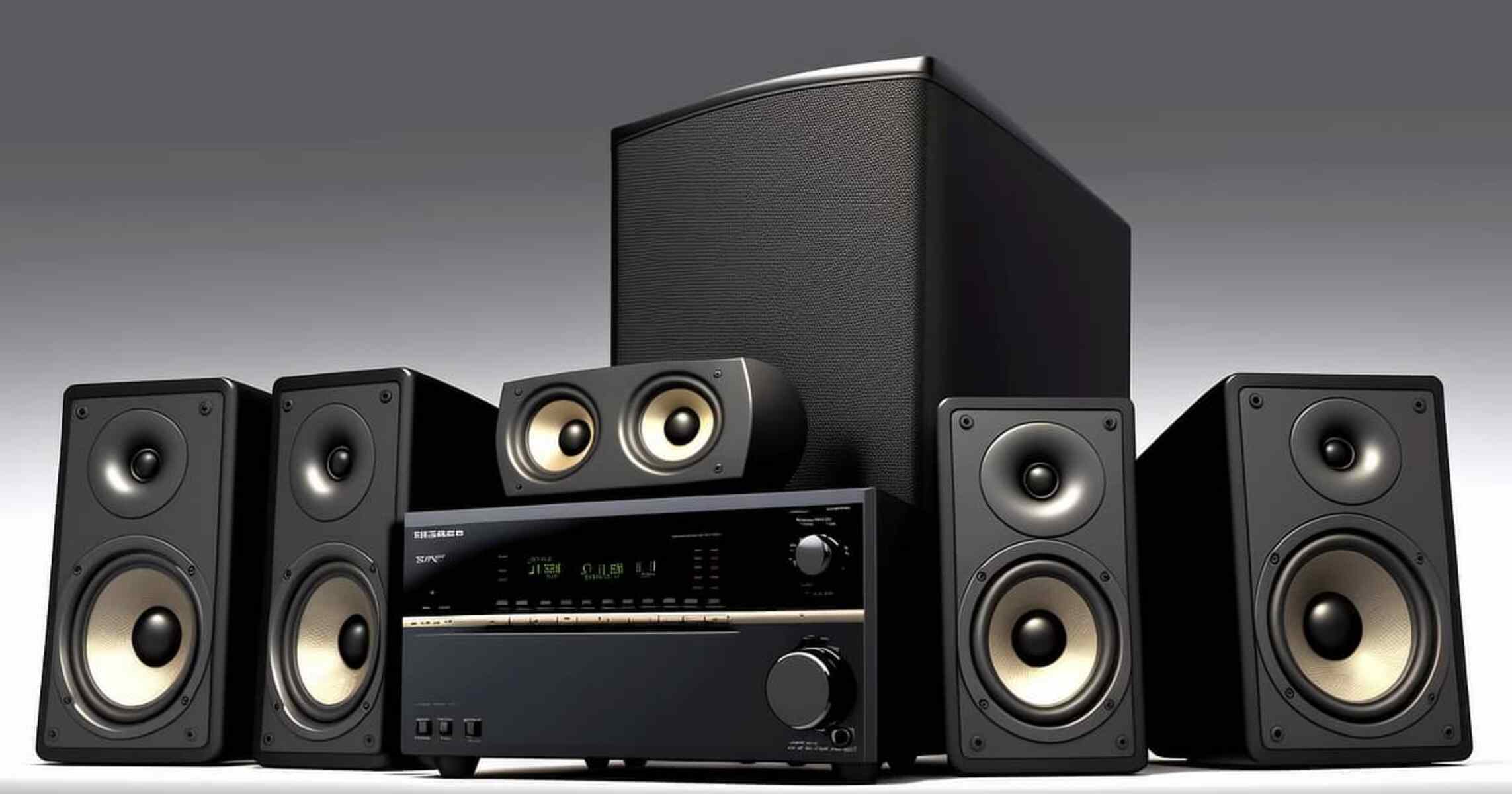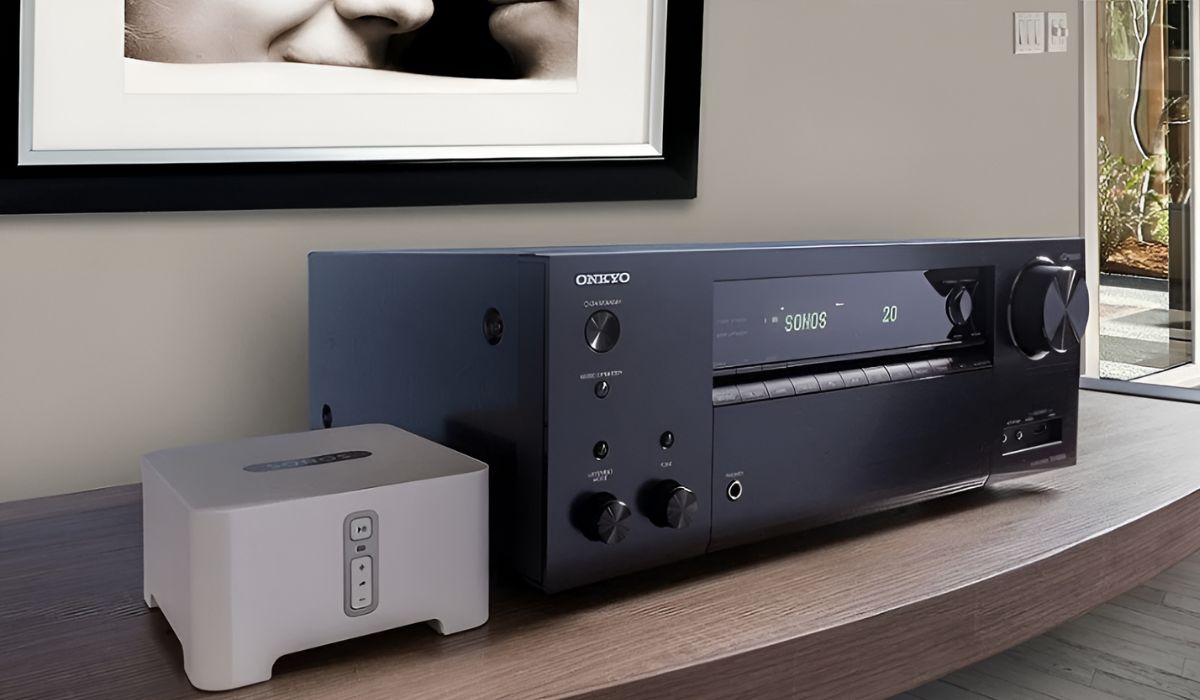
To connect Sonos to an AV receiver, you need a Sonos Port, Connect, or Connect:Amp, not a standard Sonos speaker, along with the appropriate audio cable. This setup lets you stream music wirelessly through your home theater speakers, combining Sonos convenience with your receiver's amplification.
What you need to connect Sonos to an AV receiver
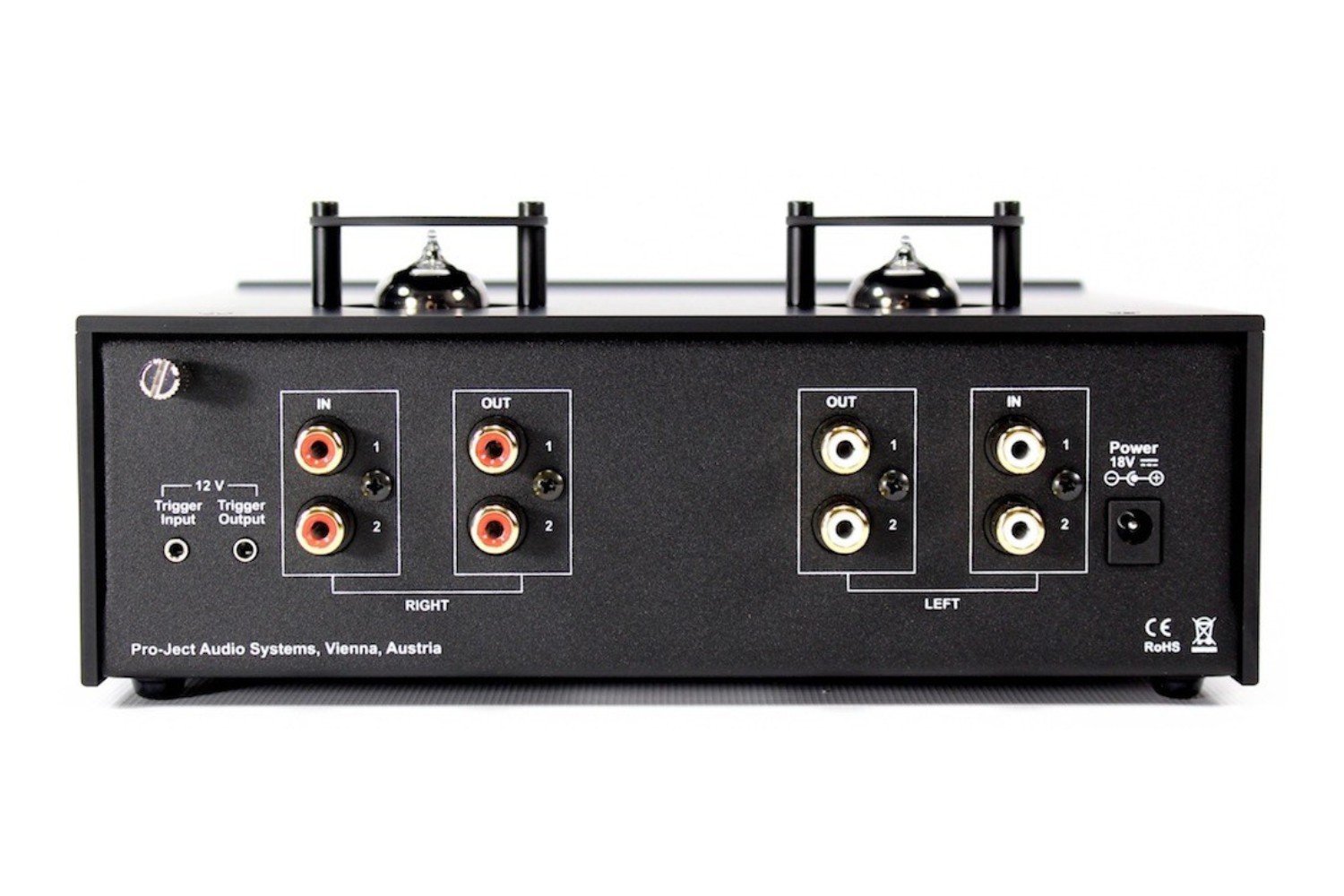
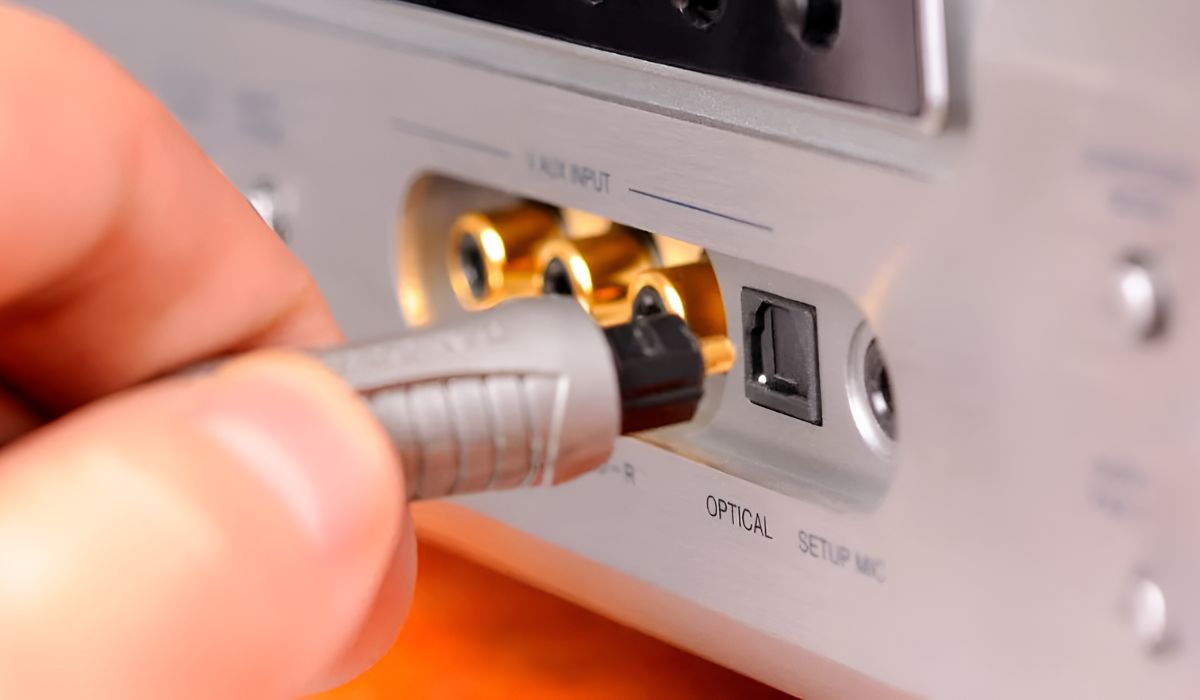
You cannot connect a standard Sonos speaker like a One or Five directly to an AV receiver. Instead, you must use a Sonos Port, Sonos Connect, or Sonos Connect:Amp. These devices act as a bridge, sending audio from your Sonos system to the receiver. You will also need either an RCA cable (for analog audio) or an optical cable (for digital audio), the same type of connection you would use to connect my cassette deck with my av receiver. If your setup includes a newer TV, you can also add Sonos to LG OLED TV directly via its optical output for a simpler path. Check which input your receiver has available.
How to physically connect your Sonos device to the receiver
- On your AV receiver, find an unused audio input.
- Connect one end of your cable to the Sonos device's output and the other end to the receiver's input. Ensure the connection is secure.
- Plug the Sonos device into a power outlet and connect it to your Wi-Fi network using the Sonos app.
Configuring the Sonos app for your AV receiver
Open the Sonos app and navigate to the settings for your Port or Connect. This ensures the Sonos device sends a consistent audio signal to your receiver, letting the receiver control the volume. Then, assign the device to the correct room name (e.g., "Living Room") so your Sonos system knows where it is.
Optimizing your AV receiver settings for Sonos
On your AV receiver, select the input you used for the Sonos connection. This bypasses any extra processing like surround sound modes, sending the stereo signal straight to your speakers.
Troubleshooting common Sonos and AV receiver problems
If you get no sound, first confirm the receiver is set to the correct input. Then, check that the Sonos device is playing music and that the volume in the Sonos app is turned up. A ground loop hum, often heard as a low buzz, can be fixed by using a ground loop isolator on the RCA cable.
\nRelated reading: How To Fix A Broken Optical Port On A Vizio TV.