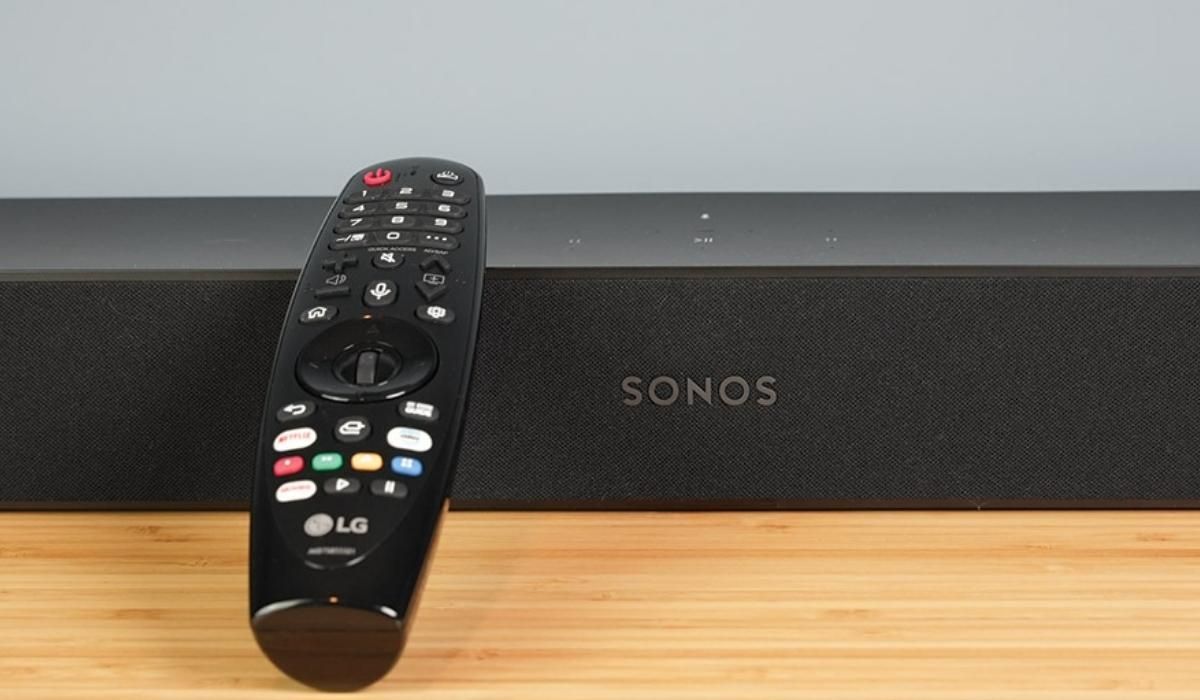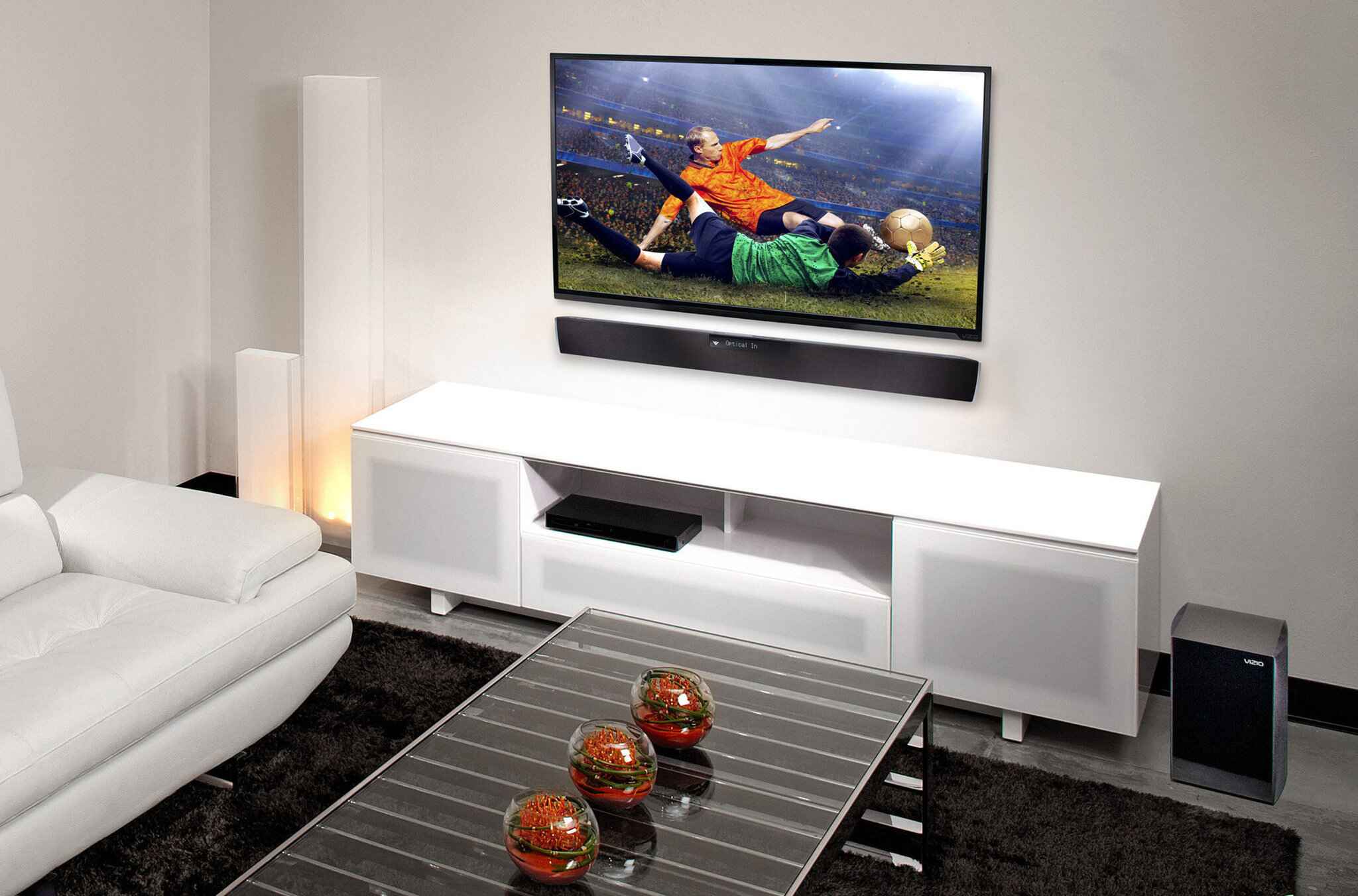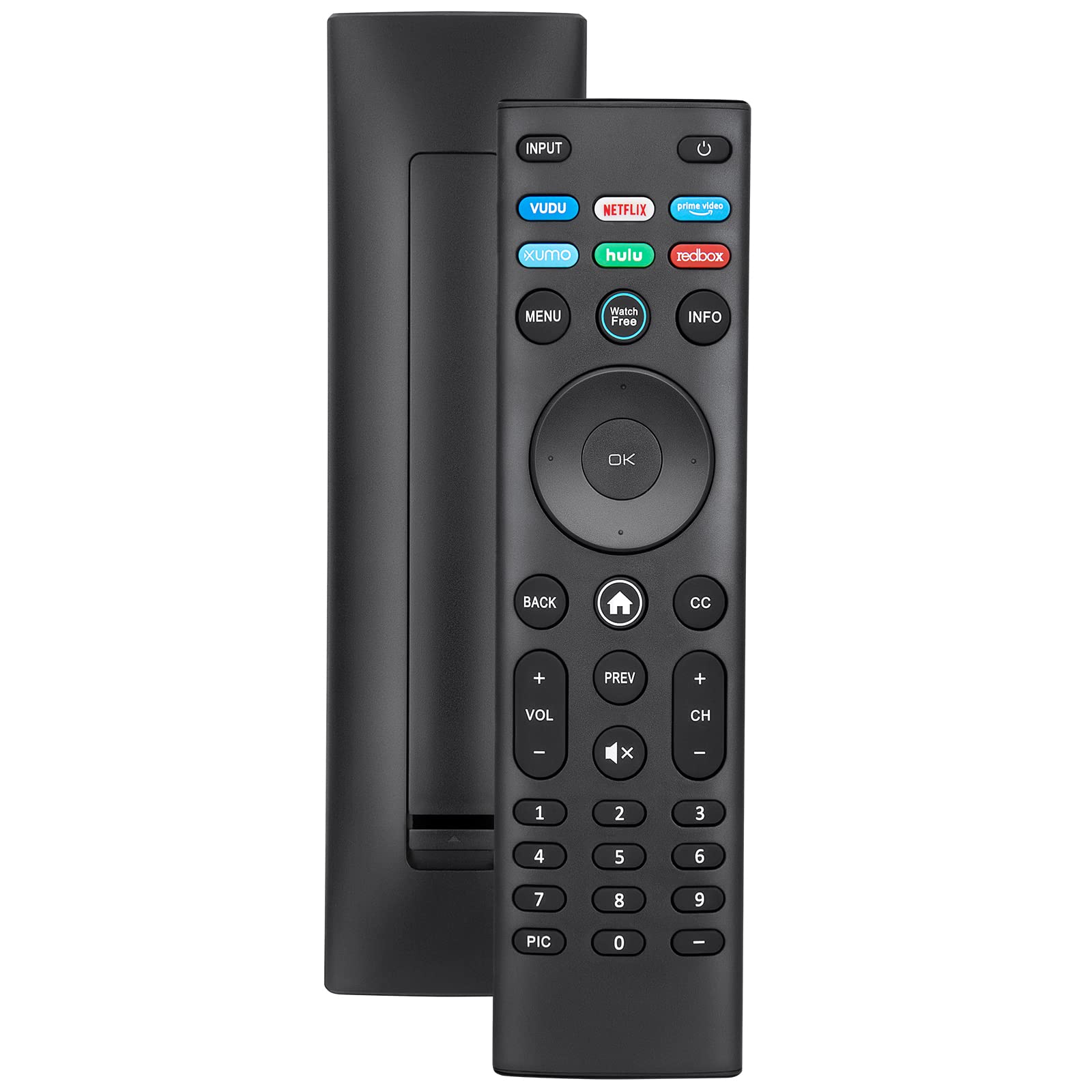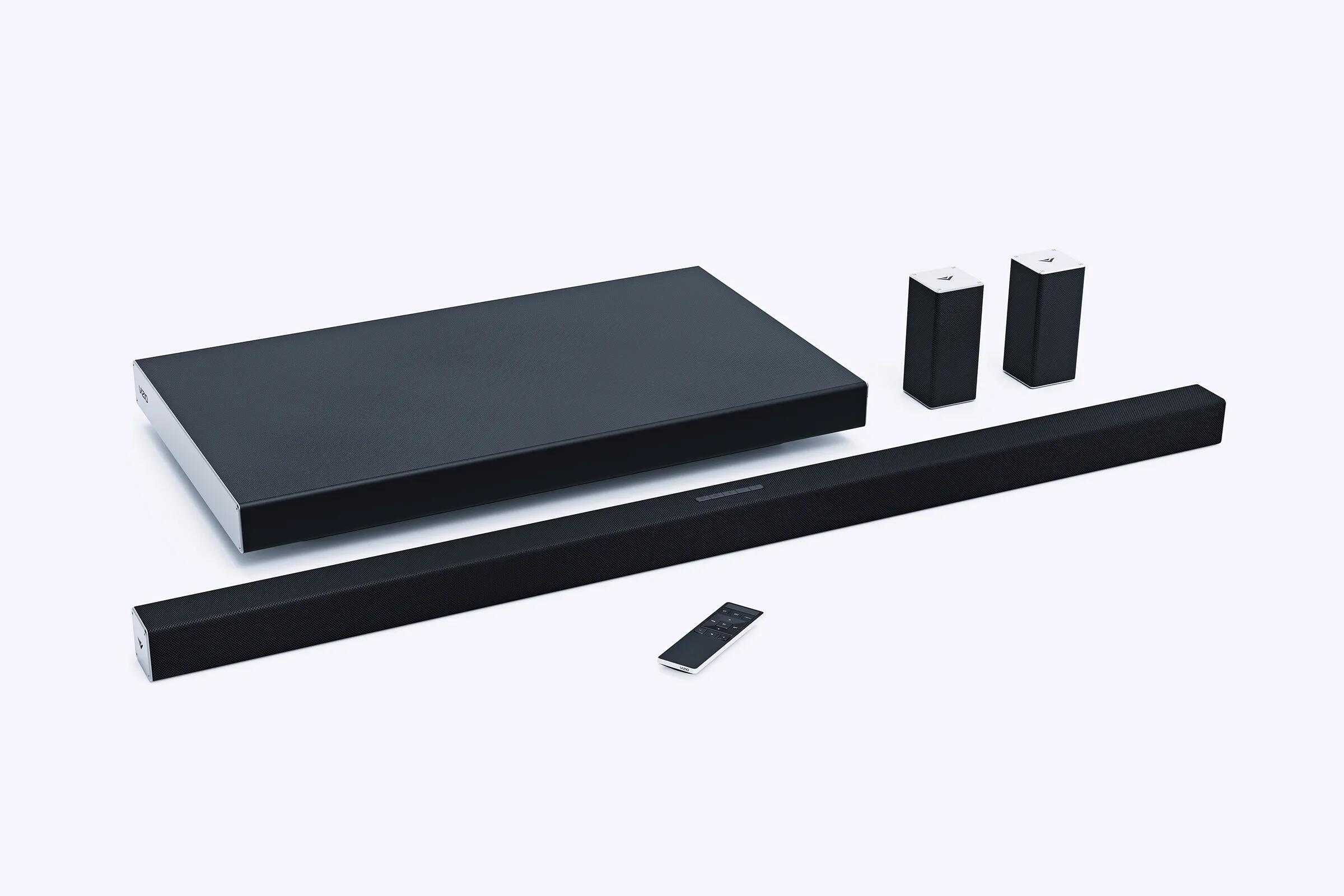
To pair a Vizio remote to a soundbar, you generally do not need to do anything beyond inserting batteries. The included remote uses infrared (IR) signals and is ready to control the soundbar the moment you install fresh batteries with the correct polarity.
Do you need to pair a Vizio remote to a soundbar?
If you are using the remote that came in the box with your Vizio soundbar, there is no pairing process required. This remote communicates via infrared (IR) light, meaning it works instantly as long as it has power and has a clear line of sight to the soundbar. The most common reason for a remote to stop working is dead or incorrectly inserted batteries, not a lost connection. If you have just replaced the batteries and the remote still does not respond, double-check that the positive and negative ends are aligned correctly. If you are instead trying to consolidate devices, you can pair a DIRECTV remote to a soundbar to control your audio without the original clicker. Incorrect battery polarity can cause leakage, damaging the remote or injuring the operator.
How to set up your included Vizio soundbar remote
- Open the battery compartment on the back of the remote.
- Insert two new batteries, matching the + and, symbols inside the compartment.
- Close the compartment securely.
Vizio recommends replacing the included batteries with two new Duracell 'AAA' alkaline batteries when needed. Once the batteries are installed, the remote is ready to use. No further steps are required for it to control your soundbar.
How to control your soundbar with a Vizio TV remote
Many Vizio soundbars are designed to work with your Vizio TV remote right out of the box. This feature is enabled by default, allowing you to power the soundbar on and off and adjust the volume using the TV remote. If this function is not working, or if you want to disable it, press and hold the Power and Volume Up buttons on the soundbar itself for 5 seconds. This toggles the feature on or off. If you are connecting a soundbar via HDMI-ARC, ensure you use an HDMI cable to connect the soundbar to your TV's HDMI 1 (ARC) port, then adjust your TV's audio menu to set the Digital Audio Setting to Dolby Digital or Bitstream. In your TV's system menu, enable CEC and ARC (SAC) functions, and from the CEC menu, select Device Discovery to register the soundbar with the TV. If you have a different brand of television, you may need to pair a Samsung TV remote to a soundbar using its own specific setup process. Some newer models may auto-detect an HDMI-ARC connection and automatically begin to control the soundbar.
How to program any remote to your Vizio soundbar
Some Vizio soundbars can be taught to respond to a different remote control. To determine if your soundbar has this ability, check its user manual. If it does, you can use the soundbar's "Prg Remote" menu to teach it Volume Up, Volume Down, and Mute commands from another remote, such as a TV remote or a cable box remote.
- On the soundbar's included remote, press the Menu button.
- Use the Up/Down buttons to navigate to "Prg Remote" and select it.
- Use the Next/Previous buttons to toggle through "Learn Vol -", "Learn Vol +", and "Learn Mute".
- To teach a function (e.g., Learn Volume Down), press the Play button on the soundbar's remote to put the soundbar into learning mode.
- While the soundbar is in learning mode, point your other remote at the front of the soundbar and press the corresponding button (e.g., Volume Down) on that remote.
- All LED indicators on the soundbar will flash two times to indicate successful recognition.
- Repeat for the remaining functions (Volume Up and Mute).
Point both the soundbar and TV remotes towards the front of the soundbar when programming.
Using a universal remote with your Vizio soundbar
To program a universal remote to a Vizio soundbar, you can use specific codes. Common Vizio soundbar remote codes include 0660, 0883, 1517, and 31517. Refer to your universal remote's manual for instructions on how to enter these codes. Not all universal remotes are compatible with Vizio soundbars, so check compatibility before proceeding.
Troubleshooting: how to factory reset your Vizio soundbar
If you are experiencing persistent issues, a factory reset will clear all settings and preferences, including programmed IR remotes and all paired Bluetooth devices. To perform a factory reset, press and hold the Bluetooth and Volume Down buttons on the soundbar for 5 seconds. The LED indicators on the front of the soundbar will flash 3 times to confirm the reset. After this, you will need to set up your soundbar again from scratch.