You cannot track a lost phone with a SIM card number alone as a consumer. The SIM card number is an account identifier that only your mobile network provider can use, and even then, they can only act under specific legal circumstances, such as a police request or an emergency.
Can you track a lost phone with a SIM card number?
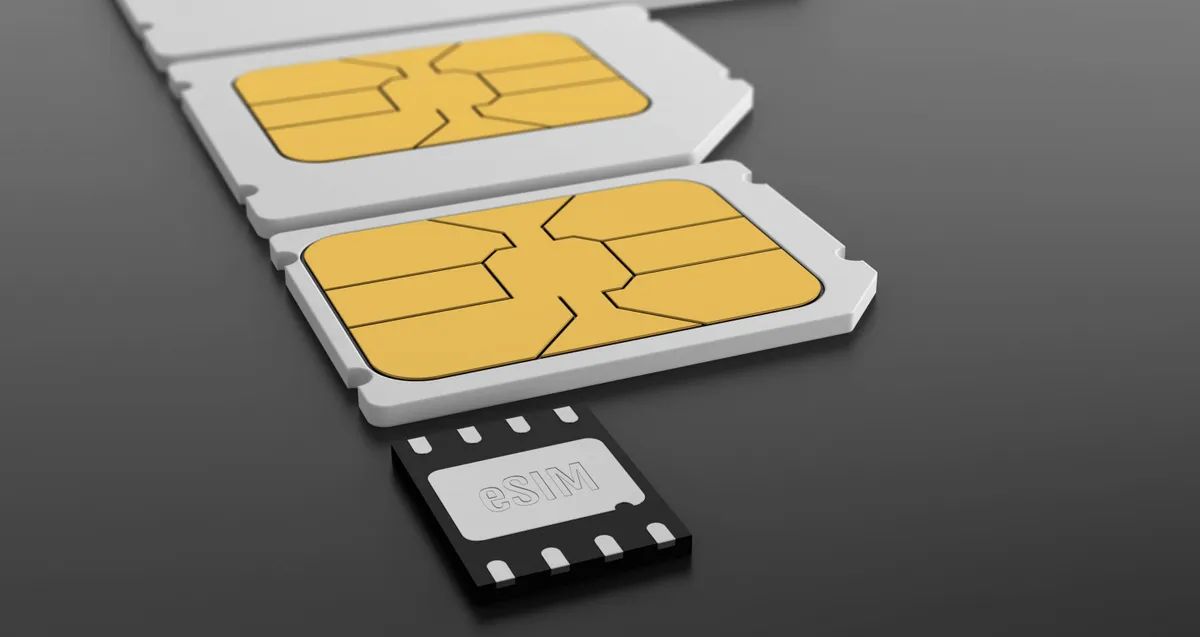
The direct answer is no for the average person. The SIM card number, technically called the ICCID, is not a GPS tracker. It identifies your account on the carrier's network, but it does not broadcast a location you can access. Your carrier can see which cell tower your phone last connected to, but they will not share that information with you directly due to privacy laws. To understand exactly what that identifier means, you can decode the number on the SIM card. The SIM card number is a tool for the carrier to manage your service, not a consumer-ready tracking device.
Step 1: Call your carrier to suspend service and block the SIM
Your first action should be contacting your mobile provider immediately. Ask them to suspend your service and block the SIM card. This prevents anyone from using your phone number to make calls, send texts, or use data. It is a critical security step that stops unauthorized usage and potential financial loss. For detailed instructions on this process, refer to the sibling page on blocking a stolen SIM card.
Step 2: Use built-in phone-finding services first
Before relying on your carrier, use the phone-finding tools already on your device. These are the most effective consumer tracking options and do not require your SIM card number. These services use your Google or Apple account to show the phone's location on a map, play a sound, lock it, or erase it remotely. They work as long as the phone is on and connected to the internet, either via Wi-Fi or mobile data.
Step 3: What your service provider can actually do with the SIM number
Your carrier can see the last cell tower your phone connected to, which gives a general area, not a precise address. However, they will only release this information to law enforcement or in a genuine emergency, such as a life-threatening situation. To request this help, call your carrier and ask if they can provide tower location data to the police. Understand that this is not a self-service feature; it requires a formal request from authorities.
Step 4: File a police report with your SIM number and IMEI
Filing a police report is essential for recovery. Provide law enforcement with both your SIM card number and the device's IMEI number. The IMEI is the unique hardware identifier for the phone itself, while the SIM number identifies your account. With these two numbers, the police can formally request location data from the carrier. This increases the chance of recovery because it triggers the legal process that compels the carrier to share information.
Step 5: Mobile tracking apps and remote features
If you installed a third-party tracking app before losing the phone, it may help. Apps like these often require prior setup and permissions. Their limitation is that they require the phone to have battery power, network connectivity, and an active internet connection. If the SIM card is removed or the phone is turned off, these tools will not work until the device reconnects.
Limitations, privacy, and legal considerations
Several factors affect tracking success. Battery life is critical: a dead phone cannot be located. Network connectivity matters: if the phone is in an area with no signal, tracking is impossible. GPS signal also impacts accuracy: indoor locations may be less precise. Privacy is a major concern: tracking a phone without consent may violate laws. Legal frameworks vary by jurisdiction, so understanding local regulations is important. Always prioritize ethical conduct and data security when attempting to recover a lost device. Remember that the SIM card itself does not provide location data; the process of inserting a SIM card into a different phone will not help you track the original device, as the SIM card number is tied to your account, not the physical phone's location, but if you need to move your service to a backup phone, an inserting SIM card in a flip phone walkthrough can help you stay connected.