To remove App Market from your Realme device, you can use ADB commands to disable or uninstall the pre-installed app, which stops unwanted notifications and lets you use alternative app stores. The most reliable method is running a simple command from a computer, since the disable option in your settings is often greyed out on many Realme UI versions.
Why remove app market from your Realme device
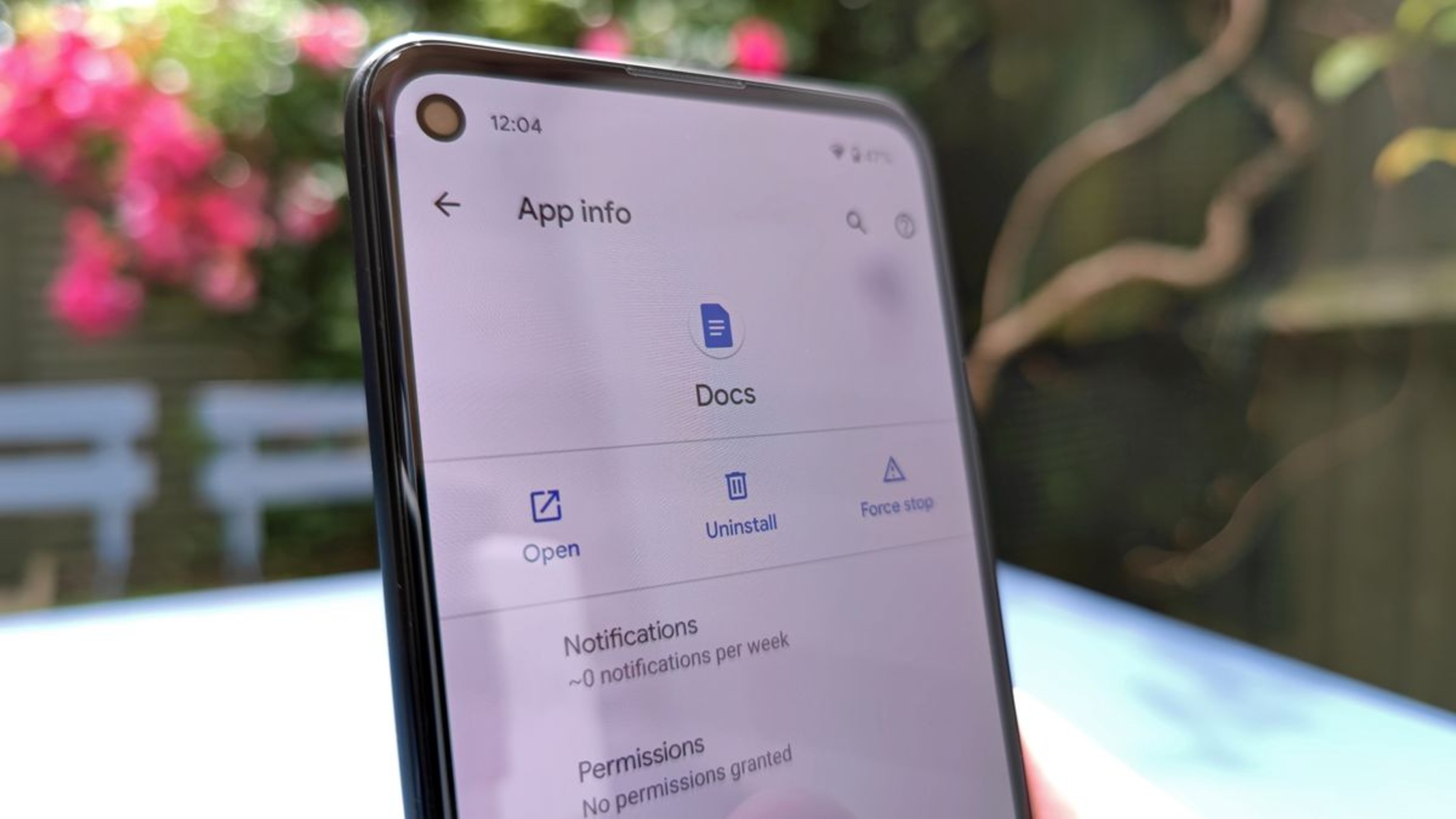
App Market is a pre-installed system application on Realme devices, and it is often considered bloatware by users due to unwanted notifications and its pre-installation. If you prefer sourcing apps from the Google Play Store, third-party stores, or direct APK downloads, removing App Market declutters your app list and stops those persistent alerts. Direct uninstallation through the phone's user interface is generally not possible without root access, so you need a workaround that works on locked devices.
Quick fix: disable App Market notifications
If your only complaint is the constant pinging, you can stop notifications without removing the app at all. Navigate to Settings > Apps > App management > App Market > Manage Notifications > Disable Allow Notifications. This is the simplest method to silence App Market while leaving the app installed for any system functions that might depend on it. It takes under a minute and requires no computer or technical knowledge.
Check if you can disable App Market in settings
Some Realme UI versions, such as Realme UI 3.0 and above, may offer a Disable option directly within the app's settings. To attempt this, go to Settings > Apps > App management > App Market > Disable. If the button is active, tapping it will disable the app for the current user, effectively hiding it from your app drawer and stopping its background activity. However, many users report that the Disable button for App Market is greyed out or unavailable, which means you'll need to move to the ADB method below.
Remove App Market using ADB commands
When the settings route fails, Android Debug Bridge (ADB) is the reliable solution, and using ADB for this purpose does not require rooting your Realme device. Before you start, gather the prerequisites: a computer (Windows, Mac, or Linux), a USB cable, ADB platform tools installed on the computer, and appropriate Android drivers. On your phone, enable Developer Options by tapping "Version" seven times in Settings > About Phone. Then, in Additional Settings > Developer Options, enable USB Debugging. Connect your Realme device to the PC via USB, select "Transfer Files" mode, open a command prompt or terminal, and authorize USB debugging on your phone when prompted.
Once your device is recognized, you have two command options. To uninstall App Market for the current user, run adb shell pm uninstall --user 0 com.oppo.market. Alternatively, to disable it instead of fully uninstalling, run adb shell pm disable-user --user 0 com.heytap.market. Both commands achieve the same practical result: the app disappears from your app drawer and stops running. Some users have reported an "Internal error" when attempting to remove App Market via ADB, particularly if it is deeply integrated with Heytap services; if that happens, try the disable command instead of the uninstall command. Third-party GUI tools like ADBAppControl can simplify the process of debloating Realme devices without requiring manual ADB commands, which is useful if you're uncomfortable with the command line.
What to expect after removing App Market
Uninstalling or disabling App Market via ADB typically removes it only for the current user, meaning it is not completely erased from the system. The app files remain in the system partition, and the removal is per-user, so any secondary user profiles on the device will still see it. Apps removed or disabled using ADB may reappear after a factory reset or a system update, so you might need to repeat the ADB commands after major OS updates. Also, note that Realme Store is a distinct application that serves as an official online store for purchasing Realme products and is not the same as the App Market for general app downloads; removing App Market will not affect Realme Store, and vice versa. After the removal, your device will no longer receive App Market notifications, and you can freely use the Google Play Store or any other app source without the pre-installed store competing for your attention. If you later change your mind, you can re-enable the app by running adb shell pm enable com.heytap.market or reinstalling it via the original uninstall command reversed, though a factory reset will also bring it back.
Related reading: Exit Safe Mode On Your Redmi Device, Locating Recordings: How To Find Call Recordings On Realme, and Unlocking Pattern Lock On Realme - Detailed Guide.