To clean your smartphone safely and effectively, start by powering it off and unplugging all cables, then remove the case and any stickers. This guide on how to clean your smartphone follows manufacturer-approved methods to remove dirt and germs without damaging your device; using harsh chemicals or excessive moisture can destroy a smartphone without physical damage.
Before you clean your smartphone
Preparation is crucial to avoid damaging your device. Always turn off your smartphone and unplug all cables and accessories before cleaning. This prevents accidental inputs and reduces the risk of electrical shorts. Next, remove any phone cases or stickers from your device. Cleaning with the case on can trap moisture and debris against the phone, and stickers can lift or peel during the process.
How to clean your smartphone screen and body
Routine cleaning for smudges
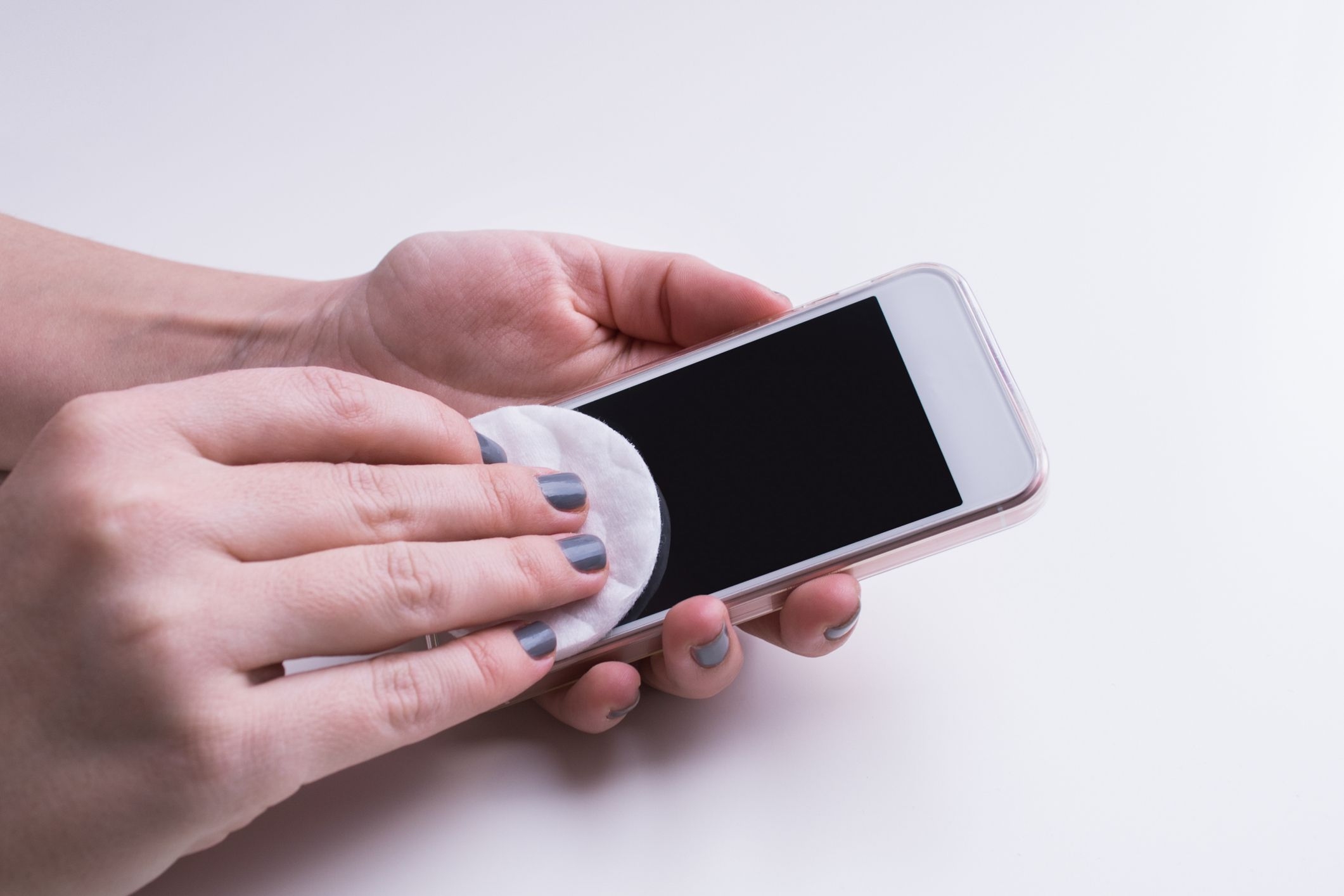
For everyday fingerprints, dust, and smudges, use a soft, lint-free cloth, such as a microfiber or lens cloth. Gently wipe the screen and body in a circular motion to lift oils and dirt. This method is safe for the oleophobic coating on your screen, which naturally resists fingerprints but can wear down over time with harsh cleaning.
Disinfecting your device
When you need to kill germs, you can disinfect your smartphone. Apply a 70% isopropyl alcohol wipe or a 75% ethyl alcohol wipe to a microfiber cloth first, never spray or apply liquid directly onto the phone. Gently wipe the exterior surfaces. Be aware that the oleophobic coating on your screen diminishes over time with normal use, and frequent use of alcohol wipes can accelerate this degradation. For Google Pixel phones, ordinary household disinfecting wipes or 70% isopropyl alcohol-based wipes are safe. Samsung recommends alcohol-based solutions with more than 70% ethanol or isopropyl alcohol, applied to a cloth. Avoid getting moisture in any openings, such as charging ports, speaker grilles, or headphone jacks.
How to clean the charging port and speakers
For these delicate openings, use only dry methods. Gently remove debris from the charging port and speaker grilles with a soft toothpick or a soft, dry brush. Do not use compressed air on the phone's body or screen, as it can damage components or push debris further into openings. Also, avoid inserting wet objects, as moisture can cause short circuits or corrosion. If debris is stubborn, repeat the dry cleaning process carefully.
How to clean the camera lens
The camera lens is sensitive and requires gentle care. For routine cleaning, use a dry microfiber cloth to wipe the lens in a circular motion. For stubborn fingerprints or smudges, slightly dampen the cloth with distilled water. Avoid pressing hard, as this can scratch the glass and affect photo quality. Never use abrasive materials or harsh chemicals on the lens.
How to clean your smartphone case
Clean your phone case separately from the device. For silicone or water-resistant cases, wash them with soap and water, then rinse and dry thoroughly. For fabric or leather cases, use a distilled water wipe with a small amount of mild dish soap, gently wiping the surface without soaking the material. Allow the case to air dry completely before reattaching it to your phone.
Products you should never use on your smartphone
To prevent permanent damage, avoid using products containing bleach, hydrogen peroxide, window cleaners, household cleaners, aerosol sprays, solvents, ammonia, or abrasives. These can strip the oleophobic coating, discolor materials, or corrode internal components. Stick to the recommended methods and materials for safe cleaning.
Tips to keep your smartphone clean
Incorporate simple habits to minimize dirt and germ buildup. Wash your hands regularly to reduce the transfer of oils and bacteria to your device. Using a screen protector can help shield the screen from scratches and make cleaning easier. Regularly clean your accessories, such as chargers and earbuds, to prevent them from reintroducing dirt to your phone. These practices help maintain your device's appearance and functionality over time.
\nRelated reading: How To Make A Smartphone and How To Answer A Motorola Smartphone.